 NODI
NODI
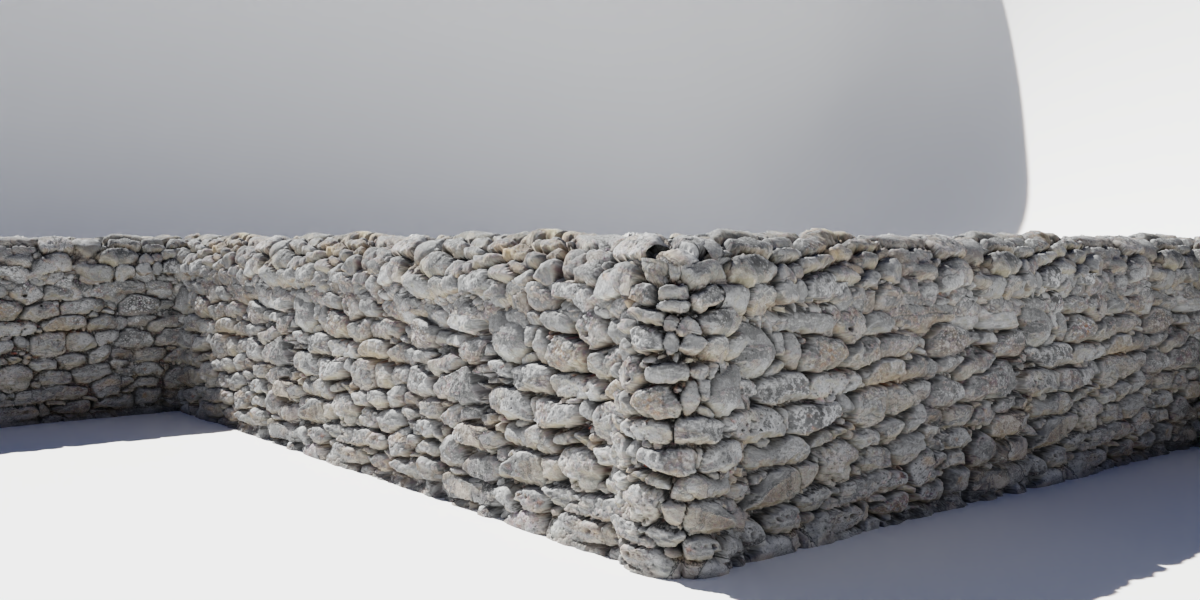

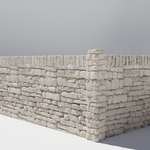
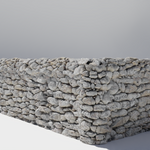
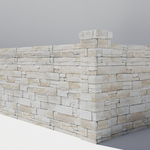
How to Use:
- To open, press "N" in the viewport and locate 'Wall It! Stone'.
- Click 'Add Stone Wall' and edit the fence to your liking in edit mode.
- Go to the Geo Nodes tab inside the 'Wall It! Stone' object for further options.
How to Change Wall Type:
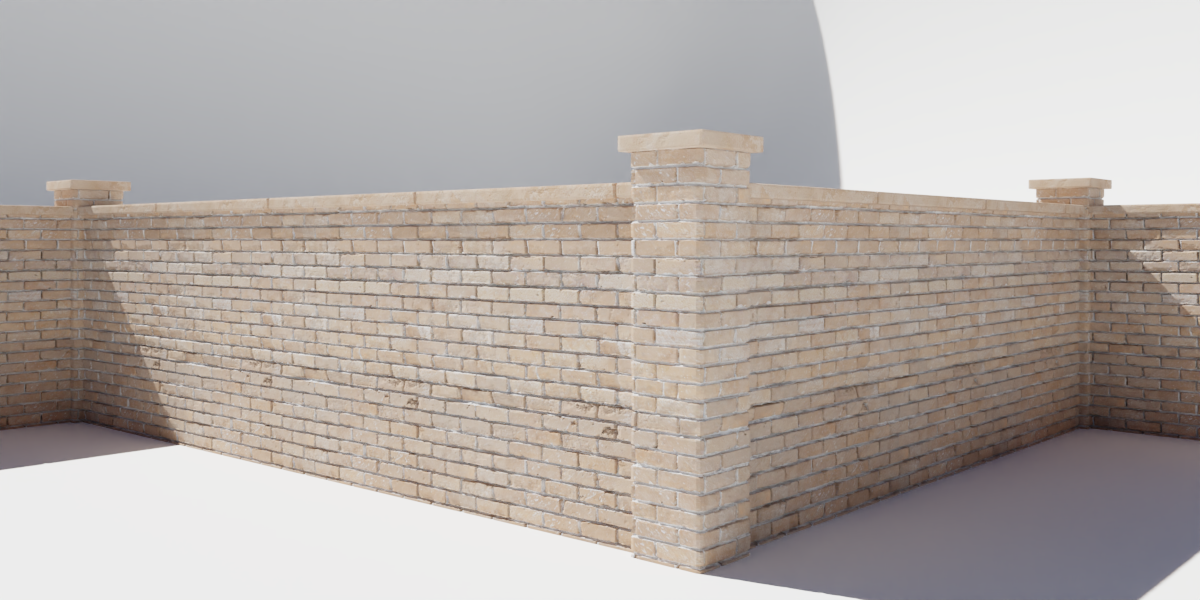
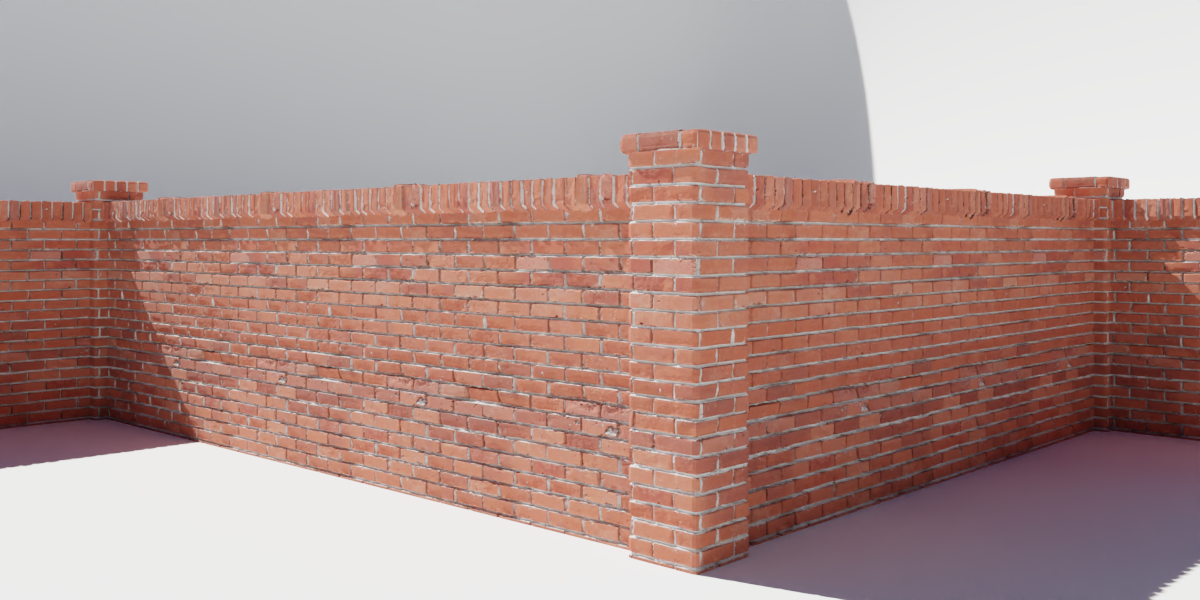
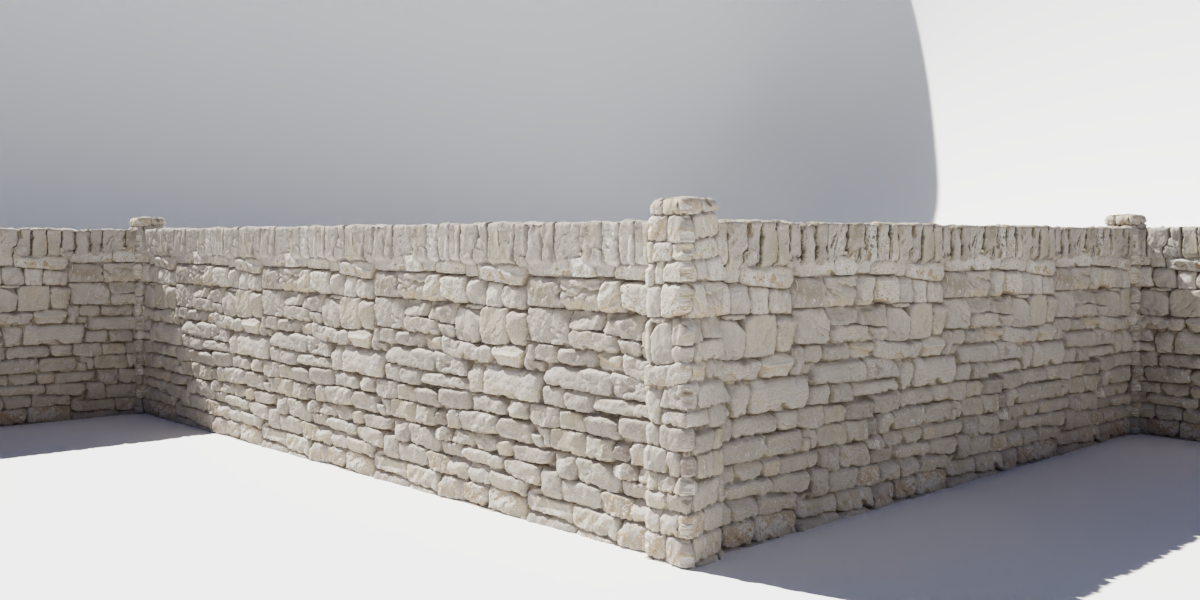
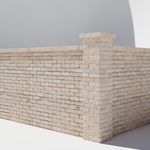
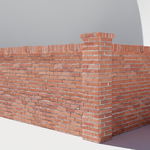
- Locate the Geo Nodes tab and scroll through the 'Wall Type'.
How to Adjust Quality:
- Locate the Geo Nodes tab and scroll to the 'Quality' setting for more sub divisions.
How to Adjust Height:
- Locate the Geo Nodes tab and scroll to the 'Height' setting.
How to Stick a Ground Plane:
- Select the object you want it to stick to in the Ground Object context.
- Then select the 'Toggle Ground Object' option.
Apply Geo Nodes
- Select 'Convert to mesh' in the viewport.
Have questions about this product?
Login to message
Discover more products like this
brick blender bits ArchViz wall architecture fence masonary procedural construction stone