Wall Thickness Checker
 Sonneblom Digitaal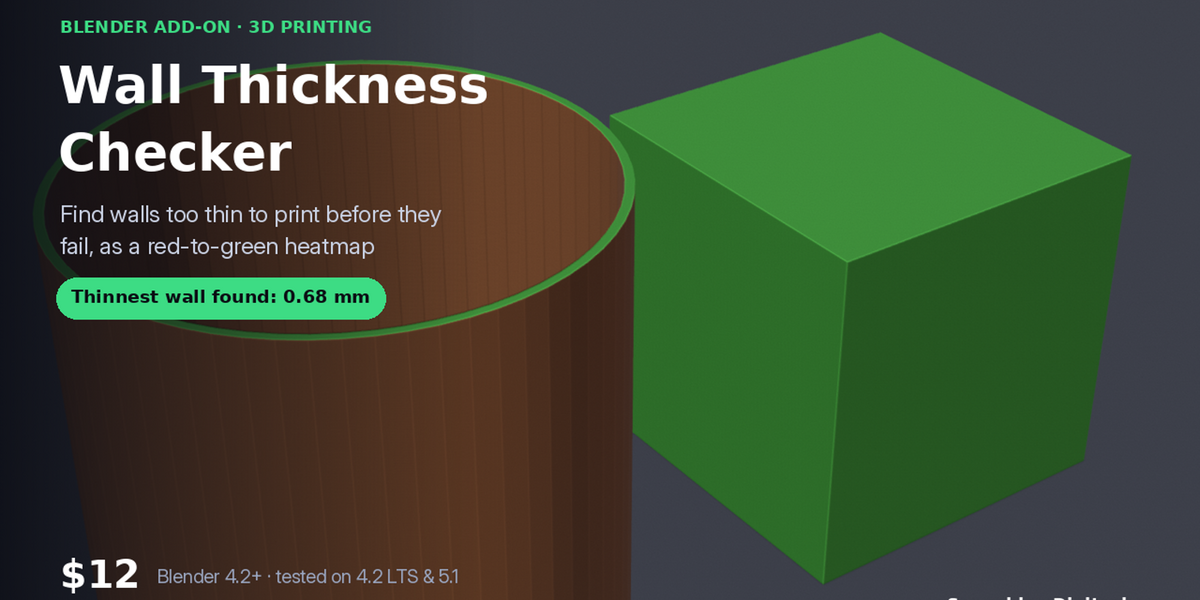
Version 1.0.0 · Blender 4.2 or newer · tested on 4.2 LTS and 5.1
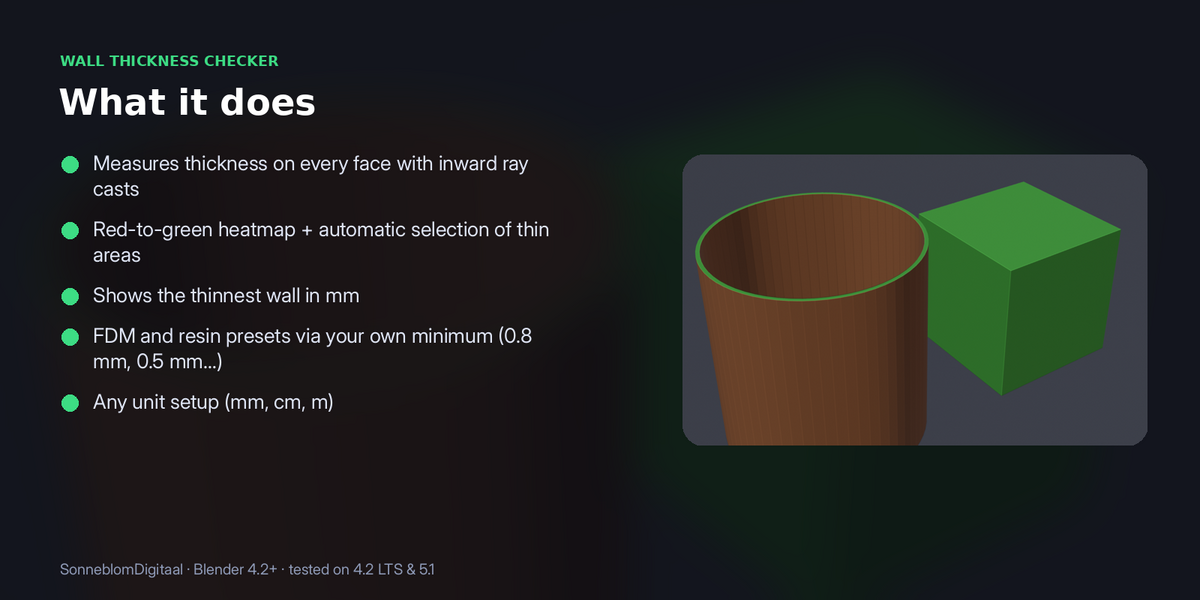
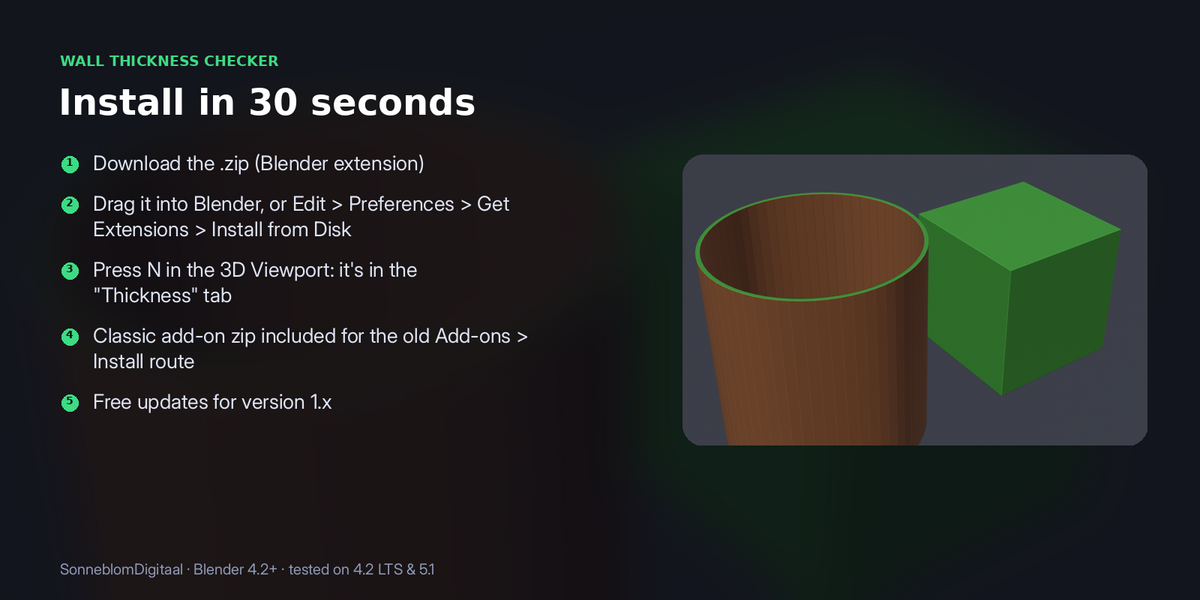
Thin walls are the silent print killer: they slice, then crumble or vanish. This checker measures the real thickness behind every face, paints a heatmap and selects every wall under your minimum, so you can fix it before wasting filament or resin.
1. Install
The download contains two files. Use the one that matches how you install add-ons:
- wall_thickness-1.0.0.zip (Blender extension, recommended): in Blender go to Edit > Preferences > Get Extensions, open the drop-down arrow at the top right, choose Install from Disk… and pick the zip. Do not unzip it.
- wall_thickness-1.0.0-legacy.zip (classic add-on folder): Edit > Preferences > Add-ons, drop-down arrow, Install from Disk…. Use this one if you manage add-ons as folders.
Make sure it is enabled, then in the 3D Viewport press N and open the Thickness tab. It has no extra dependencies.
2. How to use it
- Select a mesh object. Apply modifiers that change the face count first (the heatmap is painted on the base mesh).
- Set Minimum wall mm: about two nozzle widths for FDM (0.8 mm for a 0.4 mm nozzle), 0.4 to 0.6 mm for resin.
- Click Check wall thickness. Each face is measured by a ray cast inward to the opposite wall.
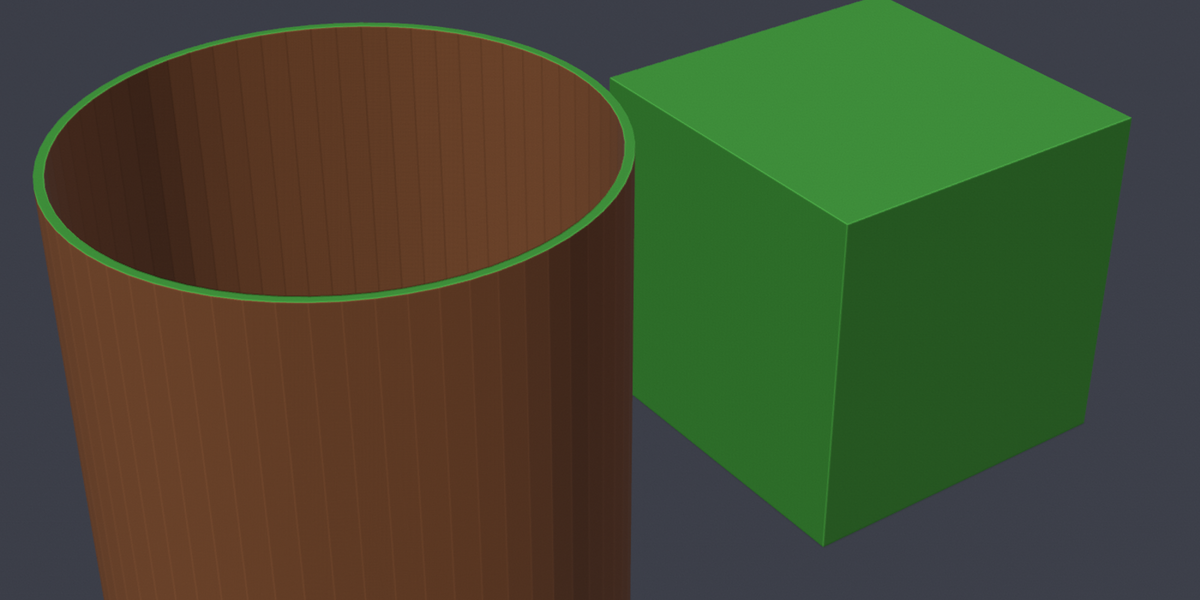
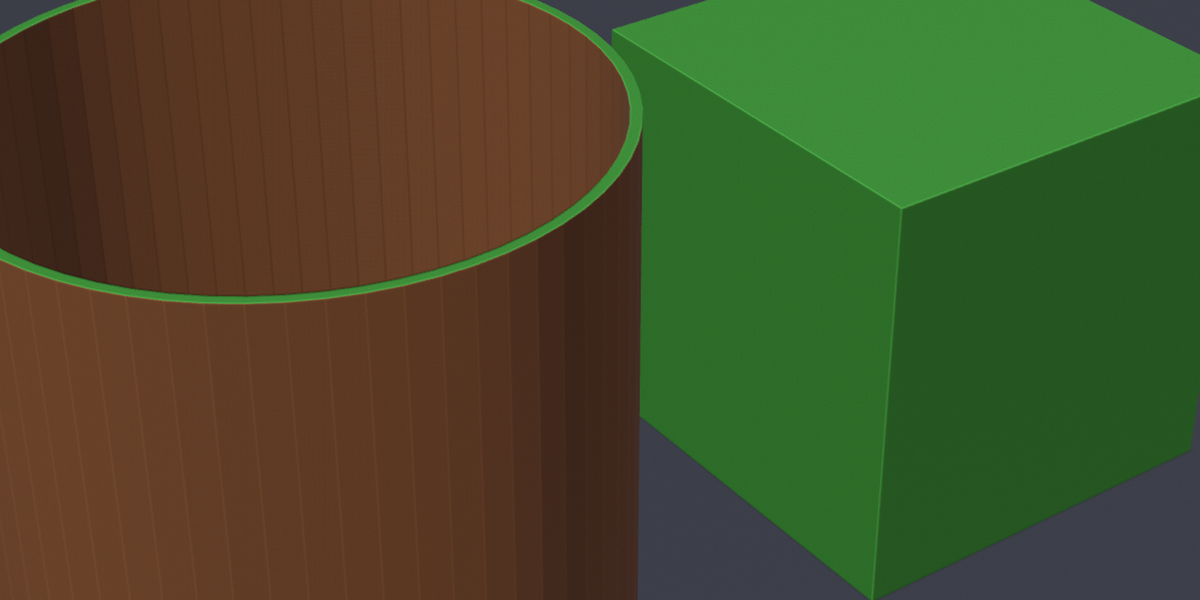
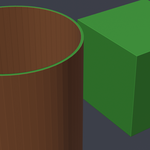
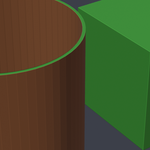
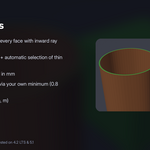
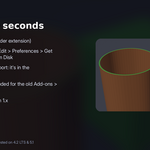
- Faces thinner than the minimum are selected, and the panel shows how many there are and the thinnest wall found. To see the heatmap, set Viewport Shading > Color to Attribute: red is too thin, green is fine, grey means no opposite wall was found within range.
3. Settings
| Setting | Default | What it does |
|---|---|---|
| Model units | Scene | How big one Blender unit is. |
| Minimum wall mm | 0.8 | Walls below this count as too thin. |
| Look up to mm | 50 | How far the inward ray looks for the opposite wall. |
Model units: STL files have no units and are almost always in millimetres, while Blender's default scene counts 1 unit as 1 metre. Set Model units to 1 unit = 1 mm for imported STLs, or leave it on Scene to follow Scene > Units.
4. Limits
Needs a closed mesh; apply modifiers that change the face count before painting the heatmap.
5. Support and licence
Message us through Superhive with what happened (and the model, if you can) and we will help.
Wall Thickness Checker is released under the GNU General Public License v3 or later (GPL-3.0-or-later), like other Blender add-ons. You may use it commercially.
Have questions about this product?
Login to message
| Blender Extension Compatible | Yes |
| Published | about 4 hours ago |
| Blender Version | 4.2 - 5.1 |
| Extension Type | Add-on |
| Render Engine Used | Cycles |
| License | GPL |
Discover more products like this
wall-thickness 3d printing Resin Printing blender addon printability