 Richard Yot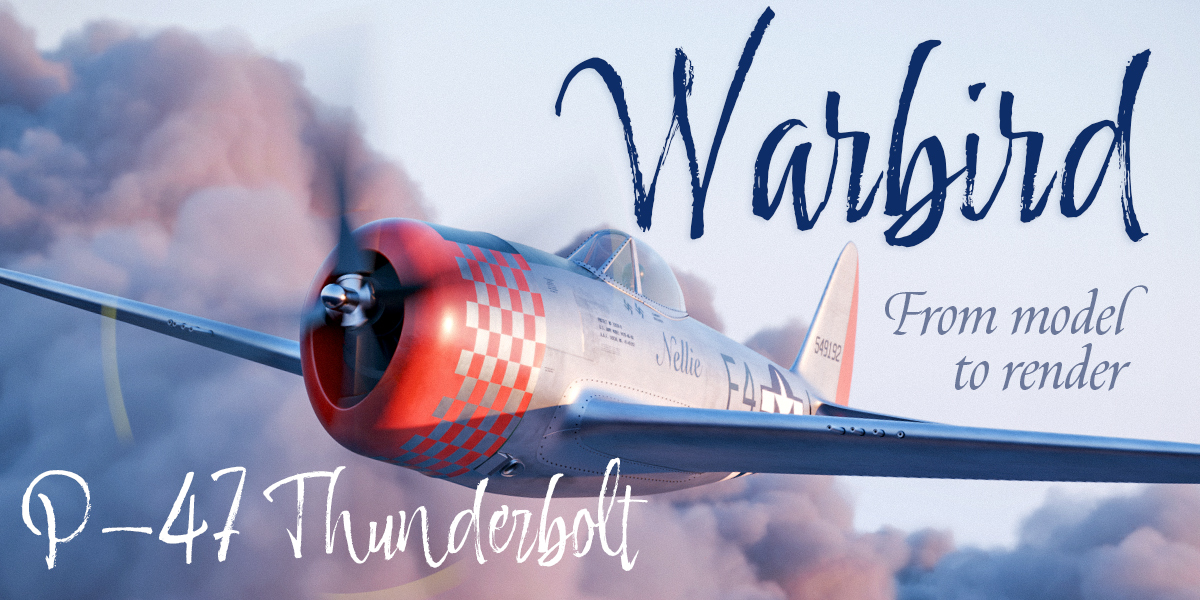
Warbird P47 Thunderbolt - From Model to Render
Any ambitious project is, at its most fundamental level, a series of small steps. And each one of those steps is a problem, waiting to be solved.
So what lies at the heart of our ability to complete challenging projects, whether at work or for personal pleasure, is our ability to solve problems, both big and small.
And this is where WARBIRD P47 Thunderbolt - From Model to Render comes in: over the course of 5 and a half hours, the training will take you through an entire project, focusing on one problem at a time.
Each video in the training will show you how I tackle every specific problem, step-by-step, so that over the length of the course you can see how problem-solving is the beating heart of working in 3D.
Learn How to Model Fluidly
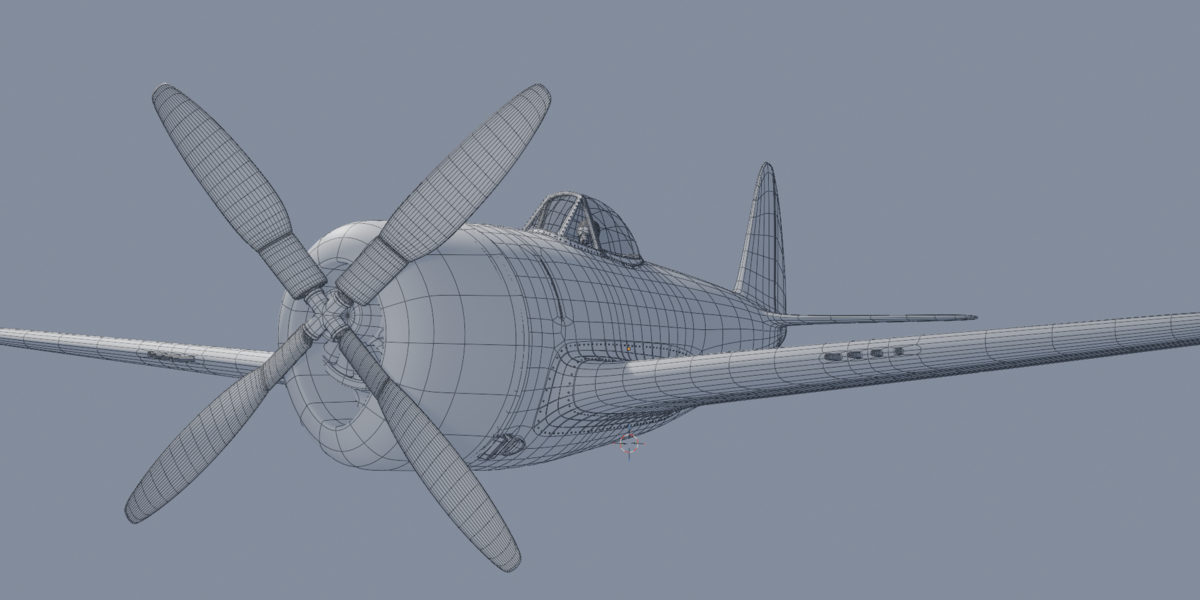
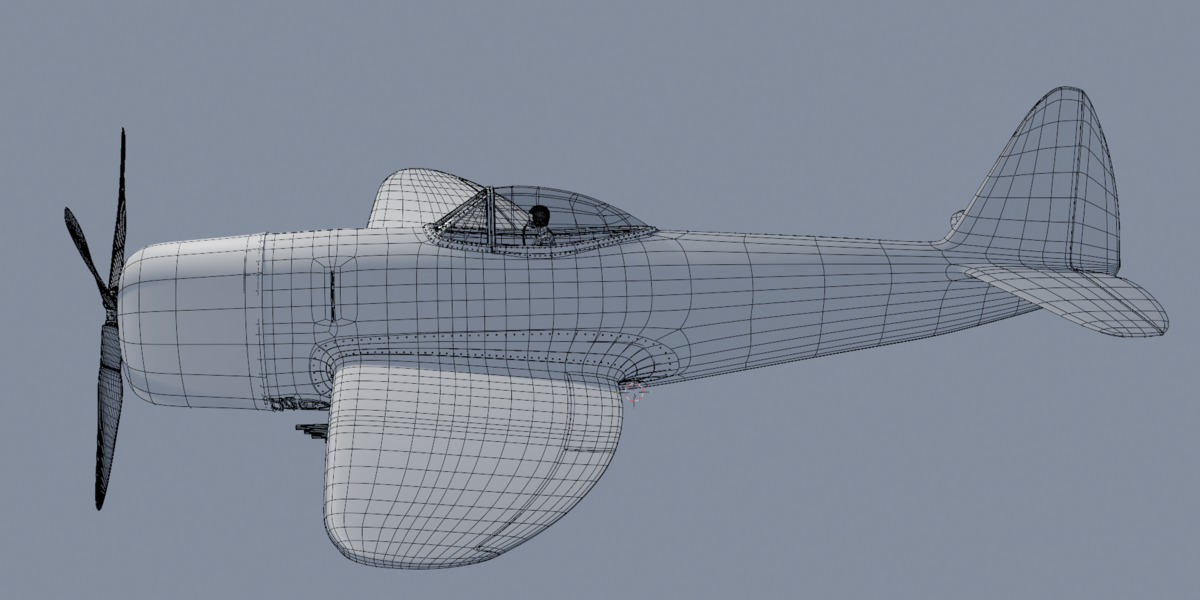
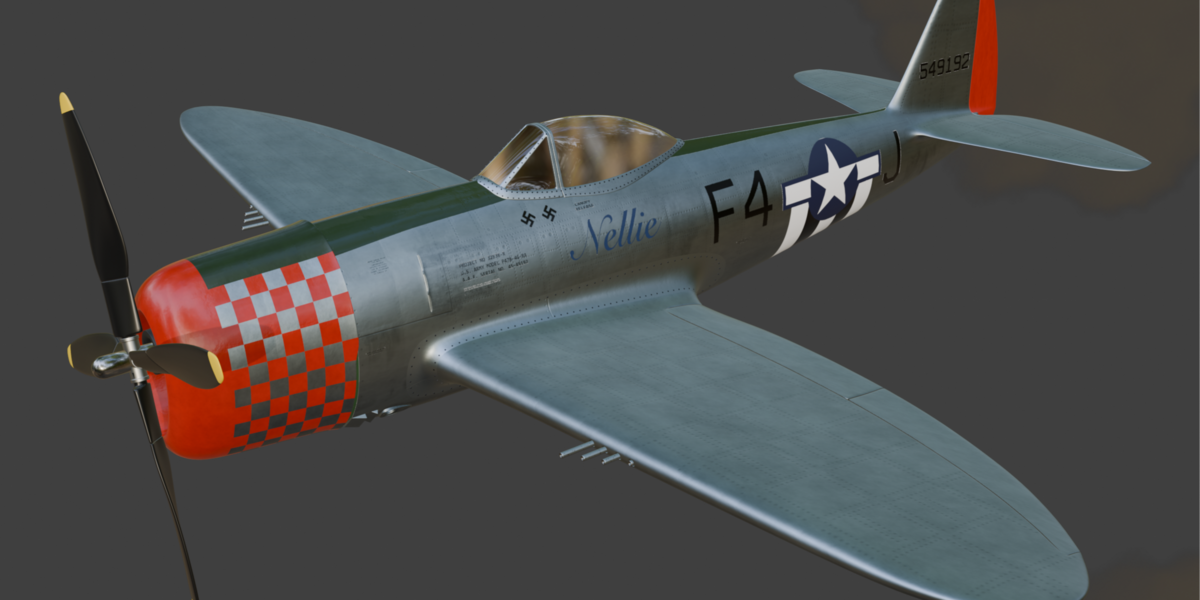
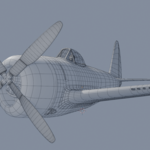
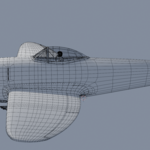
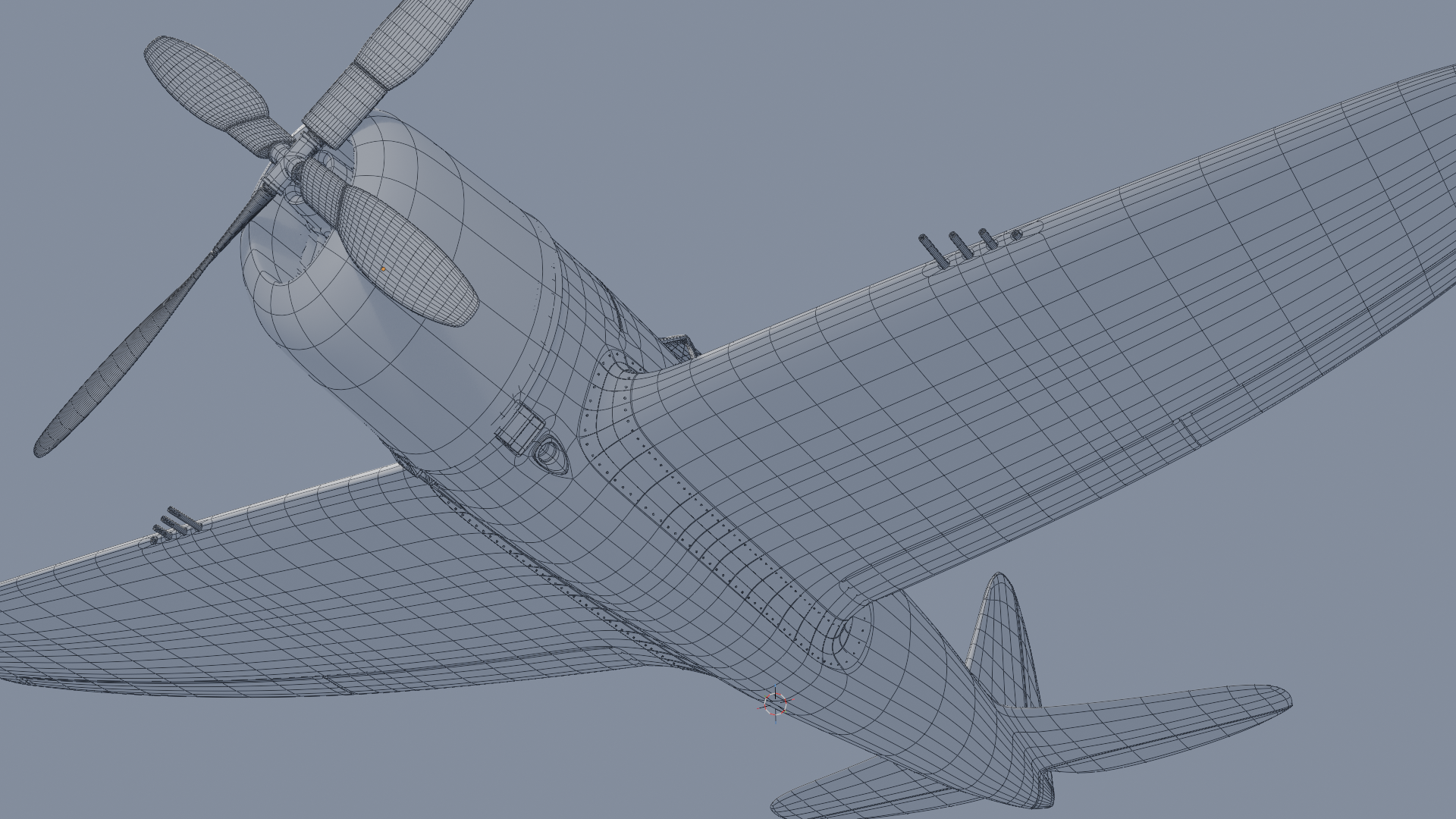
Part 1 of the training focuses on modelling the WWII P-47 Thunderbolt aircraft. Creating the aircraft using subdivision surface modelling techniques means you constantly have to balance efficient shape creation with good topology, especially on curved surfaces.
And despite its apparent simplicity, this model presents some difficult challenges because every single surface on the aircraft is curved. This means you have to be very careful to maintain surface continuity when creating details.
My approach is to focus on the form first, then to modify the topology accordingly.
In this approach, topology is fluid rather than being set in stone. Modellers should never hesitate to change their topology when needed. Reflowing topology is easy, and the techniques to do this are demonstrated throughout the training.
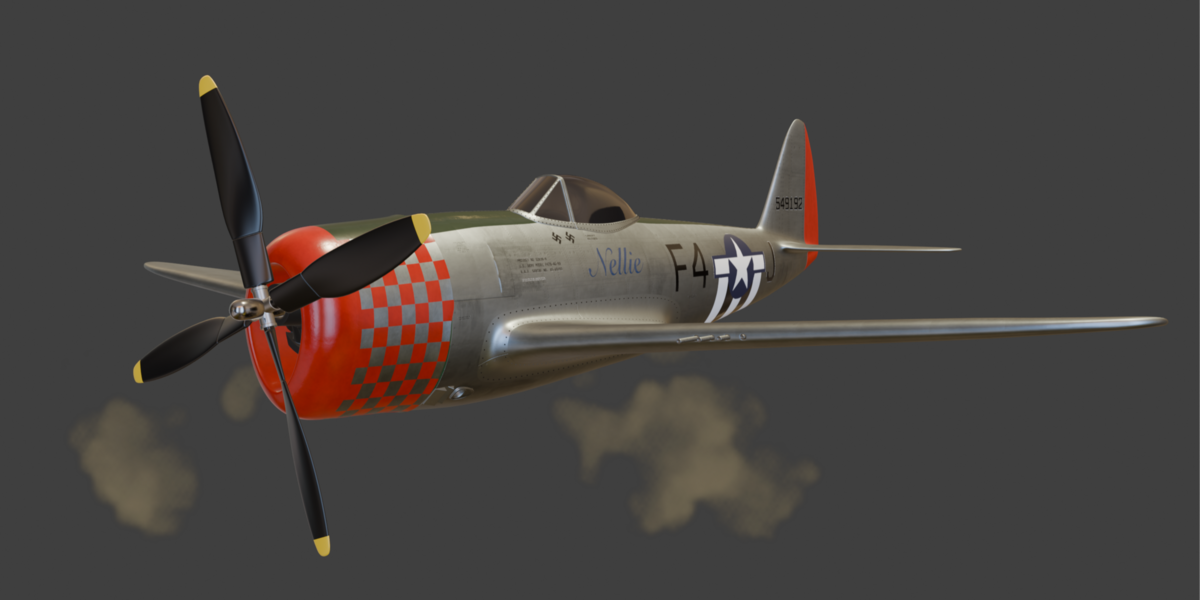
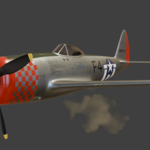
Then, through UV mapping, texturing, shading, lighting and rendering, we'll transform the model into a detailed, weathered, photorealistic aircraft, and along the way, I'll show you the problem-solving process behind every stage.
Because successful 3D work isn't simply about knowing which buttons to press. It's about knowing why you're doing something, spotting problems as they arise, and finding the right solution.
Create Textures That Tell a Story
Photorealism lives in the details. The subtle signs of wear. Dirt, dents, and damage. Slight variations in colour, roughness and surface response. These details are what make a 3D model feel like something that might actually exist in the real world.
But there's no single approach that works for everything.
Sometimes procedural texturing is the ideal solution. Sometimes you need the control and flexibility of texture painting. And often, the best results come from combining multiple approaches.
Which is exactly what I do in this training.
Rather than simply giving you a recipe and asking you to follow it, I explain the thought process behind each technique. You'll see texture painting, procedural techniques, decals, and multiple methods for correcting and refining textures.
The goal isn't just to create this particular scene. It's to give you techniques and problem-solving strategies that you can apply to your own projects.
Start with clean UVs
Of course, great texturing starts long before you paint the first stroke.
The entire aircraft is carefully UV mapped with the texturing process in mind. I'll show you how to create clean, practical UV layouts that make painting, masking and applying textures much easier.
Good UVs might not be the most glamorous part of creating an image, but they can make an enormous difference to the workflow.
Get them right, and everything that follows becomes easier.
Learn how to build your own procedural textures
Blender's procedural texturing system is incredibly powerful — but it can also be intimidating.
There are nodes, mathematical functions, coordinate systems, and combinations of techniques that can quickly become difficult to understand, particularly when you're simply following someone else's node tree.
So rather than just handing you a collection of complicated formulas, I take the time to explain what is actually happening.
You'll see how mathematical functions can be used to create precise geometric masks and control where and how textures appear on the aircraft. More importantly, I explain the underlying principles in plain English.
Once you understand the principles, you can start building your own solutions instead of following someone else's formulas.
From blank model to final image
The ultimate goal of this project was never simply to create a technically impressive aircraft model.
I wanted to create a beautiful image.
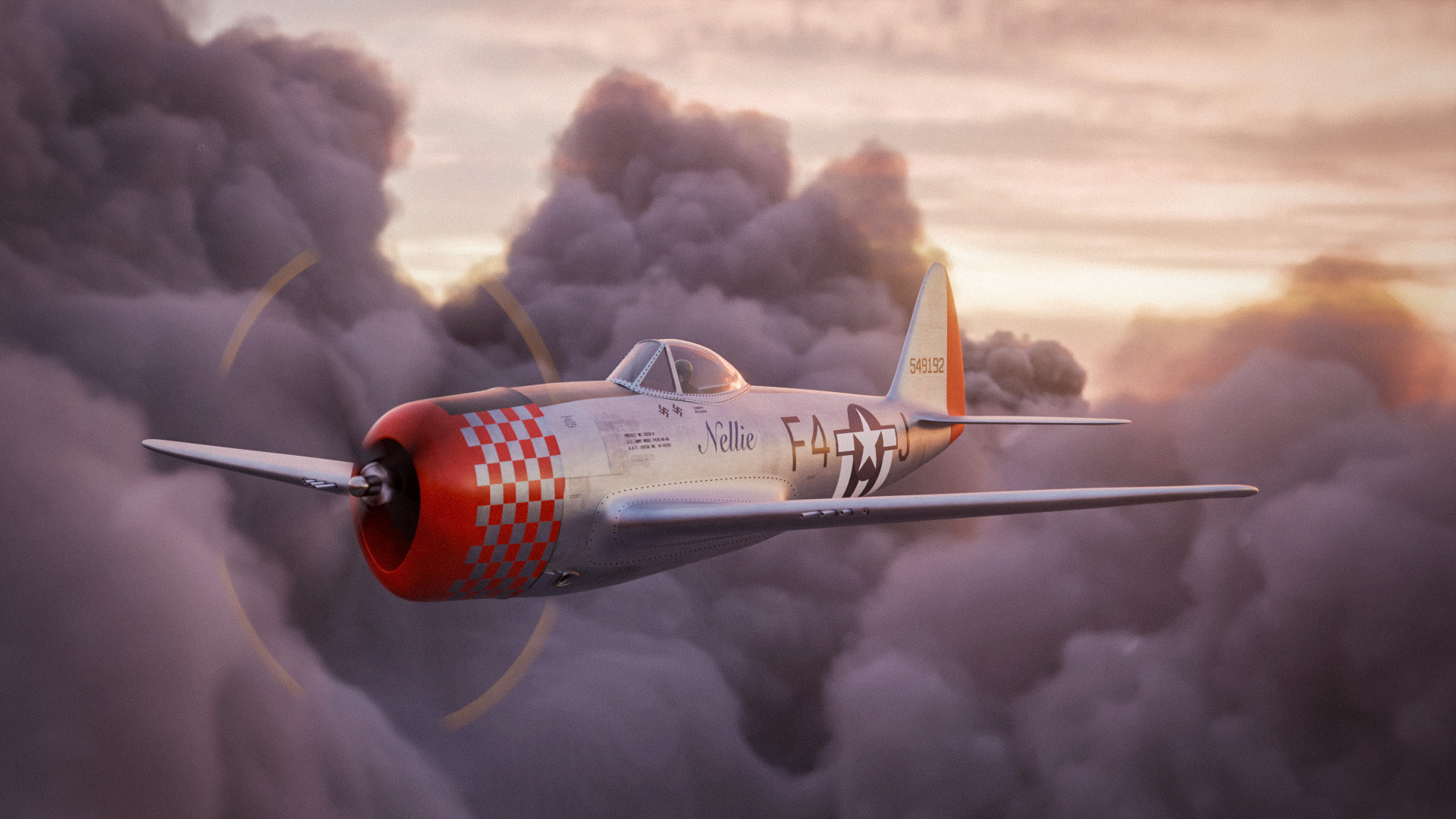
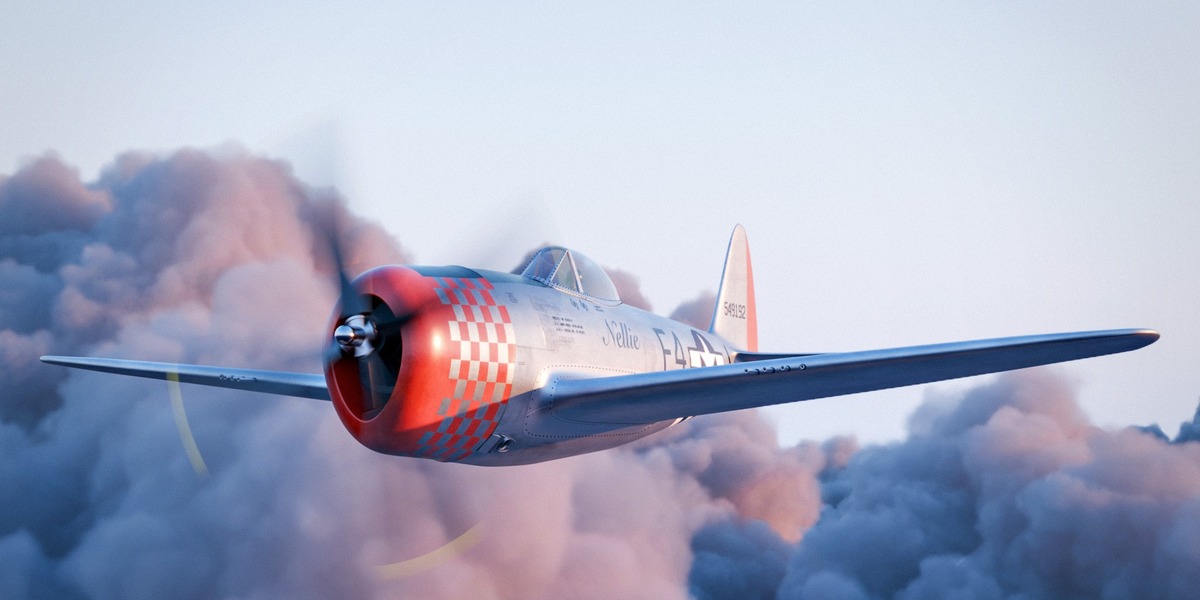
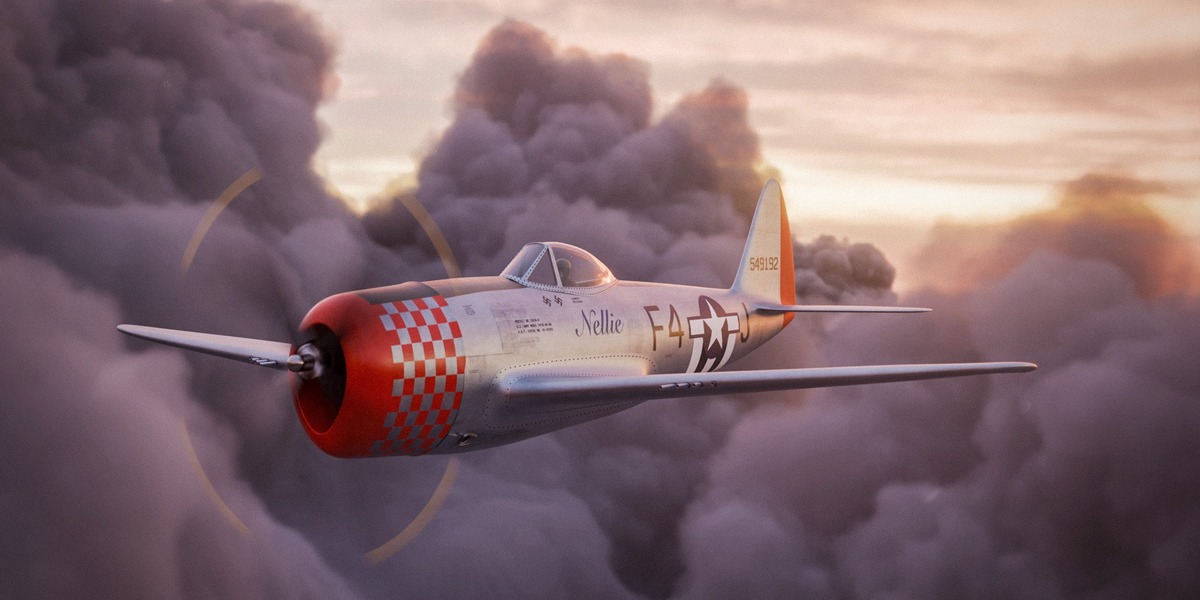
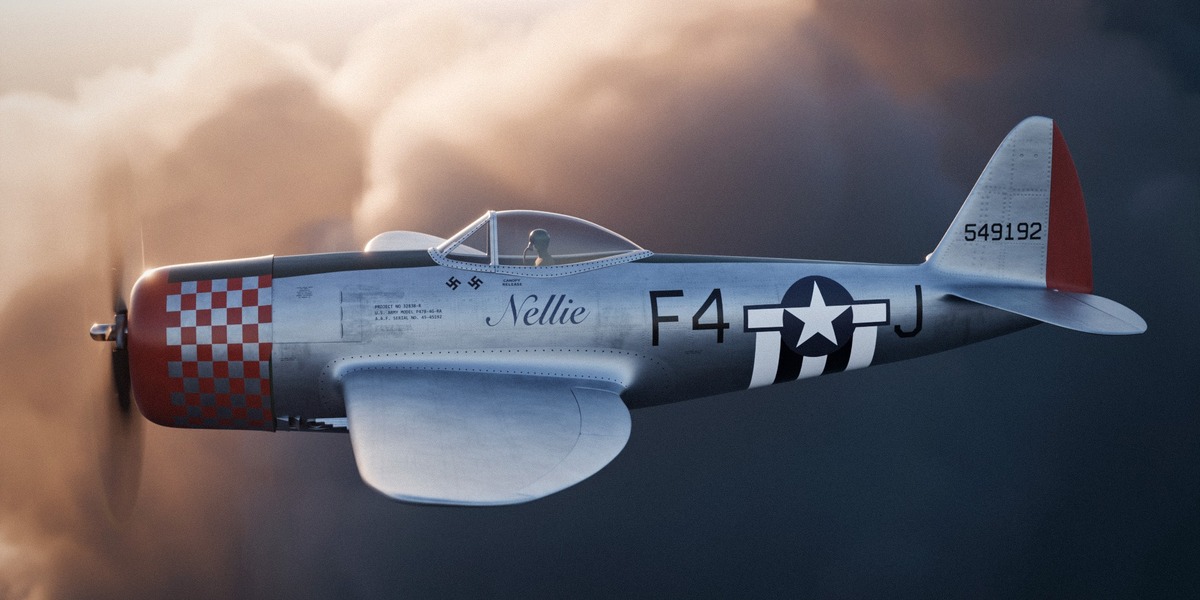
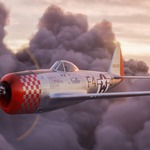
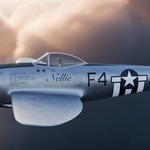
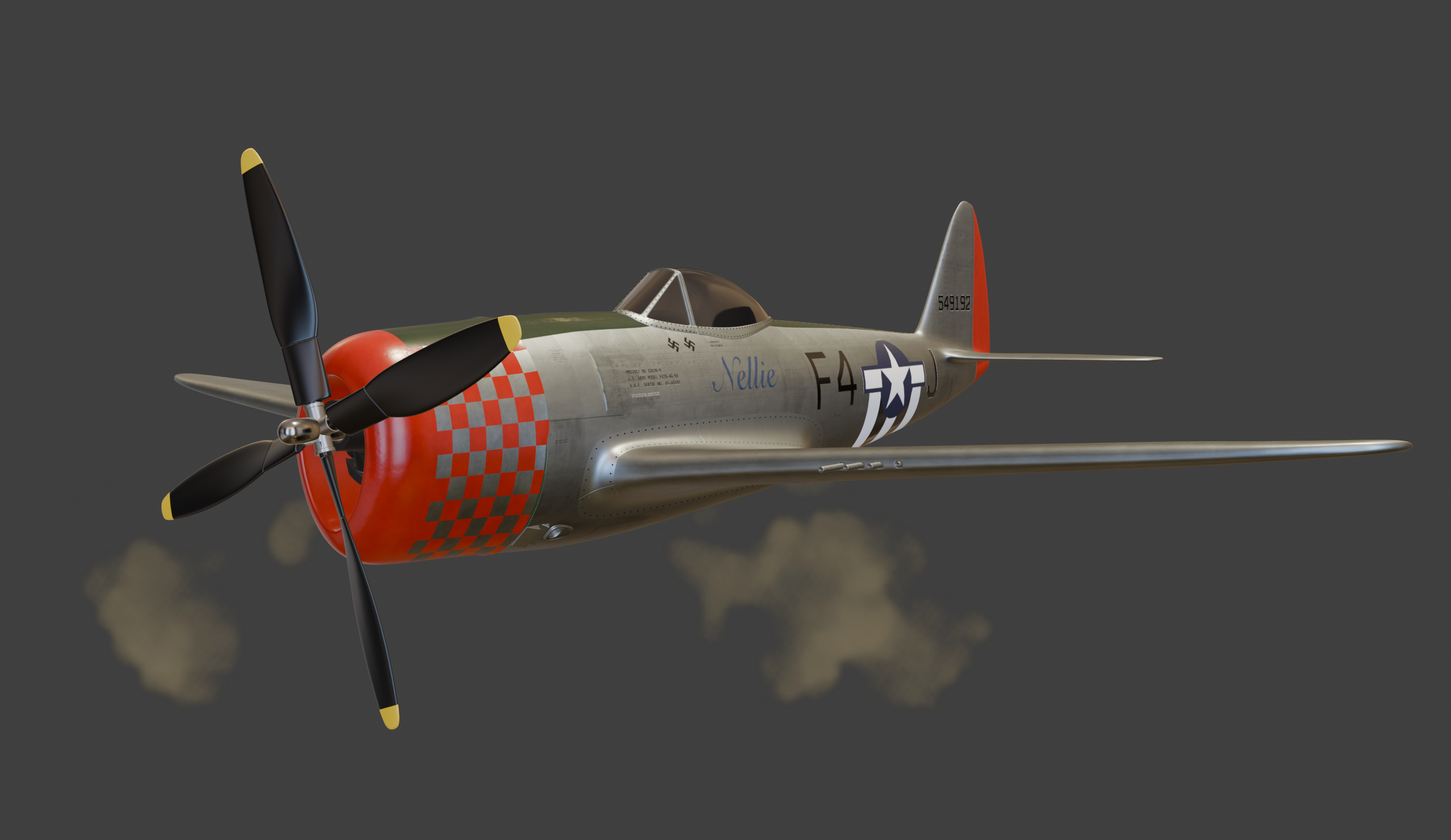
The final scene places the P-47 above the clouds, lit by the evening sun. The aircraft is surrounded by volumetric clouds, with carefully controlled lighting and framing helping to create the final cinematic look.
And this is where all of the individual parts come together.
The clean UVs make the texturing possible. The textures give the aircraft its history and character. The shading brings those materials to life. The lighting creates the mood. And the final render pulls everything together into an appealing image. Every step along the way matters.
For the final image, I render every element, including the volumetric clouds, in Blender in a single pass. In the training, I show you how I achieved this while keeping the render times blazing fast, even on modest hardware.
Learn the process, not just the result
This project covers a lot of ground.
That's because photorealism doesn't come from one clever trick or a single formulaic approach. It comes from hundreds of small decisions, refinements and problem-solving steps. In every project you will need to iterate, and sometimes even go back and fix mistakes.
And that is really what this training is about.
I'll take you through the complete process, from the initial UV layout through texturing, shading, lighting and final rendering, explaining not only what I'm doing, but why I'm doing it.
By the end, you won't just have followed the creation of one aircraft render.
You'll have a deeper understanding of the techniques, workflows and problem-solving strategies you can take into your own projects.