 ZEG
ZEG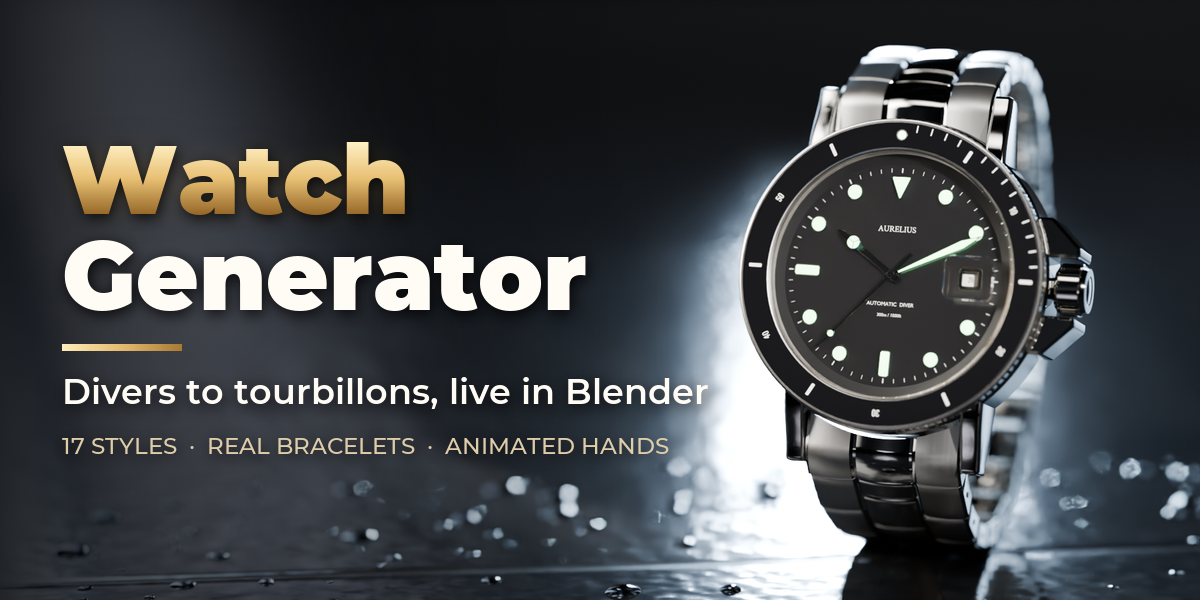
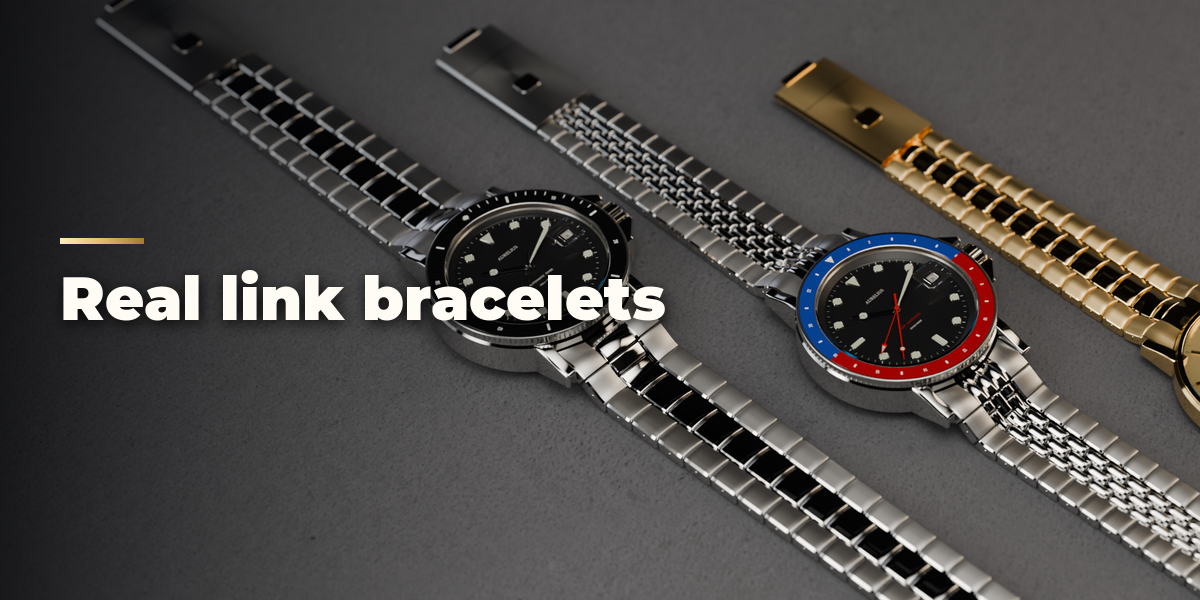
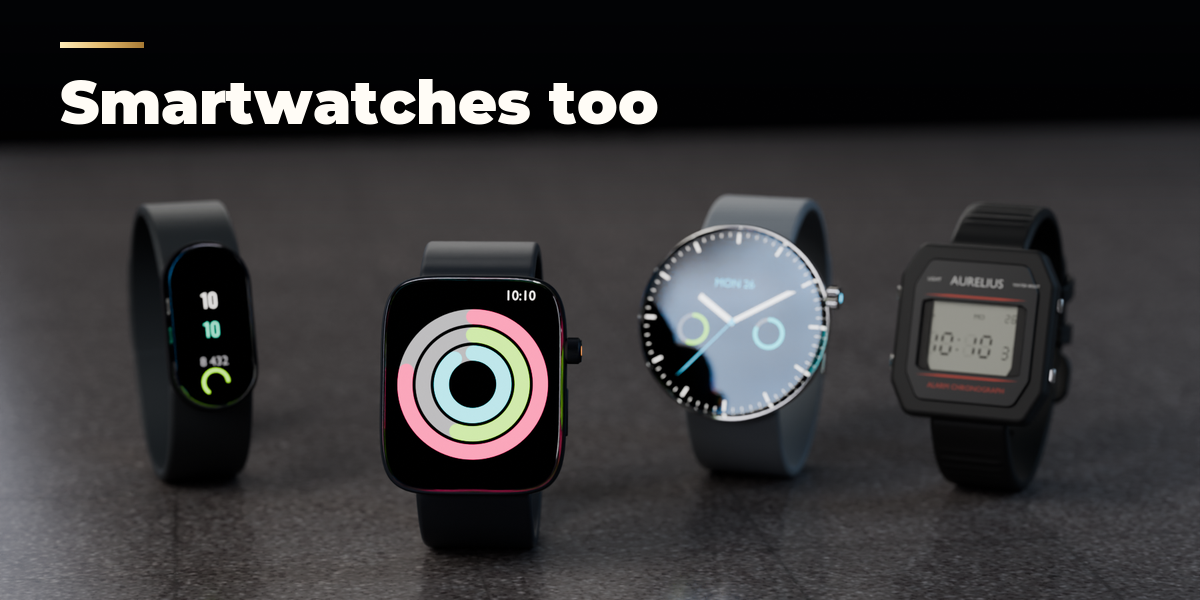
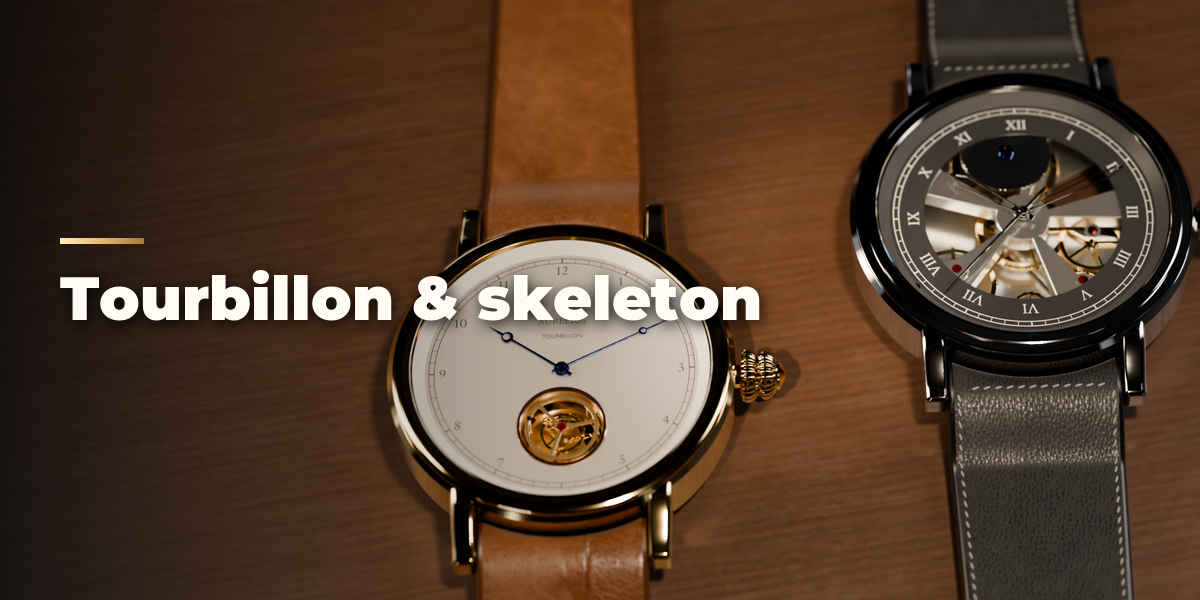
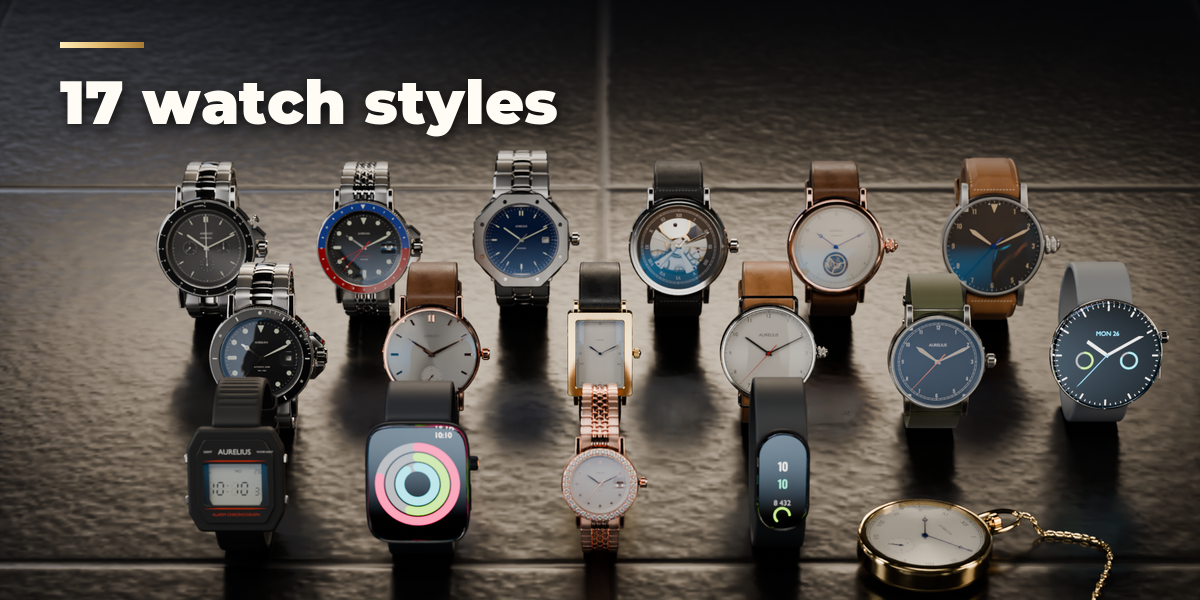
Installation
In Blender open Edit, Preferences, Get Extensions, then use Install from Disk and pick the watch_generator zip.
Usage
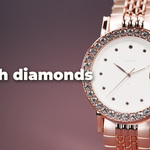
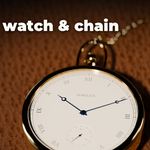
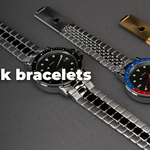
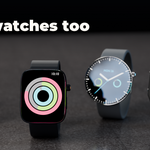
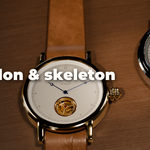
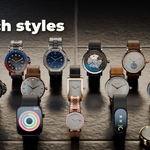
- Open the Watch tab in the 3D viewport sidebar (N). With no watch selected, click the picture to choose a preset and press Add Watch; it appears at the 3D cursor. You can also use Shift+A, Mesh, Watch.
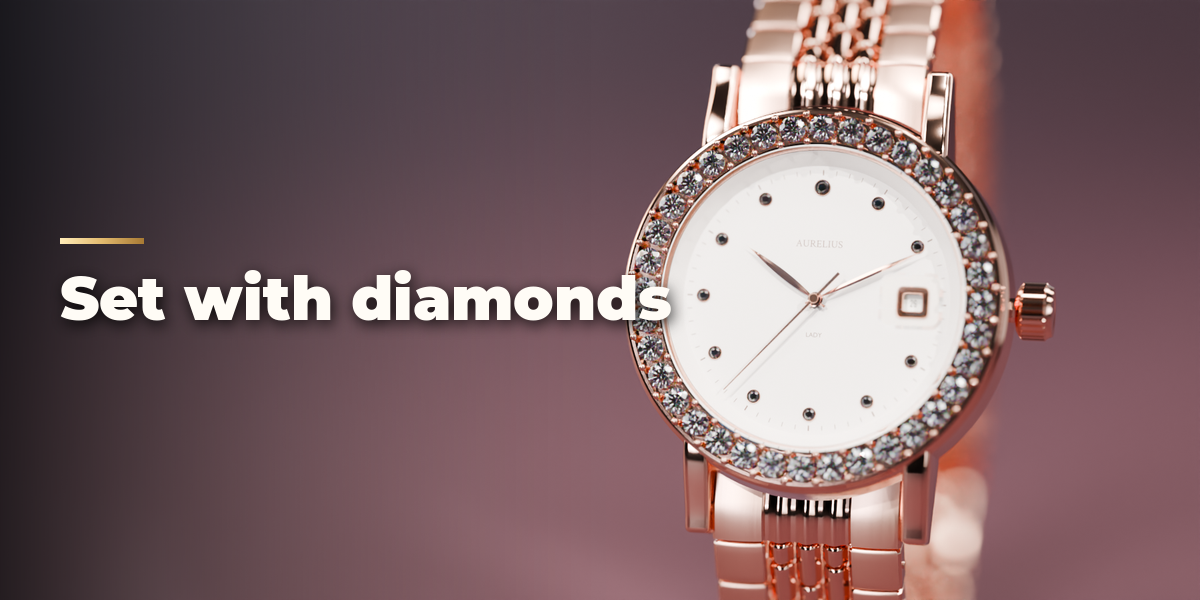
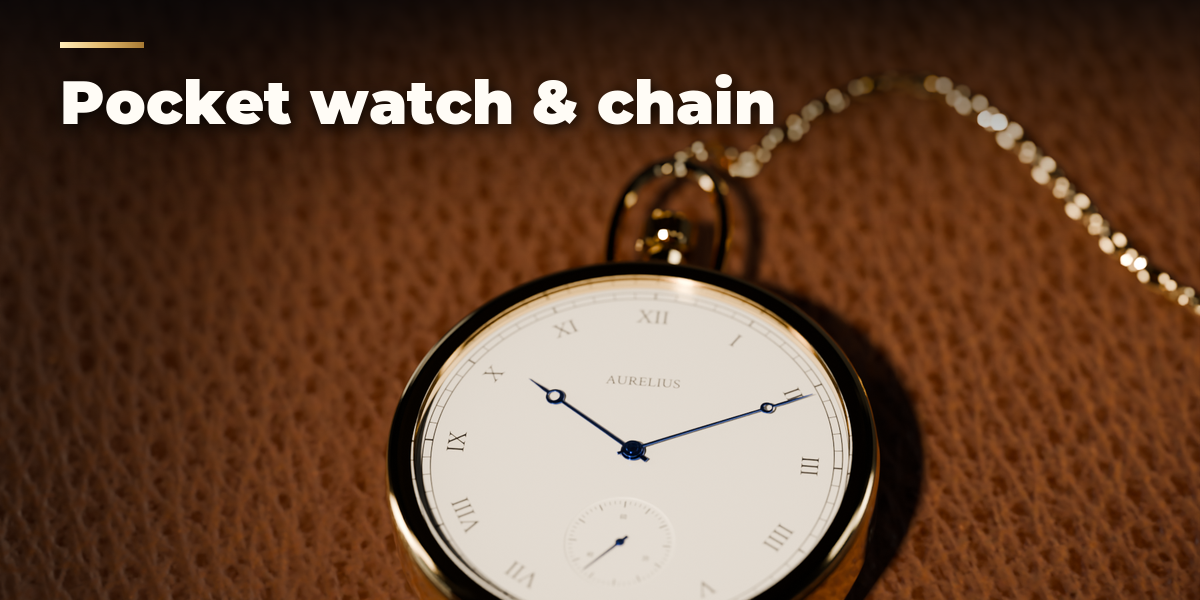
- With a watch selected, the preset gallery switches the whole design. Surprise Me makes a new random watch, Variation changes the current one a little and Reset restores the preset.
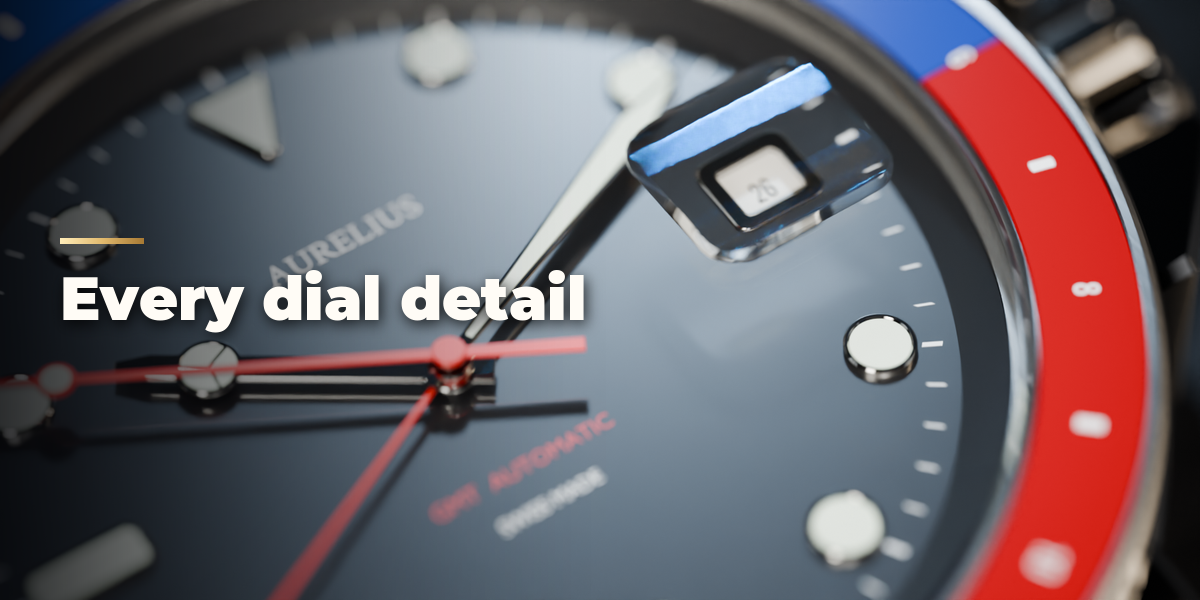
- The main choices (type, case shape, metal, dial color, strap) sit at the top. The closed sub-panels hold every detail: Case, Bezel & Crystal, Dial, Hands & Time, Strap, Movement and Screen.
- Hands & Time: set the time shown, use the current time, or pick Sweep or Tick and play the timeline to animate the hands.
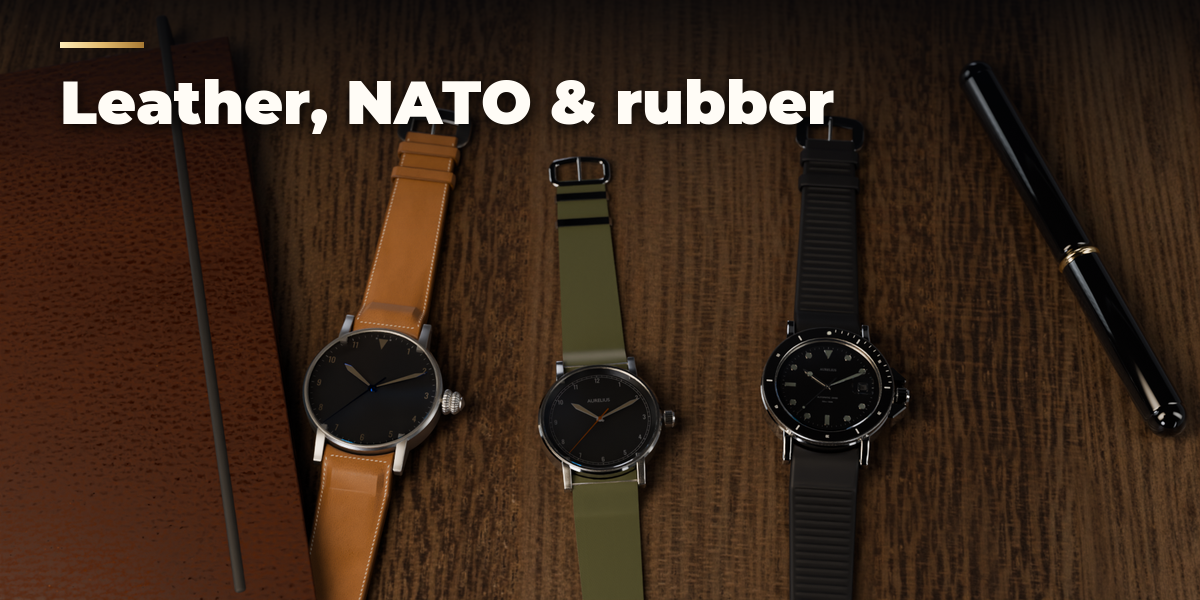
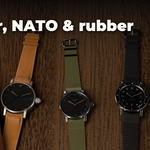
- Strap: choose On Wrist or Laid Flat. Laid Flat suits product shots on a table.
- Delete removes the watch with all its parts.
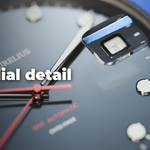
The watch is built at real size (a 40 mm case is 0.04 m), so frame it with a long lens and a close focus distance for macro shots.
Have questions about this product?
Login to message
| Blender Extension Compatible | Yes |
| Published | about 6 hours ago |
| Blender Version | 4.2 - 5.2 |
| Extension Type | Add-on |
| Render Engine Used | Cycles, Eevee |
| License | GPL |

Discover more products like this
jewelry chronograph pocket watch bracelet product wristwatch procedural dial Generator accessory watch smartwatch