 ZEG
ZEG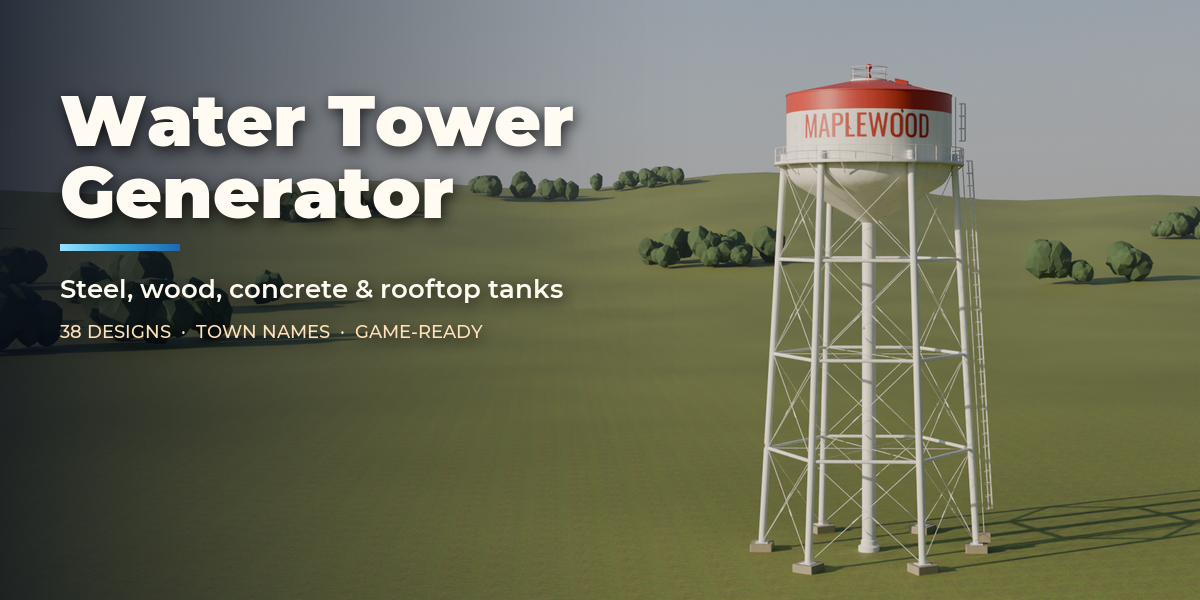


Installation
In Blender open Edit, Preferences, Get Extensions, then use Install from Disk and pick the water_tower_generator zip.
Usage
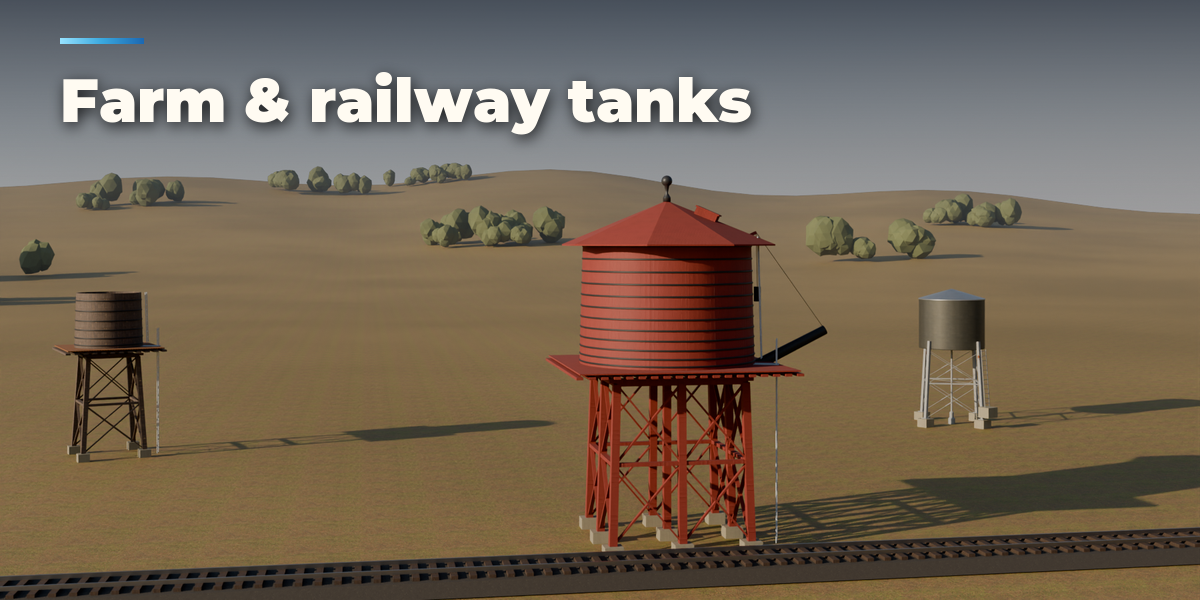
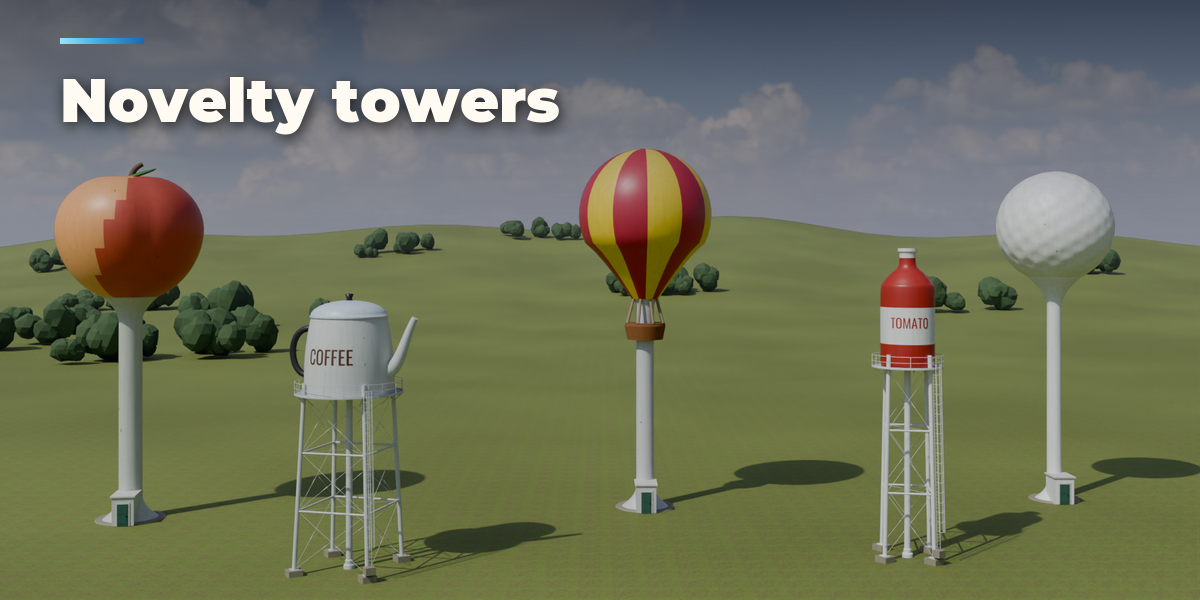
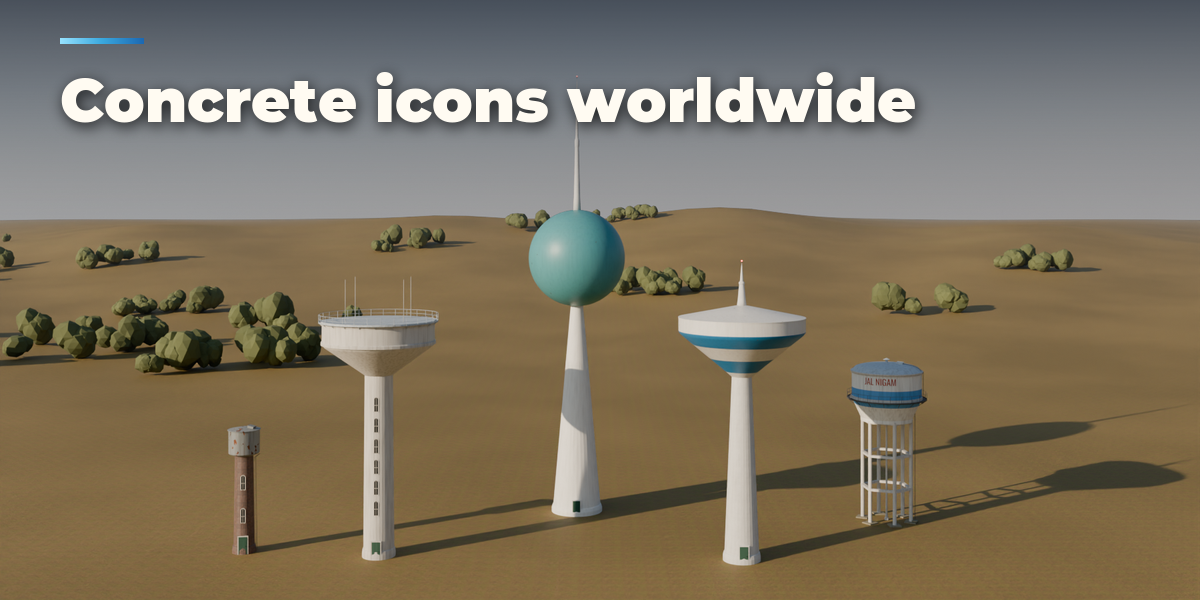
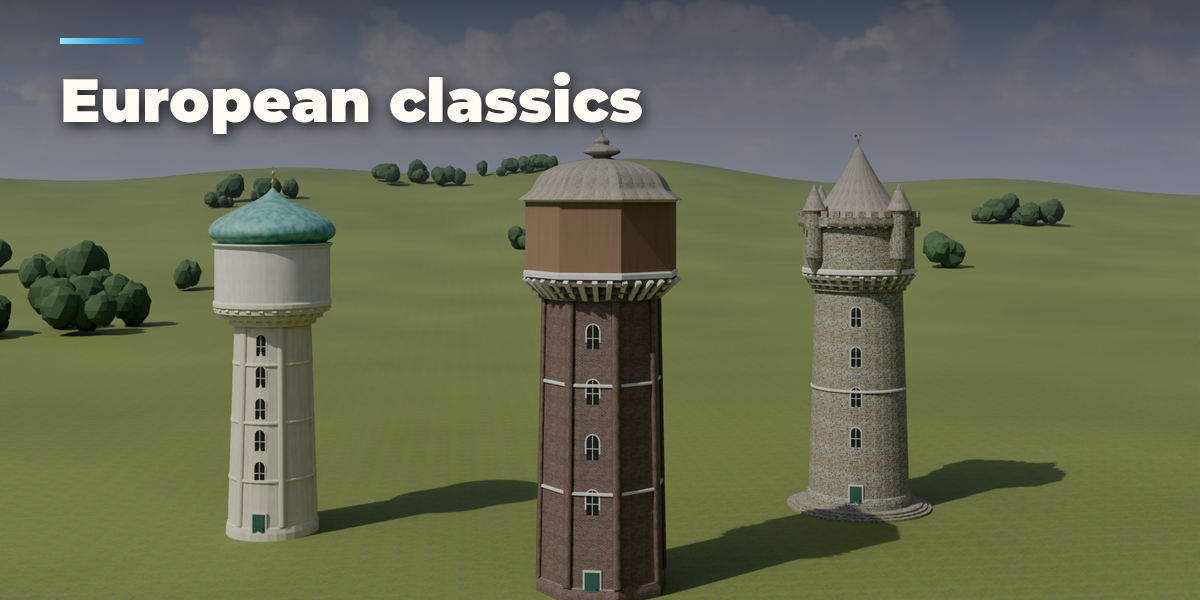
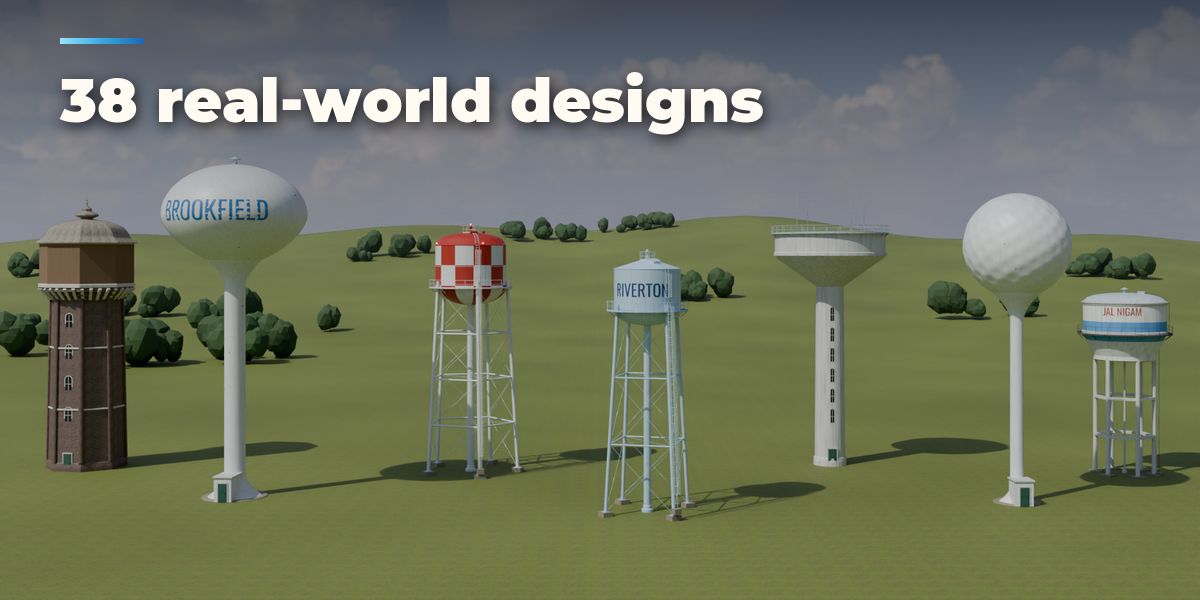
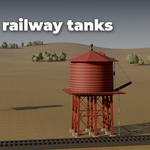
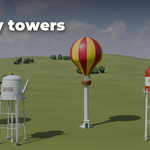
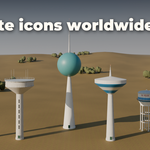
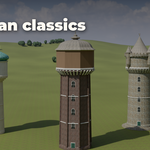
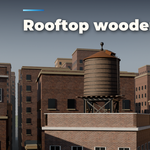
- Open the Water Tower tab in the 3D viewport sidebar (N). With no tower selected, click the picture to pick one of the 38 designs, or browse by family, then press Add Water Tower. You can also use Shift+A, Mesh, Water Tower.
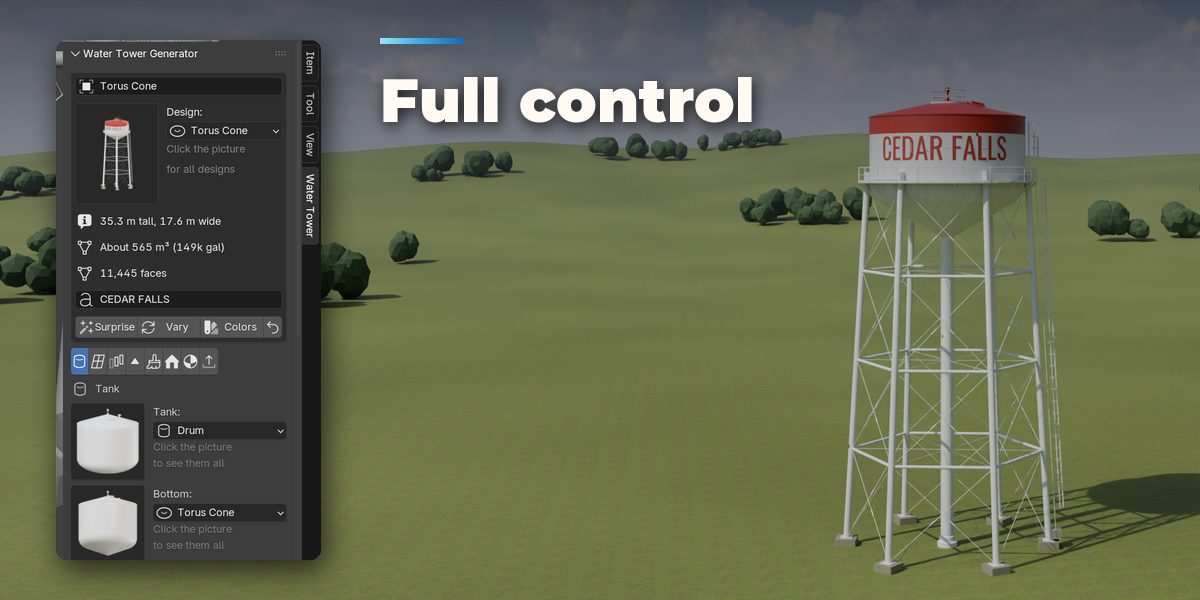
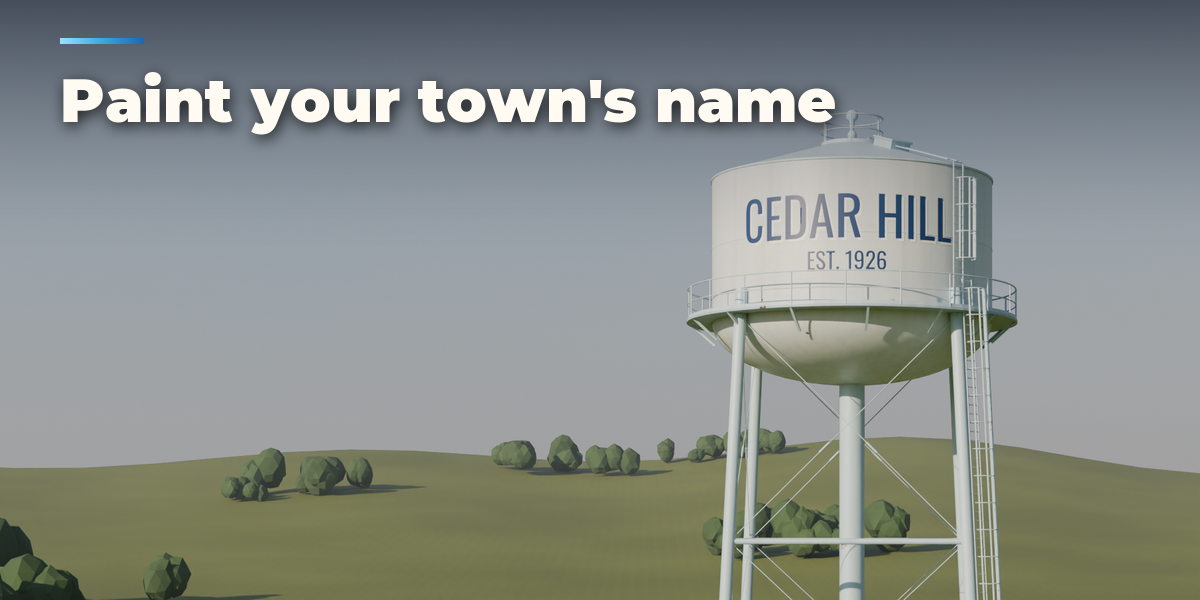
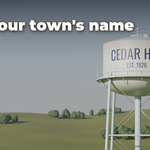
- The card at the top shows the design, its height, width, water volume and face count. Type a name in the text field to paint it on the tank. Surprise makes a new random tower, Vary changes the current one a little, Colors picks a new paint job and the arrow resets the design.
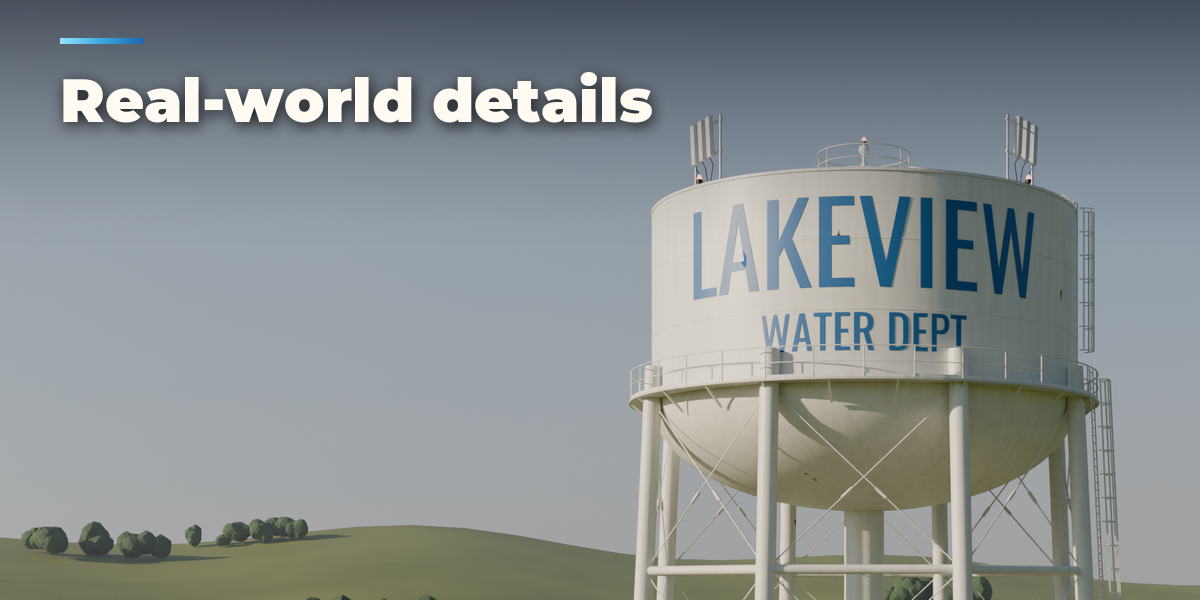
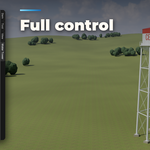
- The icon tabs hold every setting: Tank (shape, bottom, roof, material and size), Support (legs, columns, shafts, frames and bracing), Access (catwalk, railings, ladders, spout and turrets), Top & Equipment (finial, vent, hatch, antennas and warning lights), Paint & Name (pattern, colors and lettering), Base (footings, pad, plinth or rooftop), Finish (roof covering, wood, plastic, weathering and rust) and Parts & Export (part visibility, detail, Convert to Mesh, Make LODs).
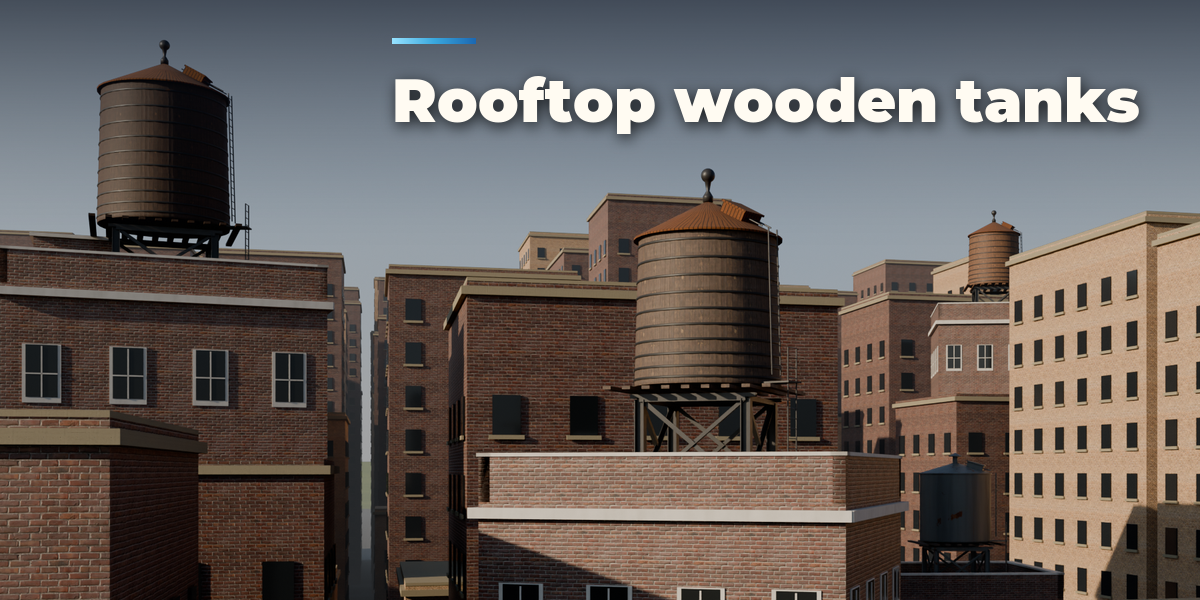
- Every tower stands with its origin on the ground in real meters. Each part is its own named object in the tower's collection, so you can hide parts, convert to plain meshes or make three LODs for a game engine.
Have questions about this product?
Login to message
| Blender Extension Compatible | Yes |
| Published | 1 day ago |
| Blender Version | 4.2 - 5.2 |
| Extension Type | Add-on |
| Render Engine Used | Cycles, Eevee |
| License | GPL |

Discover more products like this
props game ready rooftop water tank architecture town city Generator industrial procedural environment water tower