 ZEG
ZEG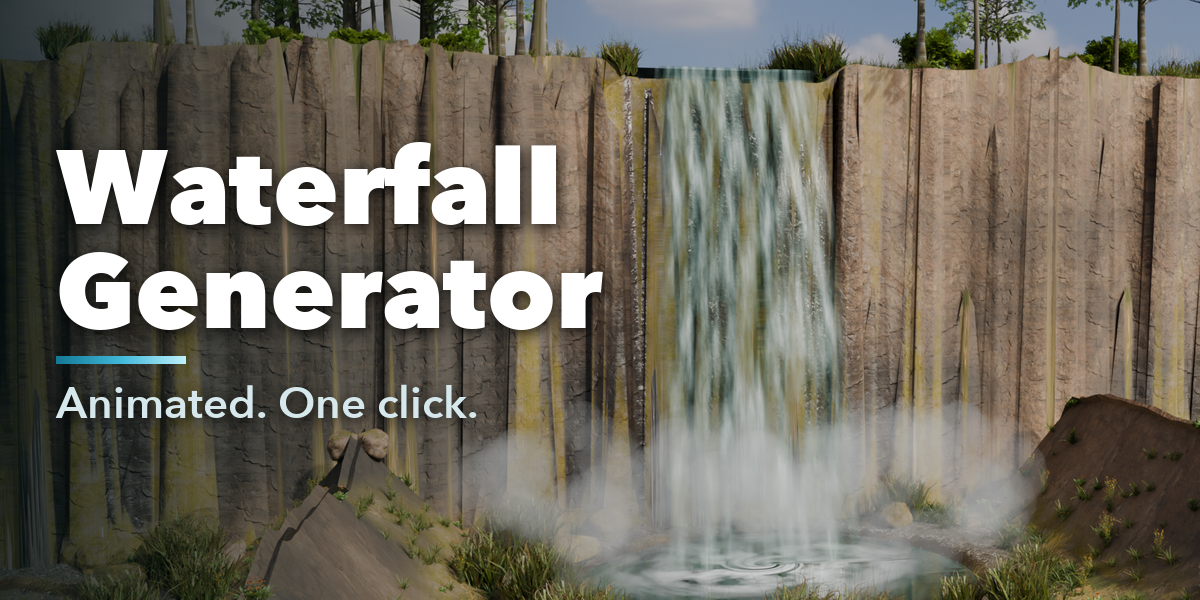

Installation
In Blender open Edit, Preferences, Get Extensions, then use Install from Disk and pick the waterfall_generator zip.
Usage
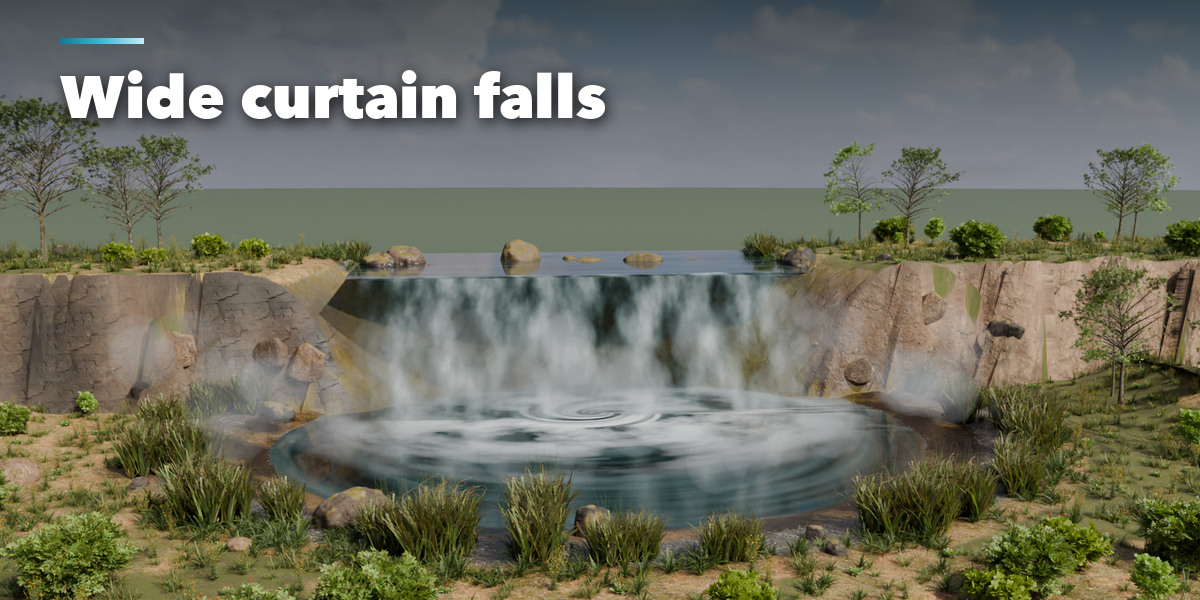
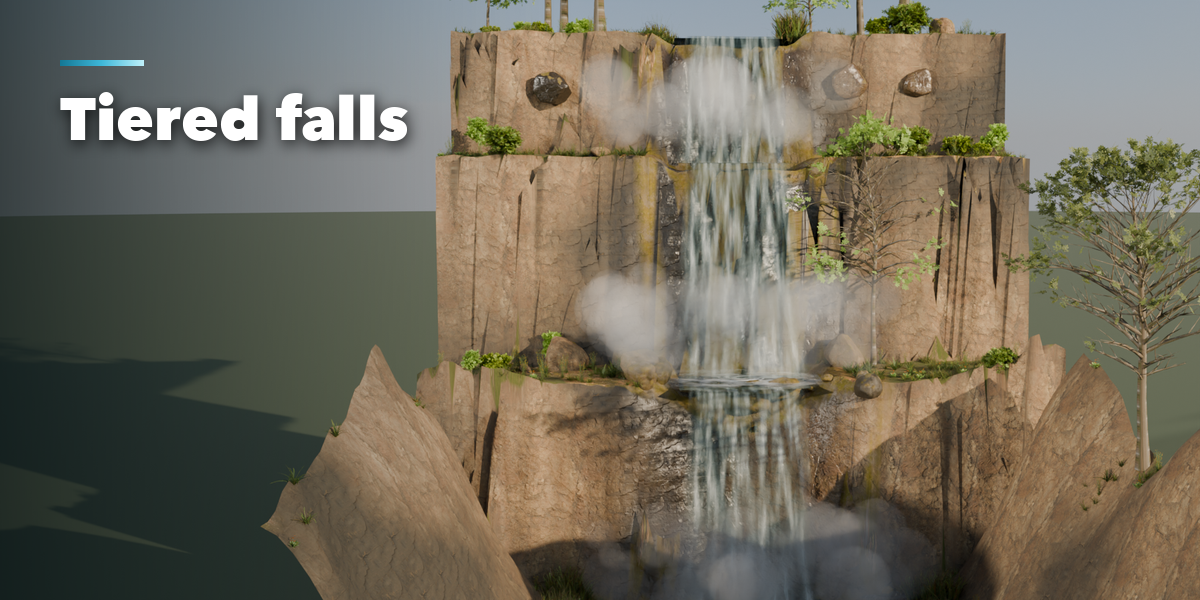
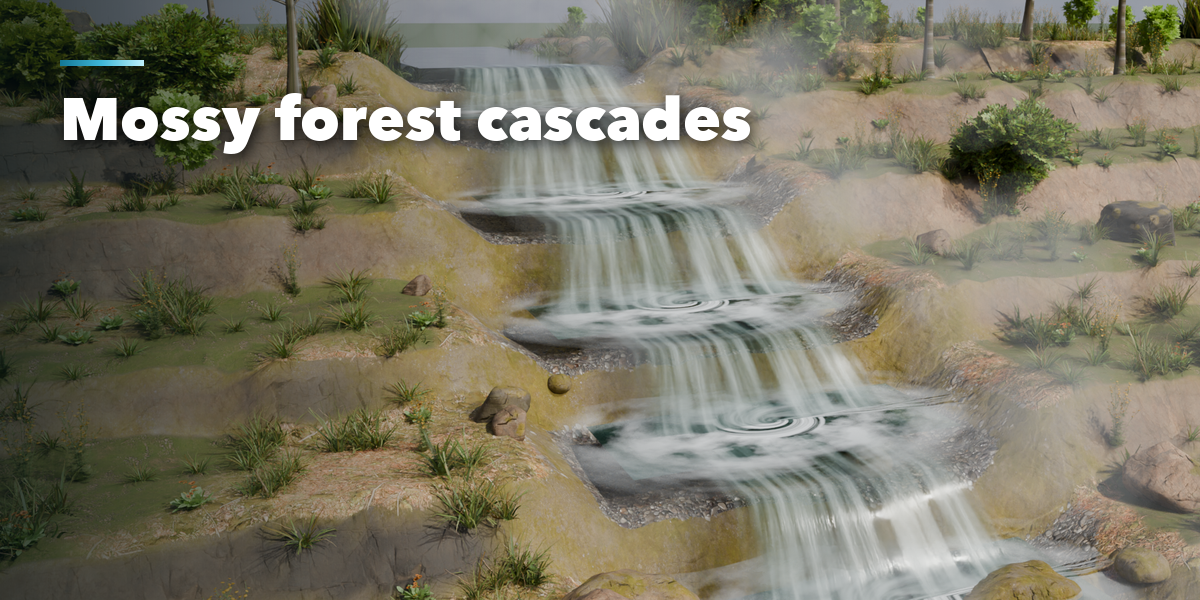
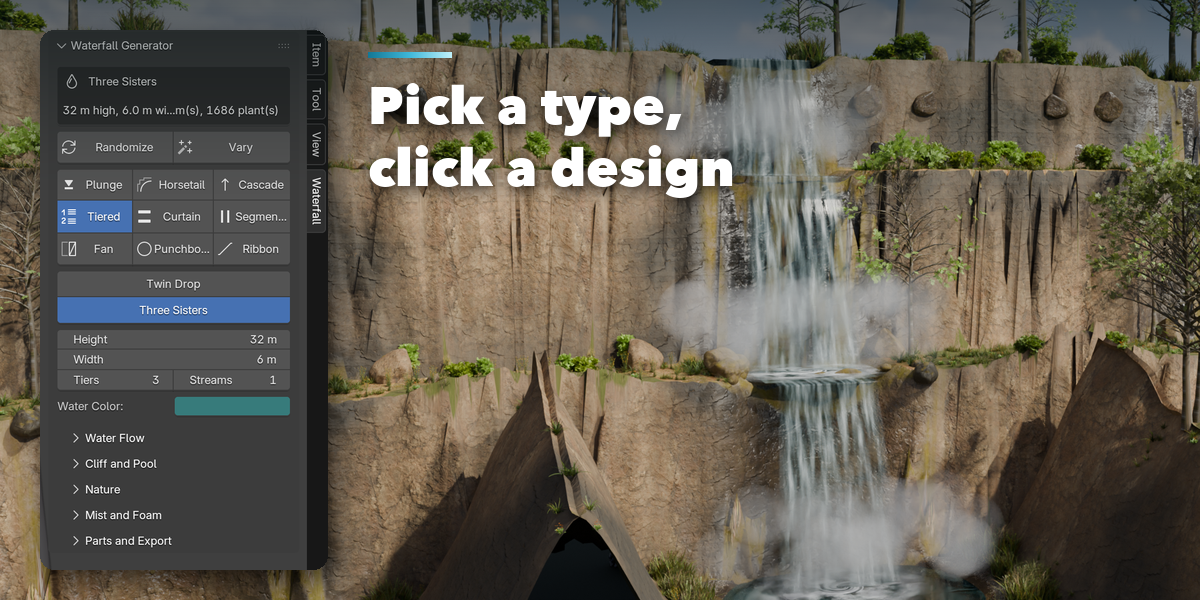
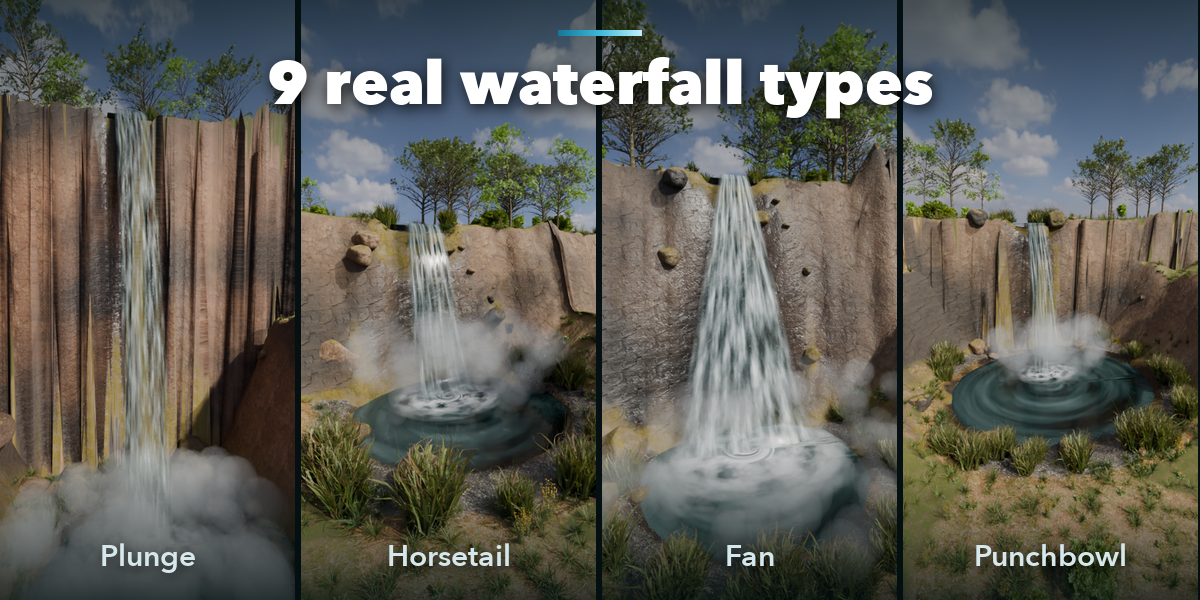
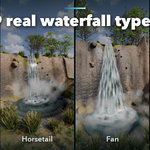
- Open the Waterfall tab in the 3D viewport sidebar (N). With nothing selected, pick a waterfall type, then click a design to add it at the 3D cursor. Surprise Me adds a random one. You can also use Shift+A, Mesh, Waterfall.
- Select the waterfall to edit it: switch type or design with one click, set height, width, tiers, streams and water color. Randomize makes a new waterfall, Vary a new variation.
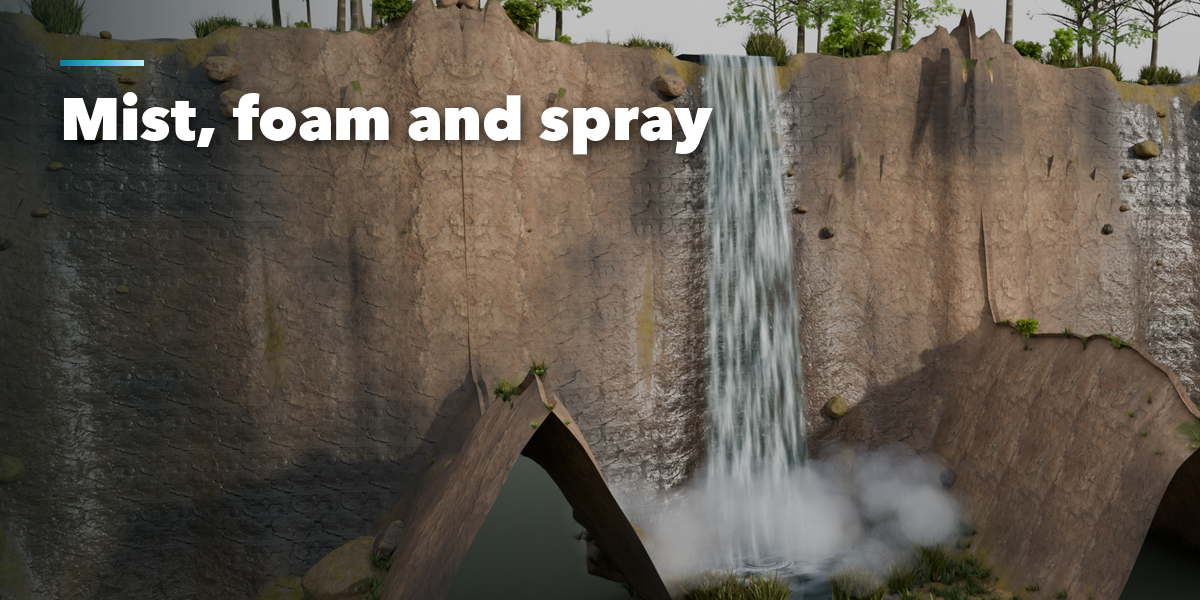
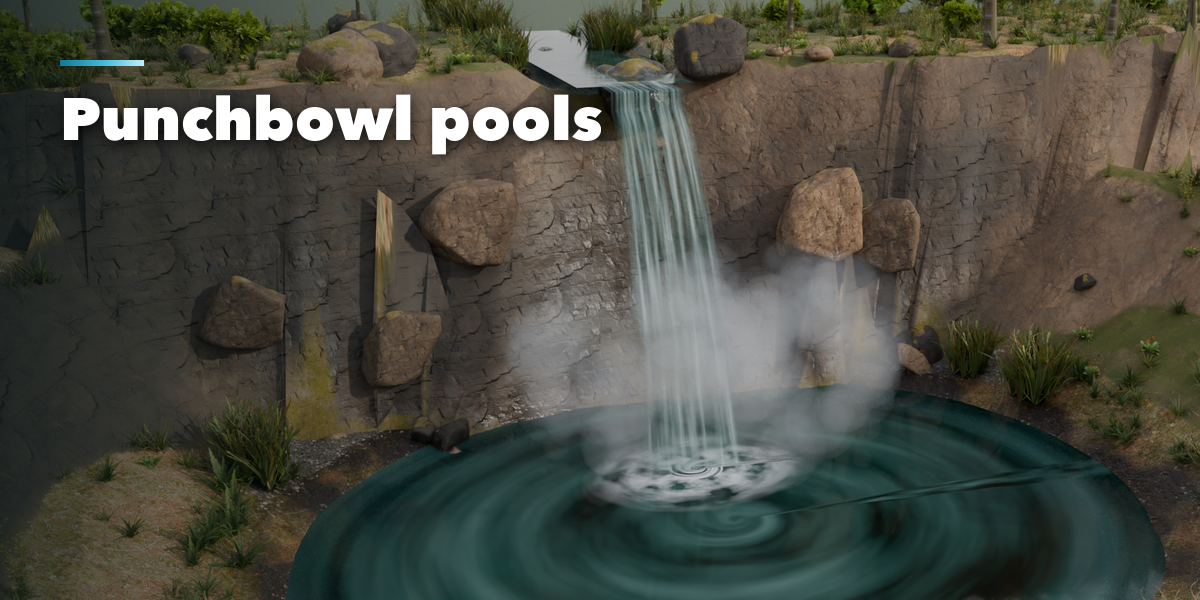
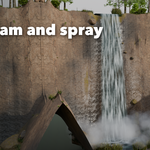
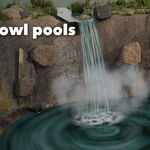
- The closed sections hold the rest: Water Flow (white water, flow speed, ripple, spread, launch speed), Cliff and Pool (face slope, shelves, rock roughness, tint, moss, pool size, bowl walls, seed), Mist and Foam, and Parts and Export.
- Press play: the water, foam and mist animate through Geometry Nodes Scene Time, without keyframes or drivers.
Freeze to Mesh turns the current frame into plain meshes for export to game engines.
Have questions about this product?
Login to message
| Blender Extension Compatible | Yes |
| Published | 2 days ago |
| Blender Version | 4.2 - 5.2 |
| Extension Type | Add-on |
| Render Engine Used | Cycles, Eevee |
| License | GPL |
