 NODI
NODI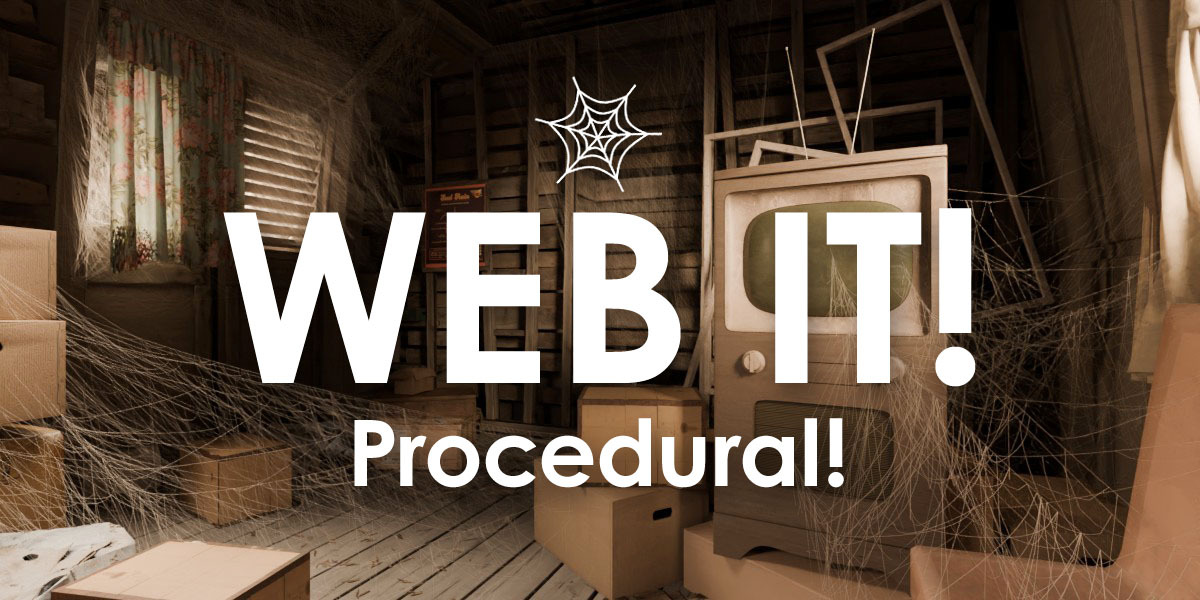
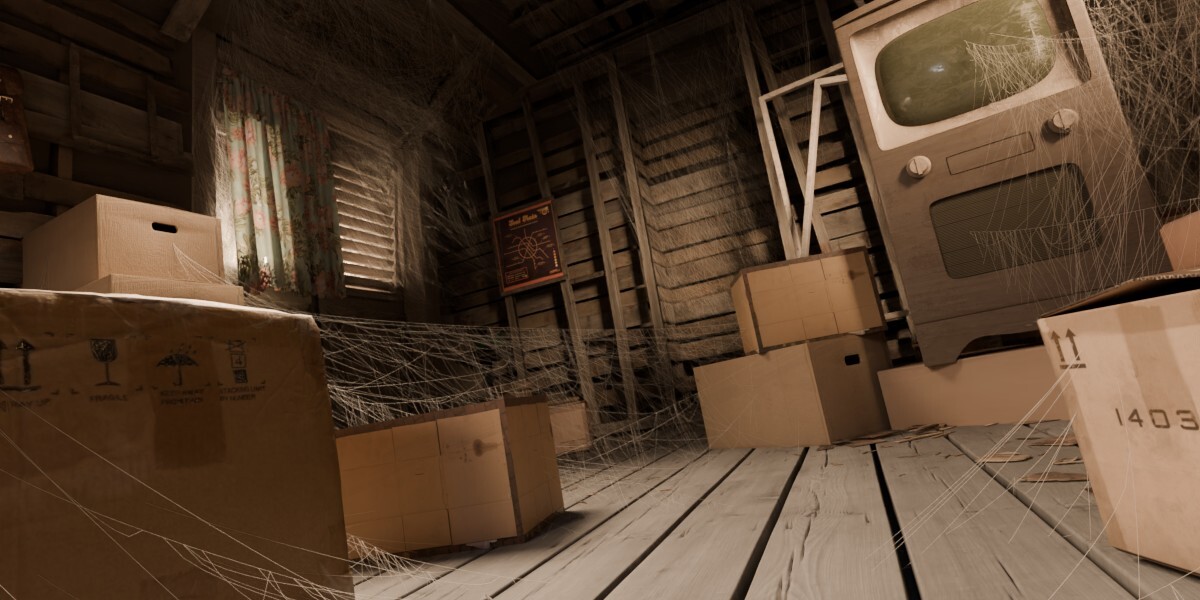
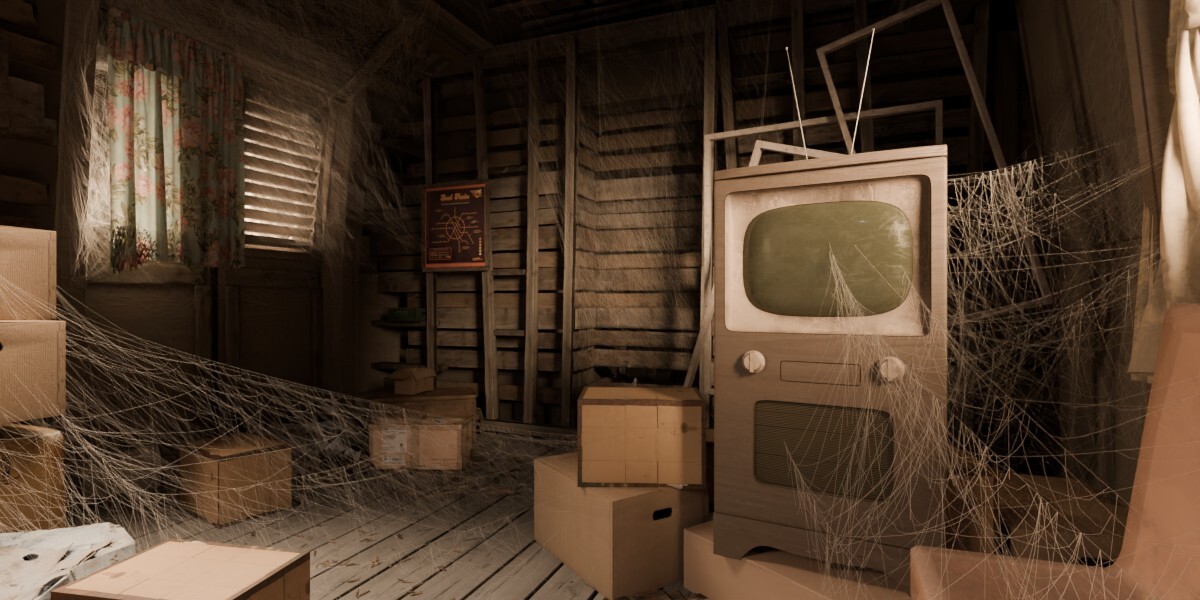
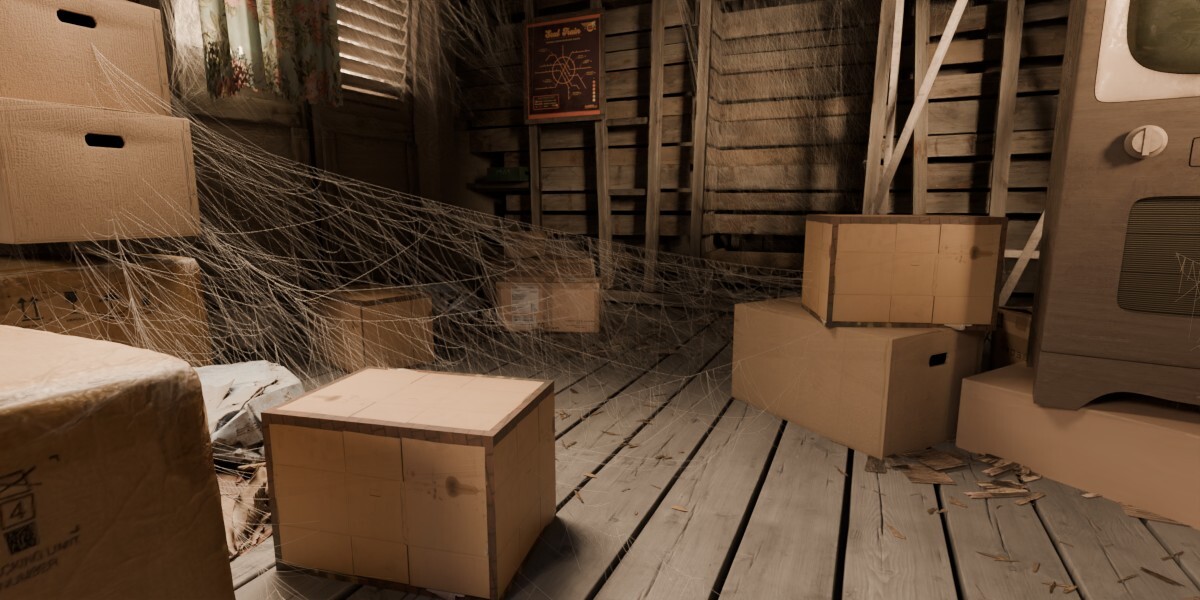
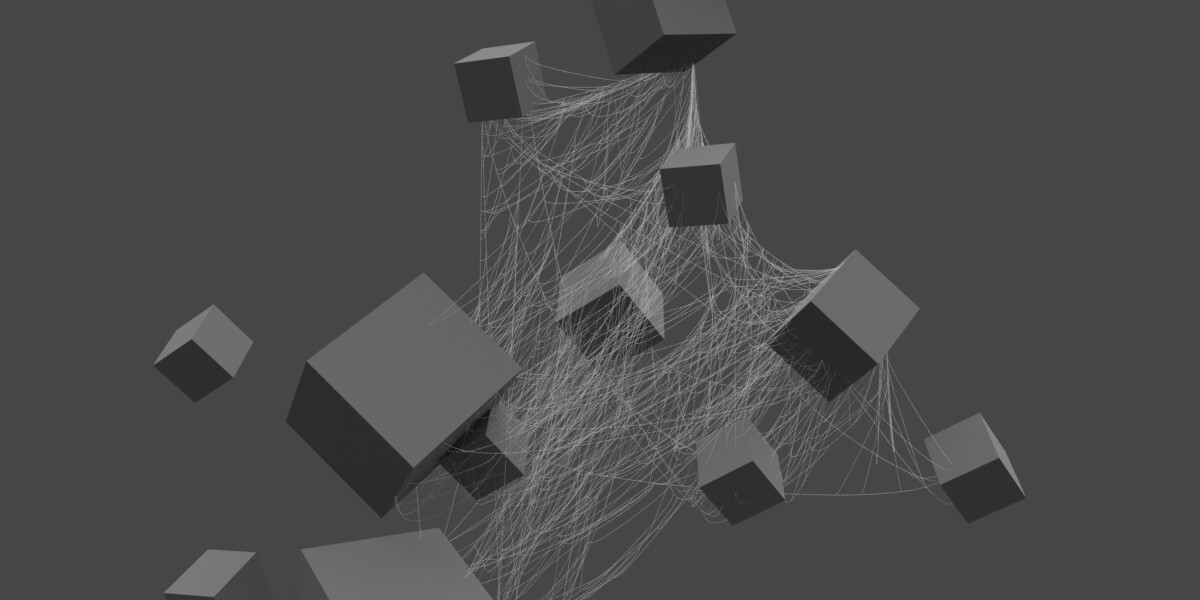



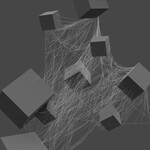
How to use
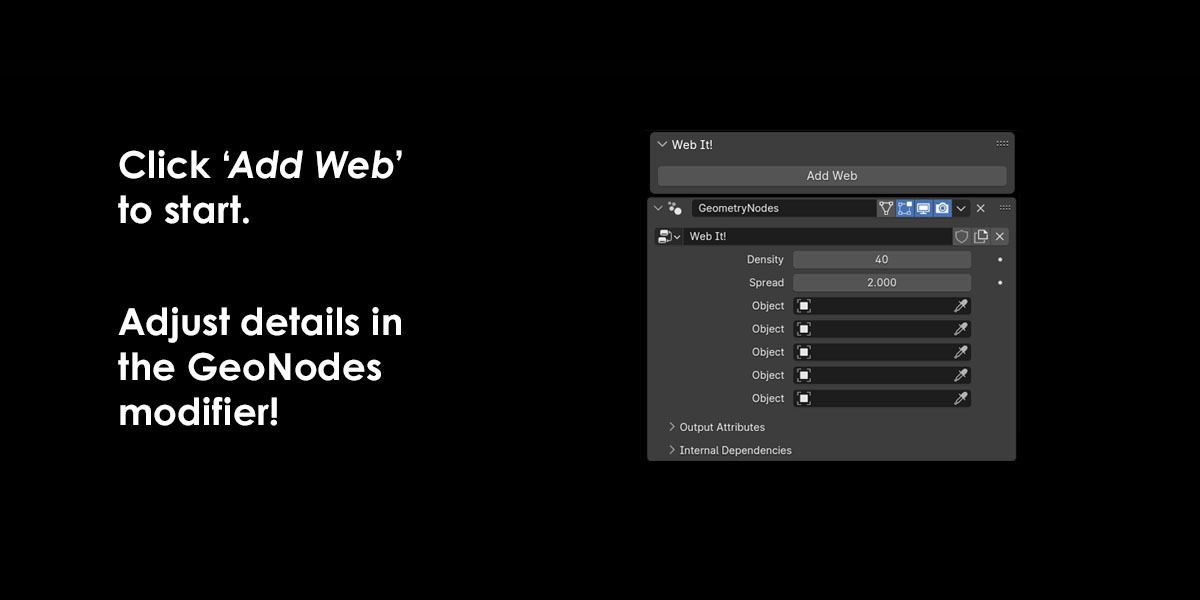
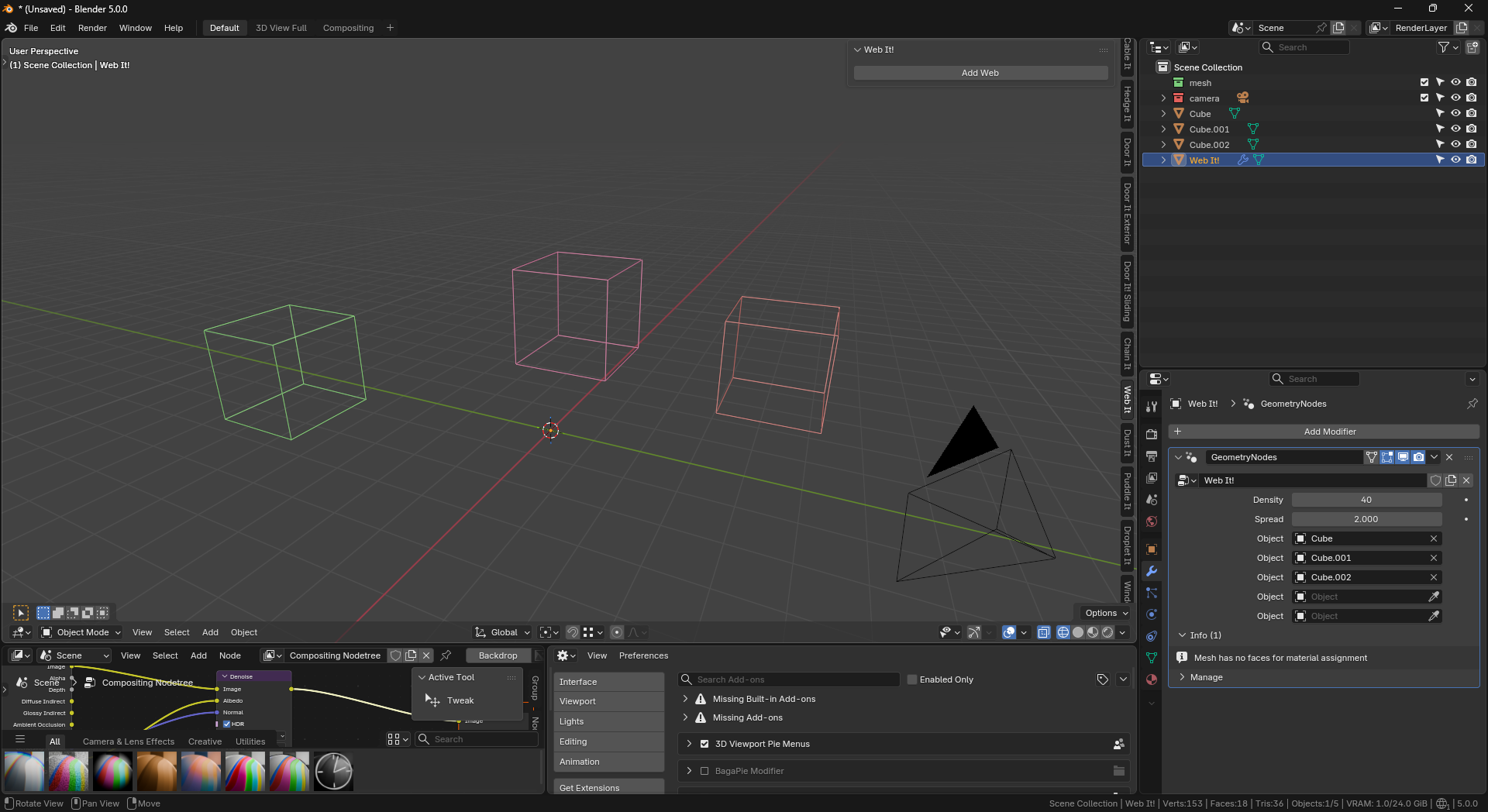
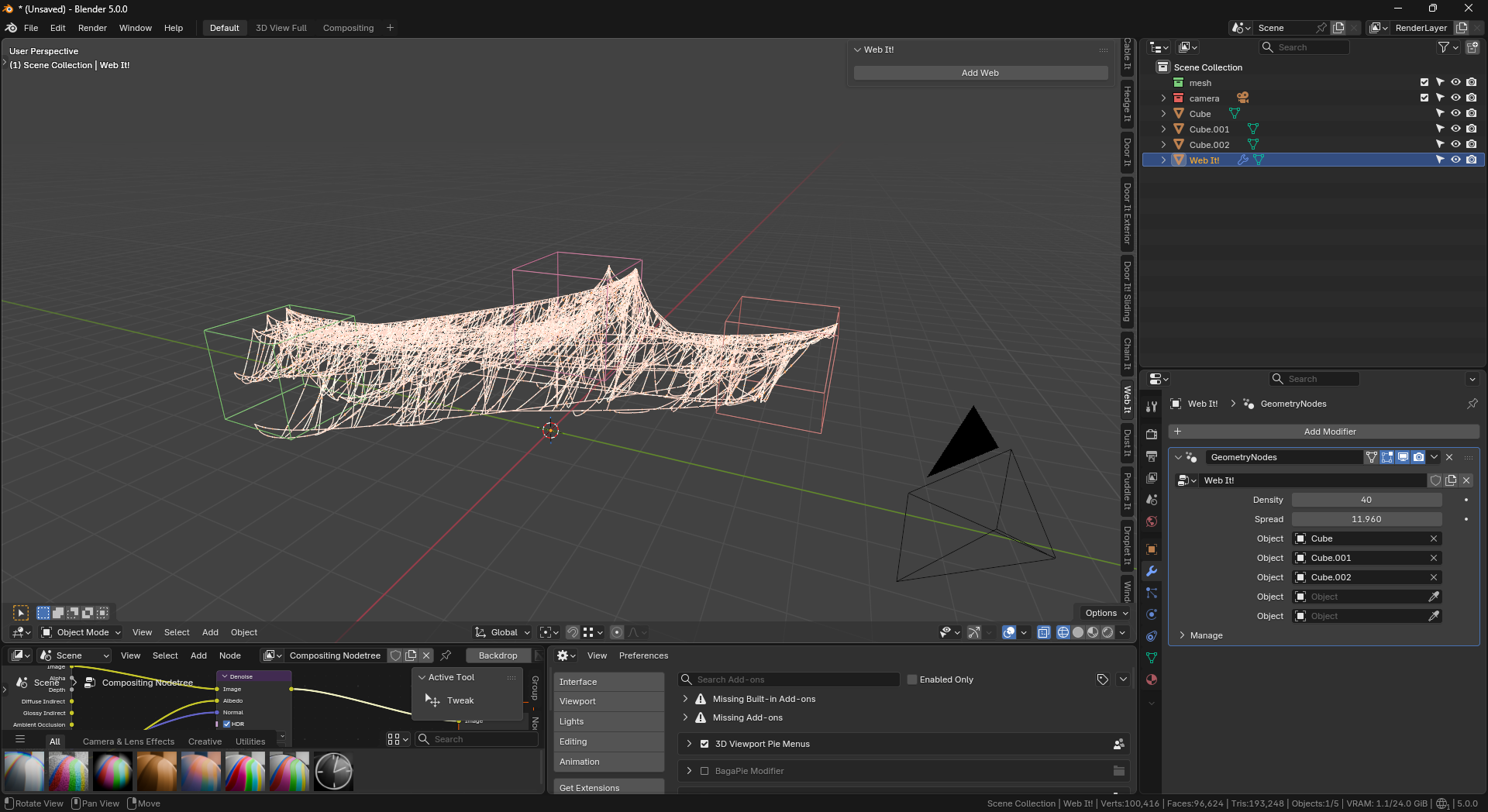
- To open, press "N" in the viewport and locate 'Web It!'
- Select up to five objects you want ivy on, then click 'Add Web'.
- Position the web where you want it, then go to the Geo Nodes tab inside the Web It object for further options.
Missing spider webs
If no spider webs are generated, make sure "spread" in the modifier is turned up. Also, make sure the web object is close to the objects you want to affect.
Have questions about this product?
Login to message
| Blender Extension Compatible | Yes |
| Sales | 100+ |
| Published | over 1 year ago |
| Blender Version | 4.0 - 5.2 |
| Extension Type | Add-on |
| Render Engine Used | Cycles, Eevee |
| License | GPL |
Discover more products like this
Web Generator web webbing spider web set dressing Cobweb string procedural halloween