 Makatopia
Fixed a crash caused by an incorrect addon-preferences lookup. Affected all users on 2.0.2 - please update.
Added Blender extension manifest for Blender 4.2+ extension support. No feature changes.
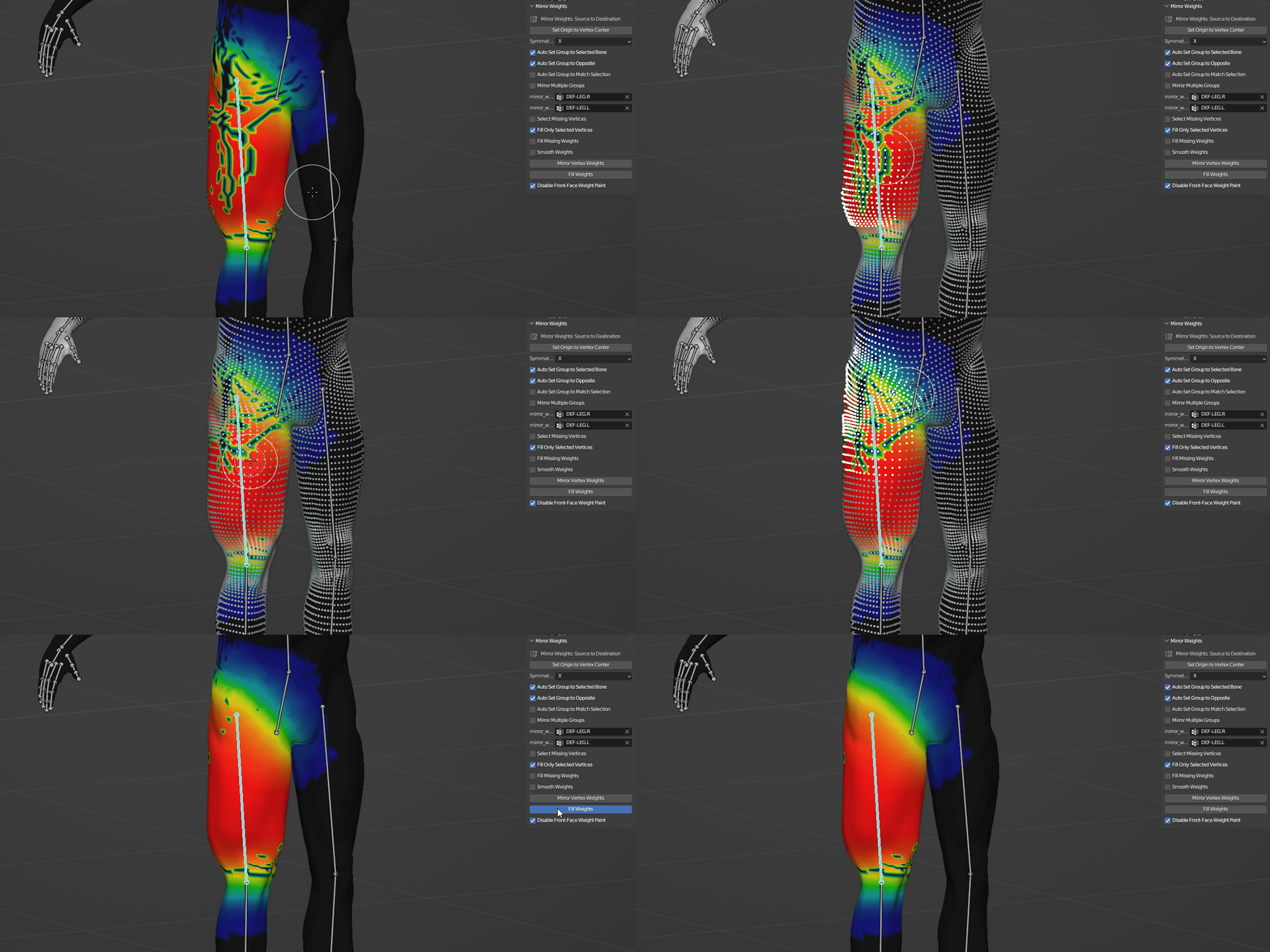
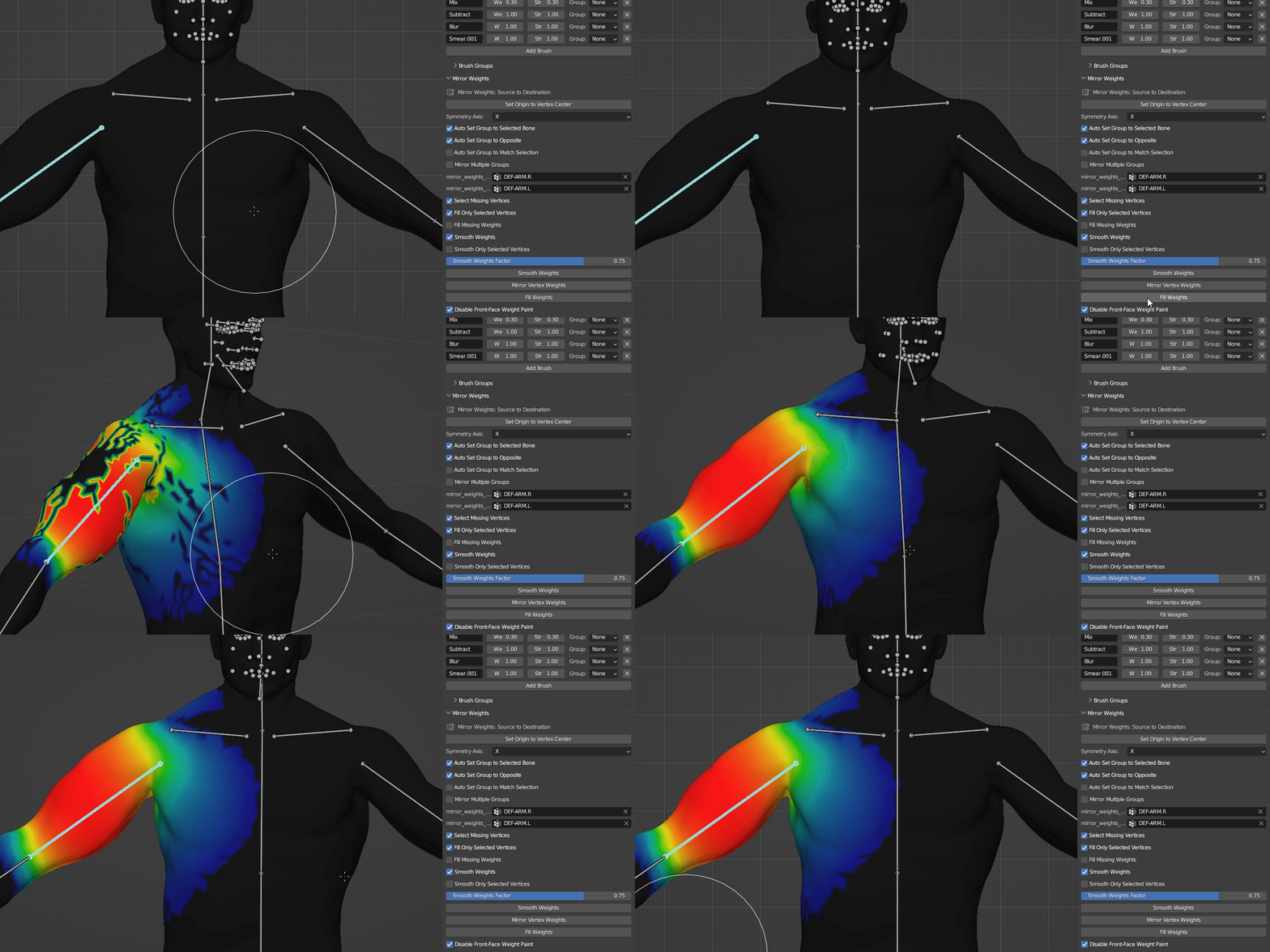
- Mirror Weights Panel - Completely redesigned and now works with any naming convention (suffix/prefix) and custom identifiers. No longer hardcoded to .L/.R!
- Bone Parenting Menu - Reworked for cleaner UI and workflow
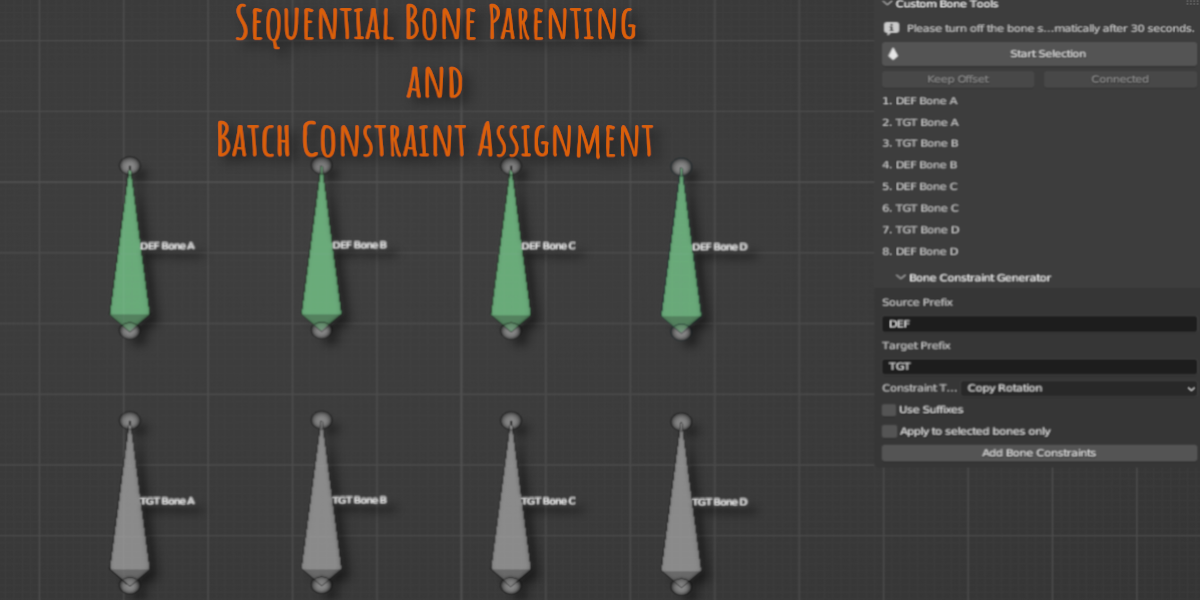
- Sequential Bone Parenting - Completely redesigned with more options and improved usability
- Batch Constraints - UI refresh and improvements
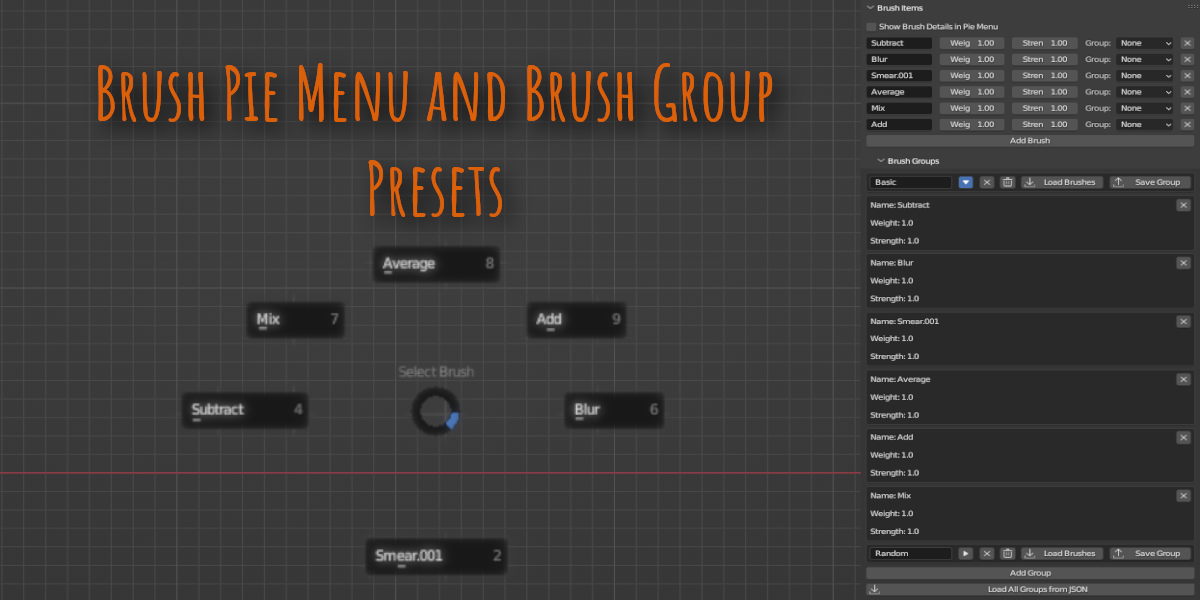
- Brush Pie Menu - Code optimization and bug fixes
- Addon Preferences - All keymaps now in one place, plus new 'Mirror Naming Convention' section
- Addon renamed - "Weight Paint and Bones A Blender Toolkit" -> "Weights and Bones"
- Batch Mirror - New progress overlay.
- Batch Mirror - Added an advanced validation system to detect naming issues and show clear warnings.
- General - Internal code cleanup and optimizations.
- General - Numerous small tweaks and UI polish.
-Fixed console error when pressing F3 (Operator Search Menu) in Object Mode.
No functional changes to existing features.
Fixed brush pie menu for Blender 4.3+ - Complete compatibility with Blender's new asset system
Full blend mode support - Added comprehensive mapping for all blend modes
Visual feedback improvements - Added checkmarks to show active brushes and blend modes
Better validation - Improved brush name validation with helpful error messages
Unified Settings helper - Added info popup explaining how Blender's unified settings affect brush behavior
International support - Improved file encoding for users with non-English characters
Various interface improvements
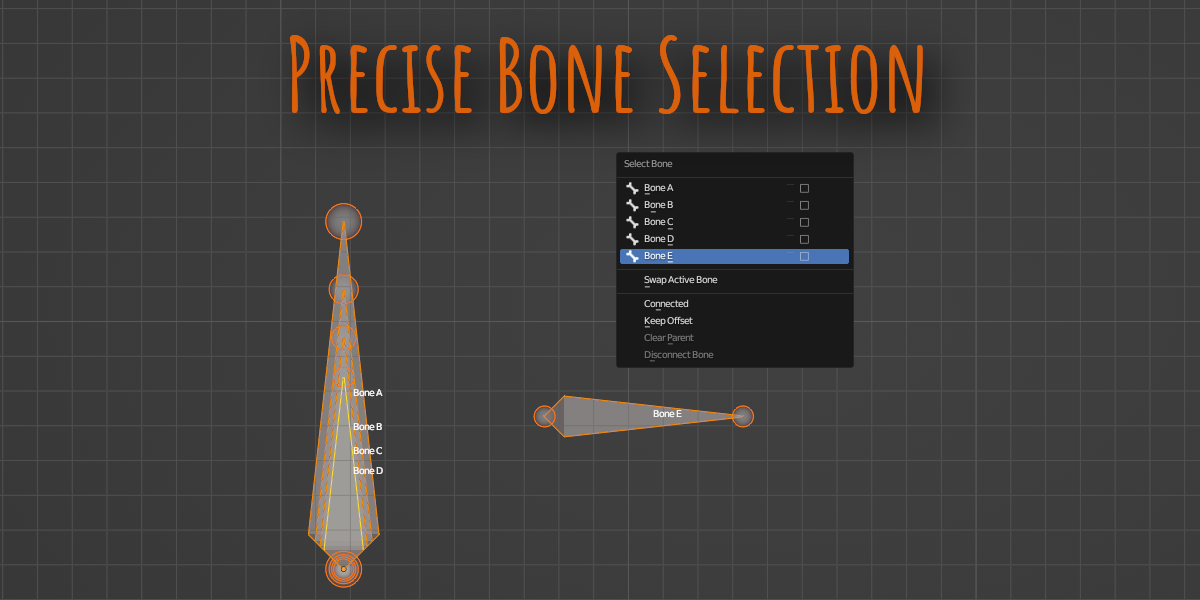
Completely redesigned bone selection interface (ctrl+shift+Q) - Transformed from a popup menu to a dedicated floating panel in the 3D View
Better multi-selection workflow - You can now check multiple bones with checkboxes without the panel closing after each action
Persistent interface - No need to constantly reopen the menu when performing multiple operations
Cleaner visual design - Improved spacing and organization for better usability
Discover more products like this
skinning animation Character rigging symmetry loveblender armature addon mirror bone rigging weight painting vertex group