WheelForge — Vehicles That Drive Right in Unity: Wheels Found, Centred and Straightened, WheelColliders and Suspension Set Up, Measured
 Skava
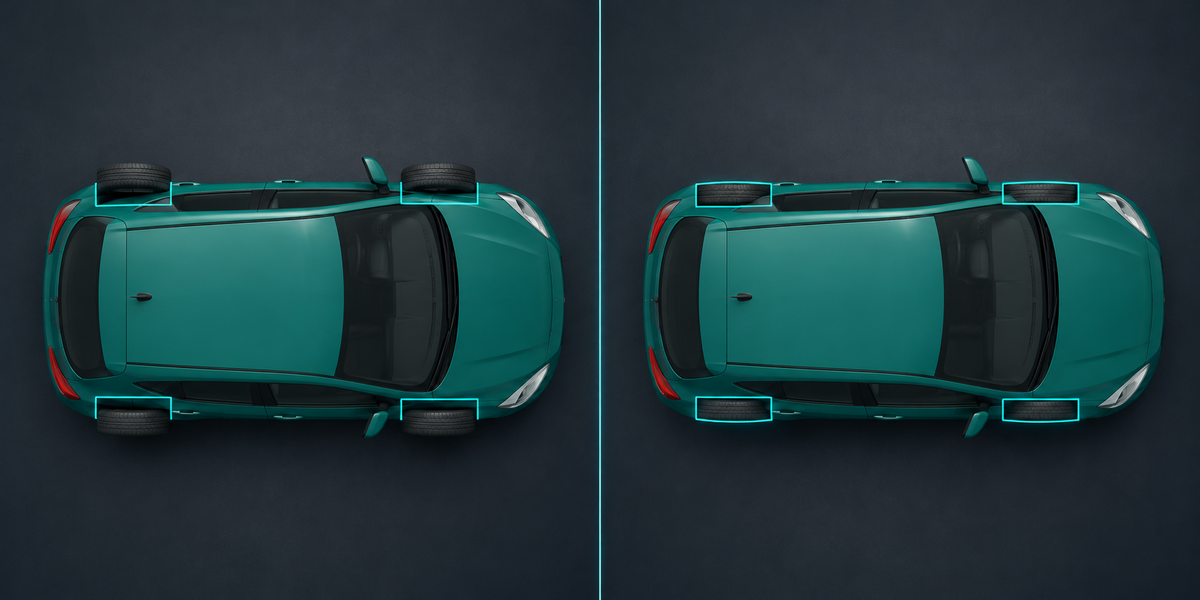

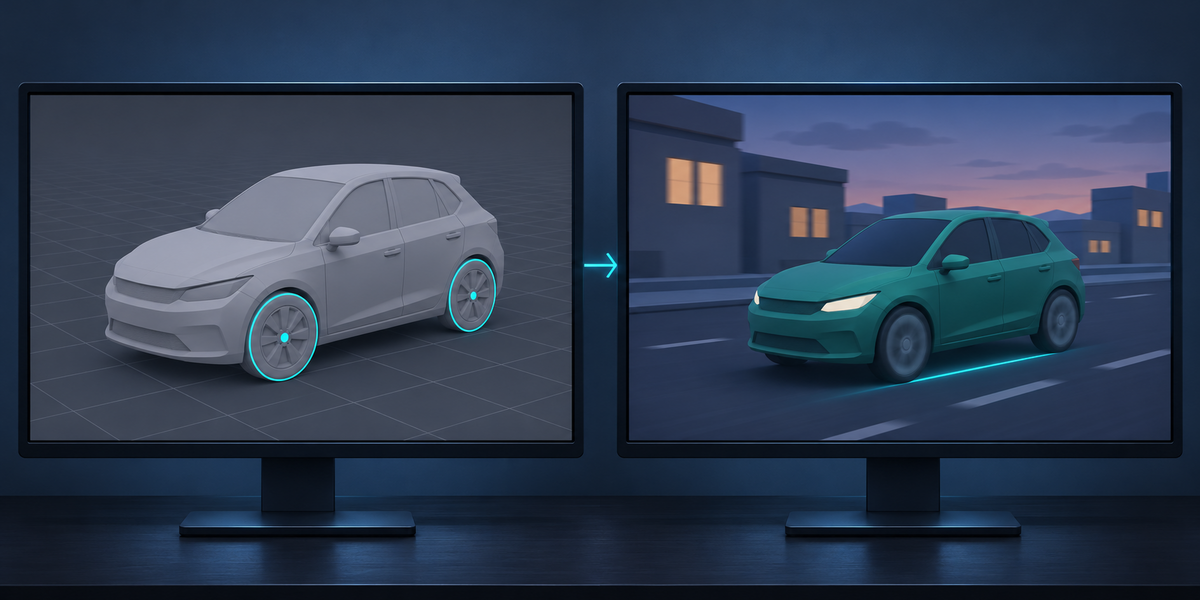

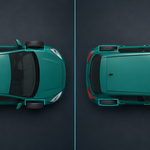
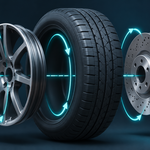

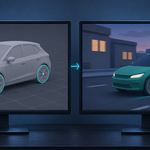
A WheelCollider turns the wheel object about its origin. Most models have the wheel's origin somewhere else: on the side of the tyre, at the car's centre, at the world origin. On Kenney's Car Kit every wheel's origin sits on the side face of its tyre, so a tutorial setup puts each tyre 105 to 178 mm beside its wheel. WheelForge moves every origin onto its axle in a copy, and Check measures the result in Unity: at most 0.2 mm on all 31 test vehicles.
Yes. Loose pieces of a mesh are looked at one by one; round pieces that touch the ground become wheels, and they are taken out of the body in the copy. A coffee cart with four casters merged into its frame is one of the test vehicles.
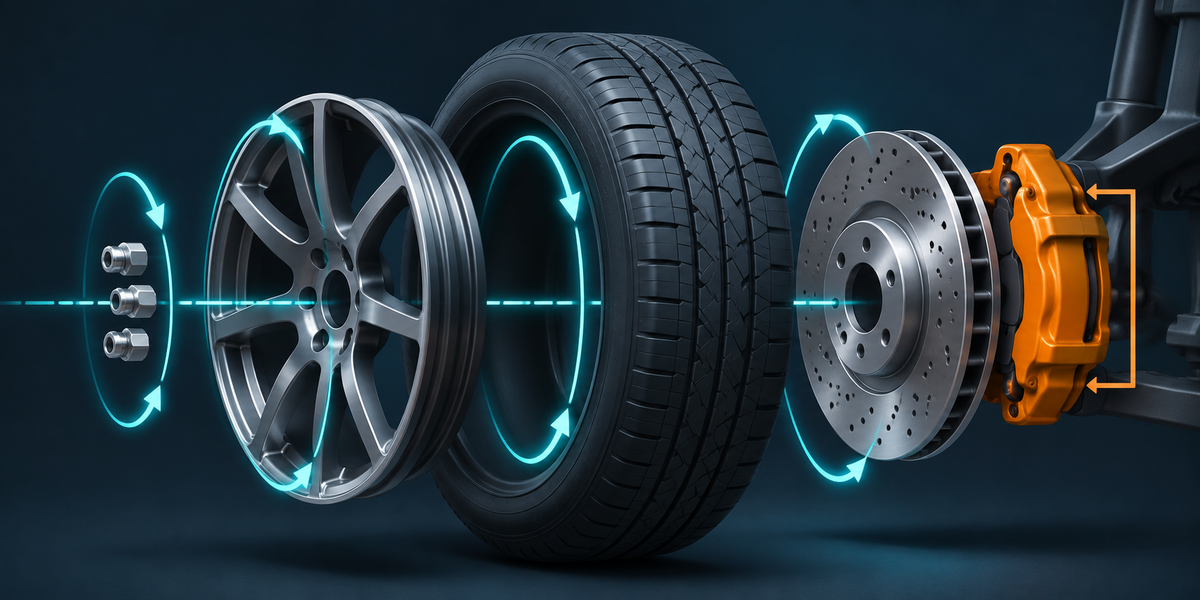
Parts inside a wheel that are not balanced about the axle (a caliper on one side), or named caliper, brake pad, knuckle and the like, go on a knuckle that steers with the wheel but does not spin. Rims, brake discs, hub caps and lug nuts turn with it.
WheelForge prepares what WheelCollider controllers generally expect: each wheel's origin on its axle with X along it, the vehicle facing +Z, WheelColliders at the tyre's radius. The included WheelForgeCar component keeps the tyres on the colliders; turn its driving off and let your controller set torque and steering. We tested with WheelForgeCar, not with every controller on the store.
Tested in Unity 6. Nothing depends on the render pipeline: Built-in, URP and HDRP are the same.
No. Everything happens in a copy in a new collection; your objects keep every vertex and transform (that is one of the checks).
Not in 1.0: WheelForge sets up three or more wheels on the ground with WheelColliders.
No. Everything runs locally, in Blender and in Unity.
Have questions about this product?
Login to message
| Published | about 2 hours ago |
| Blender Version | 4.2 - 5.2 |
| Extension Type | N/A |
| License | GPL |
Discover more products like this
wheel collider Game Engine game-dev physics wheels Export unity vehicle suspension fbx rigging car