 Skava
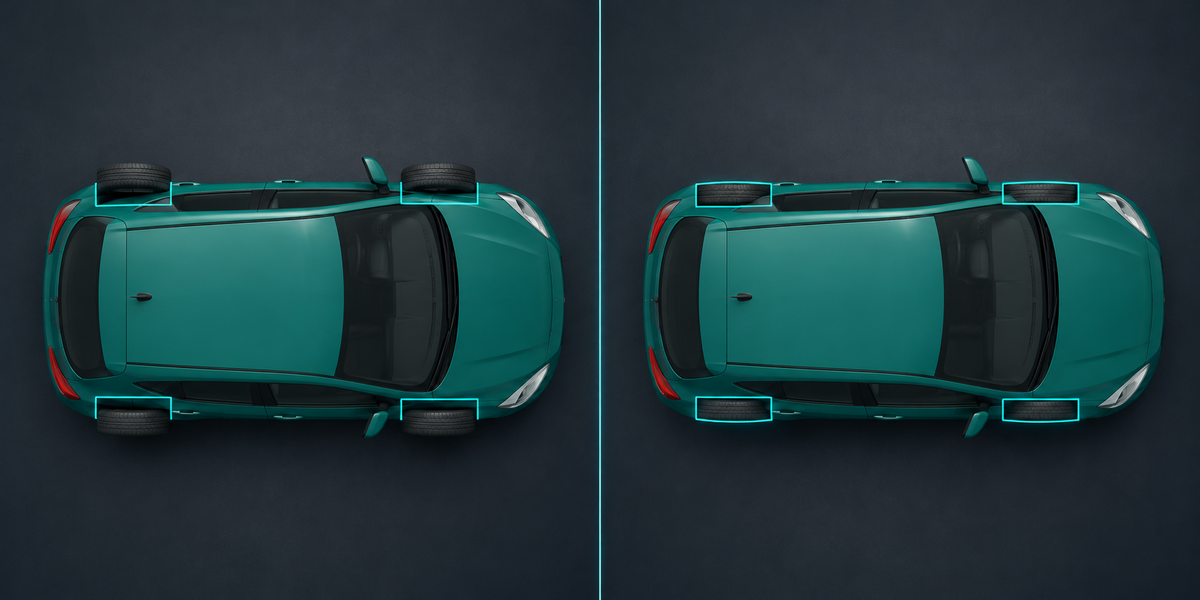
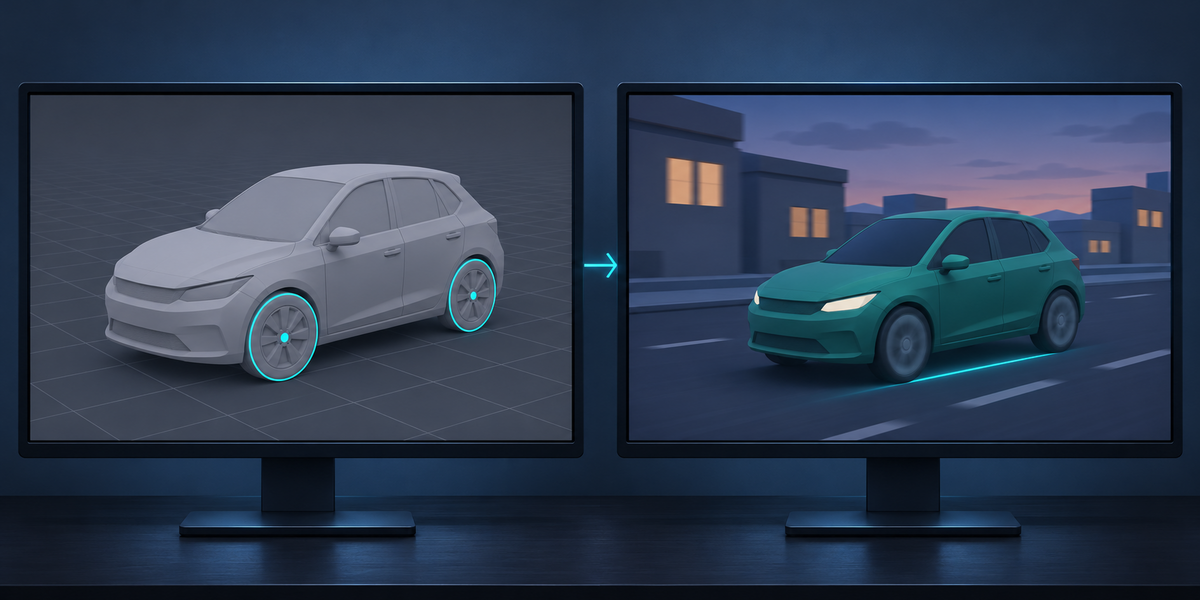


Drop a car from Blender into Unity, add WheelColliders the way every tutorial does, press Play, and the tyres float beside the car, wobble as they turn, sink into the road or hang above it, and the car drives sideways or pulls off the road. The cause is in the model, not in Unity: wheel origins off the axle, wheels turned or tilted at rest, tyres merged into the body. WheelForge finds the wheels, fixes all of that on a copy, builds the WheelColliders and the suspension for you in Unity, and then drives the car in Unity's physics and reports every wheel in millimetres, next to the tutorial setup of the same model.
What you get
- Wheels found for you: by name (wheel, tire, tyre, rim and their German, French, Spanish, Italian and Russian words) and by shape: anything round that touches the ground with a level axle. Wheels merged into the body mesh, made by a Mirror modifier, or built from several pieces are found too. Steering wheels and spare wheels are left out, and the panel says why.
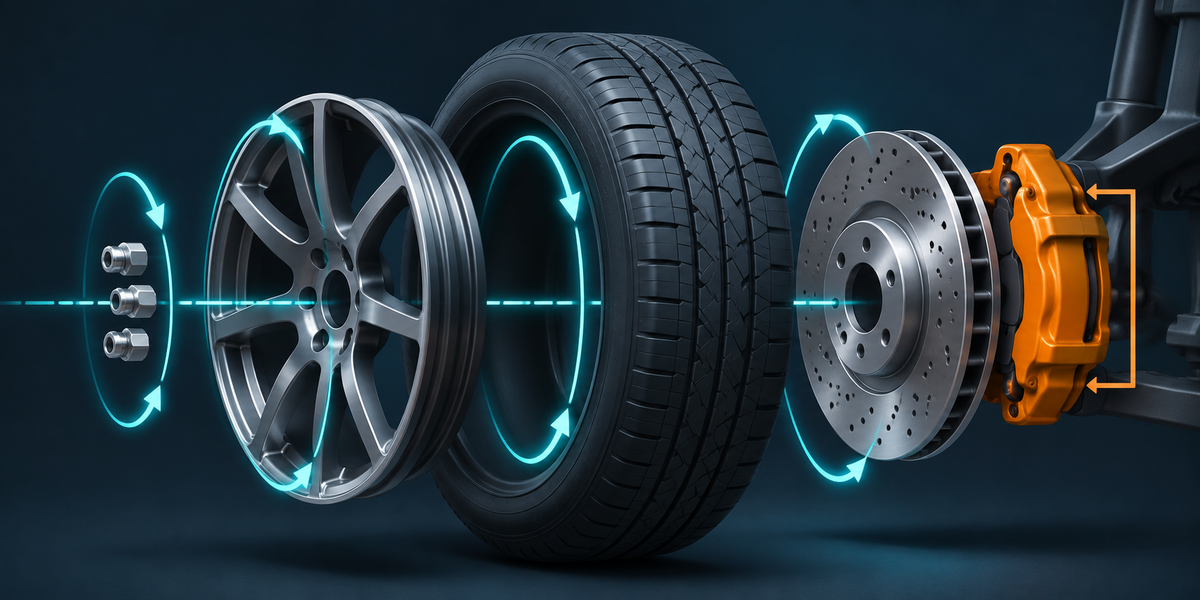
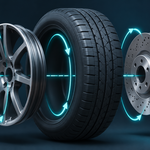
- Each wheel put together: tyre, rim, brake disc, hub cap and lug nuts turn with the wheel; a brake caliper stays still on its own knuckle that steers but does not spin.
- Every wheel fixed on a copy: its origin on the axle, turned straight (steer and camber at rest removed), the vehicle facing +Z with its origin on the ground under the middle of the wheels. Your objects are not changed.
- A body collider: a convex hull of the body, at most 250 faces, kept clear of the road.
- Unity set up in one menu: a prefab with a Rigidbody, a WheelCollider per wheel at the tyre's own radius, suspension from mass and spring frequency, placed in physics so the loaded tyres sit exactly where the model has them; and a small component that keeps tyres and calipers on the colliders and drives the car from three inputs (or leave that to your own controller).
- Proof in the engine: Check drives the car in Unity's physics: at rest, 30 m or more straight ahead and steering. It reports for every wheel how far the tyre is from its collider, how far its axle leans, how much it hops, how far it is from the ground, and whether the car drives sideways or pulls. The same model set up the tutorial way is measured next to it.
Measured
- 31 vehicles in Unity 6 (25 cars, karts, trucks and tractors of Kenney's Car Kit, the Khronos Car Concept with brake calipers and steered front wheels, a coffee cart with four swivel casters merged into its body, and the same cars turned, moved, in centimetres under a 0.01 root, in a scene with Unit Scale 0.01, and Y-up). Tutorial setup: tyres up to 178 mm beside their wheels, axles off by up to 8.6°, a car hanging 157 mm above the road, a tractor driving 43° sideways, a truck pulling 8 m off line in 50 m. With WheelForge: tyres at most 0.2 mm from their wheels, axles within 0.4°, no sideways drive, at most 2.2 cm off line in 50 m, on every one of the 31.
- Blender 4.2.9 and 5.2.2: 59 checks of the Blender side, including that the source objects keep every vertex and transform.
- The checks themselves fail when they should: a copy of a car modelled with turned wheels left unstraightened, tyres 5 cm off their axles, or colliders 10% too small, is reported as failing.
Blender 4.2 to 5.2, Unity 6 (tested). Built-in, URP and HDRP alike: no render pipeline involved. No AI, no cloud, no account.