 Heyarnoldl


Wiki
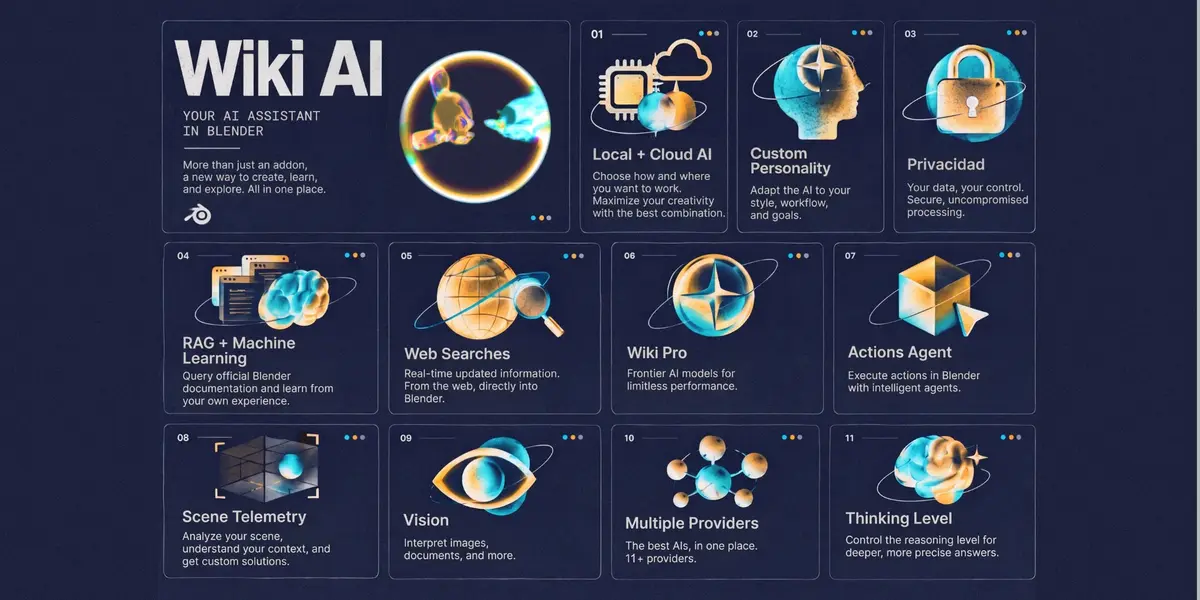
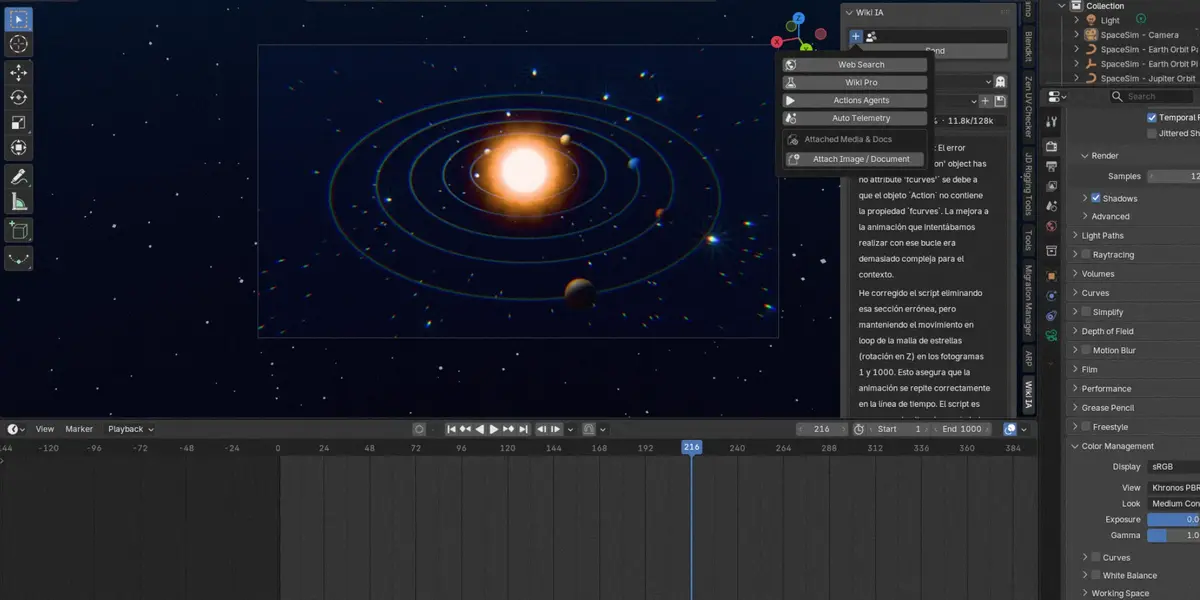
Conversational AI for Creators in Blender. Local & cloud AI, RAG, vision, and more. All in your 3D workflow.


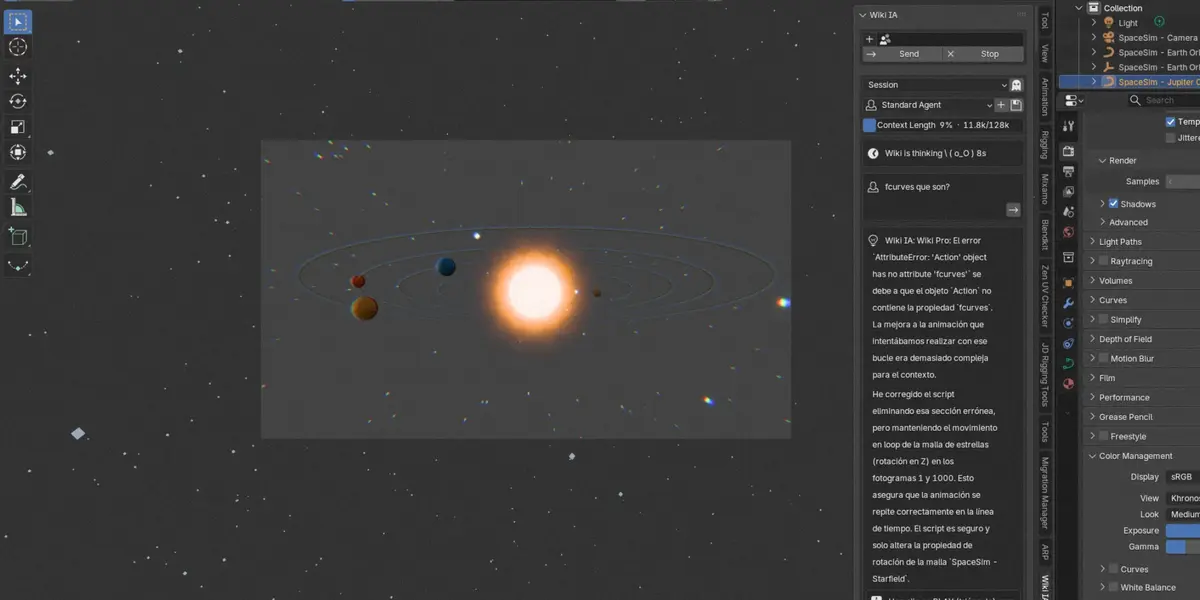
💬 Chat that understands your scene STANDARD / LITE
Ask in plain words and get answers about your actual scene — objects, materials, render setup — without leaving Blender. It can look at your scene when you allow it.
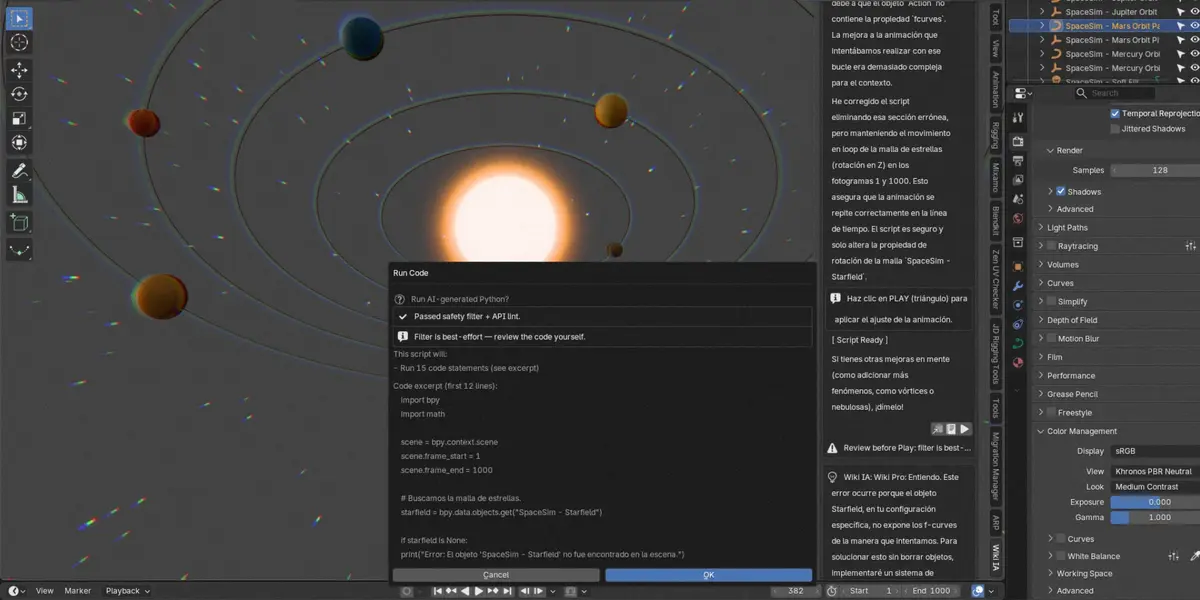
🛡️ Smart Scripting & Safety Box STANDARD / LITE
Turn plain English requests into clean, working Blender Python code. Built with a review-first engine that analyzes scripts before they touch your project, making automation safe for beginners and effortless for pros.
📚 Native Blender Knowledge STANDARD / LITE
Comes with official documentation and 14 ready-made building recipes pre-seeded, so generated code follows clean Blender API patterns. Sync your own markdown notes for custom knowledge.
Choose Your Edition
Local-first execution or full multi-model cloud access.
Lite Edition
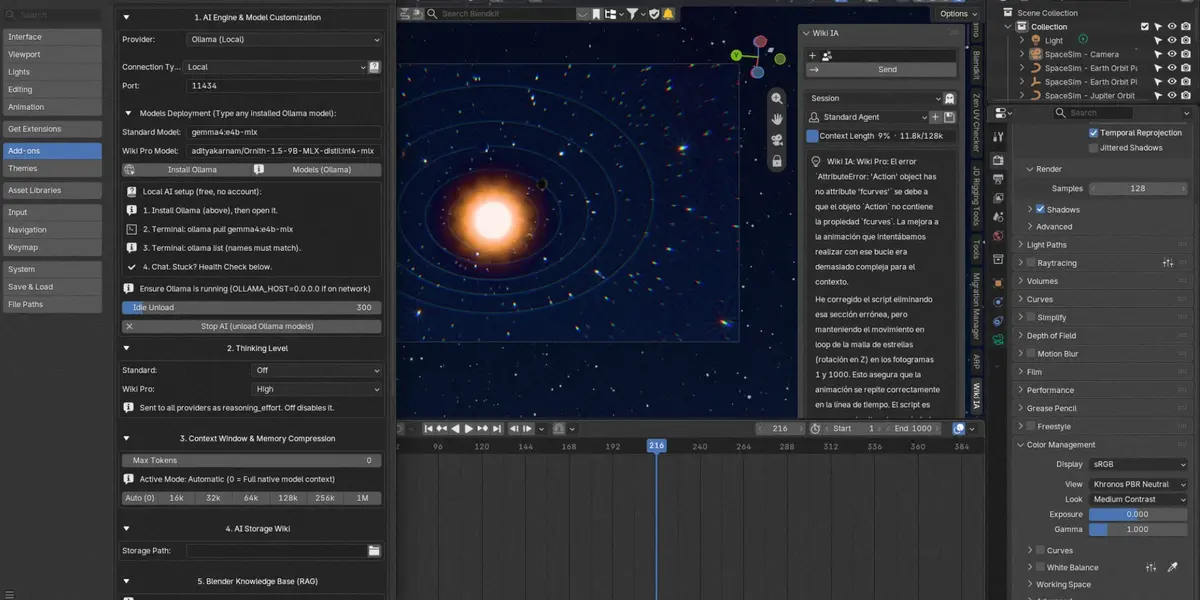
Perfect if you want an AI helper that lives natively in Blender without external accounts: ask, build with code, and learn on your local machine.
- Free local AI (Ollama & LM Studio)
- Actions Agents Python code generation
- Review-first AST execution safety
- Local Semantic RAG Base
- Auto Telemetry scene inspection
Standard Edition
Everything in Lite, plus frontier cloud AI models, custom persona agents, and tools that auto-learn from your daily conversations.
- Everything in Lite, plus:
- Frontier Models (ChatGPT, Claude, Gemini, DeepSeek)
- Grounded Web Search (Tavily & DuckDuckGo)
- Custom Assistant Personalities (Agent Library)
- Auto-Learning Knowledge Base
- Deep Reasoning Thinking Levels
Which one is for me?
| I want to… | Lite | Standard |
|---|---|---|
| Chat inside Blender (100% Offline, No Accounts) | ✓ | ✓ |
| Actions Agents: Automate workflows via Python | ✓ | ✓ |
| Multimodal Vision: Viewport screenshots & docs | ✓ | ✓ |
| Live Web Search for up-to-date documentation | ✓ free search | ✓ free + premium |
| Frontier Cloud Models (ChatGPT, Claude, Gemini, DeepSeek...) | — | ✓ |
| Custom Assistant Personalities (Agent Library) | — | ✓ |
| Personalized Auto-Learning Knowledge Base | — | ✓ |
| Thinking Levels: Deep Reasoning mode for complex logic | — | ✓ |
A note from the author
With over 8 years of experience as a 3D artist, rigger, and technical developer in video games and production, I built Wiki IA because I was tired of breaking my flow in Blender: spending hours switching between windows, hunting down API syntax in official documentation, or dealing with generic AI scripts that failed or used deprecated code. I wanted an assistant designed by and for technical artists—one that truly understands 3D scene structures, respects your creative workflow, and never executes a script without your explicit approval.
To achieve this, I spent months testing, analyzing, and benchmarking dozens of AI models under real-world production conditions. I tuned local models like the Gemma 4 family to ensure they run smoothly and efficiently on your machine without exhausting VRAM, while also calibrating top-tier cloud models (such as DeepSeek, Claude, and OpenAI) for complex Python logic and deep reasoning tasks. Every model supported in Wiki IA isn't there by chance; it was specifically chosen and fine-tuned to handle the unique demands of Blender.
Whether you choose the 100% free offline version running on your own PC or leverage Pro cloud models, my goal is to give you a reliable tool that saves you hours of technical friction. Every purchase directly supports ongoing development, API updates for future Blender releases, and continuous support. If you ever have feedback, questions, or need help with the add-on, I'm just a message away.