 3D Tudor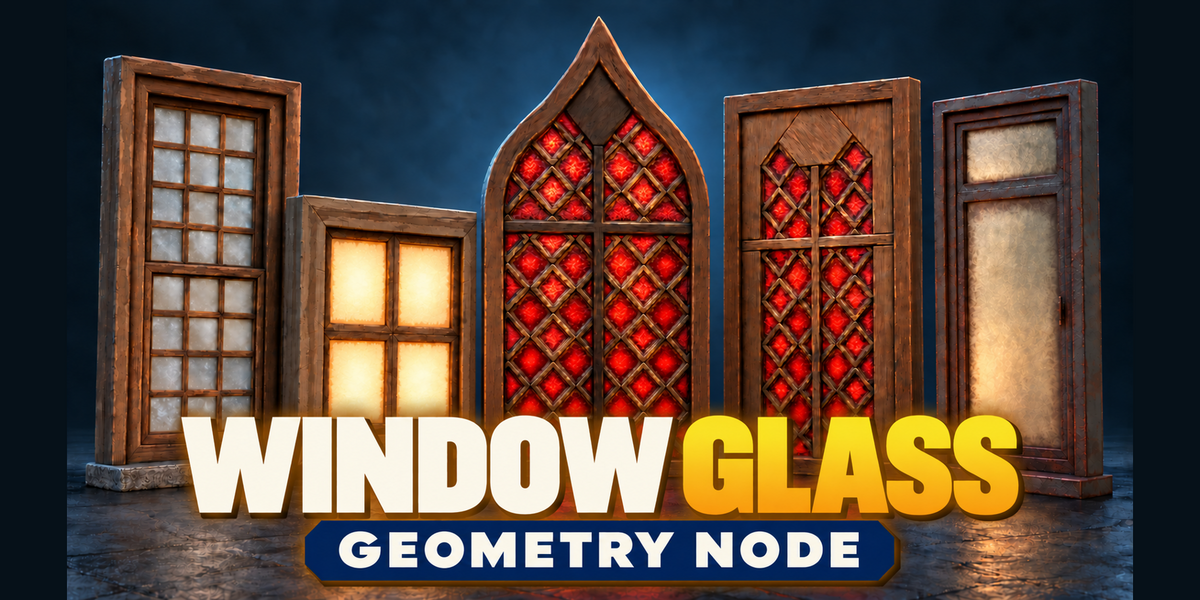
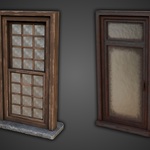
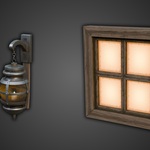
3D TUDOR · BLENDER MATERIAL SYSTEM
Window Glass Shader
Shape the glass. Vary the dirt. Set the light.
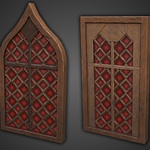
A window can look cared for, neglected or alive with warm light before you add anything behind it. Window Glass Shader by 3D Tudor gives you the surface controls to make that decision: clear or coloured glass, dirt around the boundary, uneven reflections and optional illumination.
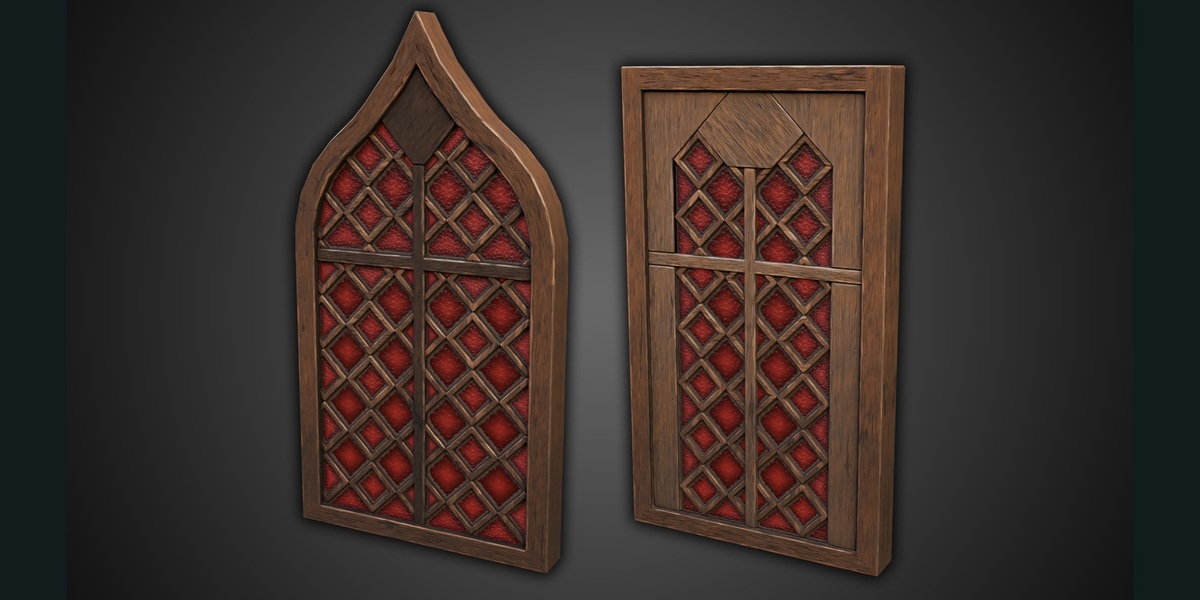
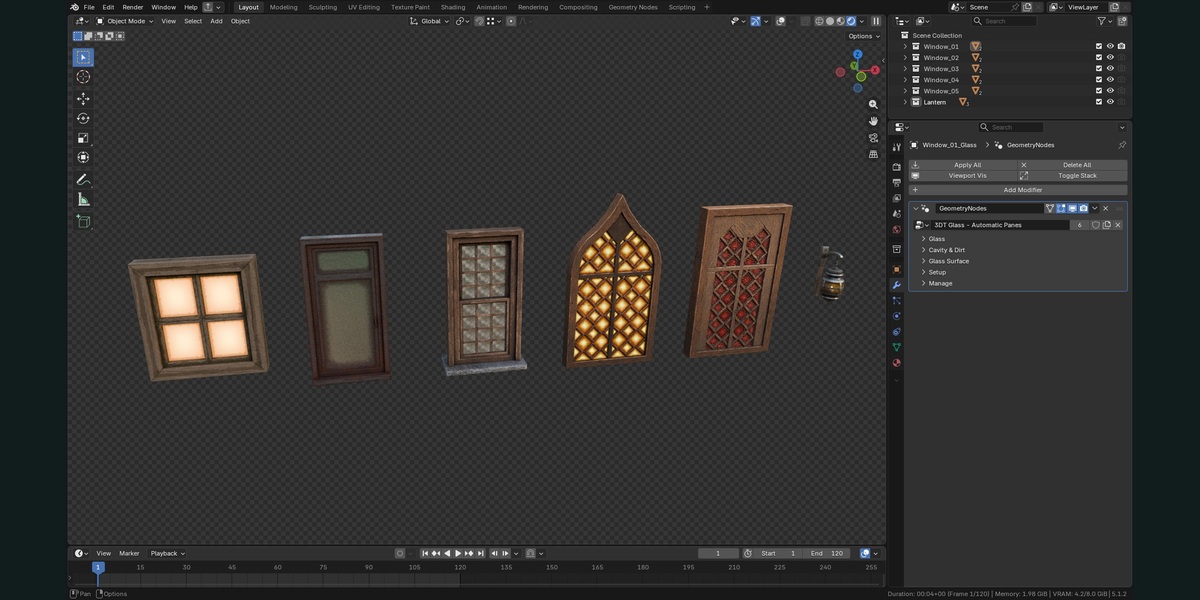
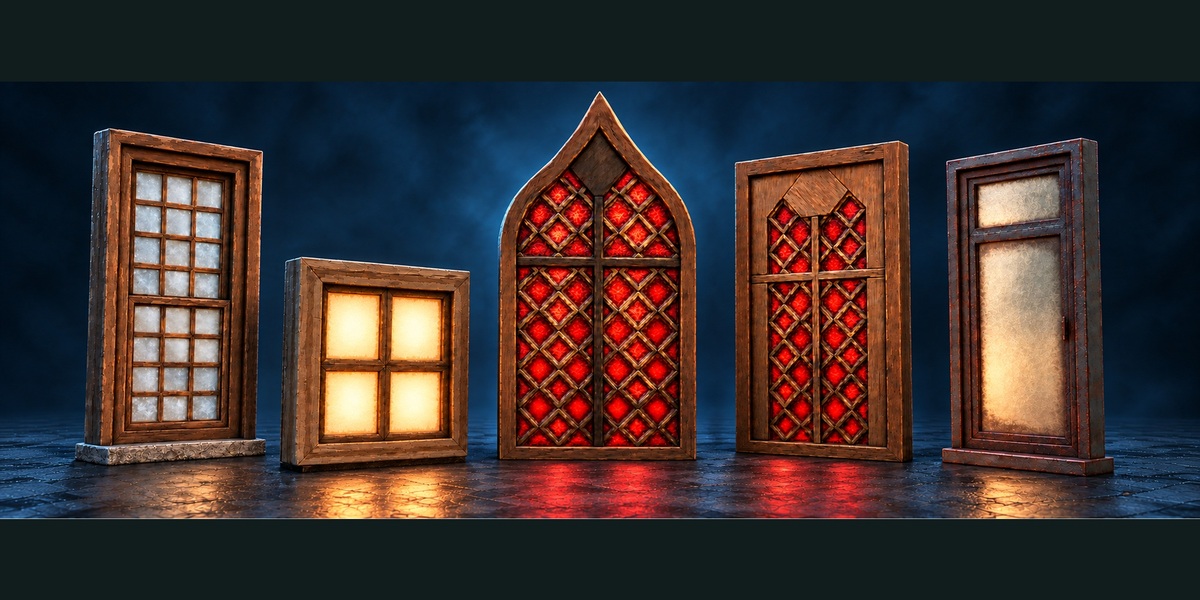
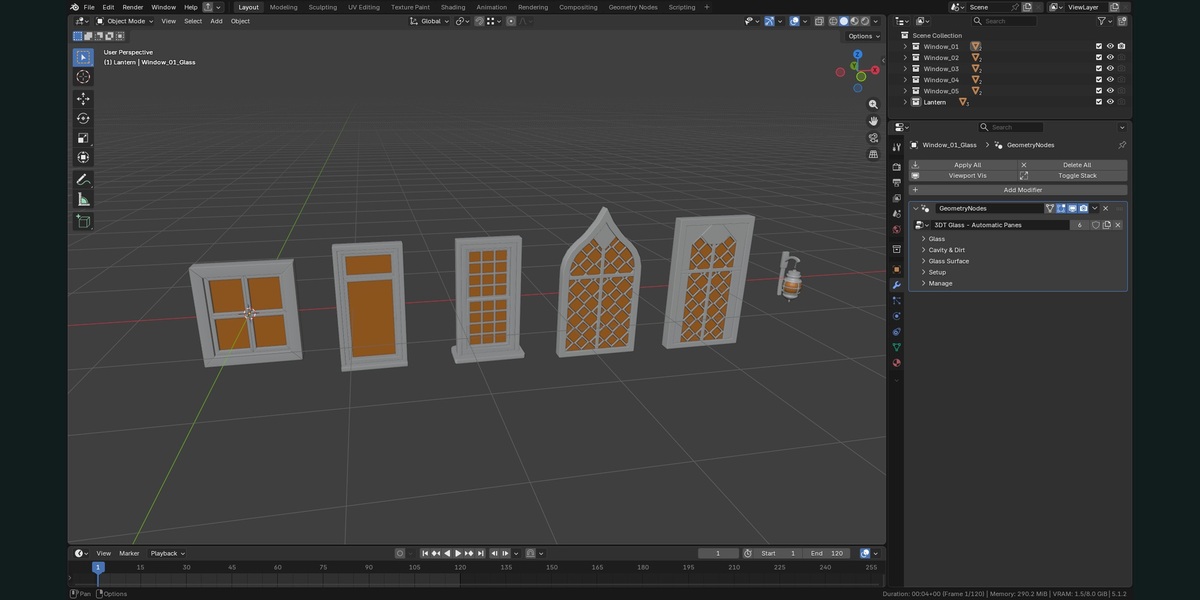
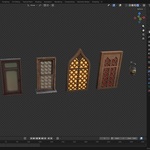
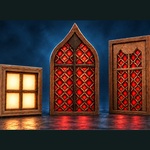
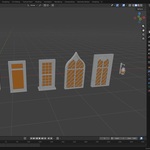
The material works with the Automatic Panes Geometry Nodes modifier. Start from an open pane mesh and let disconnected faces or islands receive separate pane treatment. Explore five prepared windows and a lantern, then bring the reusable system into your own Blender scene.
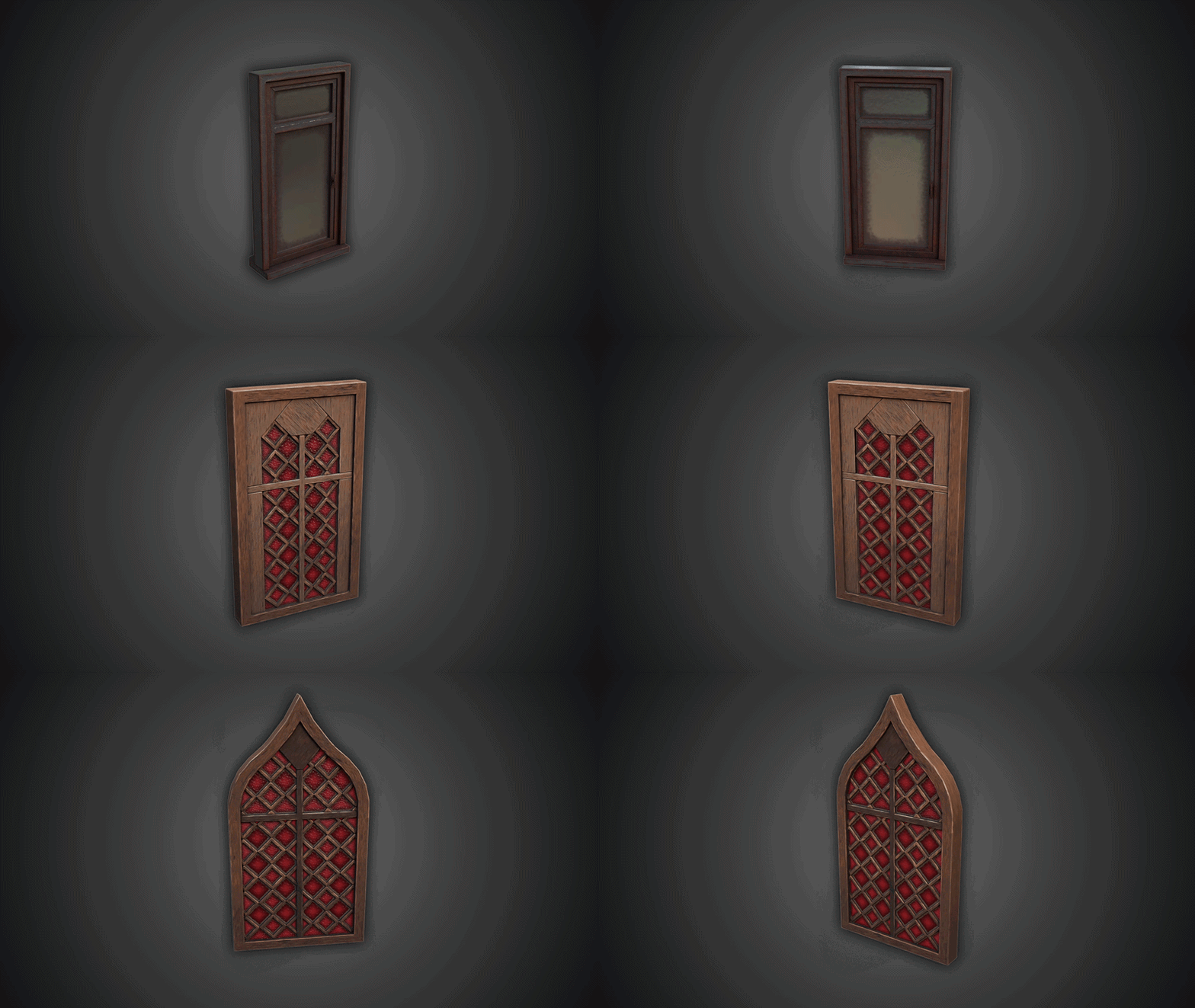 The supplied silent preview shows the Window Glass Shader examples in motion.
A clear centre, a different edge
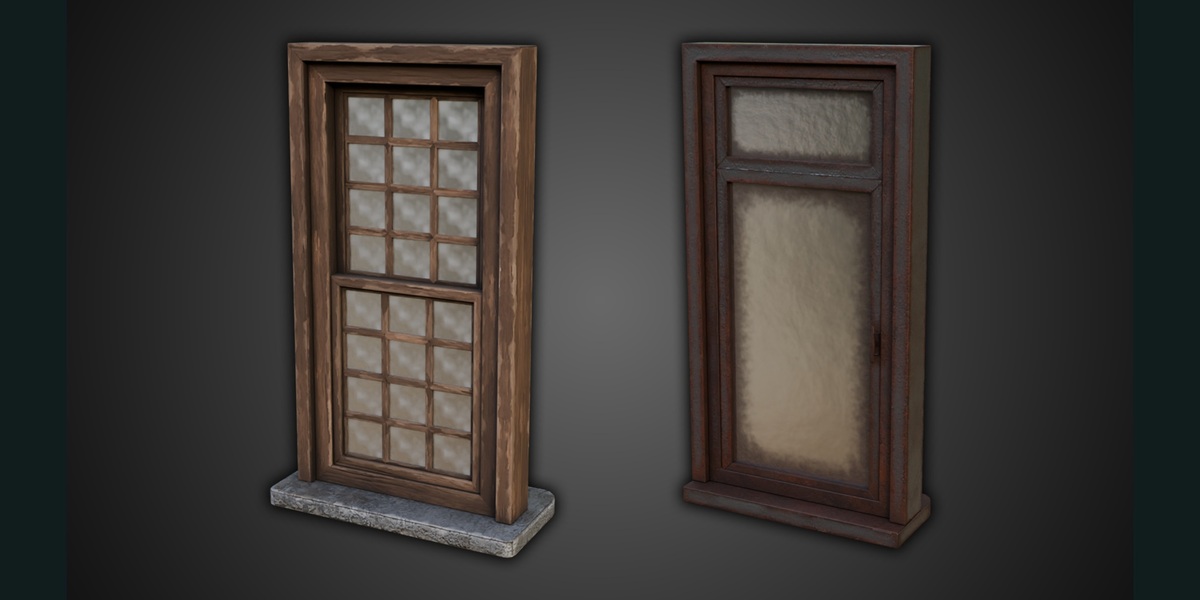
Glass Edge Colour creates a boundary tint independent of the dirt overlay. Keep that tint on a clean pane, remove it for a more uniform finish, or combine it with dirt that has its own colours, roughness and opacity. Choose Basic, Rounded or Circular clear-centre shapes and refine their inward reach and softness.
Pattern and coverage variation change neighbouring panes independently. Separate seeds reshuffle the mottling and dirt amount, so you can try another arrangement without redesigning the glass itself.
Surface detail at the scale you need
Use broad cloudiness and handmade ripples alongside fine frost, scratches and speckles. Glass colour patterns and fine bump have independent scale controls. Shift their placement per island or concentrate wear near pane edges. Consistent World Scale keeps glass detail at a related size across separate objects, while dirt retains its own mapping.
This combination supports a range of cloudy, worn and coloured glass appearances from one system. The ripples and bump are surface-shading effects; they do not displace the mesh silhouette.
Make the panes part of the lighting design
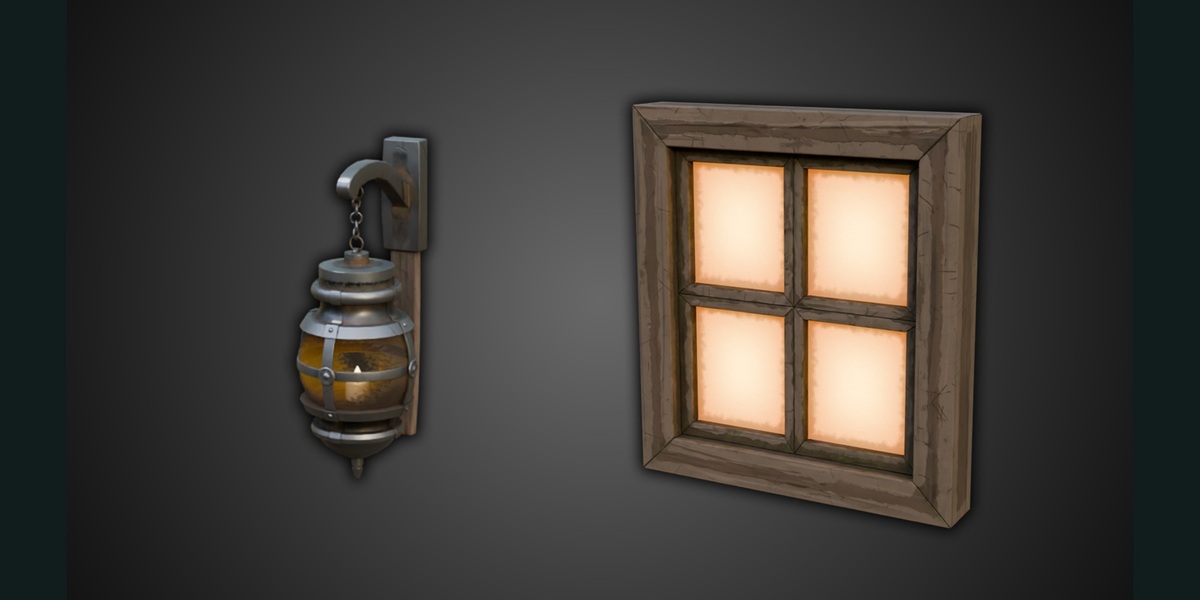
Centre and edge glow can be adjusted independently. Warm illumination brings a different character to the window and lantern examples, while advanced reflection and metallic-mirror settings offer further finish options. Reduce strong glow when checking fine surface marks under side lighting.
Start with the prepared file
The native Blender file includes 59 exposed controls in the main Automatic Panes group, five window examples, a lantern and packed textures. A written guide introduces the setup. The silent controls demonstration runs for approximately 7 minutes 58 seconds, with a separate 14-second preview for a quick look at the product.
Designed for a Blender workflow
Inspected in Blender 5.2.2 LTS. The supplied scene uses Cycles and one window example completed a Cycles test render. No add-on installation is needed. Earlier releases and EEVEE are not verified. The product provides pane shading and its supporting controls, rather than an automatic window-frame generator.
Useful working notes
Edge Mapping Quality increases geometry cost as you raise it. Some Material Preview viewing angles can show shimmer with scratches or speckles. Check the appearance in your intended scene and render; strong glow or roughness can also hide delicate surface detail.
Choose the licence for your project
Standard Licence — $24.99 for personal, non-commercial projects. Commercial Licence — $49.99 for commercial and client work. Both options include the same complete product downloads.
Questions before you begin
Is this a collection of ten glass materials?
No. It is one reusable window glass system with examples. Other scene materials belong to the frames and lantern parts.
How do I use it on my own model?
Use an open pane mesh with the Automatic Panes modifier. Disconnected faces or islands receive individual pane treatment.
Can I keep the glass clear while adding dirt?
Glass opacity and the dirt layer have separate controls, so you can adjust them independently.
Which version and renderer are verified?
The file was inspected in Blender 5.2.2 LTS. The supplied Cycles setup passed a render check of one window example; other engines and earlier versions are not qualified.
Create with 3D Tudor
Join the community to share your Blender projects and connect with other artists.