 3D Tudor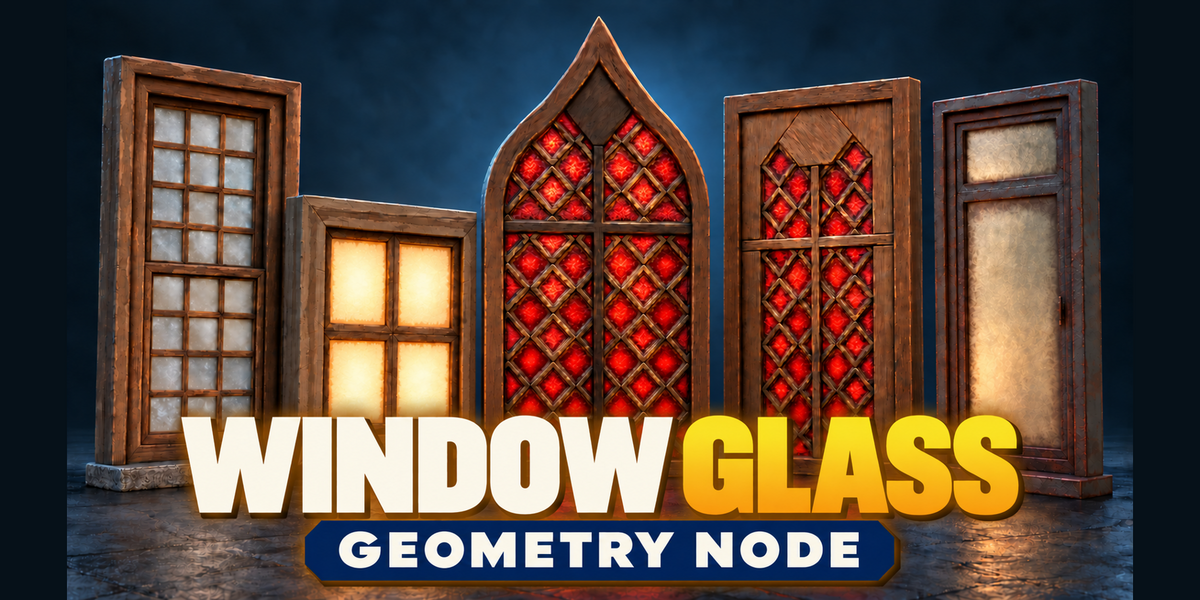
Window Glass Shader for Blender - Getting Started
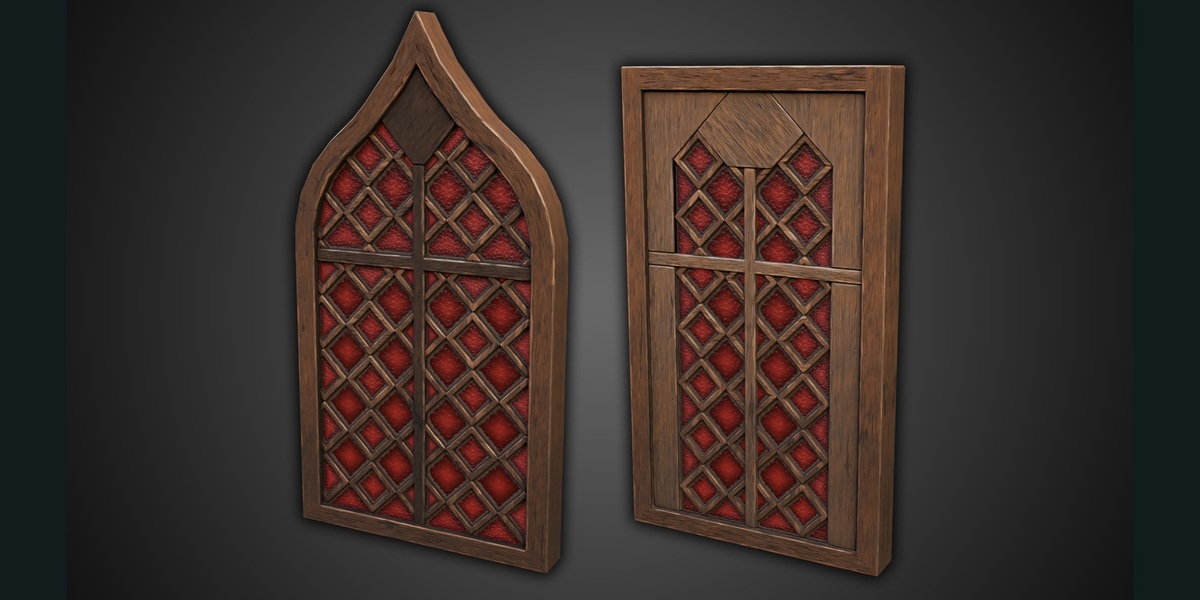
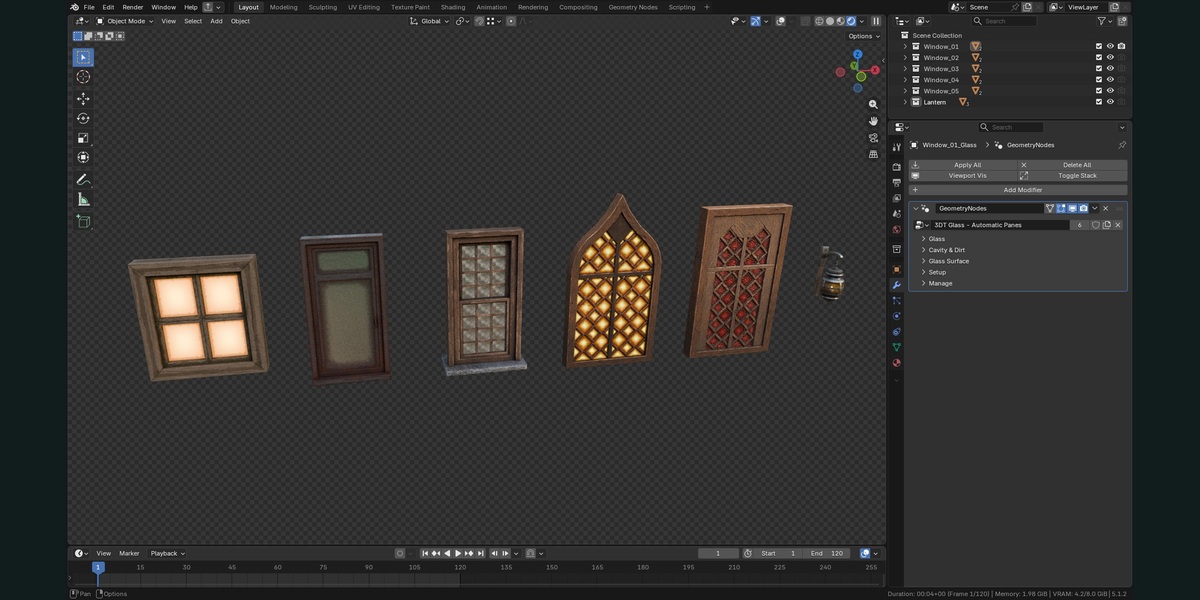
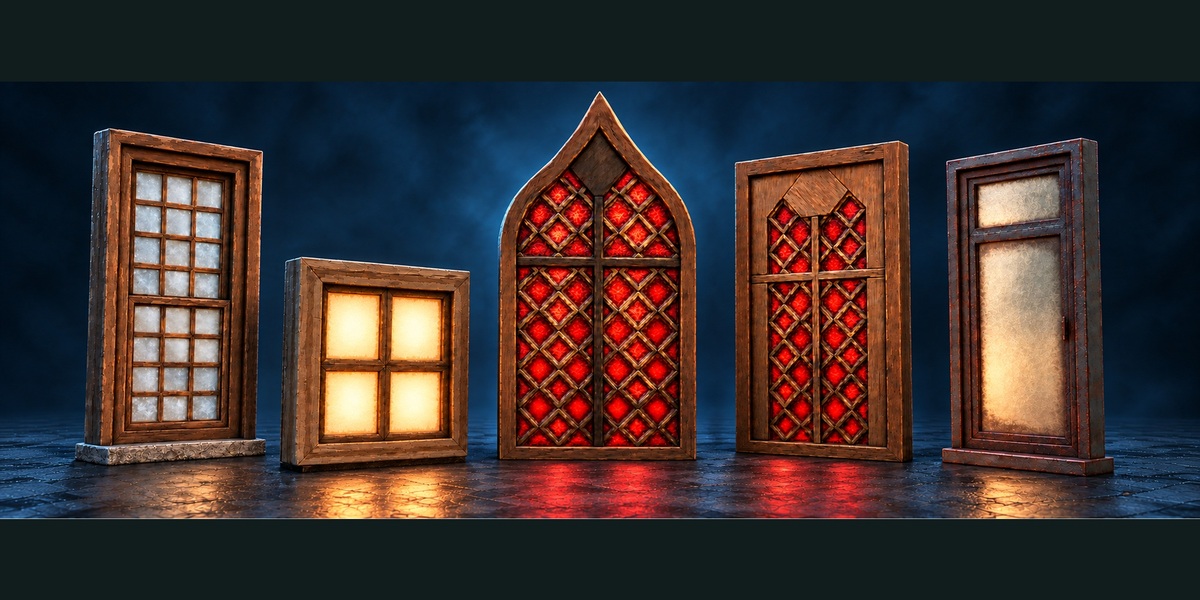
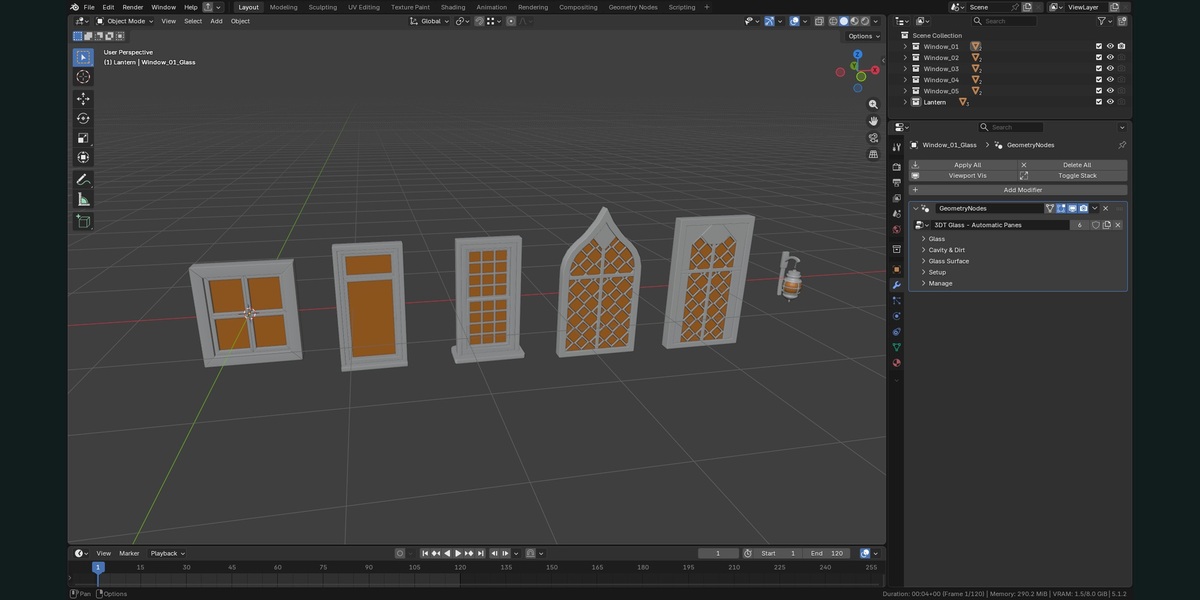
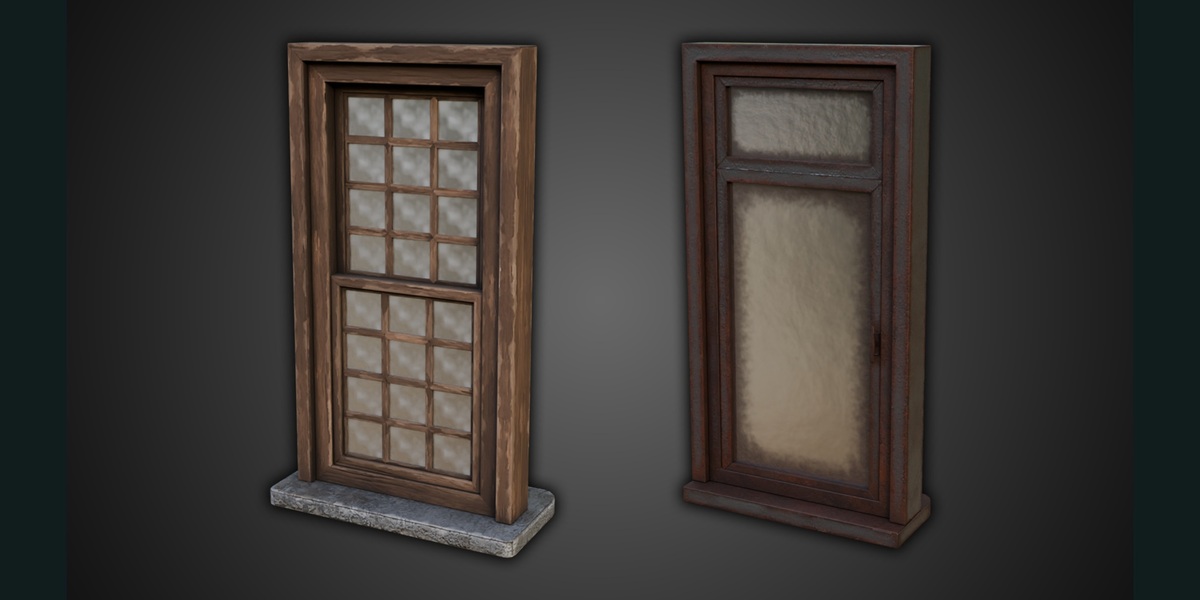
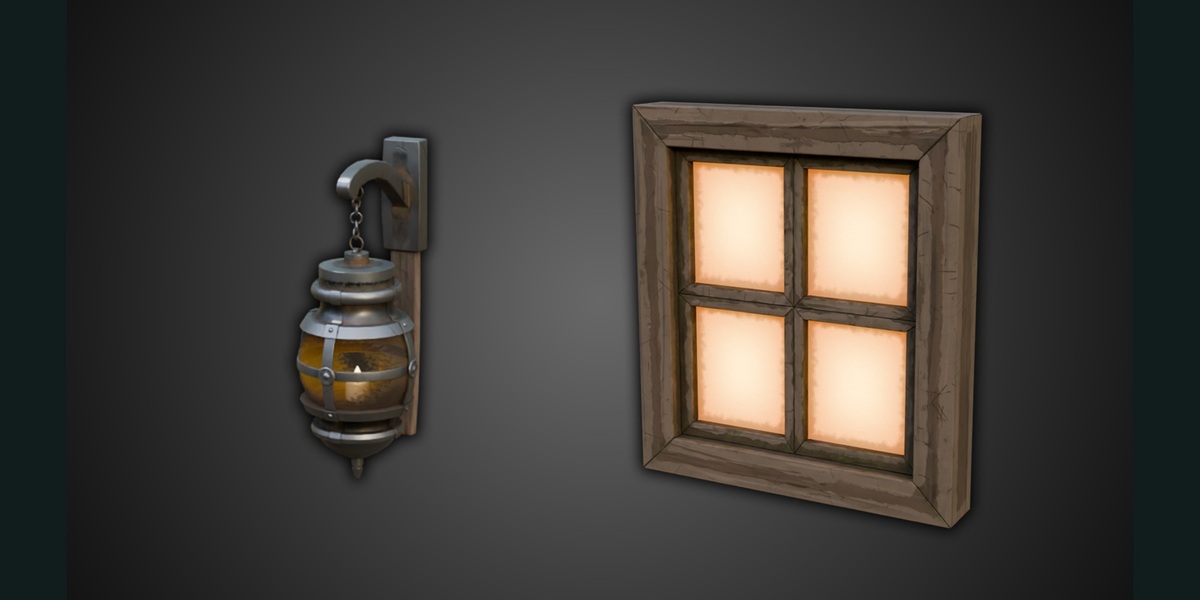
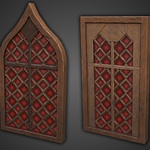
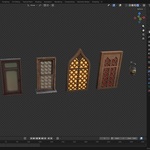
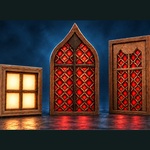
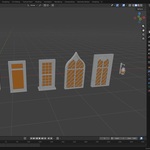
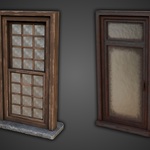
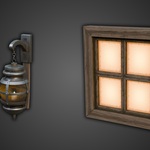
Window Glass Shader for Blender combines glass and dirt materials with Geometry Nodes controls for separate window panes. The native .blend contains five window examples and a lantern example to demonstrate the setup. Use Blender 5.2.2 LTS, the version checked for this package. Earlier versions are not verified. No add-on installation is required.
Start with an example
1. Open a copy of `3DT Window Glass Geometry Node.blend`. Keep the delivered file as your reference.
2. Select an object whose name ends in `_Glass`, then open its Modifiers tab. The modifier uses `3DT Glass - Automatic Panes`.
3. Adjust the exposed modifier controls. Test under useful side lighting; a bright Glow setting can conceal subtle roughness or bump effects.
4. Use Cycles to check your final appearance. One controlled Cycles render was checked in Blender 5.2.2. Material Preview can differ; an earlier shimmer concern in that mode has not been conclusively cleared by this validation.
Bring the setup into another project
Use File > Append, browse into the supplied .blend, open Collection and append a window or lantern collection. Appending the example collection brings its referenced node groups, materials and packed image dependencies with it.
For your own object, start with open pane faces: each disconnected face or island is treated as a separate pane. Keep the pane mesh separate from the frame. Once an example is appended, select your pane object, then select the example glass object last as the active object and use Object > Link/Transfer Data > Copy Modifiers (Ctrl+L > Copy Modifiers). Check on a duplicate first: copying modifiers can replace the target modifier stack. Alternatively add a Geometry Nodes modifier and choose `3DT Glass - Automatic Panes`, then set its inputs explicitly. Keep the appended dependencies until you have checked the new setup.
The tool expects pane geometry; it does not infer window openings from an arbitrary solid building mesh. Correct dimensions, transforms and sensible pane islands matter. Test complex outlines before production use.
Main controls
- **Glass:** Centre Colour sets the main colour; Roughness sets shine. Glass Opacity at 1 retains an opaque look. Lower it for see-through glass while dirt remains independent. Glow is optional. Mirror & Reflections provides further reflection controls.
- **Cavity & Dirt:** Pane Edge Tint colours the glass boundary; Edge Tint Amount at 0 removes it. Dirt Overlay is a separate opaque layer controlled by Show Dirt. Basic, Rounded and Circular clear-centre shapes are available. Set both dirt height controls to 0 for flat dirt.
- **Glass Surface:** Consistent World Scale at 0 sizes detail relative to each pane; 1 gives glass detail consistent world scale across differently sized panes and objects. Dirt has its own mapping.
- **Glass Pattern:** Amount at 0 removes colour variation; Detail Bump Strength at 0 removes fine bump. Their scales are independent. UV Offset Per Island varies placement between disconnected panes. Pattern Amount and Strength allow values up to 100 for exaggerated effects.
- **Surface weathering:** Edge Tint, Dirt Pattern, Ripple, Scratch, Speckle, Cloud and Frost Amount controls span 0-10. The 0-1 range retains the original strength; higher values intentionally exaggerate it. The scratch mask is packed in the blend.
- **Setup:** Edge Mapping Quality can improve complex boundaries but raises geometry cost. Start modestly and inspect close up before increasing it.
The file also includes `3DT Glass - START HERE`. The 59 non-geometry modifier controls are controls of the pane system, not 59 separate materials.
Textures and portability
The file contains 33 packed file-image datablocks, including example frame/lantern textures, the scratch mask and lighting image. Recorded original disk paths may refer to the creator's computer; packed images are stored in the blend. Appending examples brings referenced dependencies along. Keep images packed when saving a self-contained Blender handoff.
Limitations
This is a Blender procedural workflow, not a universal material pack or game-engine plug-in. FBX/OBJ cannot retain Geometry Nodes controls or this procedural glass/dirt appearance. Supplementary static reference files, if included by your store, contain neutral geometry snapshots only. Create and test your own baking/material conversion for external applications. The render test is not certification of every control combination or render engine.
Support: 3D Tudor Discord community
-
$24.99
Full Blender shader, guide and silent demonstrations for personal projects. One user; do not redistribute source files.
-
$49.99
Same complete shader, guide and silent demonstrations for commercial and client projects. One user; do not redistribute source files.
Have questions about this product?
Login to message
| Dev Fund Contributor | |
| Published | 1 day ago |
| Blender Version | 5.2 |
| Render Engine Used | Cycles |
| License | Royalty Free |
Discover more products like this
surface wear Material Glass Shader Glow dirt procedural geometry nodes frost Cycles window