WindowKit: Parametric Windows
 Visual Stuff Limited
Installation
- Download the WindowKit zip from your Superhive account. Do not unzip it.
- In Blender, open Edit > Preferences > Get Extensions.
- Click the arrow menu at the top right and choose Install from Disk...
- Select the WindowKit zip. The add-on is installed and enabled.
You can also drag the zip into the viewport and confirm the install. To update, install the new zip the same way. No restart is needed.
Quick start
- In the 3D viewport, choose Add > WindowKit Window. The window is placed at the 3D cursor.
- With the window selected, its settings are in the Object tab of the Properties editor and in the WindowKit tab of the viewport sidebar (press N).
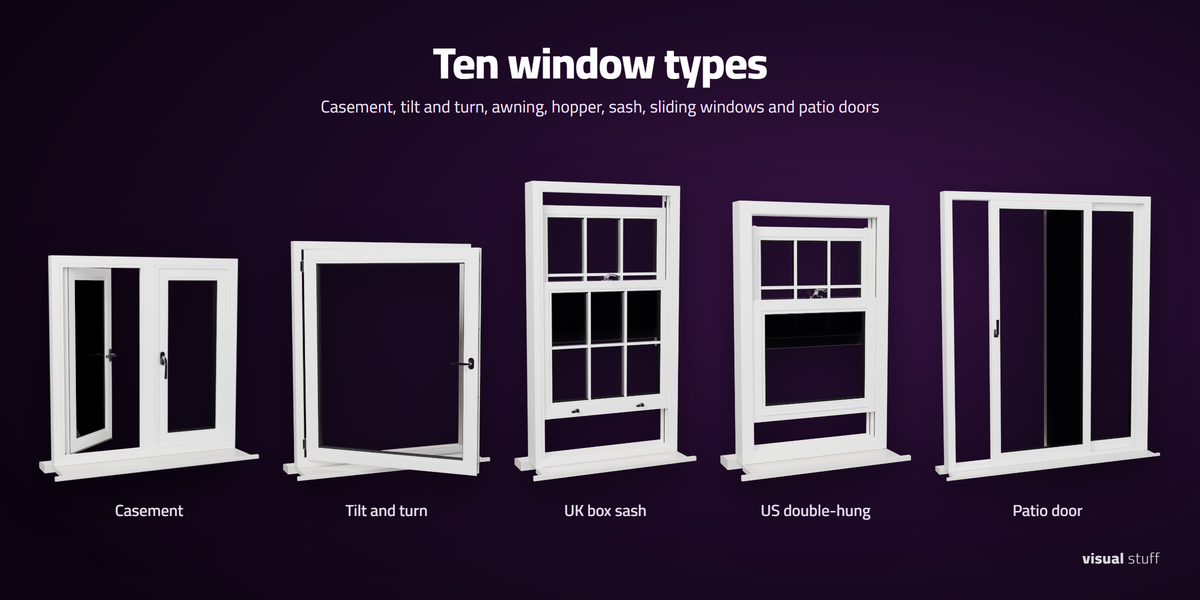
- Pick a Window type and a Size preset, or enter your own width and height.
The settings tabs
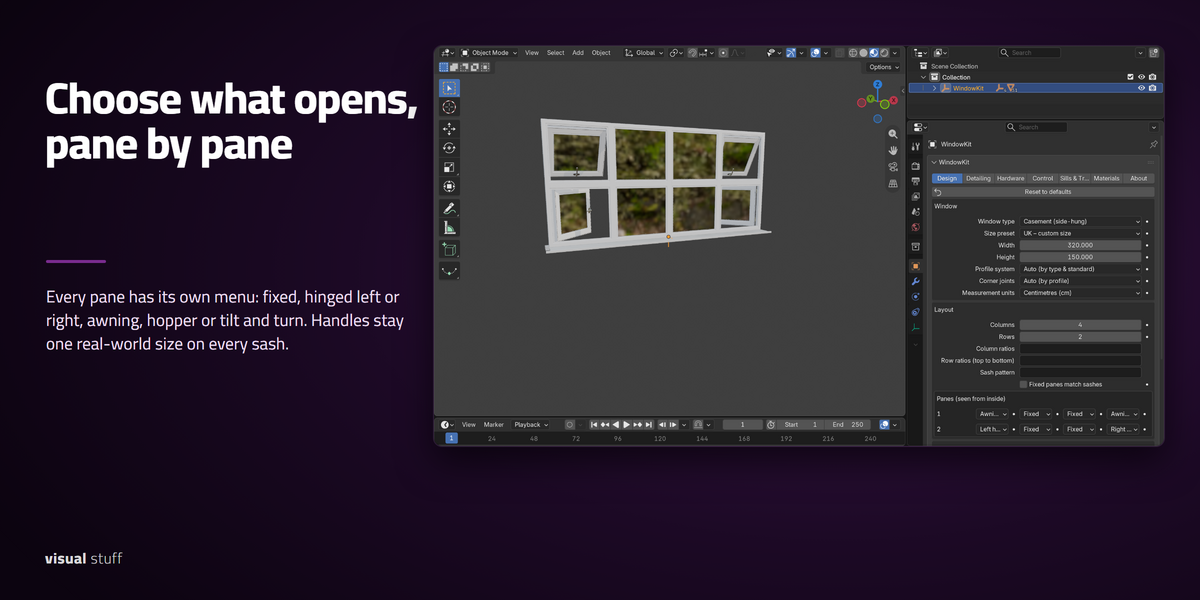
- Design: window type, size preset, width and height, profile system, columns and rows, the per-pane opening menus, and glass.
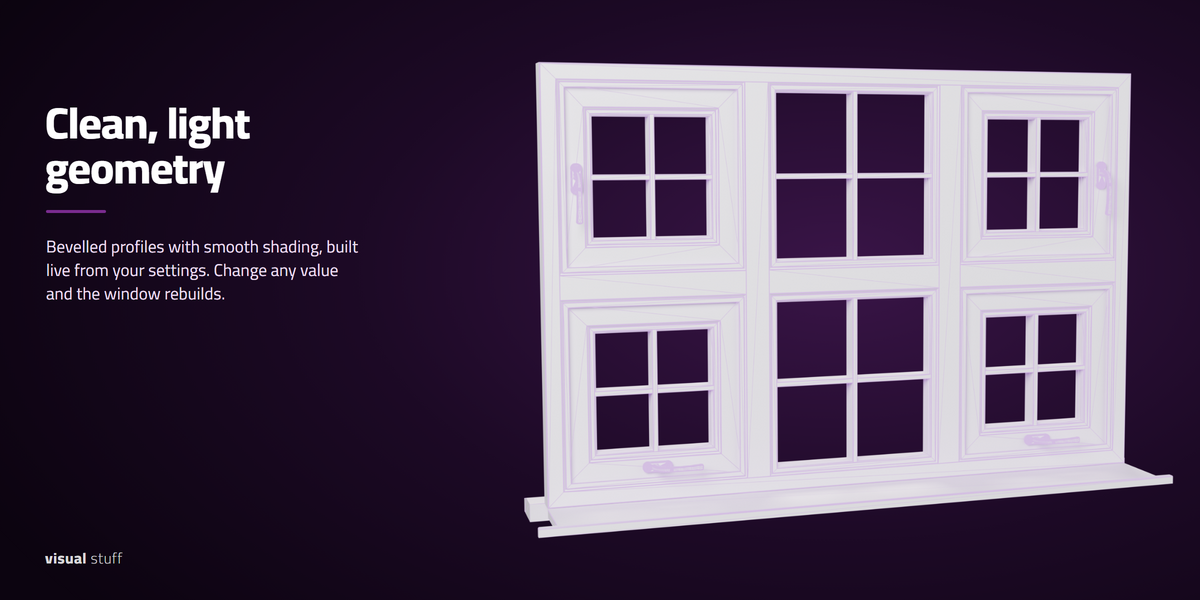
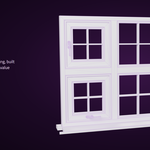
- Detailing: details, bevels and shading, and glazing bars.
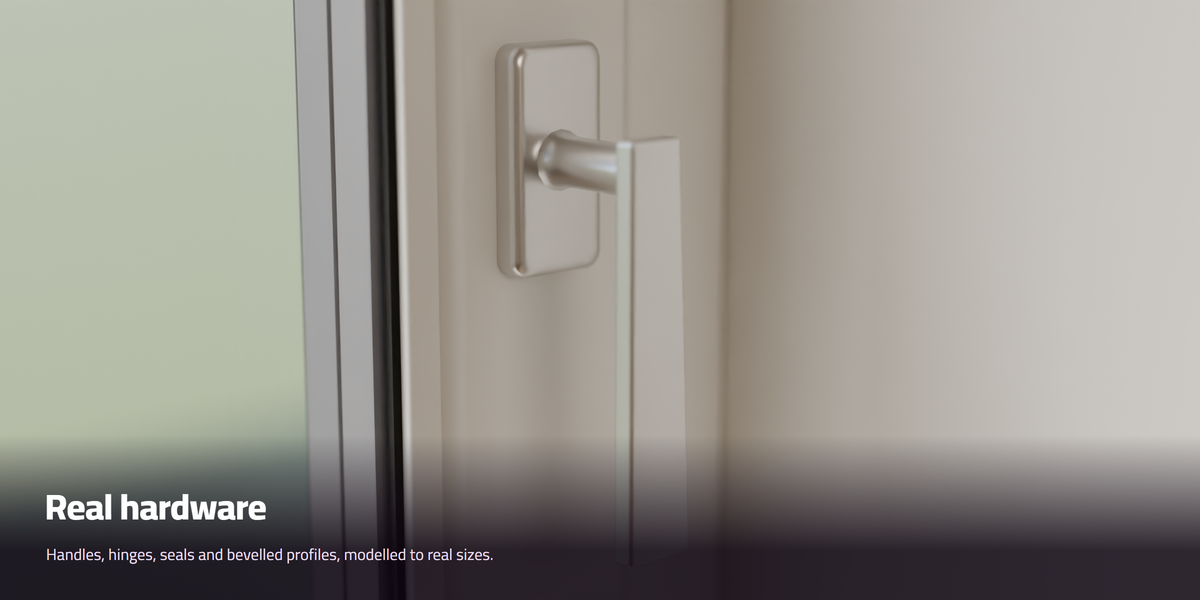
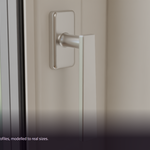
- Hardware: handles, sash window parts and hinges.
- Control: Open amount and how each sash opens.
- Sills & Trim: inside and outside sills, the wall reveal and trims.
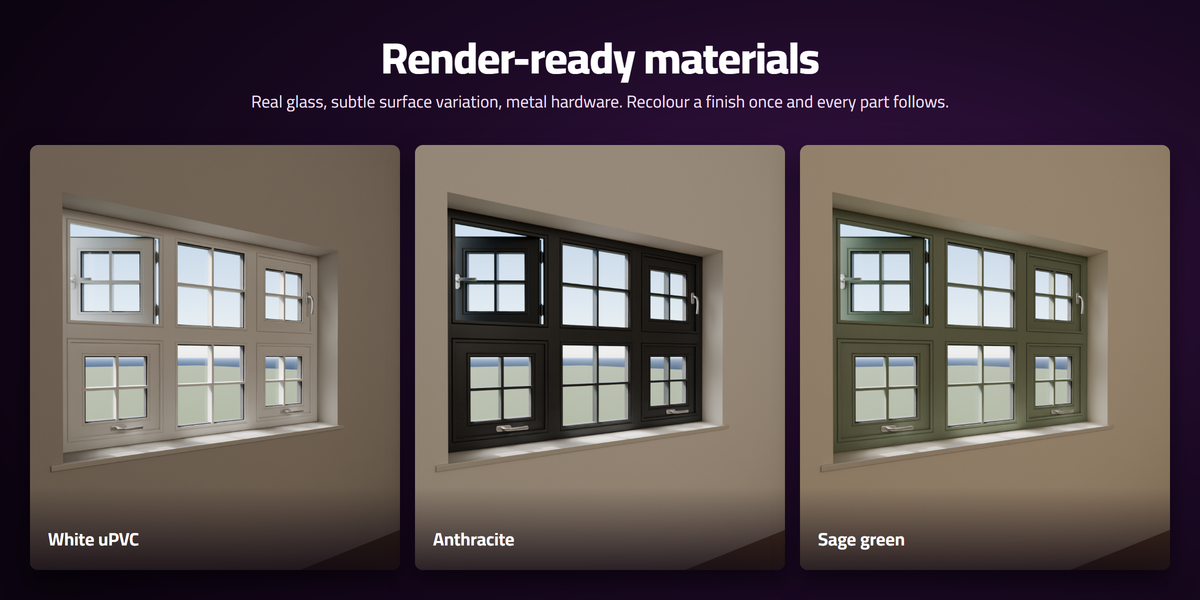
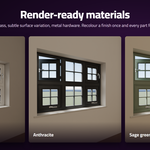
- Materials: a material slot for every part. Link your own, or edit the included WIN_ materials. Reset WIN_ materials sets the included ones back to their starting look.
- About: version, and Rebuild for after you edit a linked custom handle.
Choosing what opens
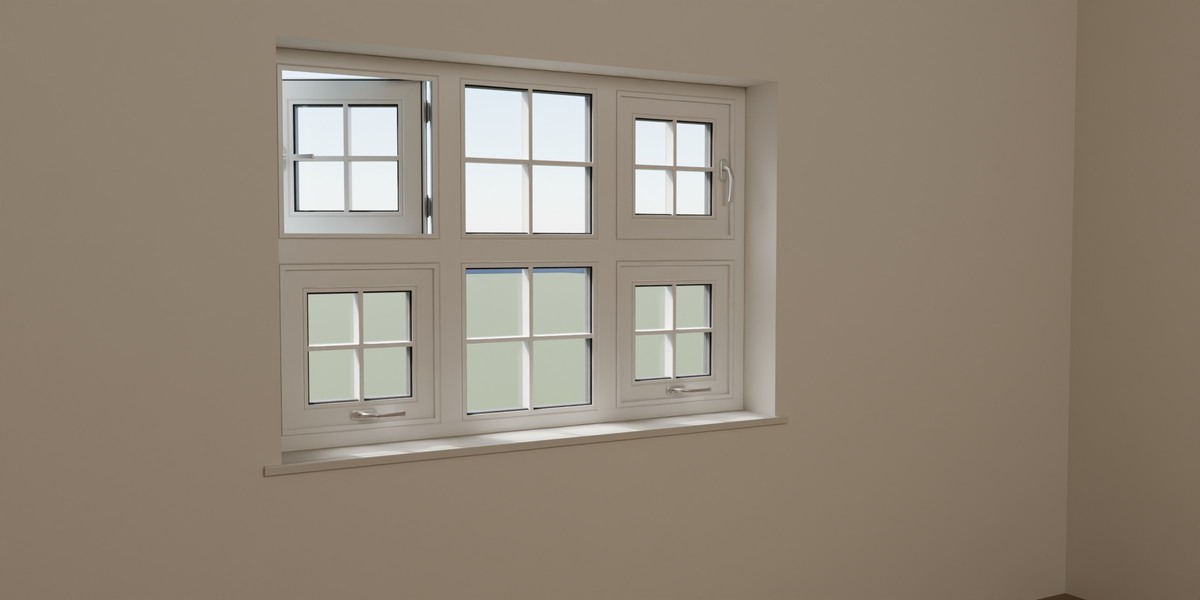
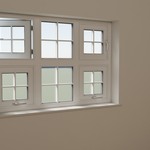
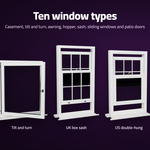
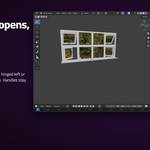
Set the number of columns and rows in the Design tab. The Panes menus are laid out like the window, seen from inside: row 1 at the top, column 1 on the left. Set each pane to Fixed, Left hinged, Right hinged, Awning, Hopper or Tilt and turn.
Animating
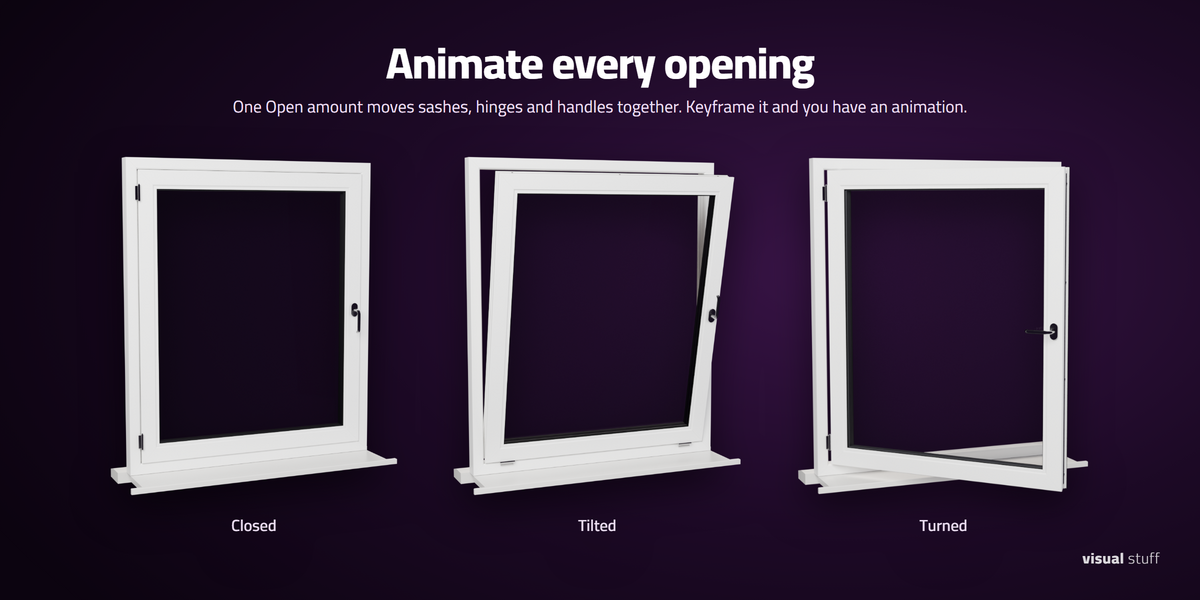
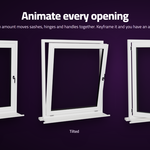
Hover over Open amount in the Control tab and press I to set a keyframe. Change the frame, set a new value and key it again. Every operable sash moves together. For tilt and turn windows, Tilt & turn mode picks tilt or turn.
Units
Choose centimetres, millimetres or inches in Measurement units. The window is built at real size in your scene's units.
Tips
- Every setting has a tool tip. Hover over it to read what it does.
- Reset to defaults returns every setting to its starting value.
- The room side of the window faces -Y (the front view).
Have questions about this product?
Login to message
| Blender Extension Compatible | Yes |
| Published | about 2 hours ago |
| Blender Version | 4.2 - 5.2 |
| Extension Type | Add-on |
| Render Engine Used | Cycles, Eevee |
| License | GPL |
