Winter Assets
 dunes
in Procedural Generators
dunes
in Procedural Generators




Full Documentation
Thank you for purchasing the Winter Asset Pack! Below is a detailed guide on how to install and use this pack, along with tips for getting the most out of it.
Product Description
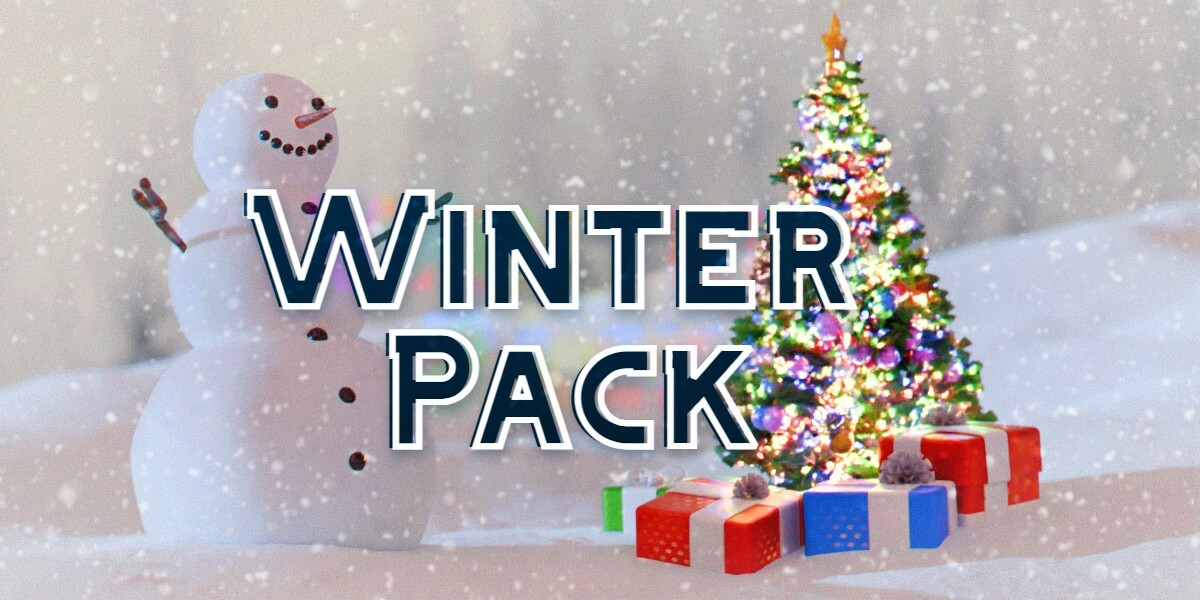
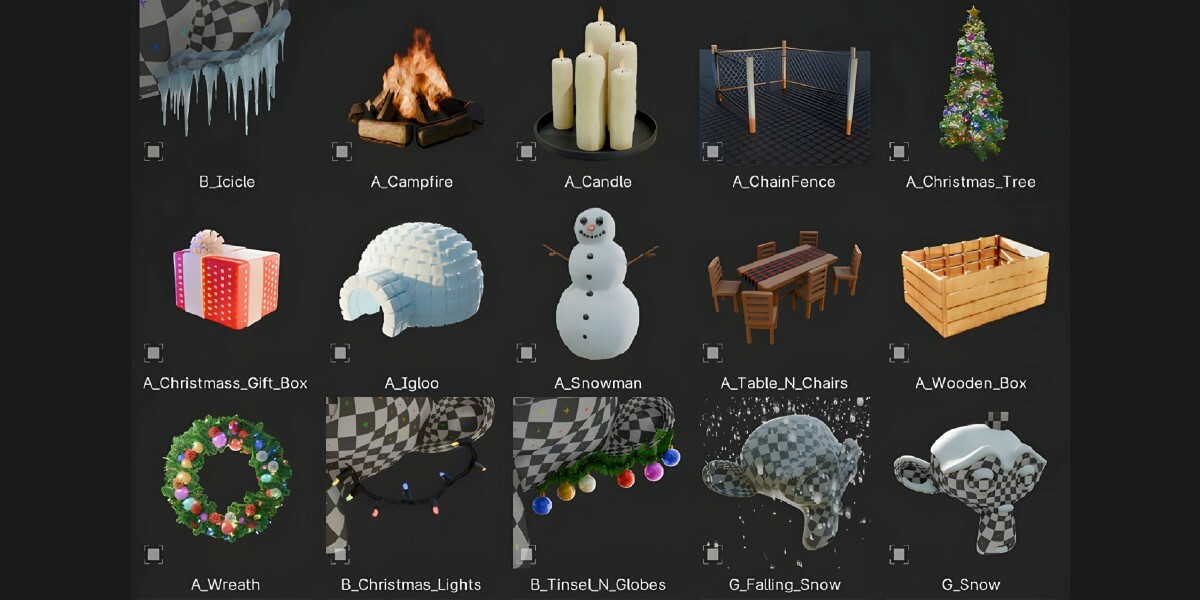
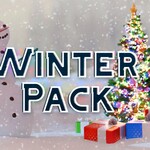
Discover Winter Asset Pack! Add magic to your scenes this winter with our Winter Asset Pack, comprising 25 detailed items that will enrich your asset library. This pack contains:
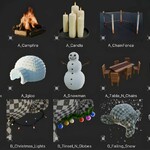
15 different procedural assets, created exclusively with Geometry Nodes, ranging from a cozy campfire to a highly customizable snowman generator. Show off the beauty of winter and Christmas in a snap!
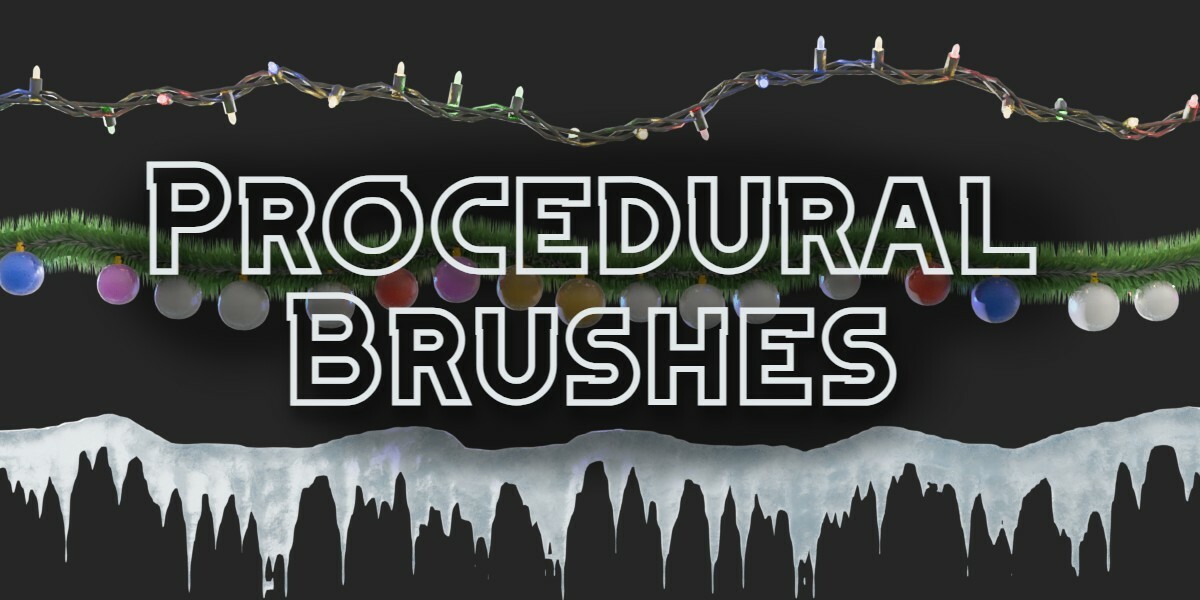
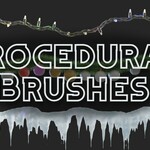
Interactive Particles & Curves, including a procedural icicle generator, snow generator, and Christmas light generator, among others, to perfect your winter scene.
Every asset was made for easy usage: drag, drop, adjust a couple of values, and voilà—your scene is alive. Procedural materials and patterns adjust dynamically to your chosen seed, providing both realism and customization.
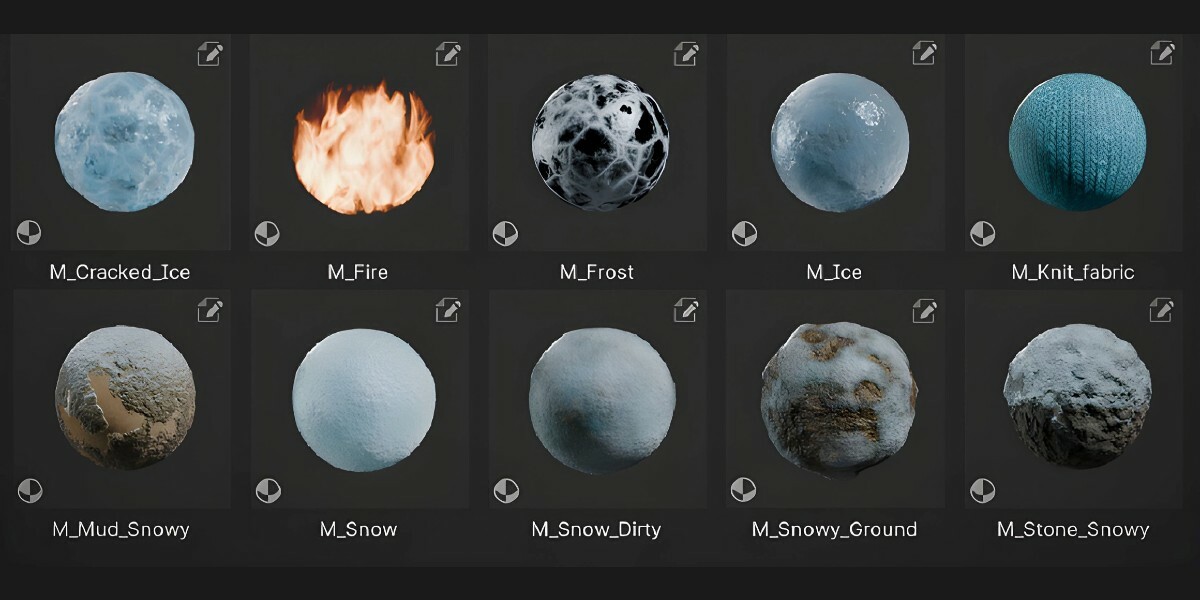
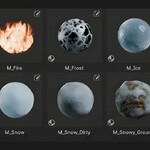
Bonus: You'll get 10 Procedural Materials tailored for winter renders. From snowy forests and frozen lakes to frosty windows, these smart shaders provide stunning detail and flexibility. Optimized for performance, they will always work flawlessly, even in close-up shots. Mix and match these materials with the assets for breathtakingly realistic scenes.
Embrace the charm of the season and transform your projects with this versatile pack.
Installation Guide
1. Download & Install
After purchasing the pack, download the provided .zip file from Blender Market.
2. Unzip the Pack
Extract the contents of the .zip file to a folder on your computer. Make sure you choose an easily accessible location (e.g., a dedicated "Blender Assets" folder).
3. Link the Pack to Blender’s Asset Library
Open Blender and go to Edit > Preferences.
Navigate to the File Paths tab, then click Asset Libraries.
Click the + button to add a new asset library.
Select the folder where you unzipped the pack, then click Accept.
Give the asset library a name (e.g., "Winter Asset Pack") for easier identification.
4. Using the Assets
Open the Asset Browser in Blender.
From the asset library dropdown menu, select the newly linked Winter Asset Pack.
You can now drag and drop the assets directly into your scene!
Adjust the available parameters to customize each asset to your liking.
For further assistance or if you encounter any issues, feel free to reach out to me on Instagram:
Have questions about this product?
Login to message
| Published | over 1 year ago |
| Blender Version | 4.3, 4.2, 4.1, 4.0 |
| License | Royalty Free |
Discover more products like this
snowman scene enhancement smart shaders Winter Effects procedural-generator snowy landscapes procedural materials holiday assets Christmas asset library holiday snow textures easy to use frost textures christmas lights winter scenes asset pack high-quality #procedural shaders snow festive geometry nodes winter icicles Christmas decorations snow forest