 Daniel Yosef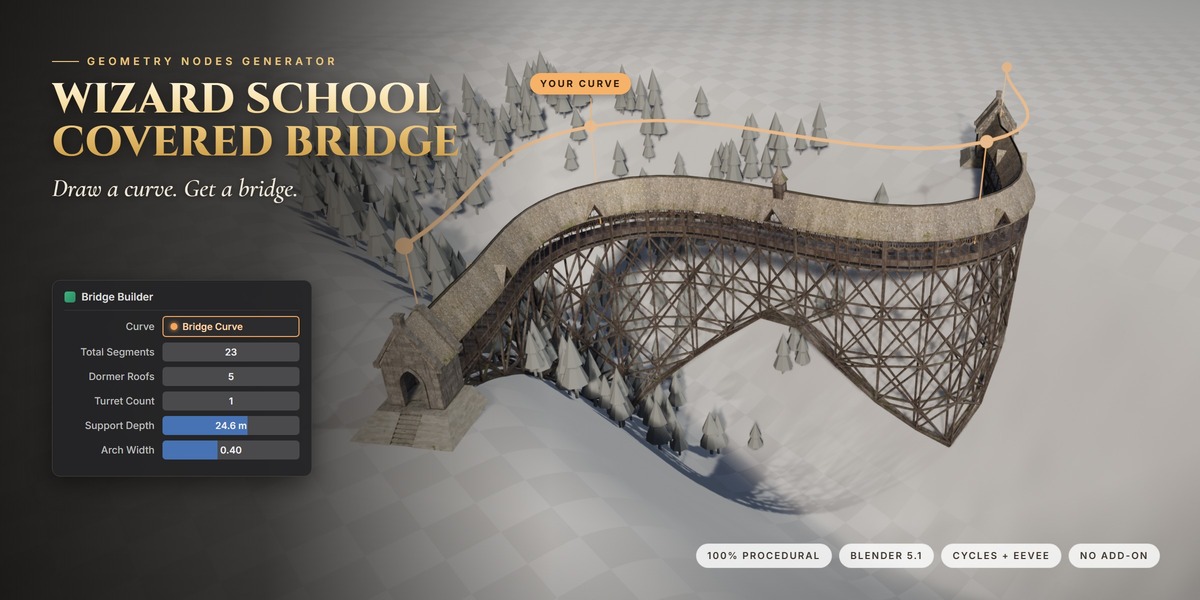
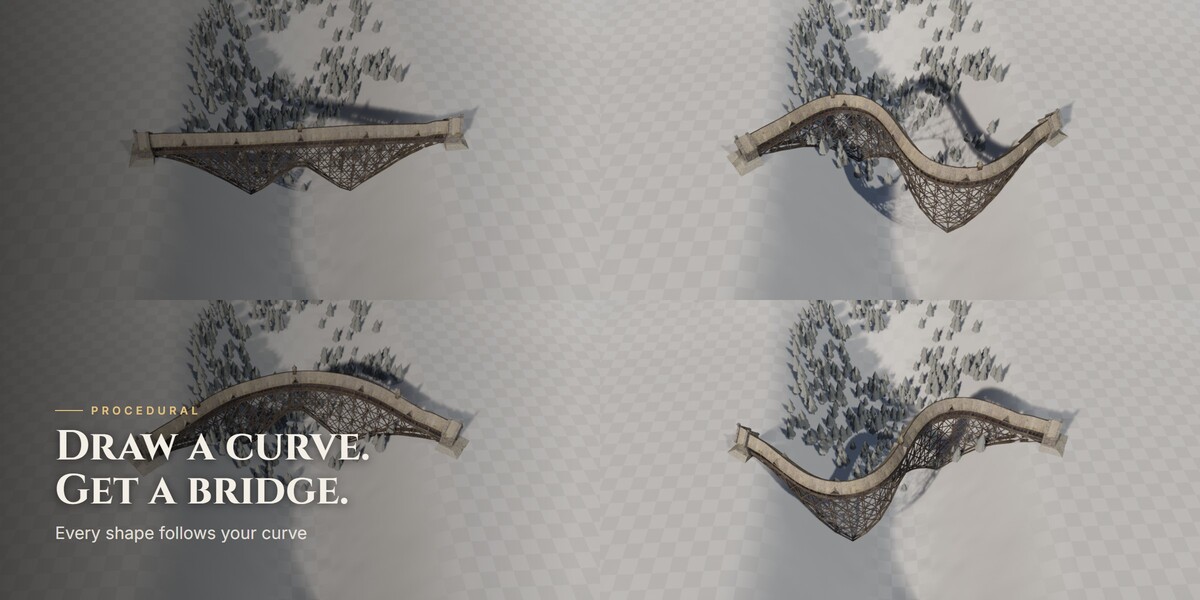


Draw a curve. Get a bridge.
I wanted a long, tall covered bridge for my own scenes. One I could bend and shape however I like. So I built it as a full Geometry Nodes generator.
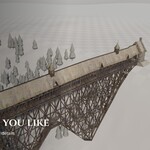
You draw a curve and the bridge follows it. Bend it, stretch it, raise it, bank it. Every piece follows. Walls, roofs, the timber trestle underneath, the stone gatehouses at the ends and the turrets on top.
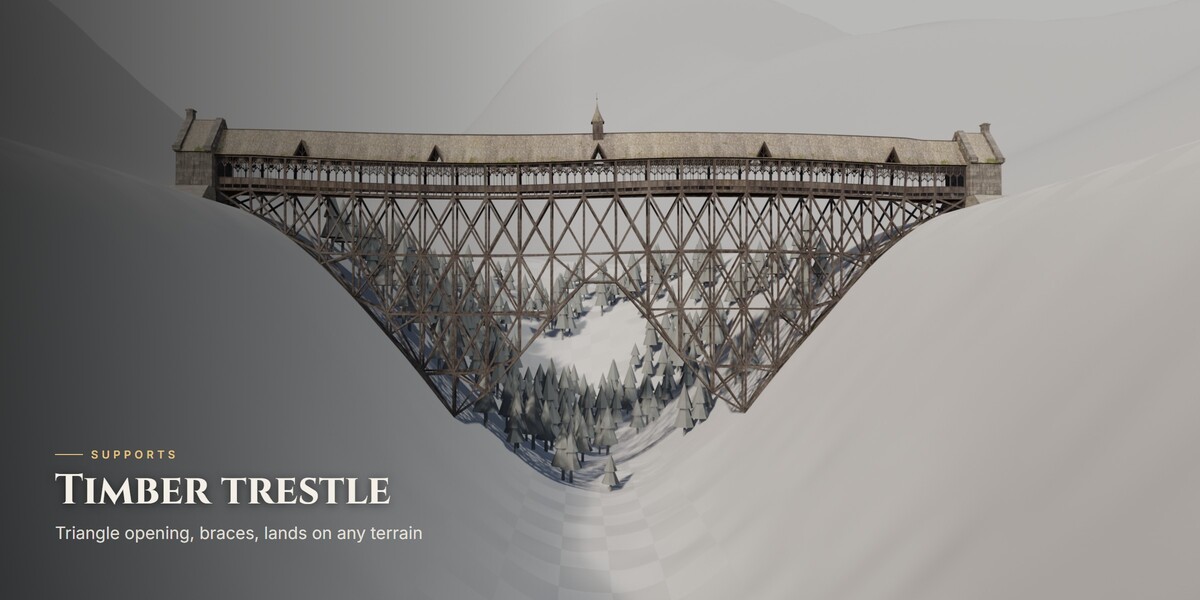
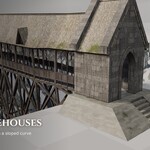
Out of the box you get 23 segments, 5 dormer roofs, one turret in the middle, a 4-level timber trestle (24.6 m deep) with a straight-sided triangle opening, and stone gatehouses at both ends that always stand level. From there, every part is a slider.
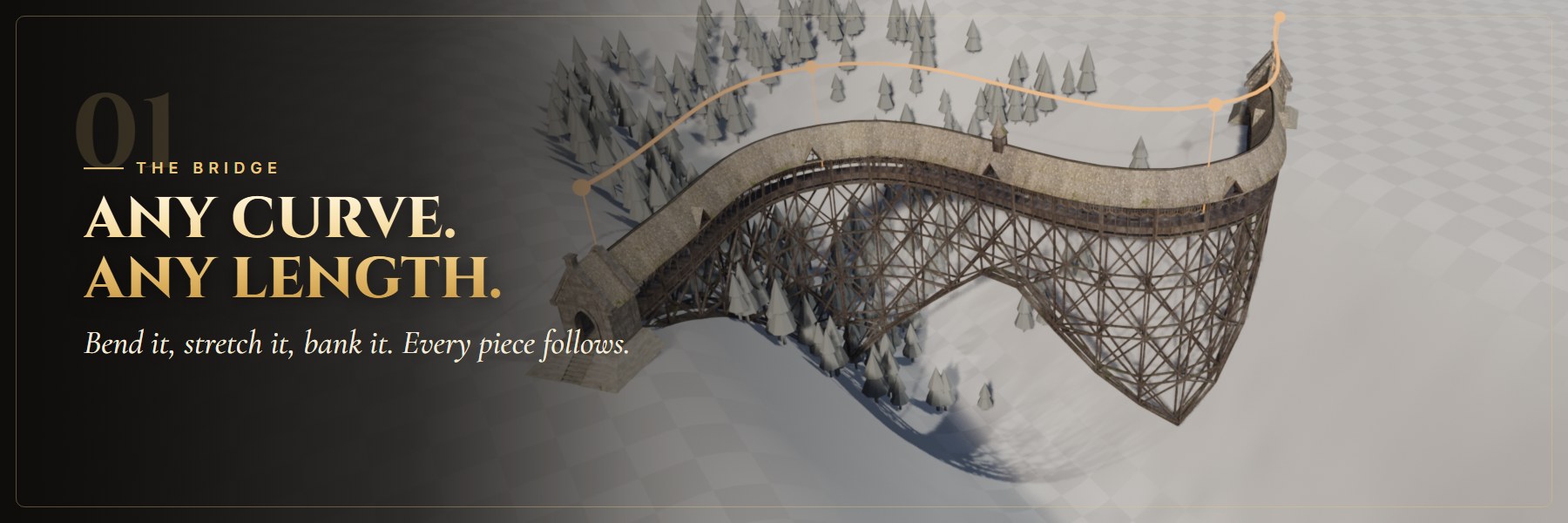
- Follows any curve and fits itself to the curve length
- Two wall styles you can mix in any rhythm (4 + 1, 2 + 2, spread evenly or random)
- Two roof styles, plain and with a dormer window
- Overlapping roofs and one continuous ridge cap, so no seams between segments
- Small random rotation and offset per segment, so it looks hand-built and not copy-pasted
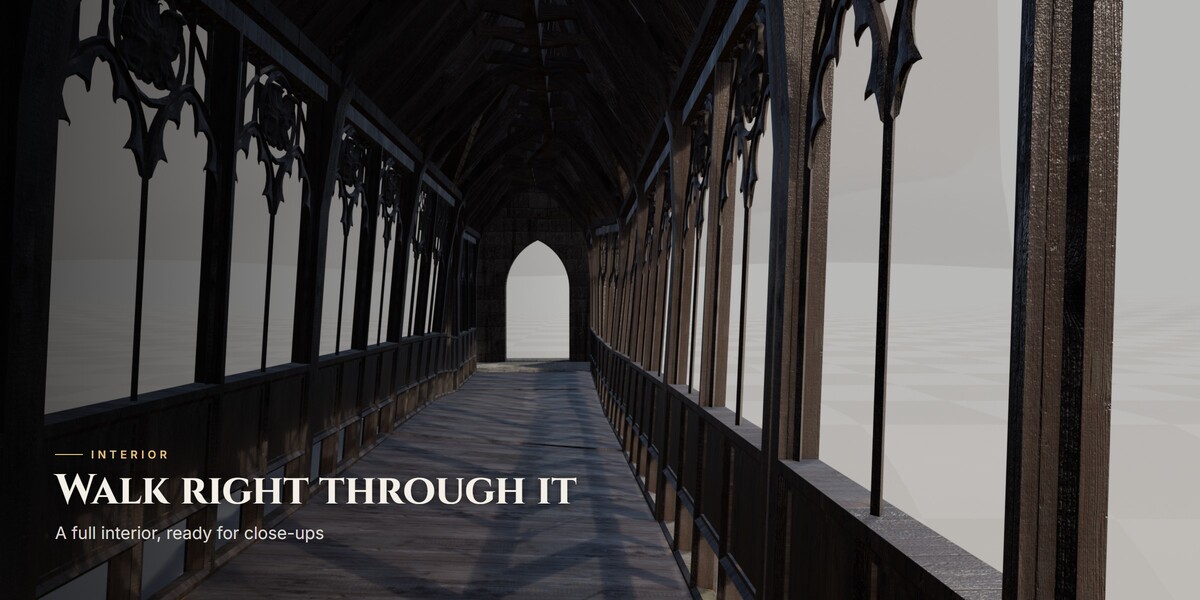
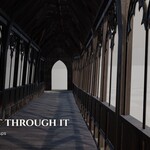
- A full interior you can walk through
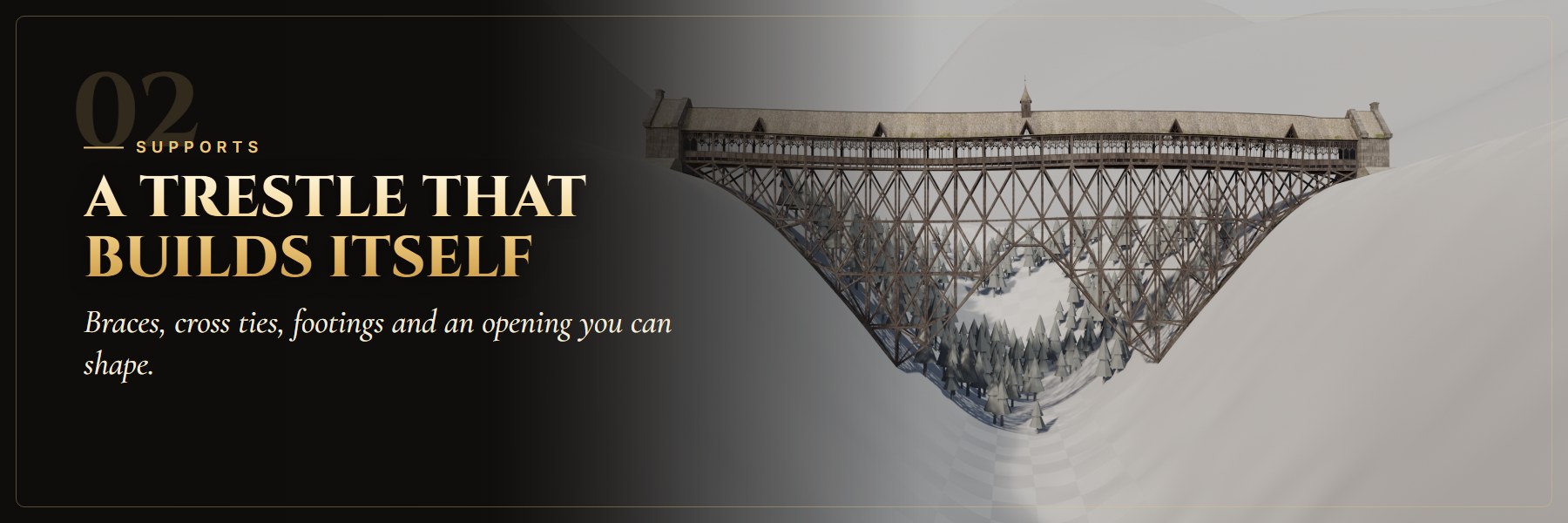
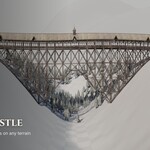
- A timber trestle under the deck, as deep as you need
- An opening you can move, widen and shape, from a sharp triangle to a round arch
- X braces or zigzag braces, cross ties, iron joint plates, stone footings
- Missing and broken braces and thickness variation, for that old weathered look
- Pick any terrain object and the posts stop right on it
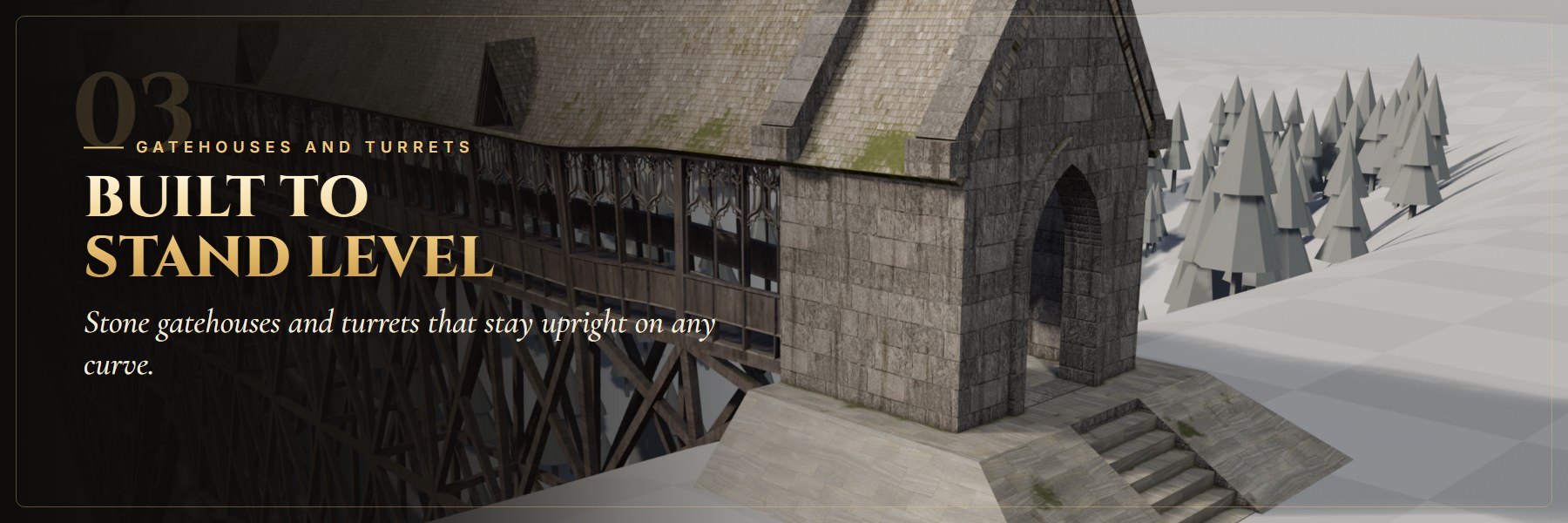
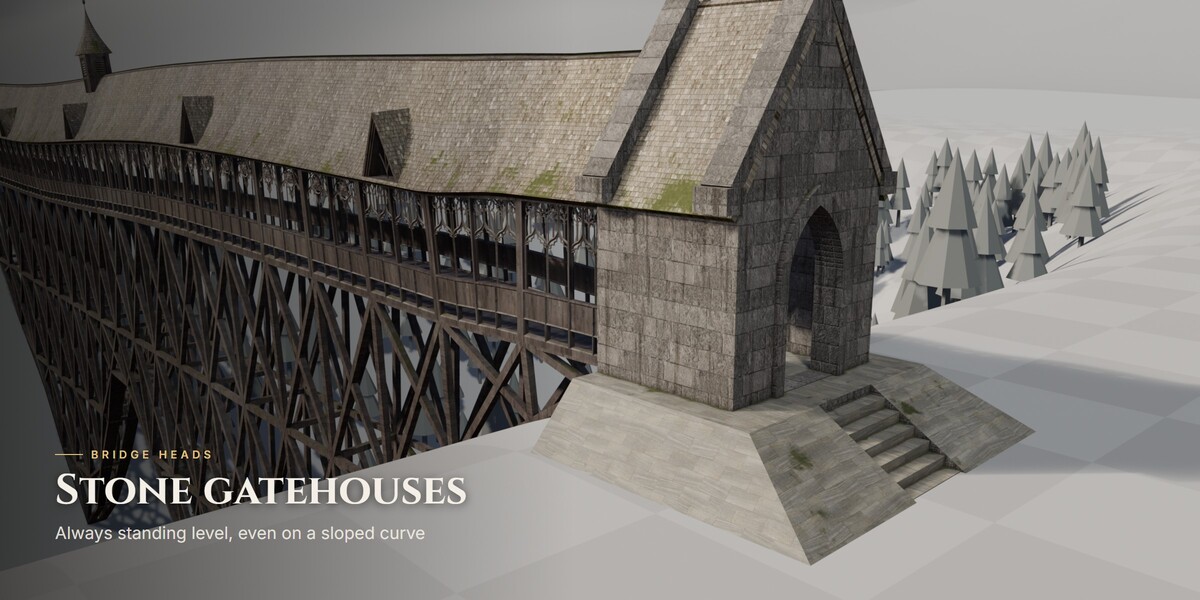
- Stone gatehouses at either end, always standing level, even on a sloped curve
- The ends of the bridge stay level too, with a smooth blend into the curve
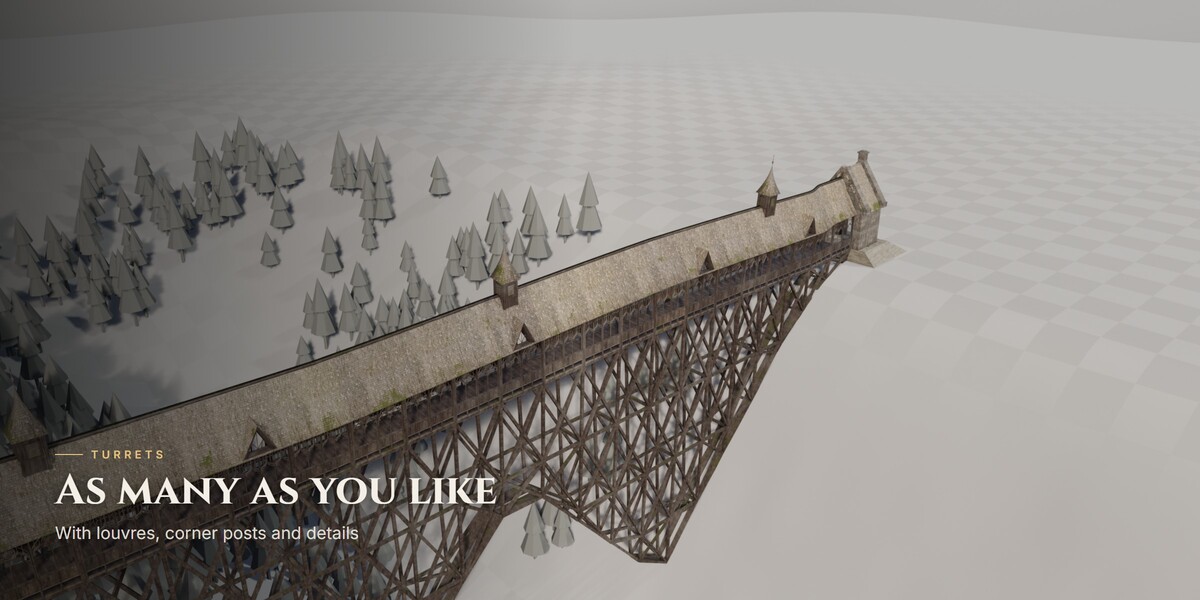
- As many turrets as you want along the roof, with louvers, corner posts and details
- New in 1.1: design your own gatehouse. The gatehouse is a Geometry Nodes generator too - gable, hip or spire roof, round to pointed arches, side windows, buttresses, cornice, chimney, plinth and stairs. Both ends of the bridge update live.
- The default values rebuild the original gatehouse exactly, so you can start from it and make it your own (full how-to in the Documentation tab).
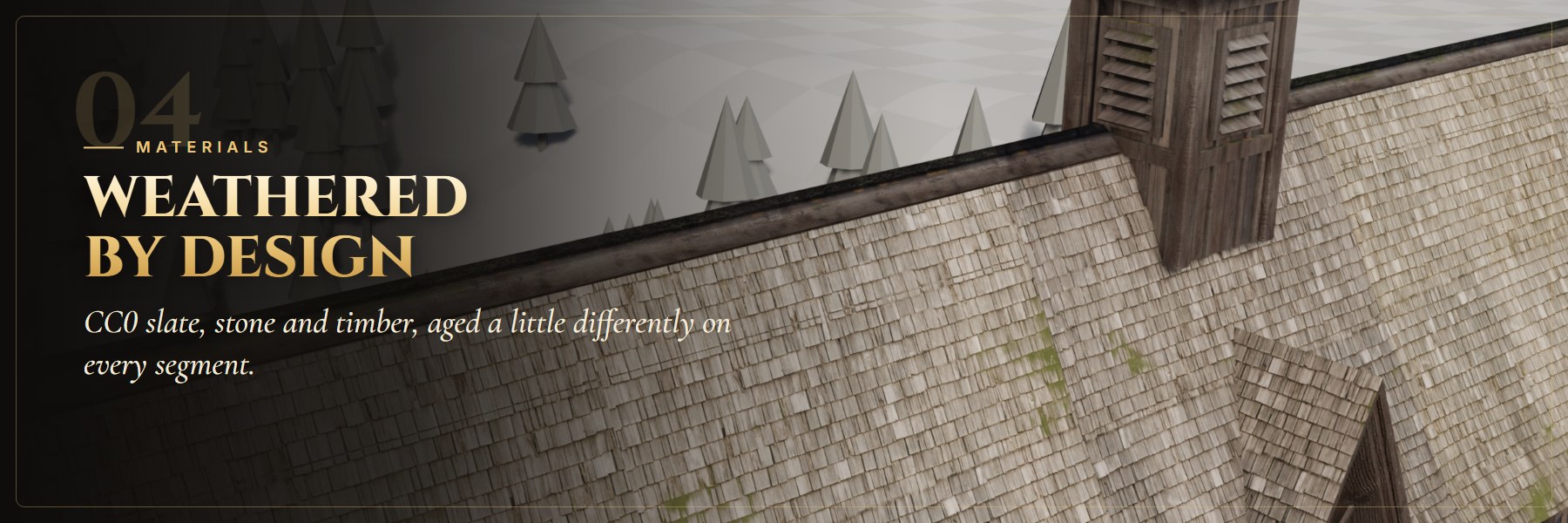
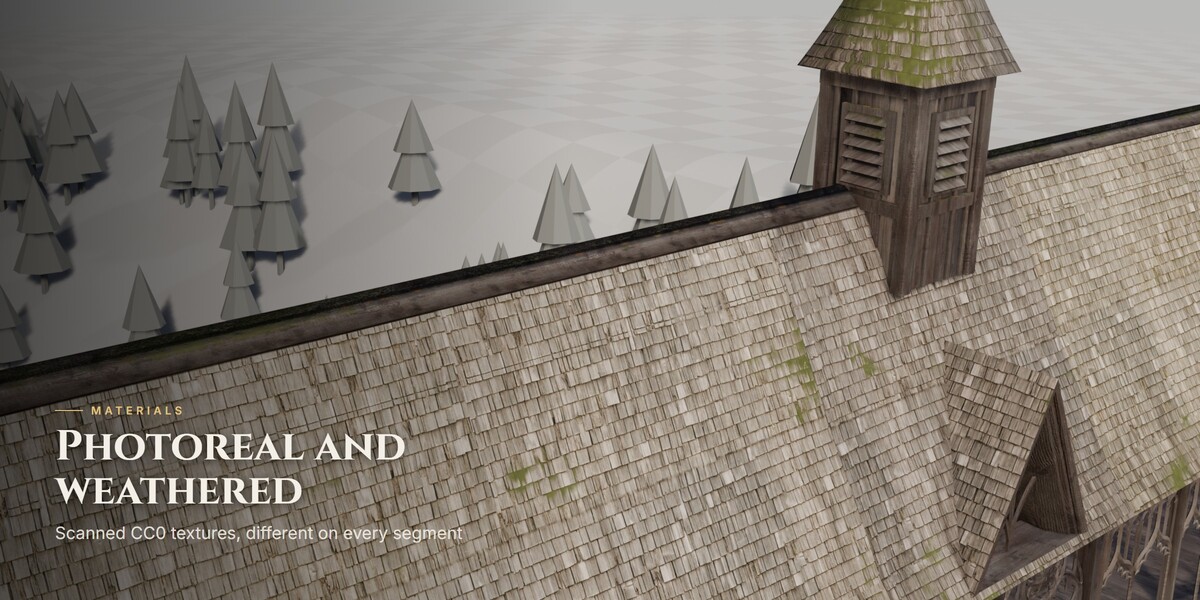
- Slate roof, stone blocks, paving and weathered timber, built on CC0 photo textures
- Procedural weathering on top: moss, grime, runoff streaks and leaves on the floor
- Every segment gets weathered a little differently
- Simple sliders at the left of each material's node tree: Dirt, Moss, Brightness and more
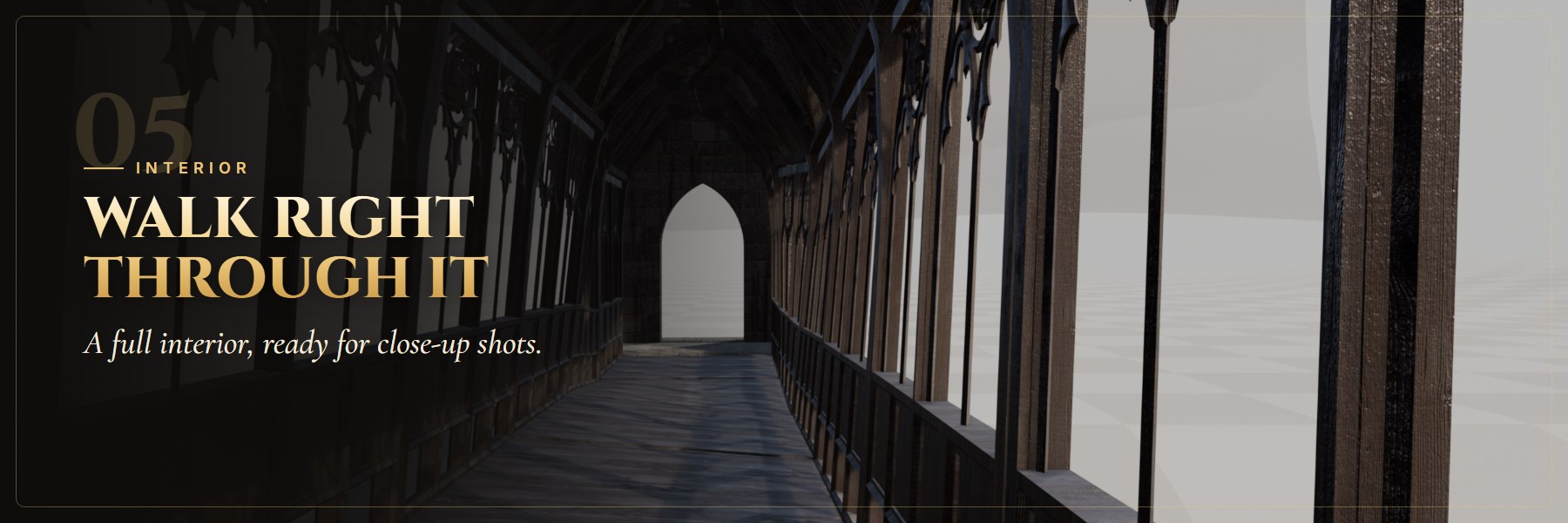
Walk the deck, frame shots through the gothic windows, light it from the inside.
Light in the viewport
- Light proxy pieces in the viewport, full detail in the render
- Hide the supports in the viewport while you work, they still render
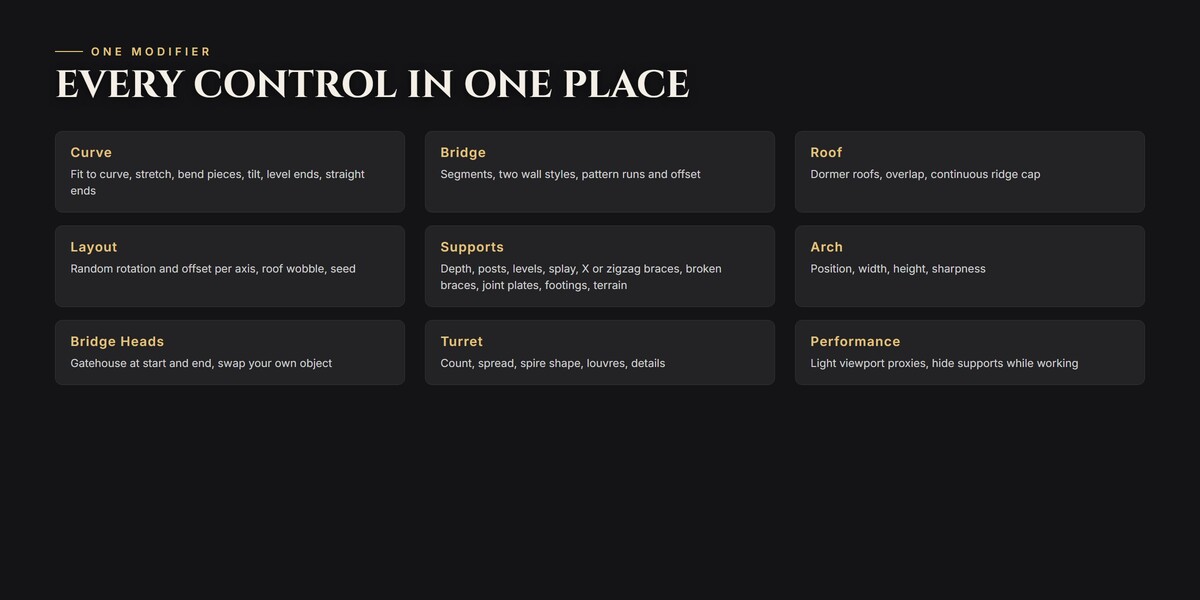
Full guide to every control in the Documentation tab, answers in the FAQ tab. Questions, bugs or ideas for the next update? Message me. I read everything.