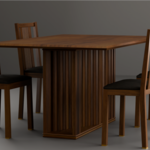
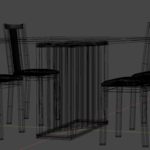
Wood Dining Set
 vertex-by-ana


How to Use
Open your project in Blender.
Go to File > Append.
Navigate to the provided .blend file, open the Collection folder, and select the collection named "wood dining".
All objects will be imported at the world origin (0,0,0).
Technical Features
Scale: The model was built in real-world scale (Metric System).
Objects: The set is divided into separate objects (Table, Chair 01, Chair 02, etc.), allowing you to easily rearrange the layout.
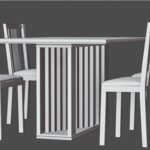
Modifiers: Some parts may contain active modifiers (such as Subdivision Surface or Bevel). You can adjust the levels in the Modifiers tab to suit your scene's performance needs.
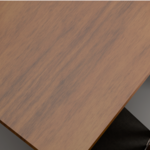
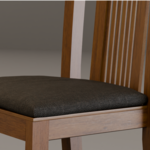
Materials: All materials are named, and shaders are fully configured for both Cycles and Eevee.
Organization & Support
Organization: The Outliner is well-organized, and all objects follow a clear naming convention.
Textures: Textures are packed into the .blend file for convenience, but a separate textures folder is also included in the .zip file.
Support: If you encounter any issues with textures or have questions about the geometry, click the "Ask a Question" button on the product page. I will be happy to help!
Have questions about this product?
Login to message
| Dev Fund Contributor | |
| Published | 5 months ago |
| Blender Version | 5.0 |
| Render Engine Used | Blender-Internal, Cycles, Eevee |
| Misc Data | Uvs-Unwrapped, Textured |
| License | Creative Commons |

Discover more products like this
Chair 4 seater dining table 3D interior design dining table 3D architectural visualization