 BENNODES
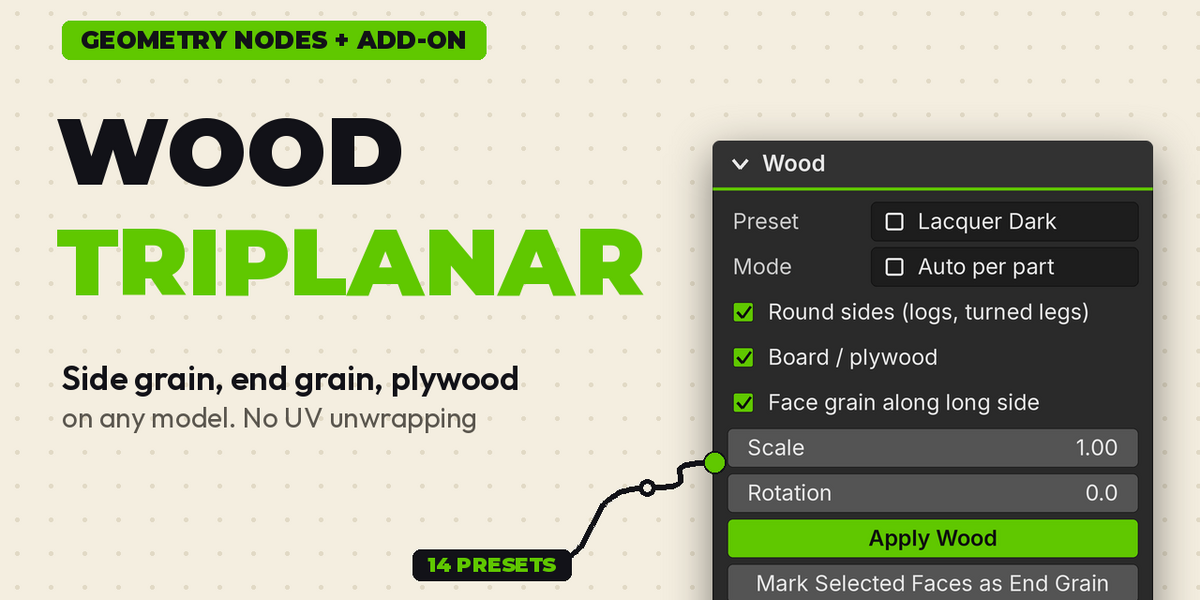
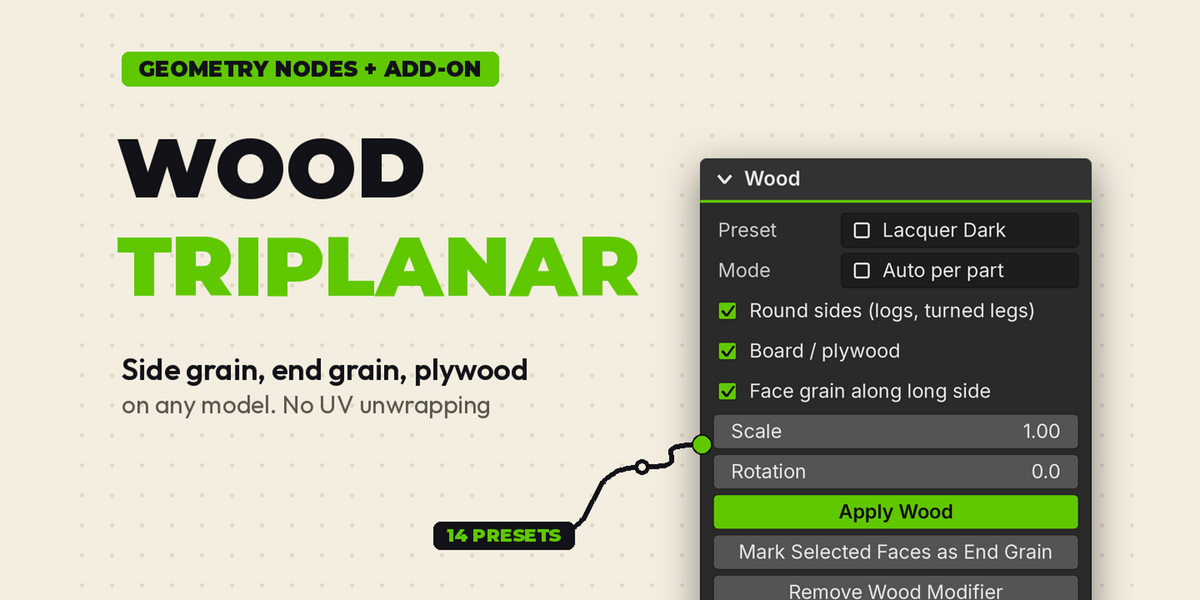
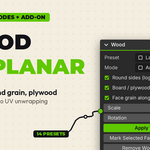
Wood textures with side grain, end grain and plywood edges on any Blender model. No UV unwrapping. Geometry Nodes pack plus one-click add-on.
WHAT IT DOES
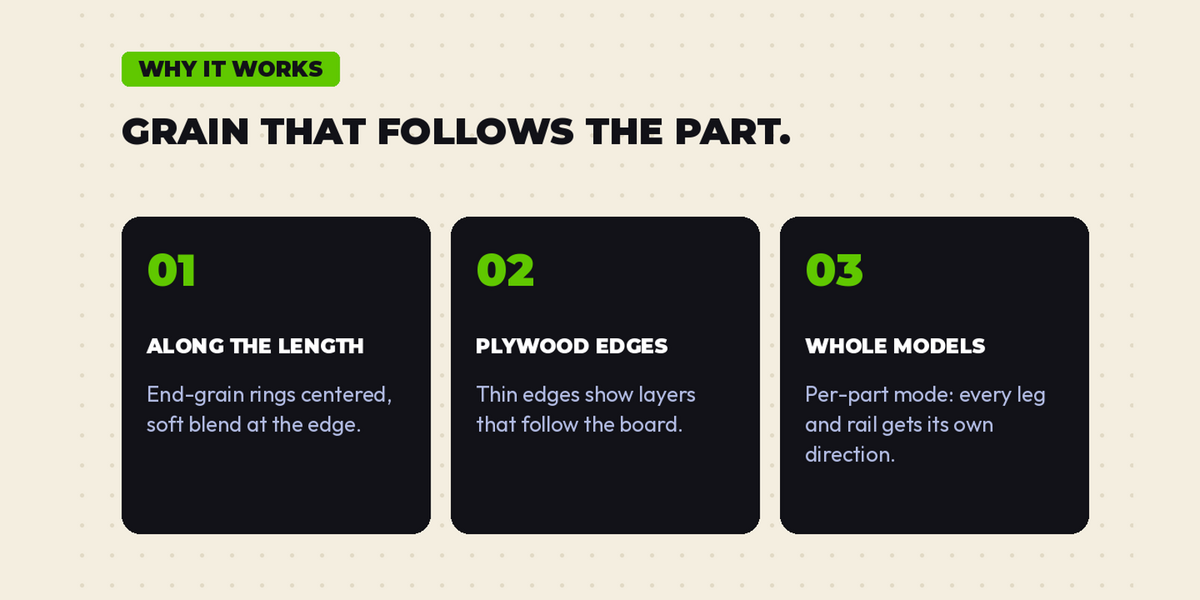
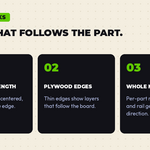
- Grain runs along the long side, end-grain rings are centered on every leg and rail, with a soft blend between them
- Plywood and veneer edges on boards: large faces show normal wood, thin edges show layers that follow the edge
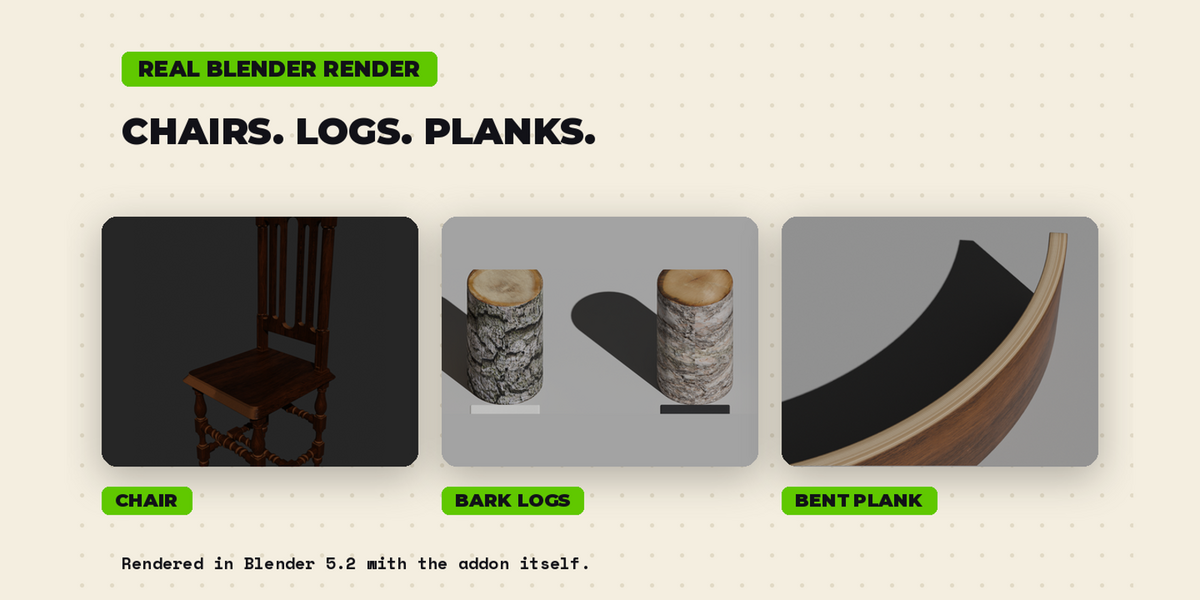
- Whole models in one click: per-part mode gives every loose piece its own grain direction (tested on a chair with 69 parts)
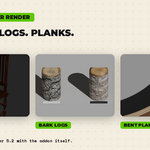
- Bent planks and branches with a guide curve, logs with bark and photographed end grain
- 14 presets: Walnut Oil, Plywood, Raw Oak, Raw Pine, Bark Oak, Bark Pine, Lacquer Dark, Lacquer Light, Smoked Oak, Mahogany Satin, Weathered Grey, Painted White, Painted Black, Veneer Edge
HOW IT WORKS
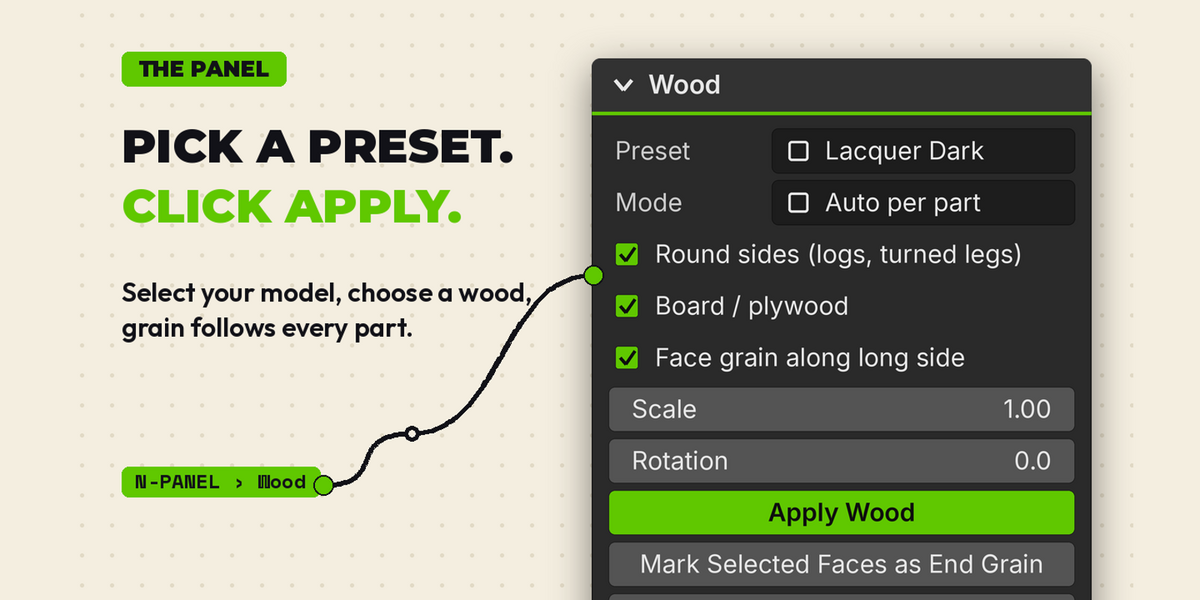
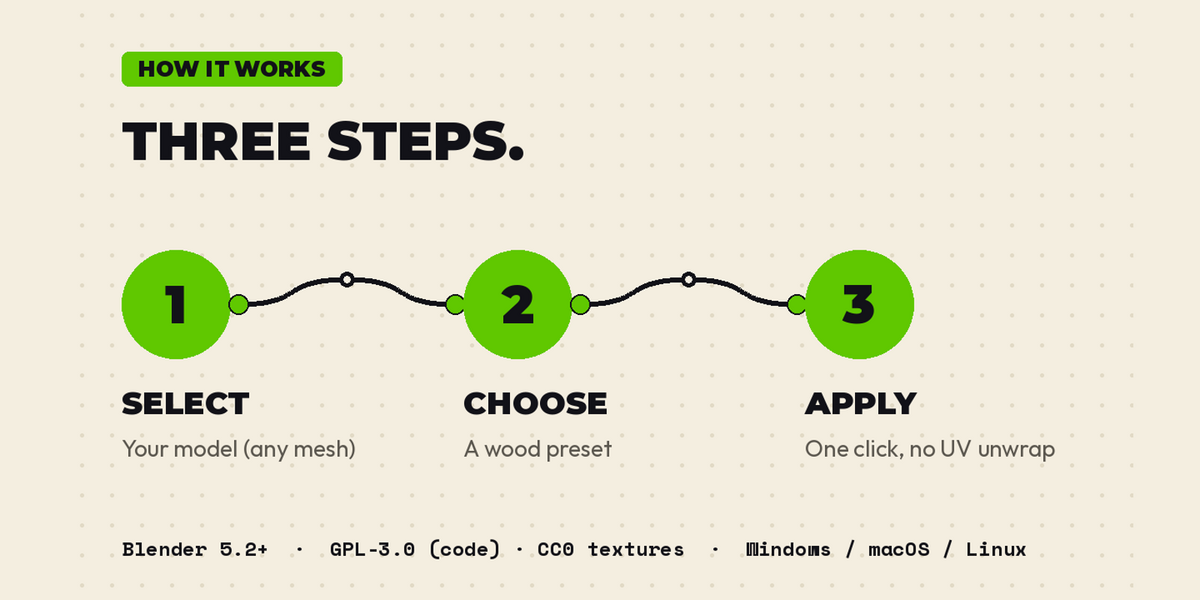
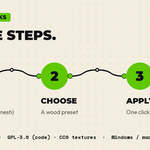
- Select your model
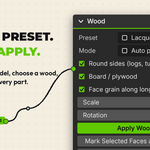
- Choose a preset in the Wood panel (N)
- Click Apply Wood
Prefer nodes? Use the "Wood Grain UV" Geometry Nodes group with any "WTP" material from the .blend pack.
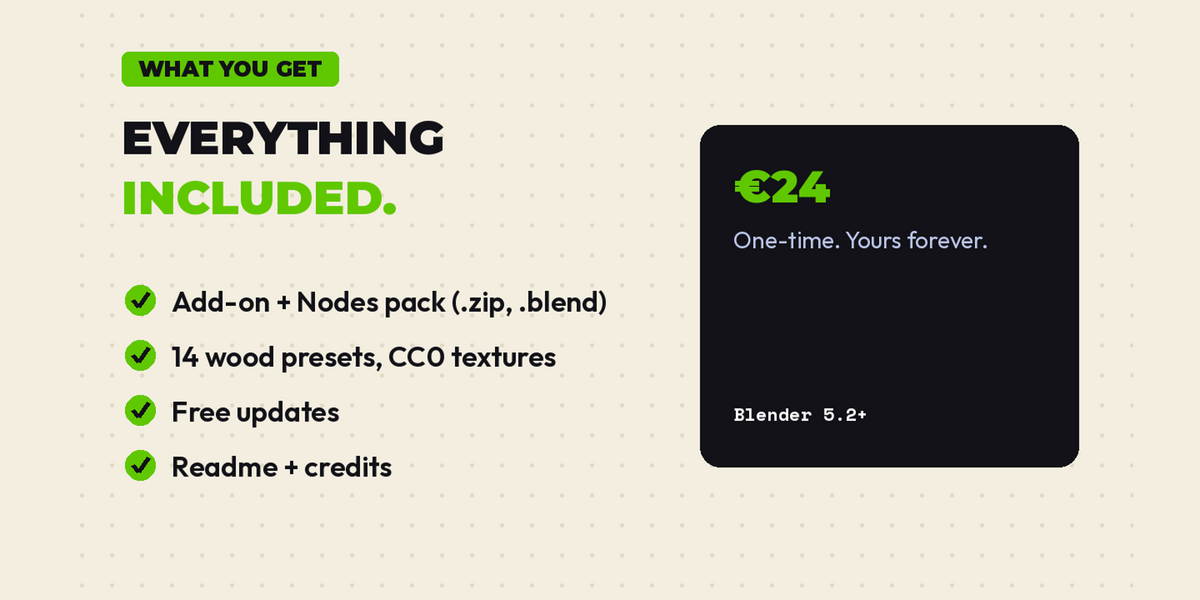
WHAT YOU GET
Add-on (.zip) + Geometry Nodes pack (.blend), 1K CC0 textures from ambientCG and Poly Haven, readme and credits.
COMPATIBILITY
Blender 4.5, 5.1 and 5.2 (tested; Cycles recommended) · Windows / macOS / Linux · Code GPL-3.0 · Textures CC0 · Free updates
MORE FROM BENNODES
Parent & Drop, Photo-Match Camera, Scene Performance Analyzer, Countdown Text Generator.