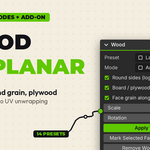
Wood Triplanar — Wood Grain, End Grain & Plywood Mapping for Blender
 BENNODES
WHAT IT DOES
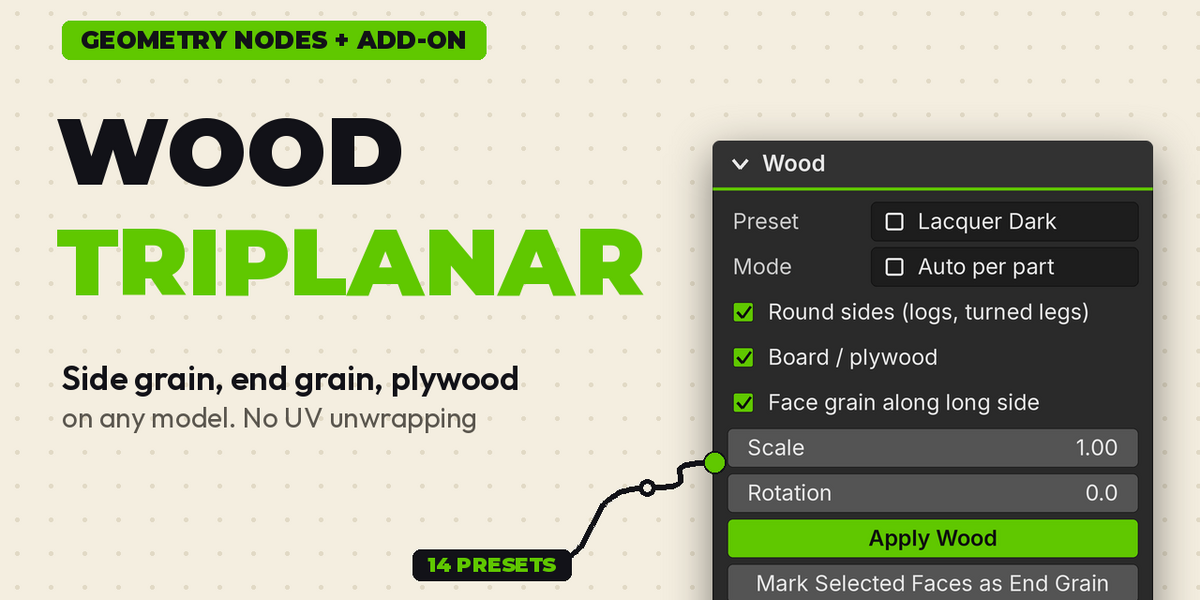
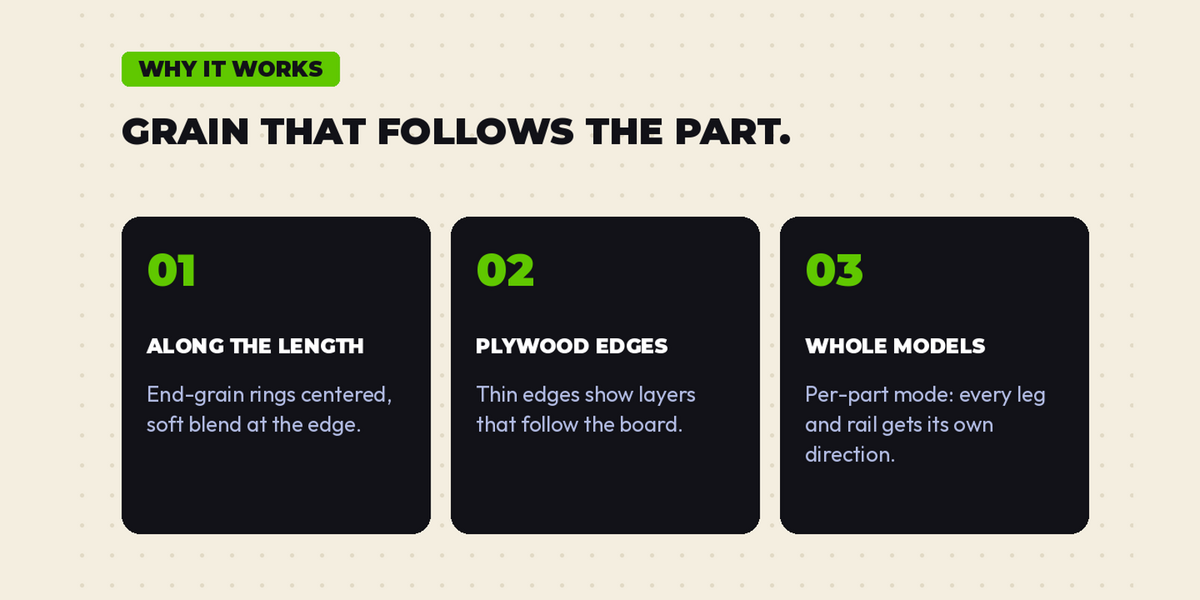
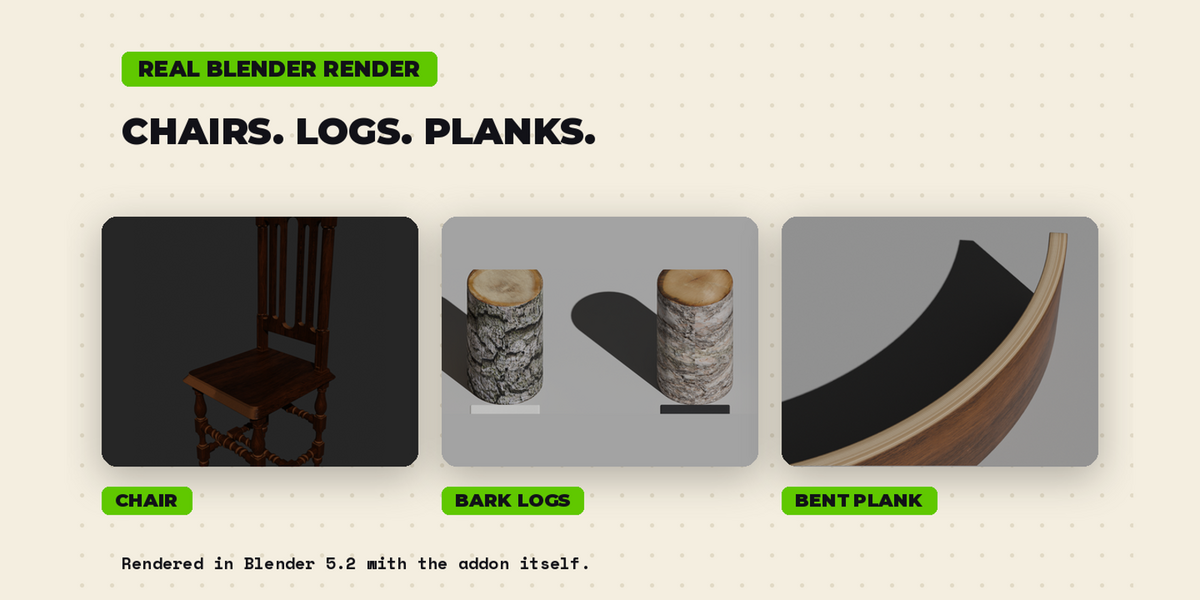
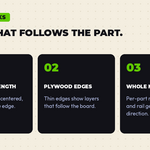
- Grain runs along the long side, end-grain rings are centered on every leg and rail, with a soft blend between them
- Plywood and veneer edges on boards: large faces show normal wood, thin edges show layers that follow the edge
- Whole models in one click: per-part mode gives every loose piece its own grain direction (tested on a chair with 69 parts)
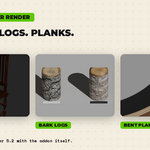
- Bent planks and branches with a guide curve, logs with bark and photographed end grain
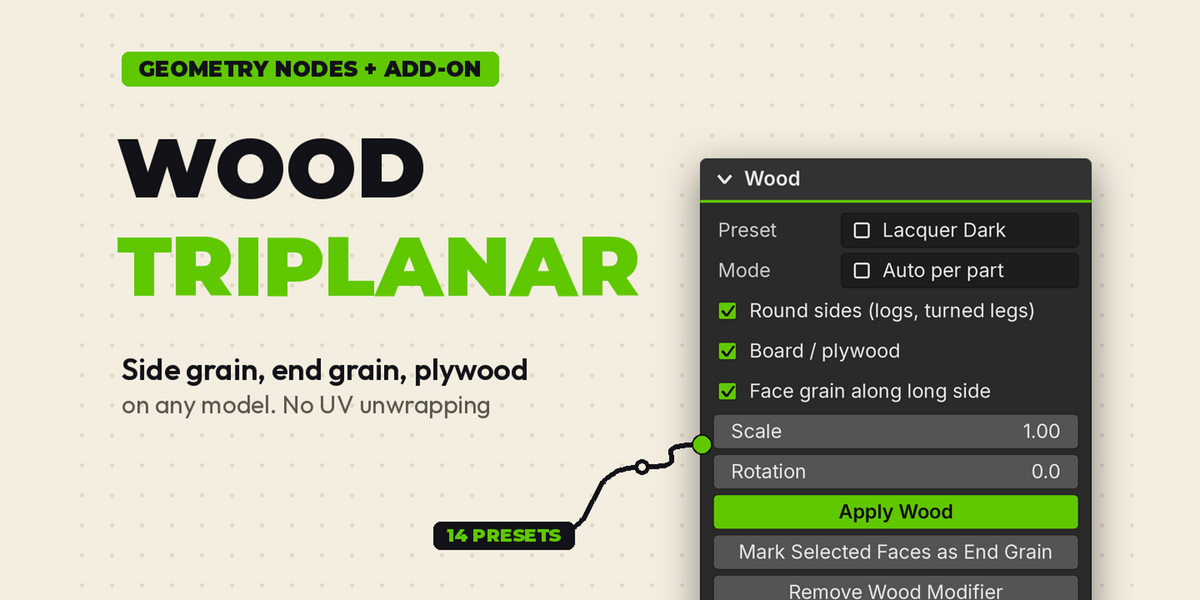
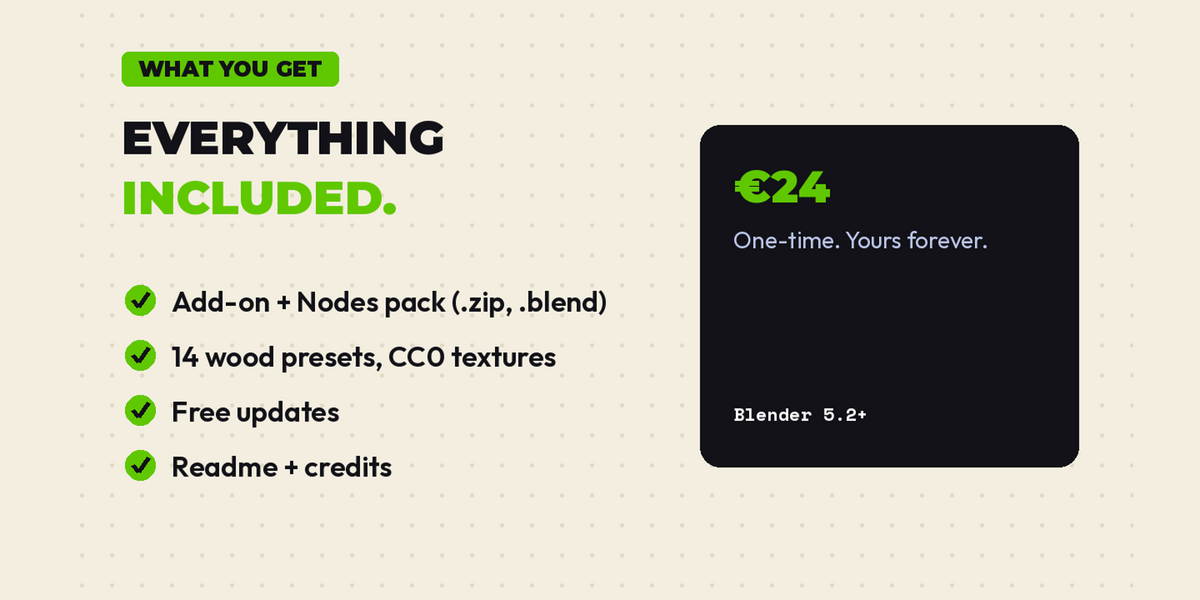
- 14 presets: Walnut Oil, Plywood, Raw Oak, Raw Pine, Bark Oak, Bark Pine, Lacquer Dark, Lacquer Light, Smoked Oak, Mahogany Satin, Weathered Grey, Painted White, Painted Black, Veneer Edge
HOW IT WORKS
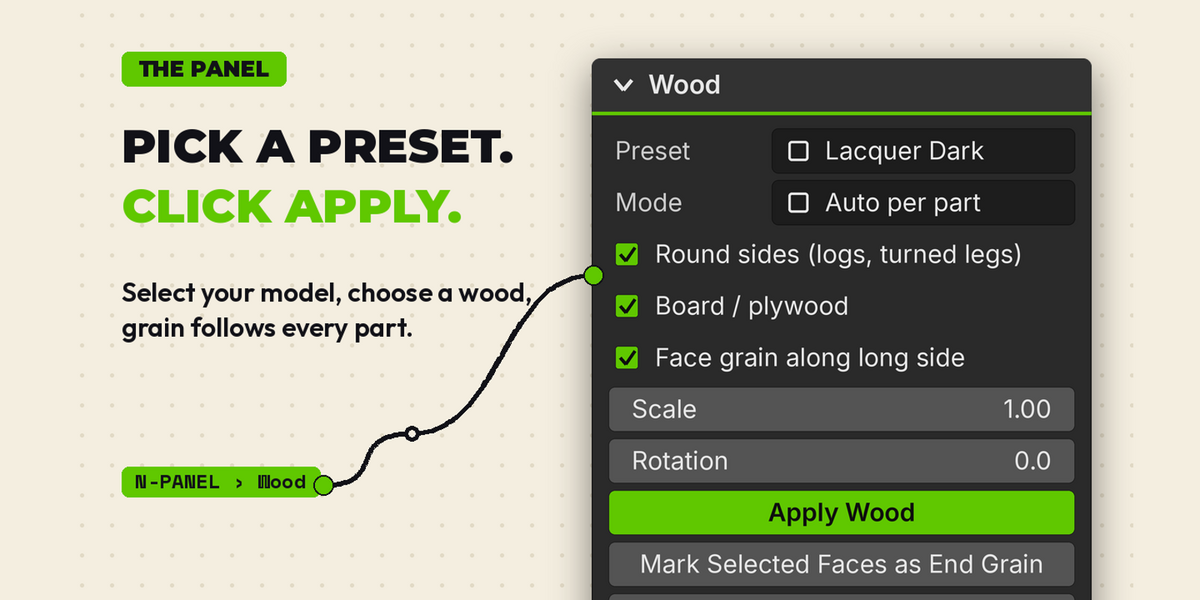
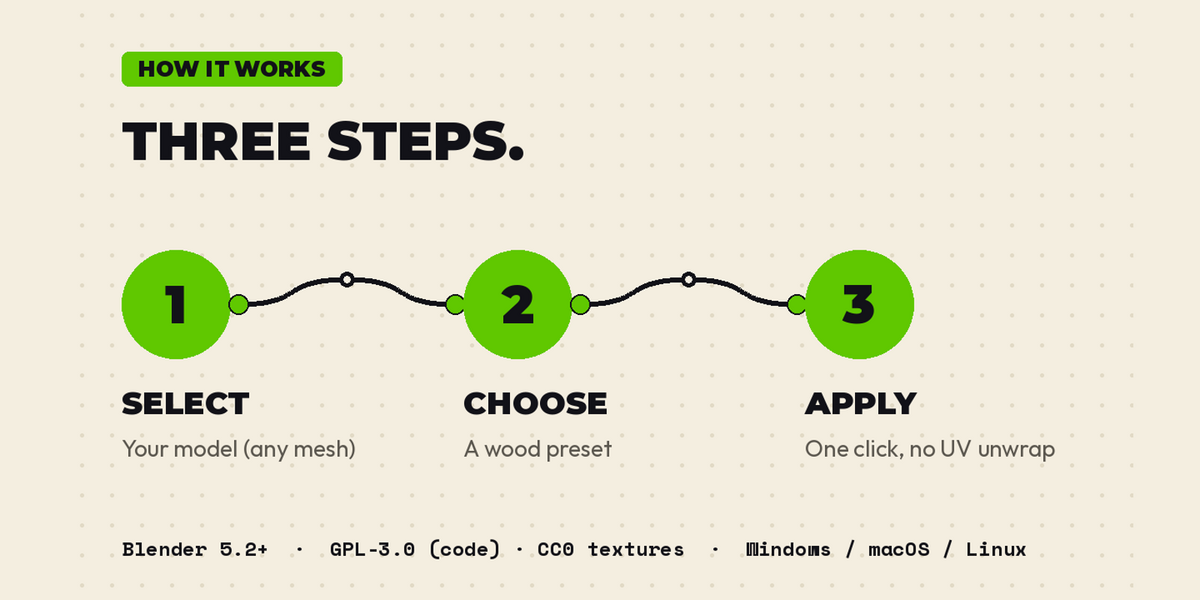
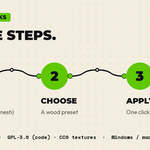
- Select your model
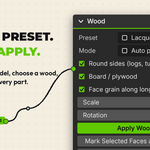
- Choose a preset in the Wood panel (N)
- Click Apply Wood
Prefer nodes? Use the "Wood Grain UV" Geometry Nodes group with any "WTP" material from the .blend pack.
INSTALL
- Drag the .zip into Blender (4.5 or newer), or Edit > Preferences > Get Extensions > Install from Disk
- Press N in the 3D Viewport and open the Wood tab
COMPATIBILITY
Tested in Blender 4.5, 5.1 and 5.2.
Have questions about this product?
Login to message
| Blender Extension Compatible | Yes |
| Published | 2 days ago |
| Blender Version | 4.5 - 5.2 |
| Extension Type | Add-on |
| Render Engine Used | Cycles |
| License | GPL |
Discover more products like this
triplanar procedural material blender 5 geometry nodes wood texture plywood furniture blender addon end grain veneer