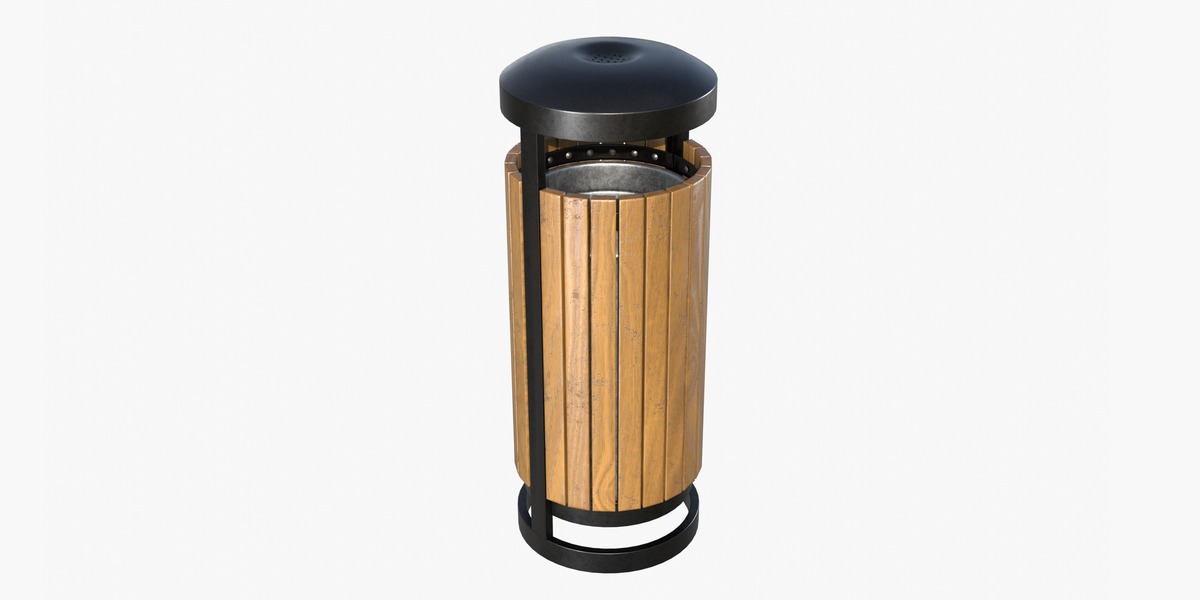
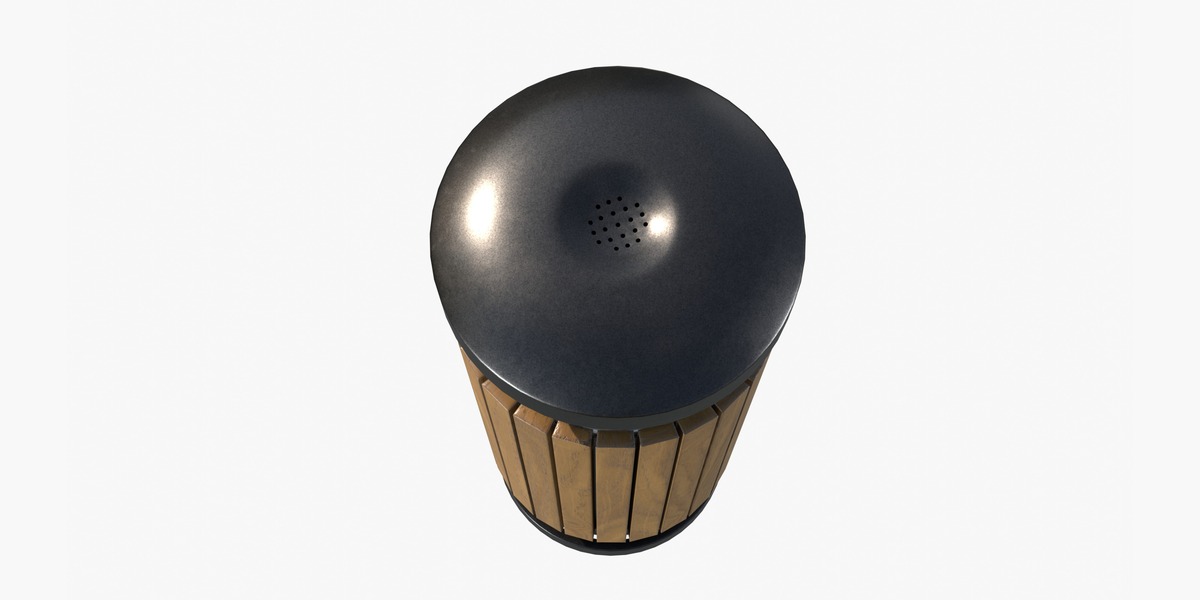
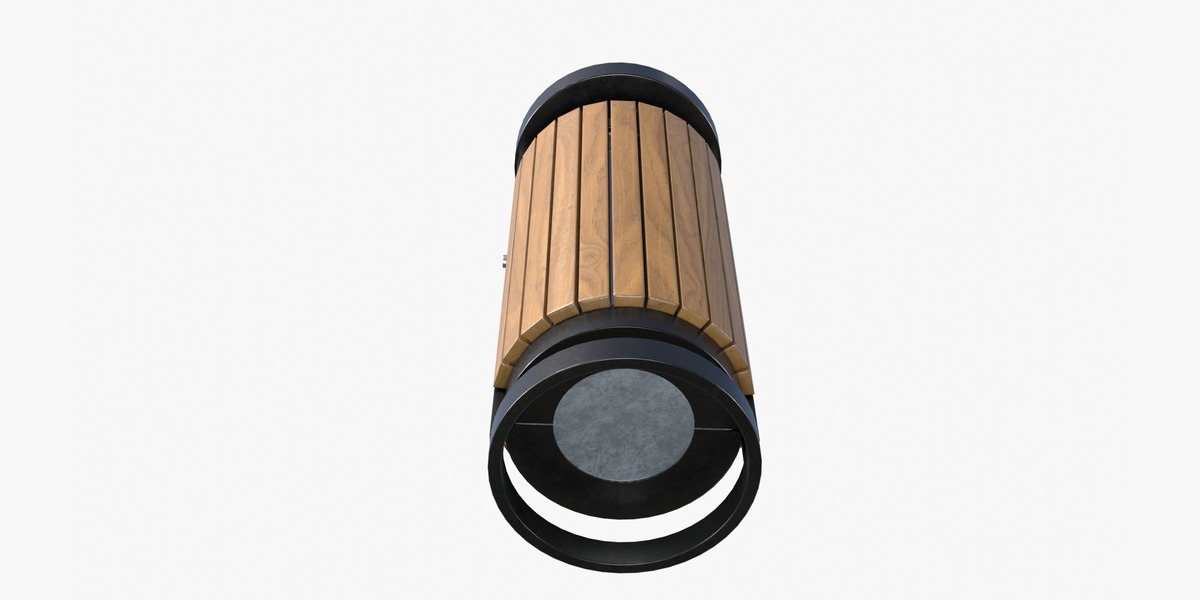
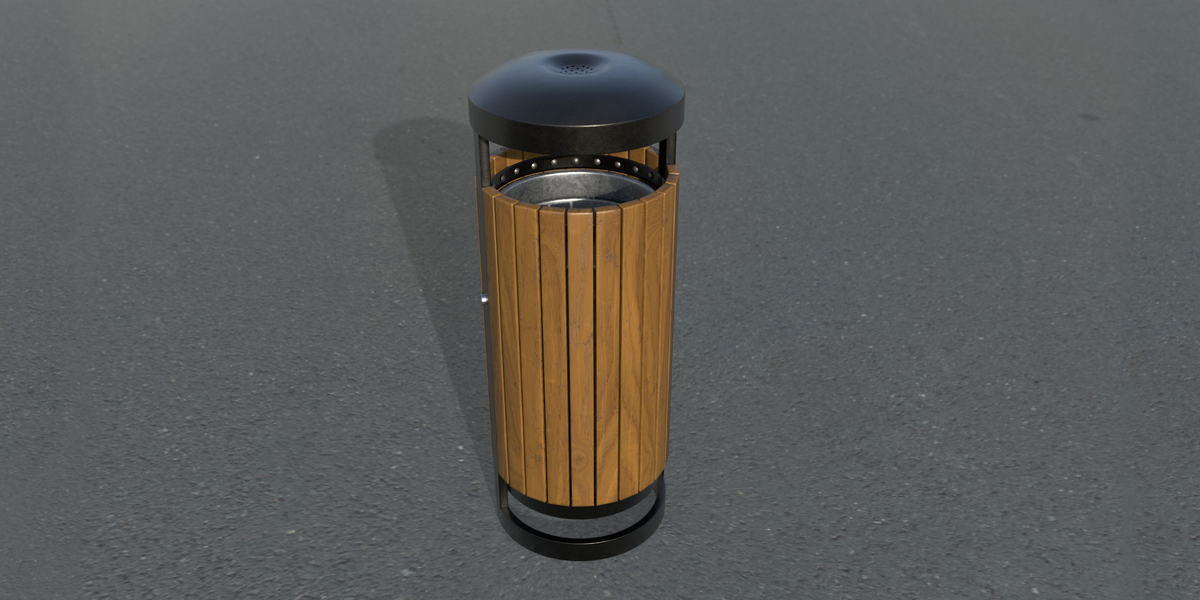
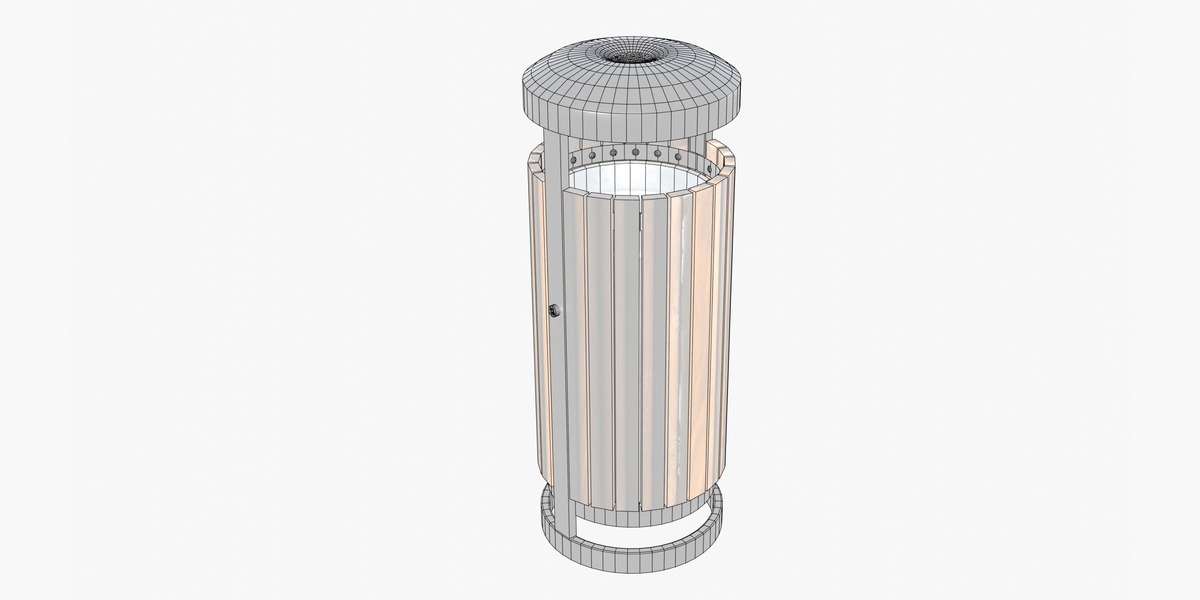
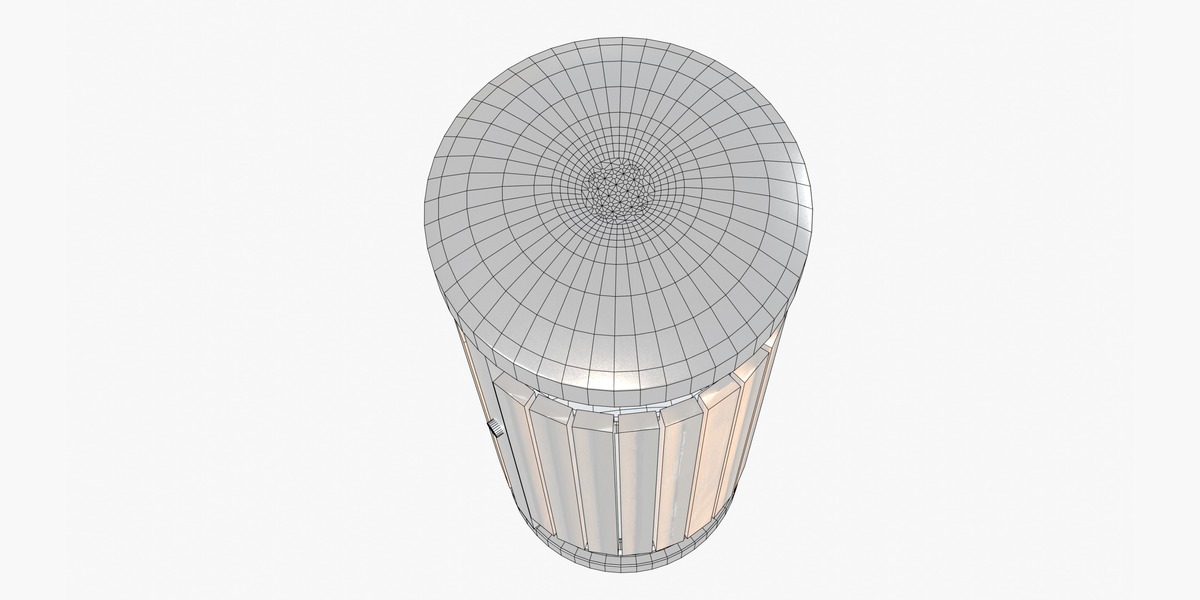
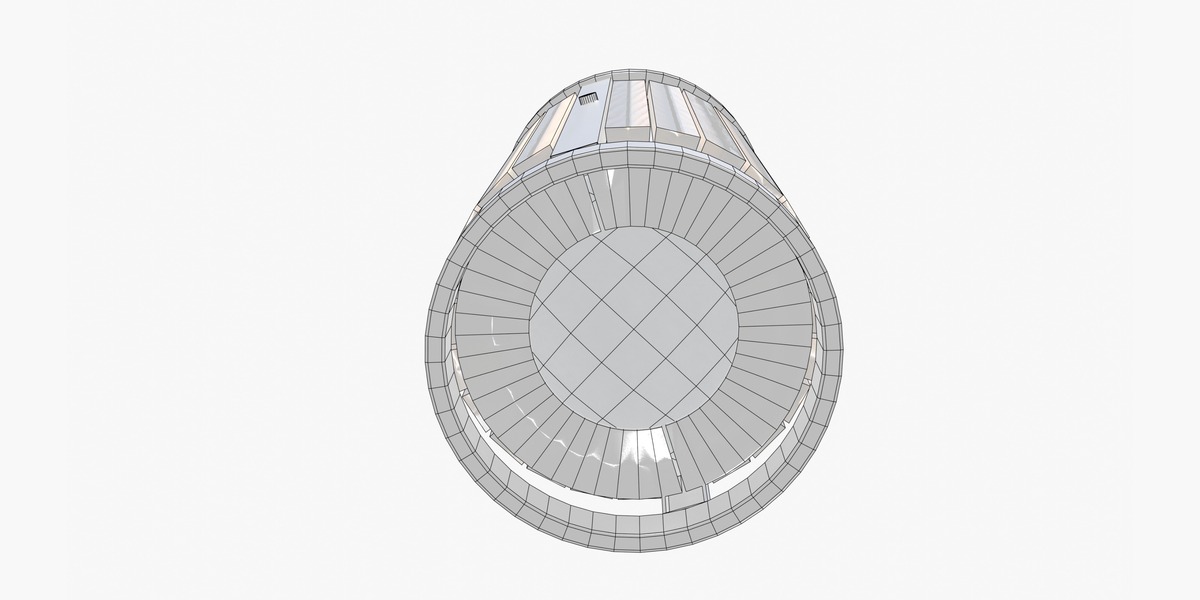
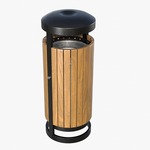
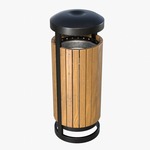
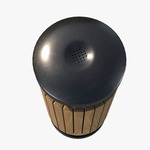
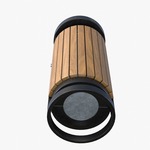
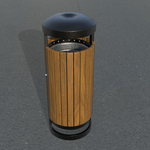
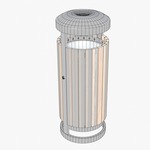
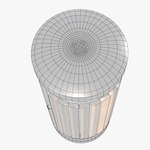
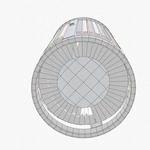
Wooden Slat Outdoor Litter Bin
 3DMeshCraft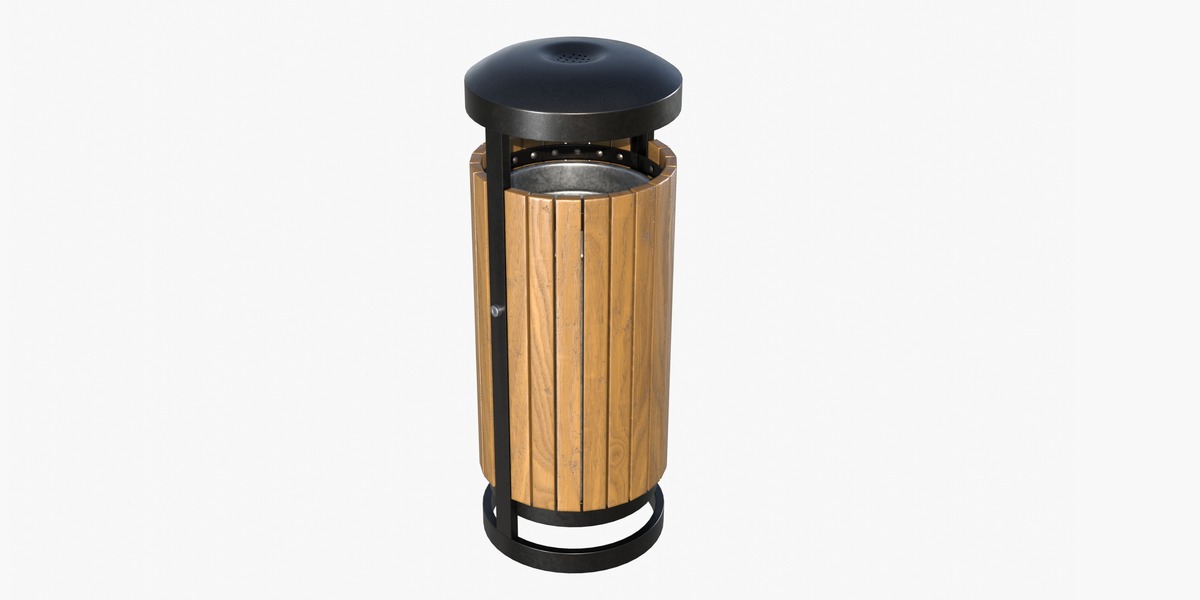
Getting Started
After downloading the product, extract the archive and open the included .blend file in Blender.
The model is ready to use and can be copied or appended into another Blender project.
To append the model to an existing scene:
File → Append → select the included .blend file → Objects or Collections
Select the required object or collection and click Append.
Materials
The model includes materials for the wooden slats and dark metal components.
The materials are already assigned to the model and can be edited directly in Blender through the Material Properties panel.
You can change the wood color, roughness, or metal appearance to match your project.
Textures
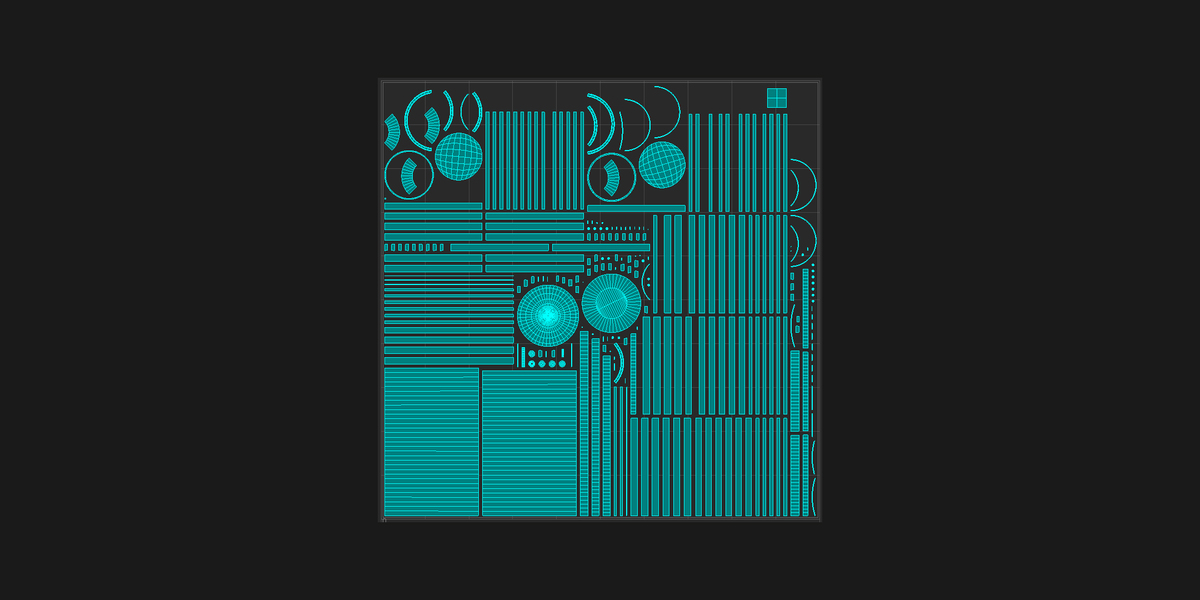
The .blend file contains the required materials and textures.
For the exported FBX and OBJ versions, texture files are provided separately in the Textures folder.
Keep the original folder structure when extracting the product files so that texture paths can be resolved correctly.
File Formats
The product includes:
-
.blend— native Blender file -
.fbx— interchange format -
.obj— interchange format -
.mtl— OBJ material definition - PBR texture maps
-
Textures/folder containing texture files for the exported formats
Scene Usage
The model can be scaled, repositioned, duplicated, and incorporated into larger urban environment scenes.
It can be used for architectural visualization, animation, games, cinematics, and other commercial or personal projects according to the selected product license.
Have questions about this product?
Login to message
| Published | 4 days ago |
| Blender Version | 4.1 - 5.2 |
| Render Engine Used | Blender-Internal, Cycles, Eevee |
| Misc Data | Uvs-Unwrapped, Manifold-Mesh, Low-High-Resolution, Normal-Mapped, Textured |
| License | Royalty Free |