 Wolfram Kampffmeyer


What is WK WorkspaceTools?
If you've ever opened a Blender scene only to find that the layout, timeline settings, and editor configurations are completely different from what you're used to – this addon is for you.
WK WorkspaceTools lets you:
-
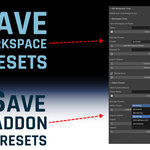
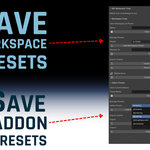
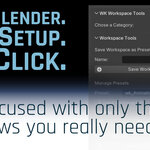
Save and restore your custom workspace layouts (including toggles like Auto Keying, Timeline, Graph Editor settings, etc.)
-
Store addon presets to activate only the tools you need for each task
-
Easily switch between configurations for modeling, animation, sculpting, rendering, or video editing
Whether you're freelancing or working in a studio, this tool helps you stay productive and focused in the layout you know and love.
Main Features
Workspace Presets

-
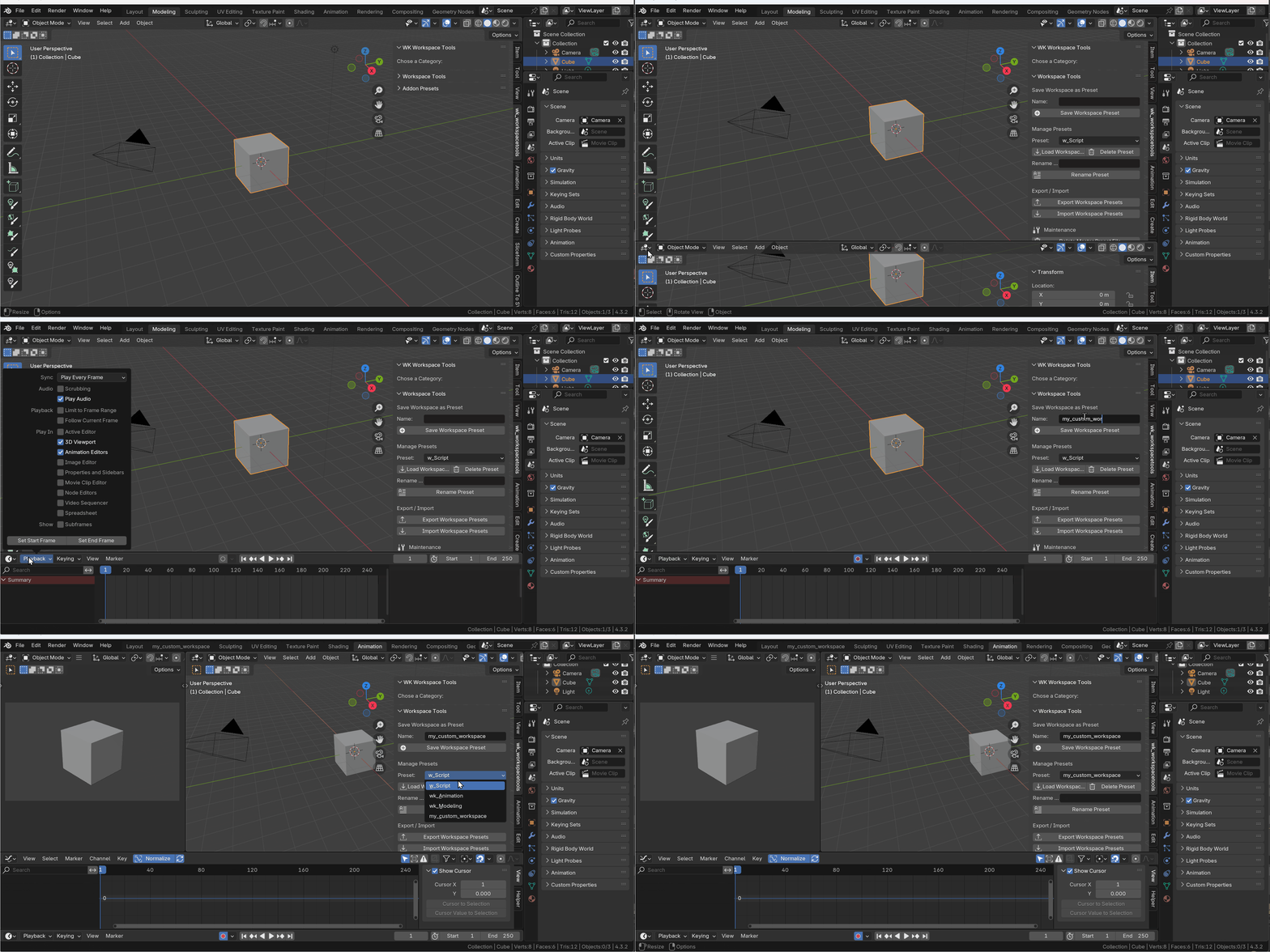
Save the current workspace setup with all toggle states
-
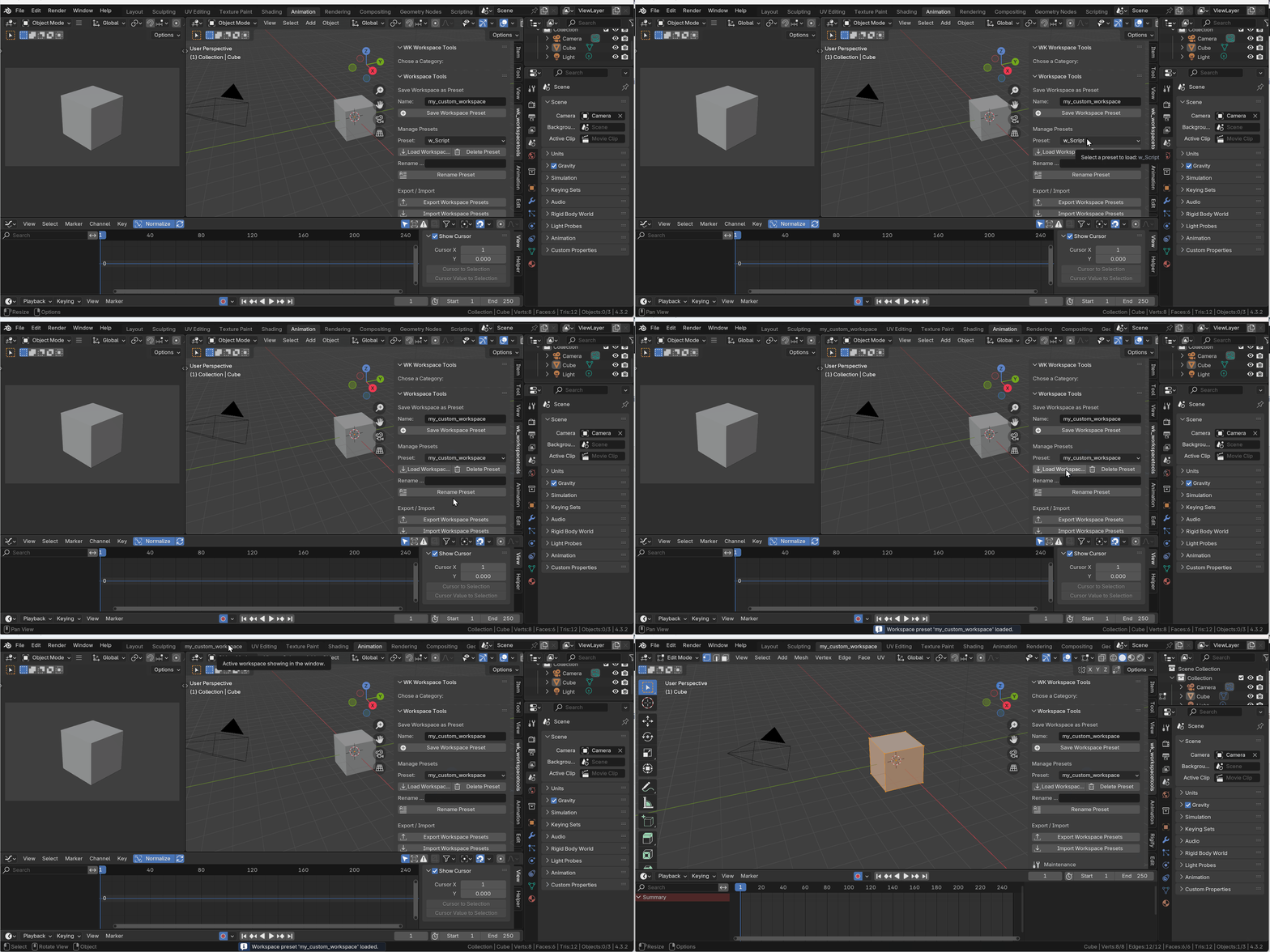
Restore your layout anytime in any Blender file
-
Rename, import and export presets

-
Works across scenes and computers
-
Export/import workspace presets for use in other environments
-
Clean up all saved workspaces with a single confirmation step
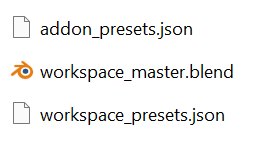
Stored as a .blend + .json
in Blender's config folder
Addon Presets
-
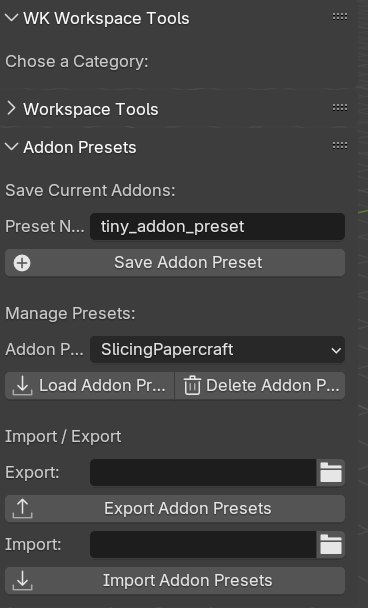
Save the current combination of enabled addons
-
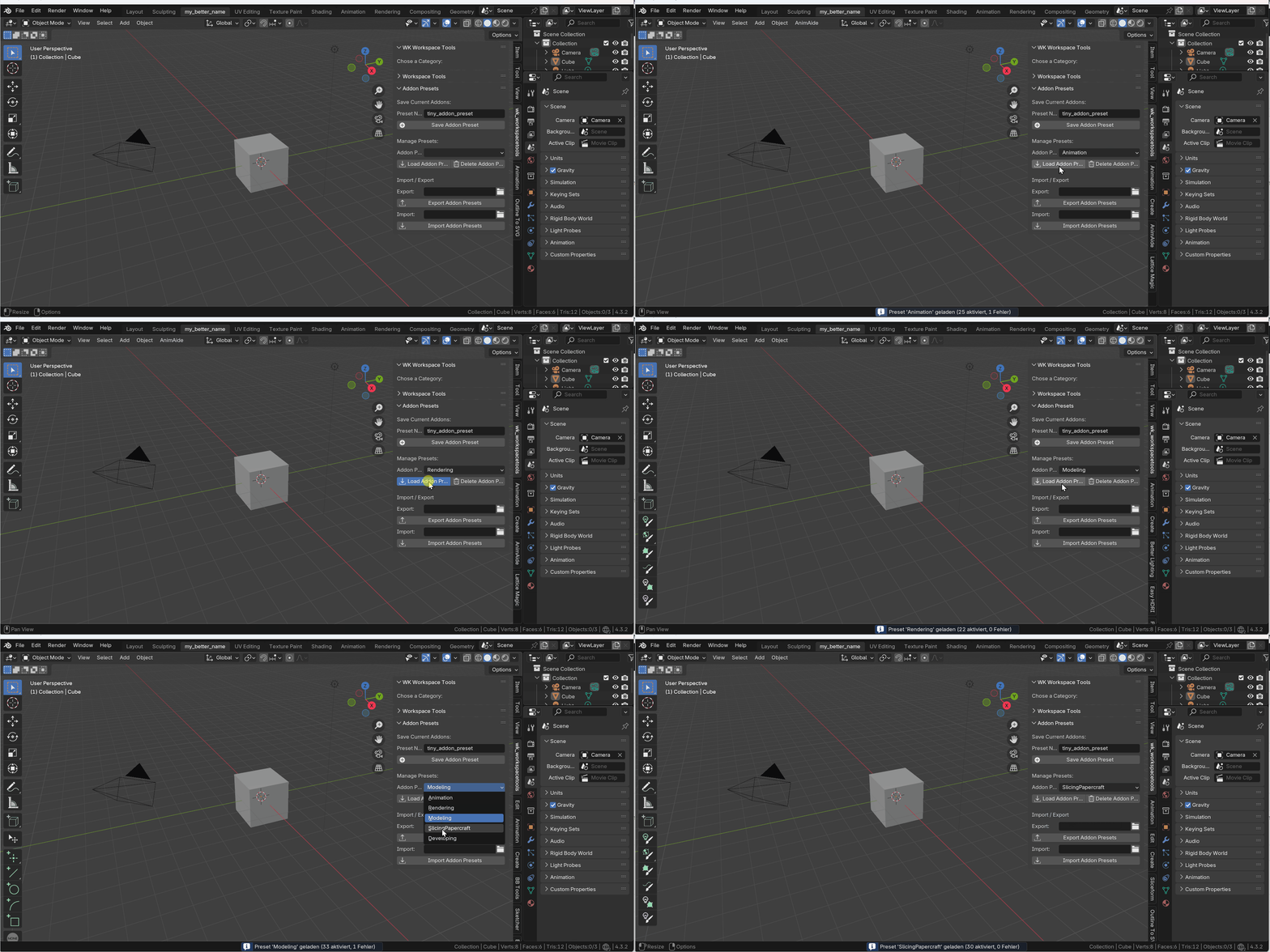
Switch between minimal setups (e.g. modeling vs animation vs FX)
-
Drastically reduce clutter in the side panel (N-Panel)
-
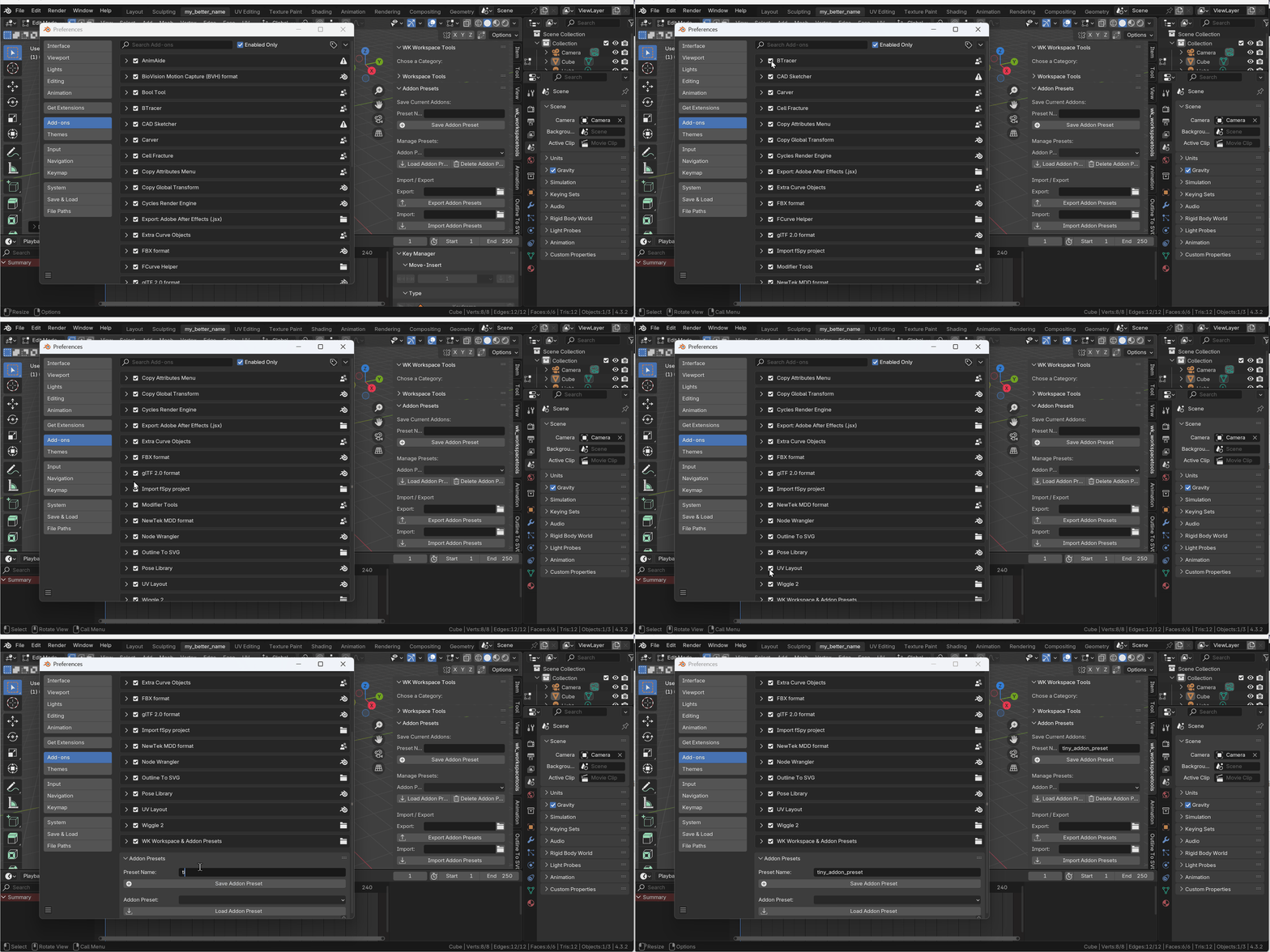
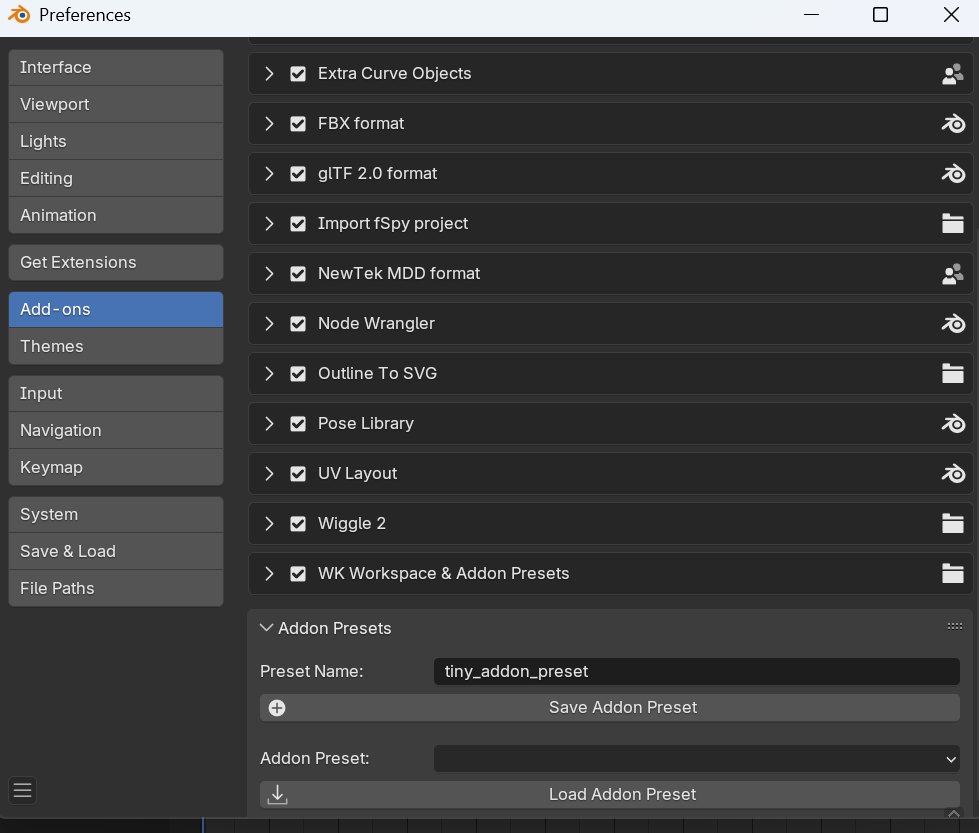
Preset management also available directly inside Blender Preferences > Add-ons
-
Export/import presets for portability
Who is this for?
-
Freelancers who jump between different projects and studios
-
Studios where multiple artists need their own efficient layouts
-
Pipeline artists who want fast switching between tasks
-
Addon enthusiasts who want to keep the UI lean and focused
Technical Info
-
Workspaces are stored as a workspace_master.blend file
-
Addon states are saved in a simple JSON structure
-
All data is stored in Blender's user config folder (AppData/Roaming/...)
-
Designed for Blender 3.5 and above
Note on Quick Favorites
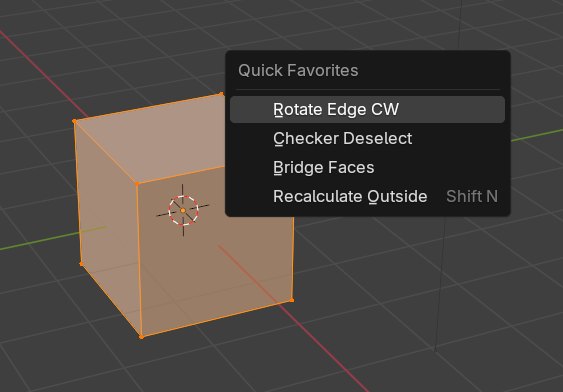
Quick Favorites are context-sensitive and managed by Blender internally within the userpref.blend file. This add-on does not store or restore Quick Favorites.
If you deactivate an add-on that contributes an operator to the Quick Favorites menu and then close Blender, those entries may be lost permanently.
Tip:
If you regularly use certain Quick Favorites (e.g. Copy Global Transform), we recommend keeping the corresponding add-on enabled across all presets to avoid losing access.