WornTex
 GPolygon Design





New
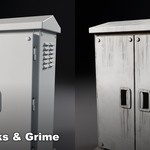
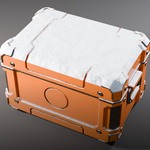
- Scene Grime: contact and corner darkening between objects - the floor along the wall, the ceiling between beams, the foot of a crate. Reach, Color, Amount and Cast By (only a chosen collection leaves it). It goes into Freeze, the exported textures and the Tiling + Mask weathering mask.
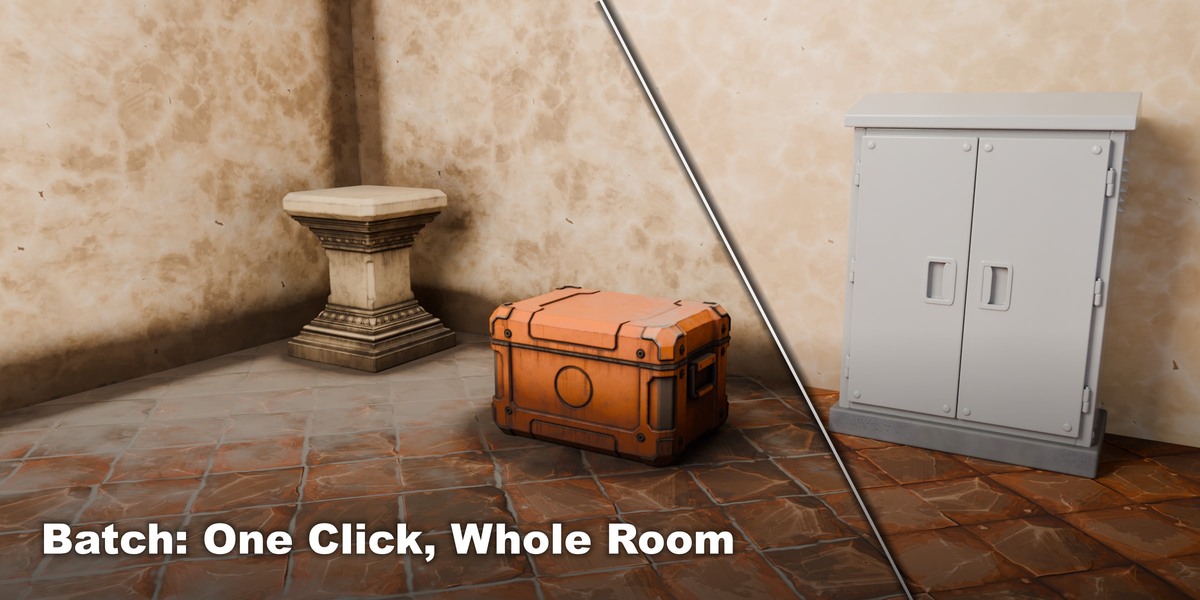
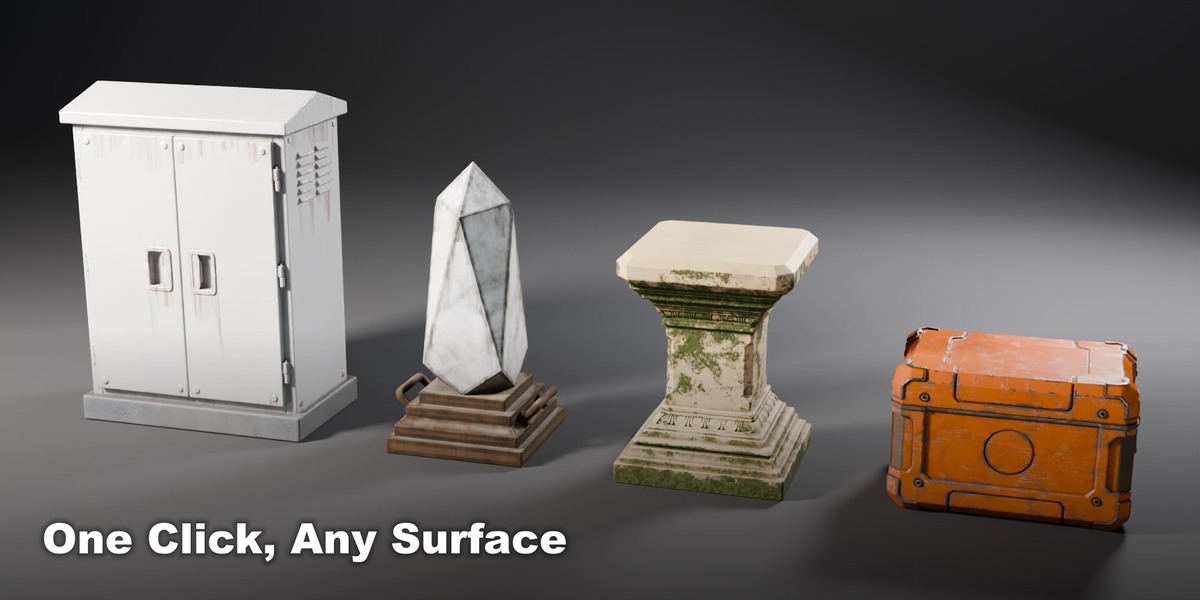
- Batch: prepare the selected objects, a collection or the whole scene at once with one style, look, strength and preset, optionally with Scene Grime and Freeze. Together prepares objects that share a mesh once; Separately gives every object its own copies.
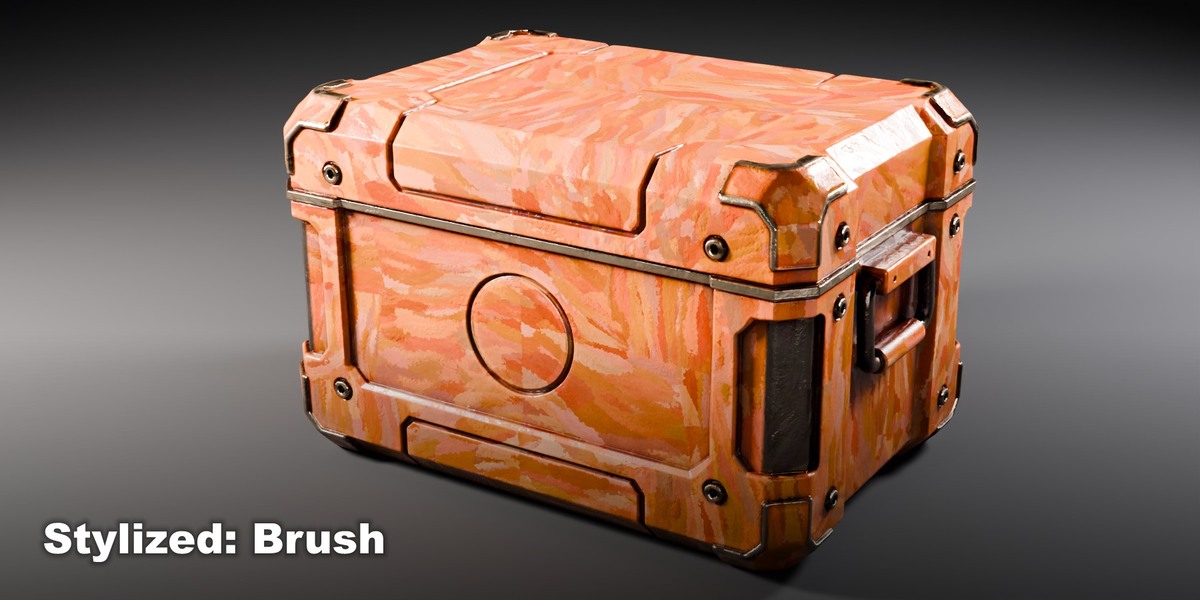
- Stylized Strength (Light / Medium / Strong) and Surface per material (Auto / Wood / Metal / Stone / Fabric).
- Mask to Color Attribute, and Mask in Vertex Colors for Tiling + Mask exports: the weathering mask reaches the engine as vertex color.
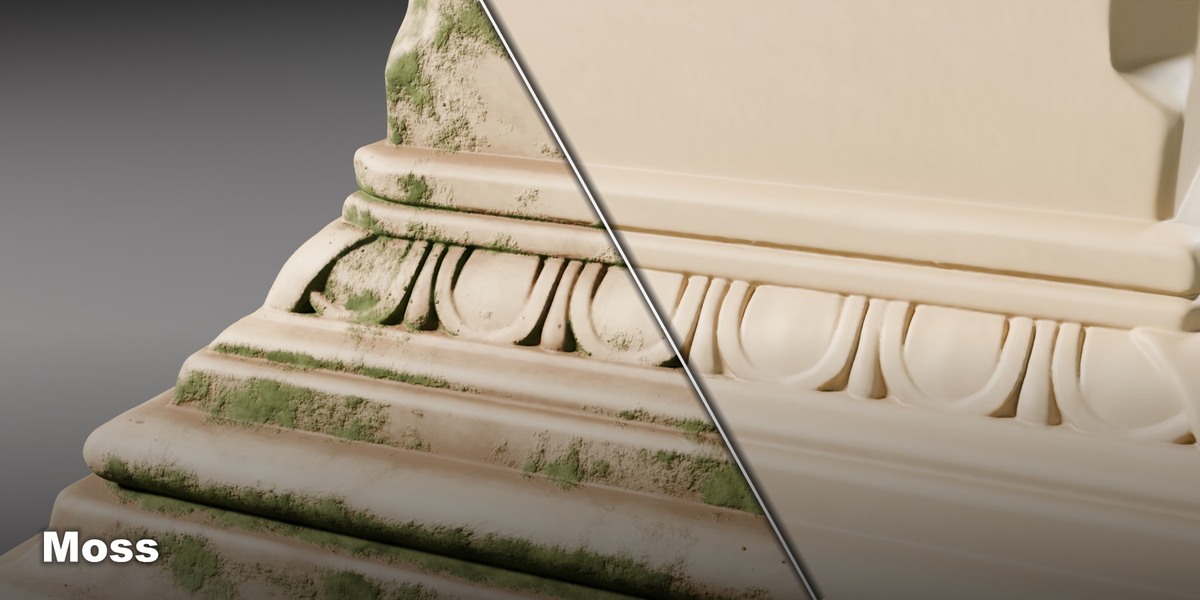
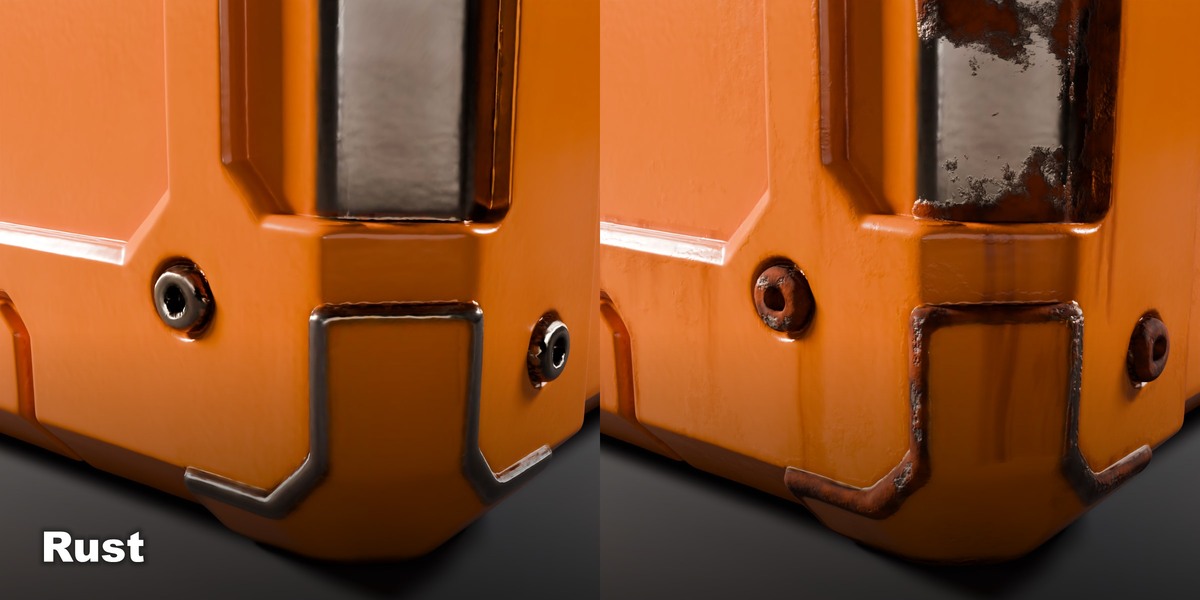
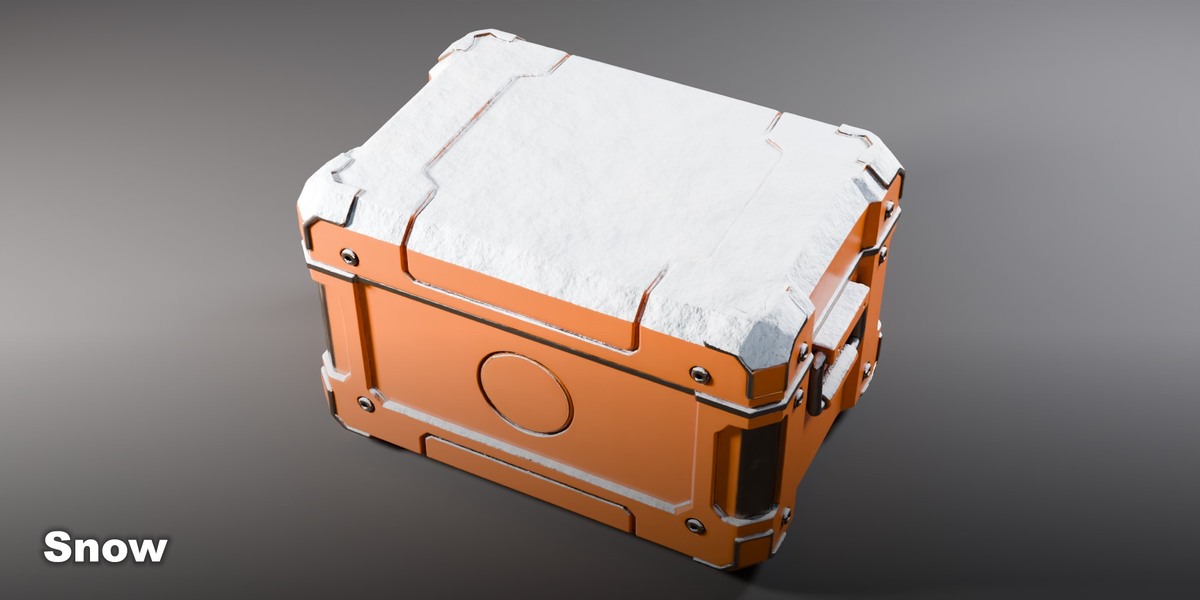
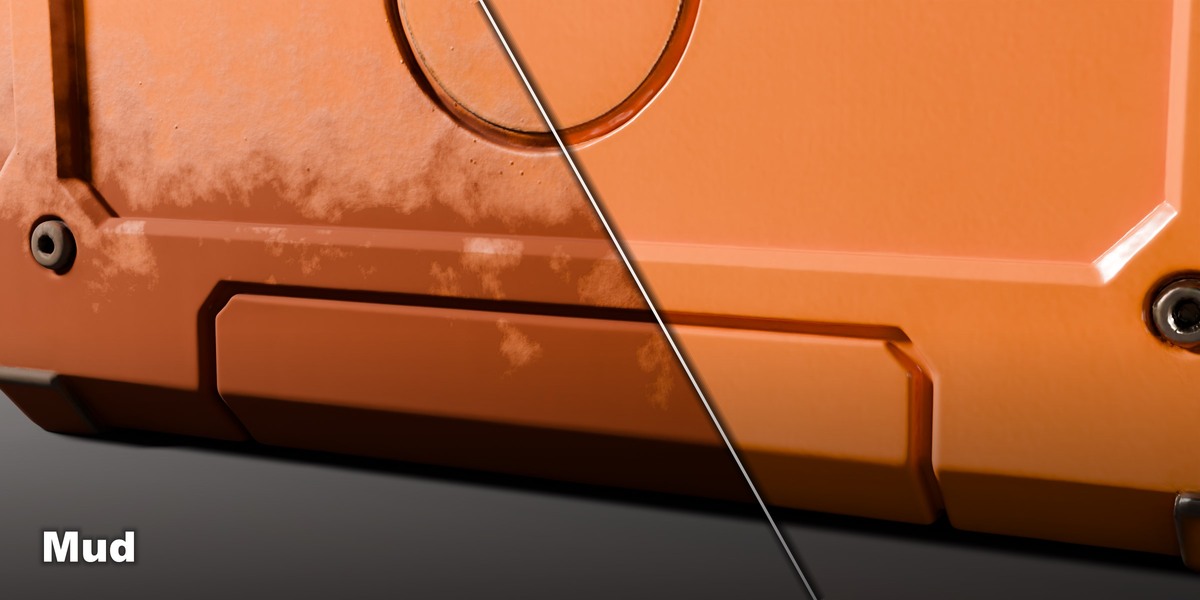
- Where for Moss, Rust, Dirt, Dust and Snow: Natural, Everywhere, Edges, Cavities, Top Faces, Bottom or Paint Only.
- Mask Paint > Selected Faces > Add / Remove: put any effect on the faces you select in Edit Mode, or take it away.
Fixed
- Freeze no longer fades colors to grey: the frozen look keeps the material's own specular, coat, sheen and emission.
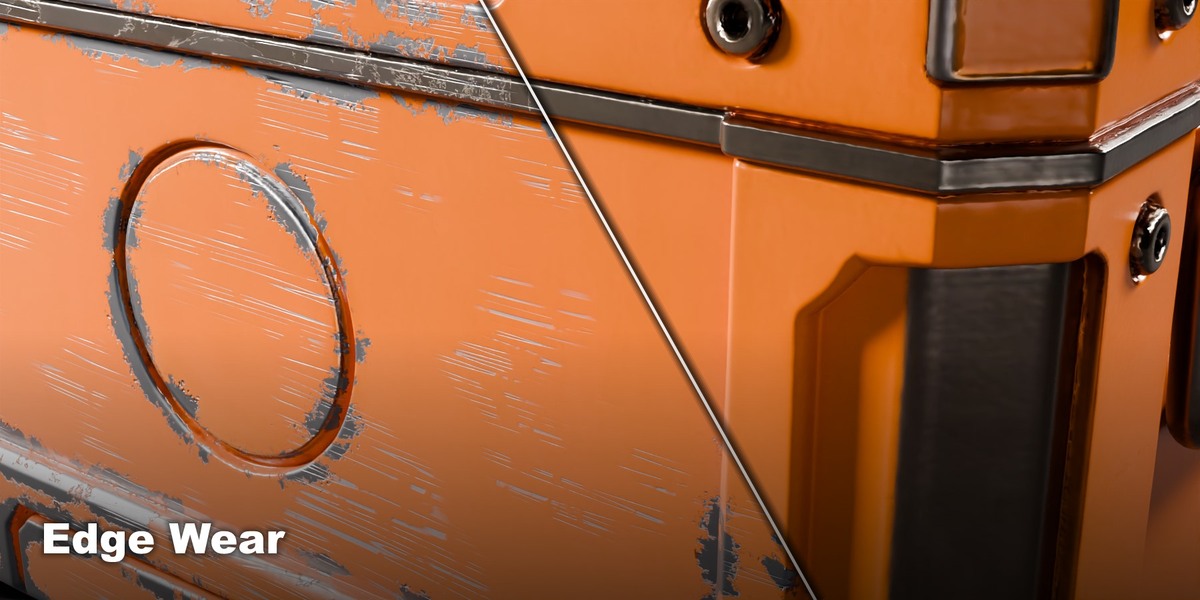
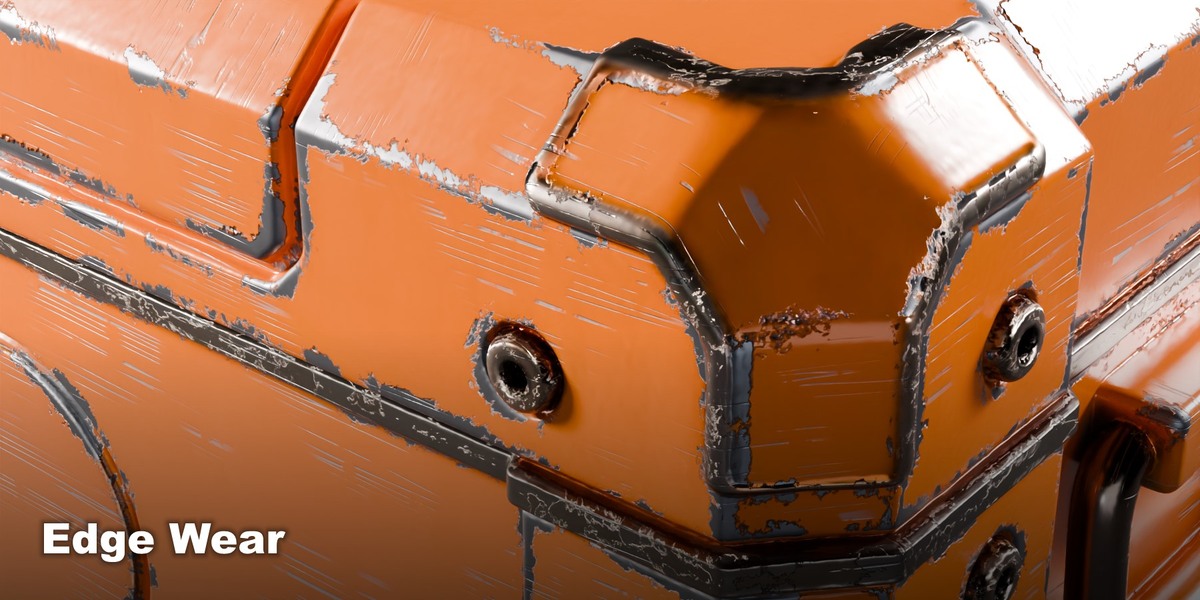
- Edge Highlight and Edge Wear > Match Surface keep the surface's hue and saturation.
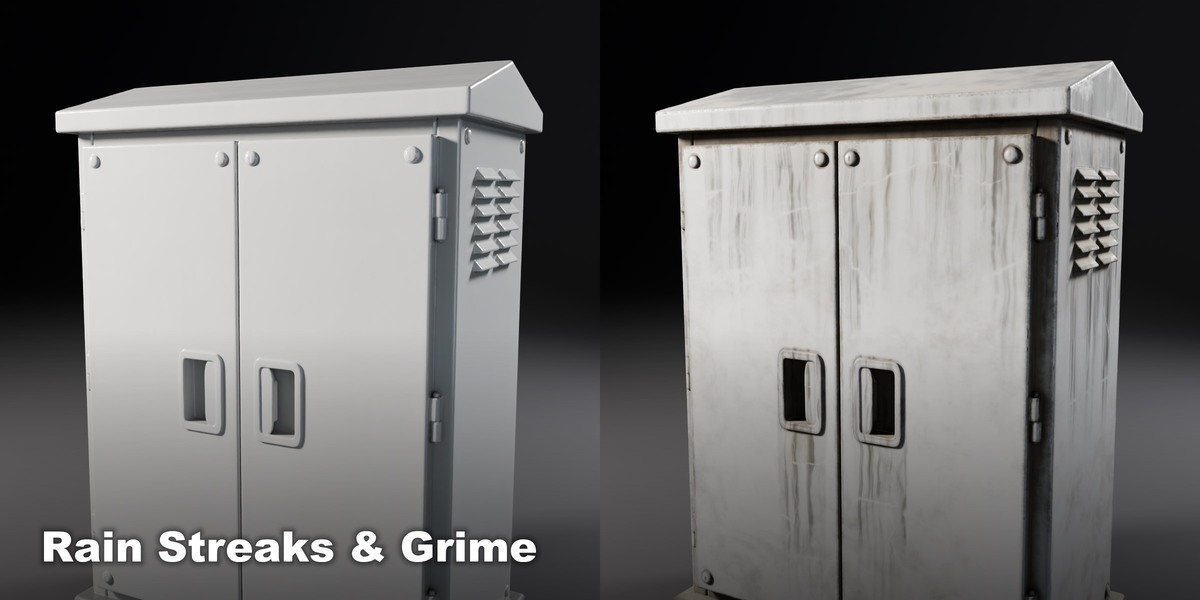
- Rain streaks no longer stop or start at a UV seam.
- Objects switched off for renders can be prepared and frozen.
- Tiling + Mask no longer falls back to unique textures because of a mask blended in through a mix factor; when it does fall back, the setup note says why.
Changed
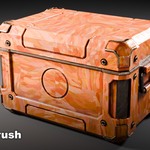
- A painted area lets the effect grow in its own pattern instead of one flat coat, and a lighter brush gives part of it. Masks painted in 1.0 keep working.
Faster
- Bakes load only the objects they need: in a 2,500-object scene, Prepare and Freeze ran about three times faster.
Have questions about this product?
Login to message
| Blender Extension Compatible | Yes |
| Dev Fund Contributor | |
| Published | about 6 hours ago |
| Blender Version | 4.2 - 5.2 |
| Extension Type | Add-on |
| Render Engine Used | Cycles, Eevee |
| License | GPL |
Discover more products like this
game ready texture-baking stylized godot weathering PBR unity Channel Packing Unreal Engine hand painted