 VK Gamedev


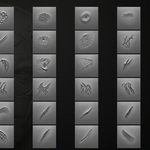
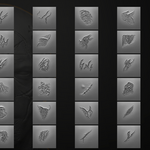
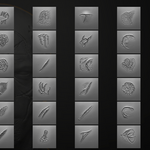
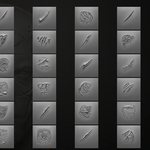
BLENDER + ZBRUSH • SCULPTING BRUSH PACK
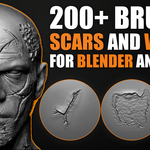
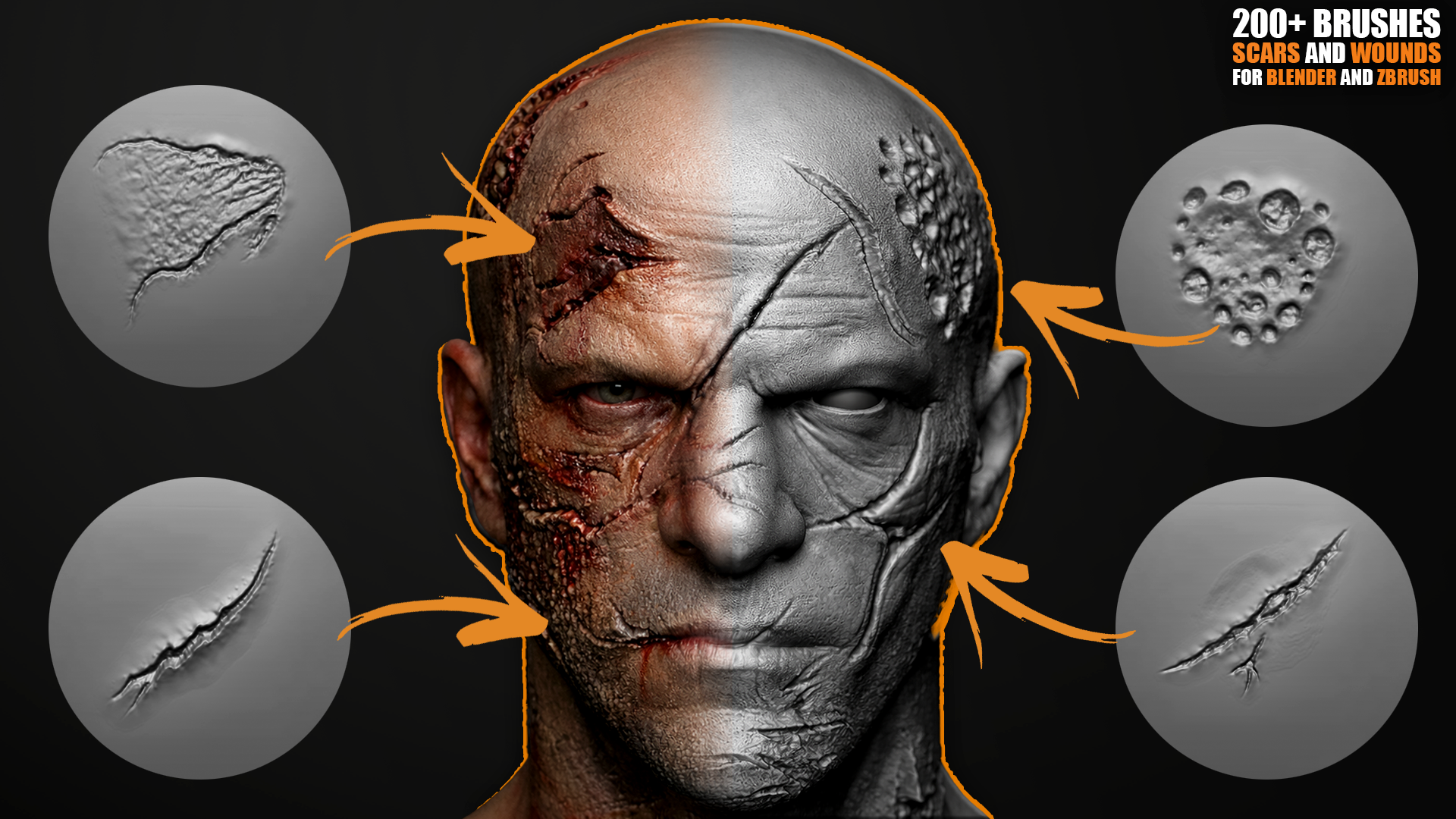
200+ Wounds & Scars Sculpting Brushes
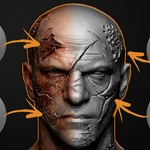
Create brutal, believable skin damage in minutes: cuts, stitches, burns, scratches, healed scars and more — fully ready for Blender Sculpt Mode and ZBrush.
Brushes only — no alphas included.
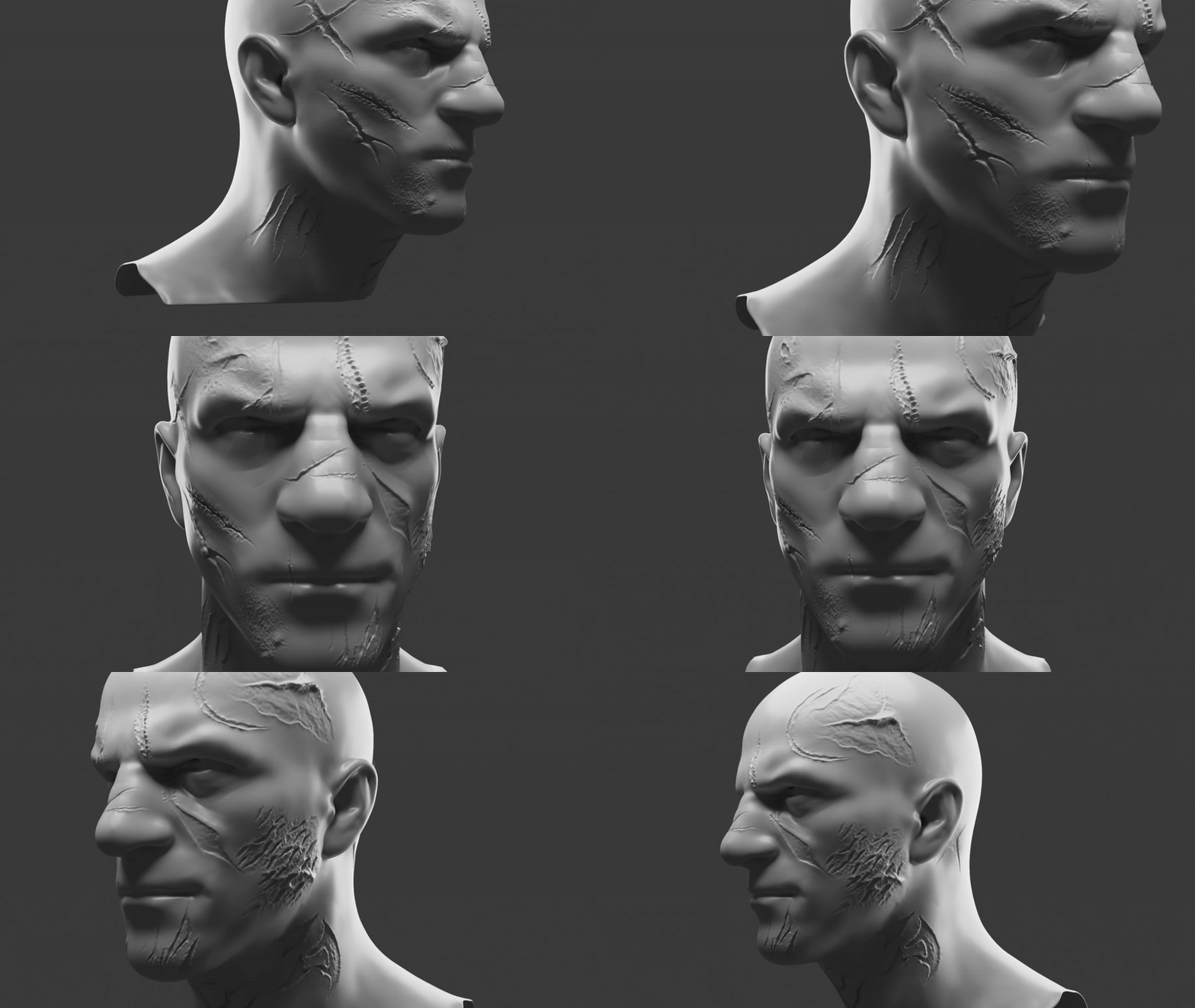
⚡ Production-ready • Fast workflow • Cinematic detail
📦 What’s Included
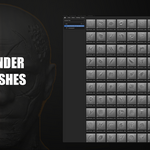
- 200+ Blender Sculpt Brushes
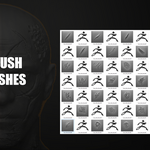
- 200+ ZBrush Brushes (.ZBP)
- Organized for fast detailing & clean sculpting behavior
- Brushes only — no alpha maps
🩸 Perfect For
- Game characters / VFX / cinematic close-ups
- Horror, dark fantasy, battle-worn heroes
- Humans, creatures, monsters, stylized sculpts
- Fast surface breakup & believable damage
⚡ Brush Categories
Fresh Damage
Cuts, deep wounds, torn skin, gashes, slash marks
Cuts, deep wounds, torn skin, gashes, slash marks
Healed Scars
Old scars, scar clusters, layered healing, subtle damage
Old scars, scar clusters, layered healing, subtle damage
Stitches & Seams
Surgical stitches, seams, staples, stitched skin patterns
Surgical stitches, seams, staples, stitched skin patterns
Burns & Trauma
Burned skin, rough scarring, damaged flesh, abrasions
Burned skin, rough scarring, damaged flesh, abrasions
Why it feels “pro”: brushes are sculpt-behavior focused — clean strokes, natural anatomical flow, and fast results without extra setup.
🔧 Installation
Blender
- Put the provided .blend brush file in a permanent folder.
- Go to Edit → Preferences → File Paths.
- Click Add and select that folder.
- Press Save Preferences.
ZBrush
- Copy all .ZBP brushes.
- Paste into ZBrushes folder:
C:\Program Files\Pixologic\ZBrush 2021\ZBrushes Restart ZBrush — brushes appear inside the ZBrushes menu (Lightbox / Brush).


✔ Commercial use allowed • ✖ Redistribution of raw files is not permitted
Need help? Message me — fast support.
