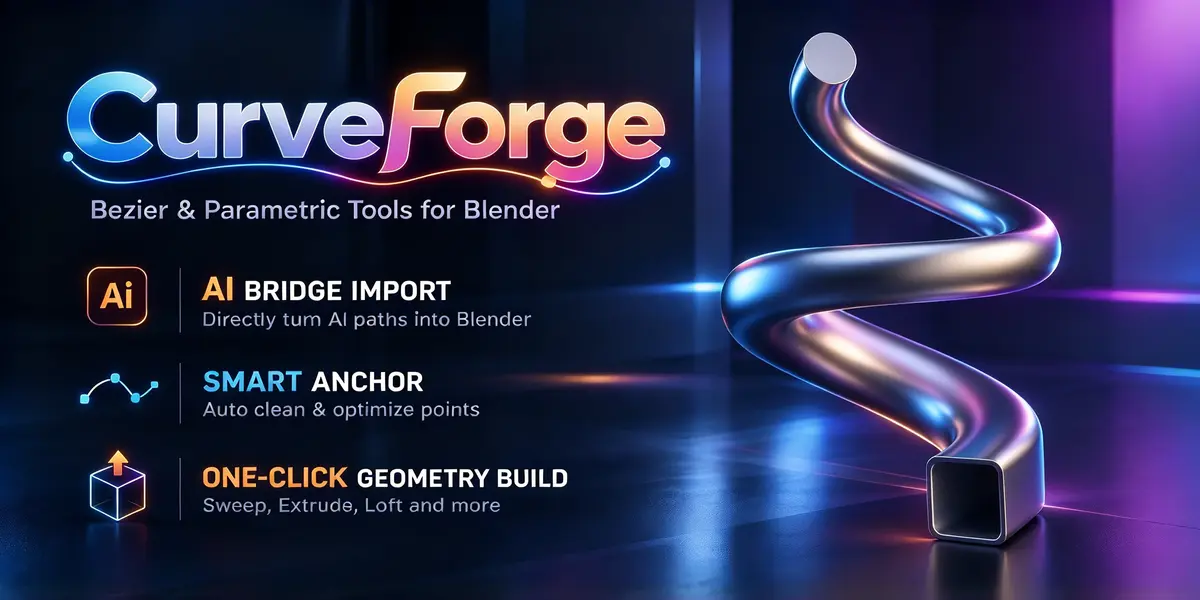
CurveForge

duchen in Modeling


CurveForge.

CurveForge

01 / WORKFLOW


Start with your ideas.
Keep the curves editable.


Import from Illustrator, draw in the viewport or start with a parametric shape.


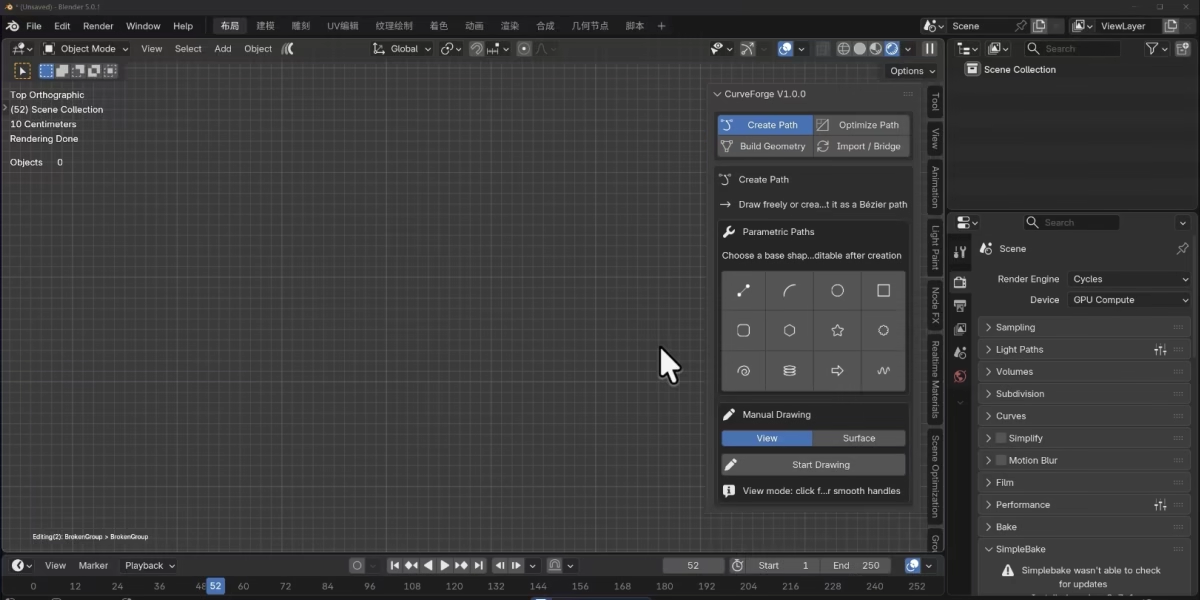
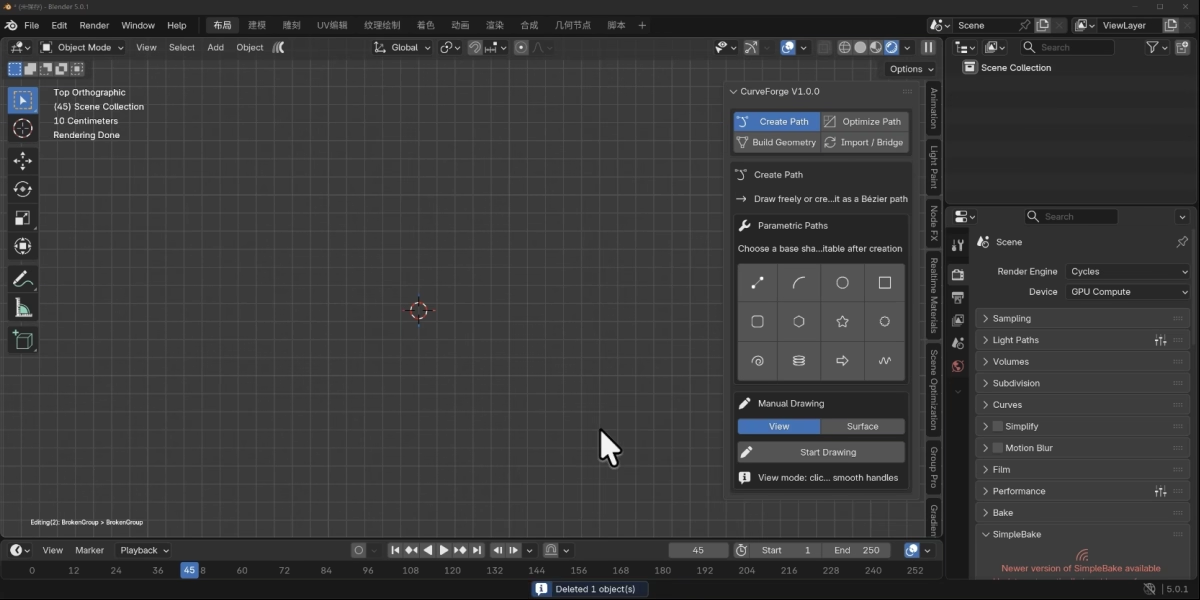
PARAMETRIC SHAPES


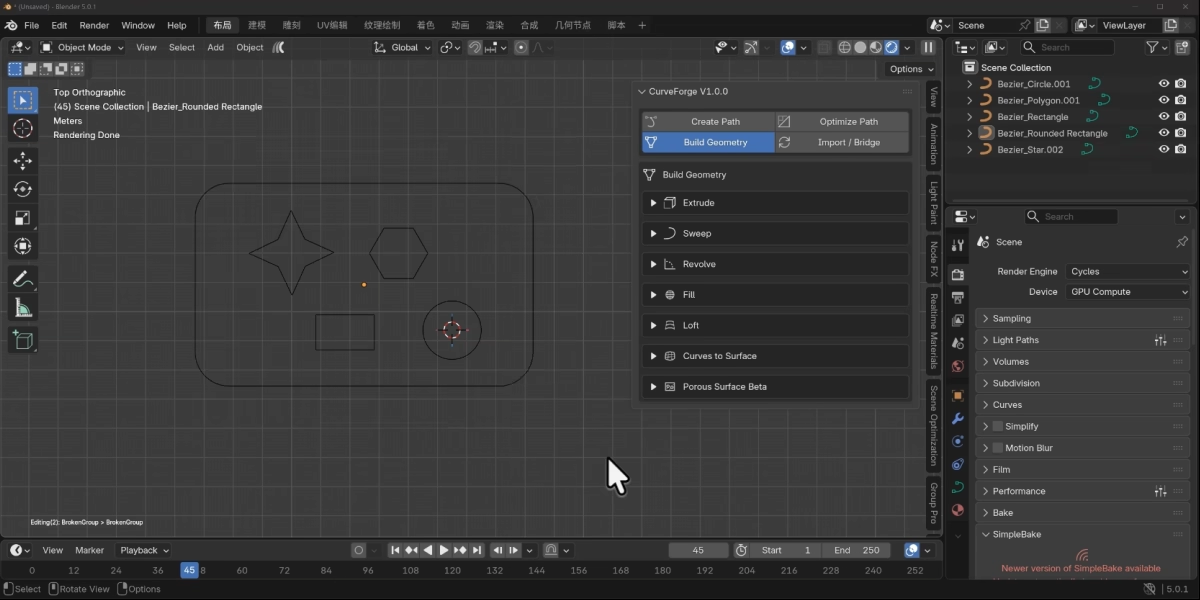
Twelve starting points. Make them yours.


Start with a familiar shape, adjust its parameters, then make it your own with direct Bézier editing.

 
Line
 

Line

Arc
 

Arc

Circle
 

Circle

Rectangle
 

Rectangle

Rounded rectangle
 

Rounded rectangle

Polygon
 

Polygon

Star
 

Star

Gear
 

Gear

Spiral
 

Spiral

Helix
 

Helix

Arrow
 

Arrow

Wave
 

Wave


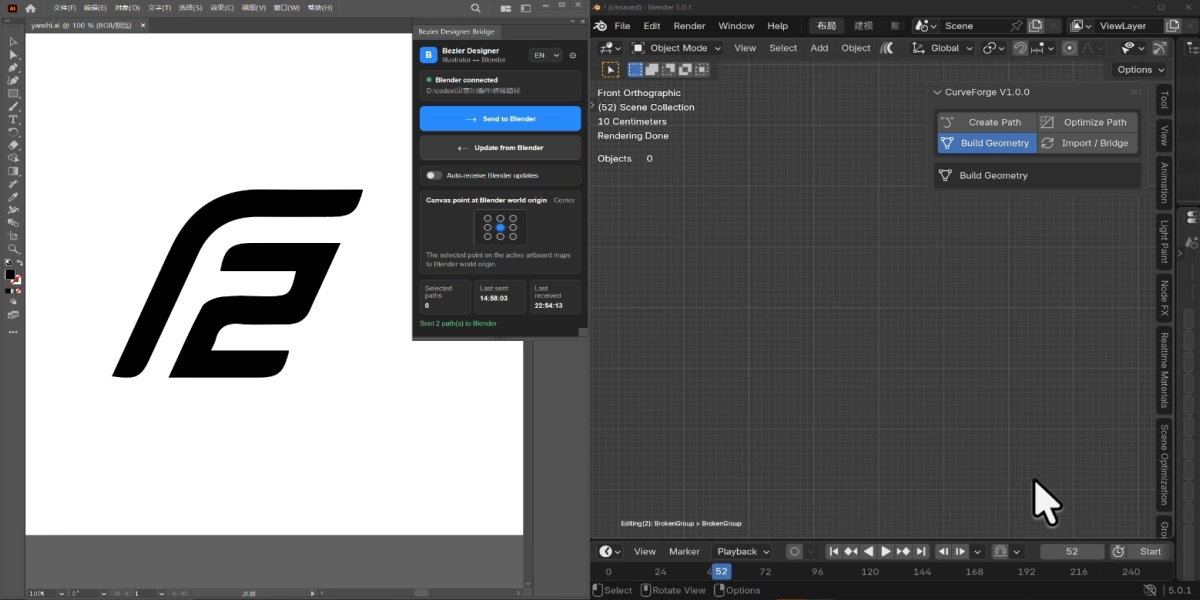
ILLUSTRATOR BRIDGE


From Illustrator to Blender.


Send selected Adobe Illustrator paths into Blender as editable Bézier curves, with anchors and handles preserved. Send edits back through the bridge when needed.


Ai → BLENDER


ILLUSTRATOR BRIDGE


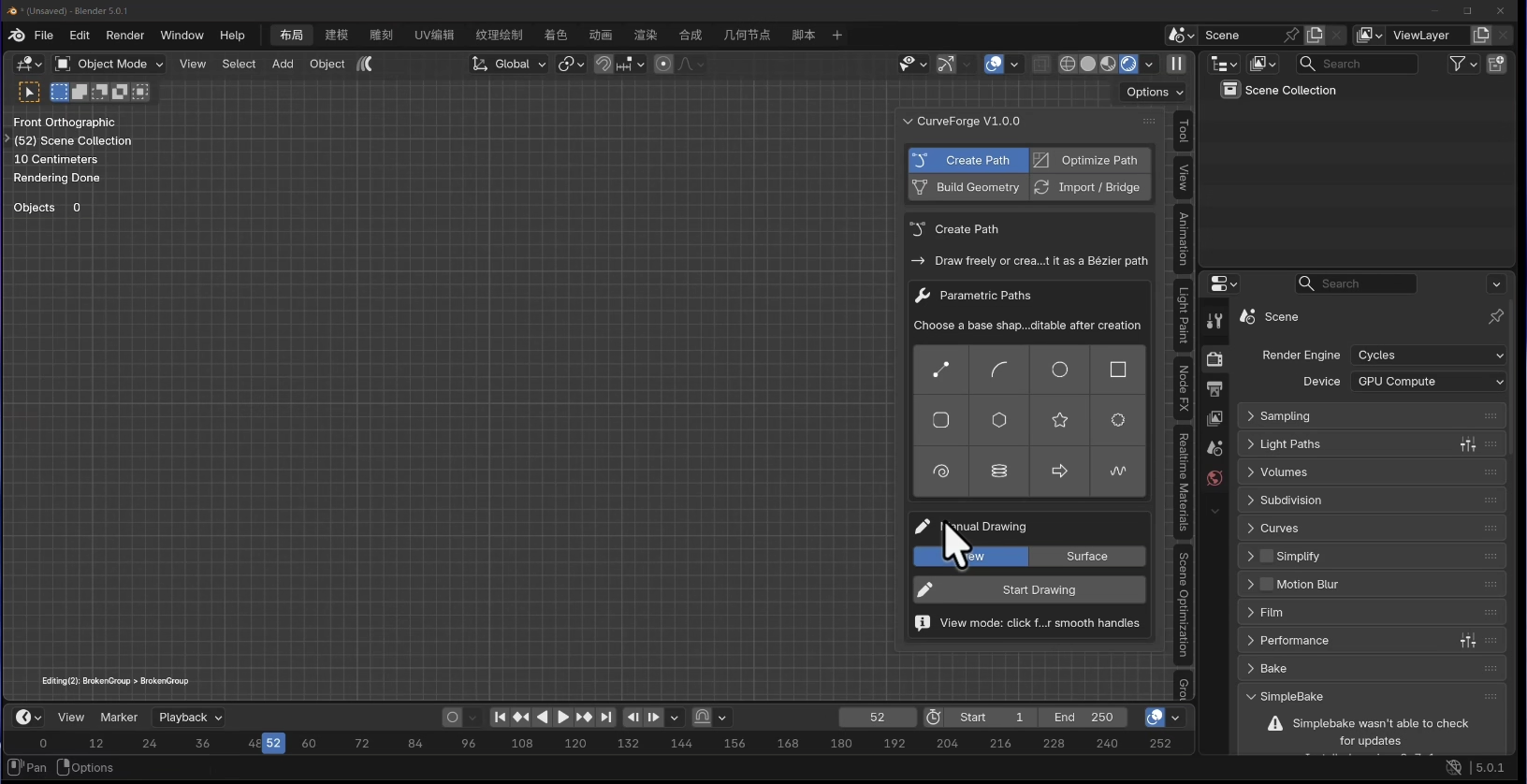
VIEWPORT DRAWING


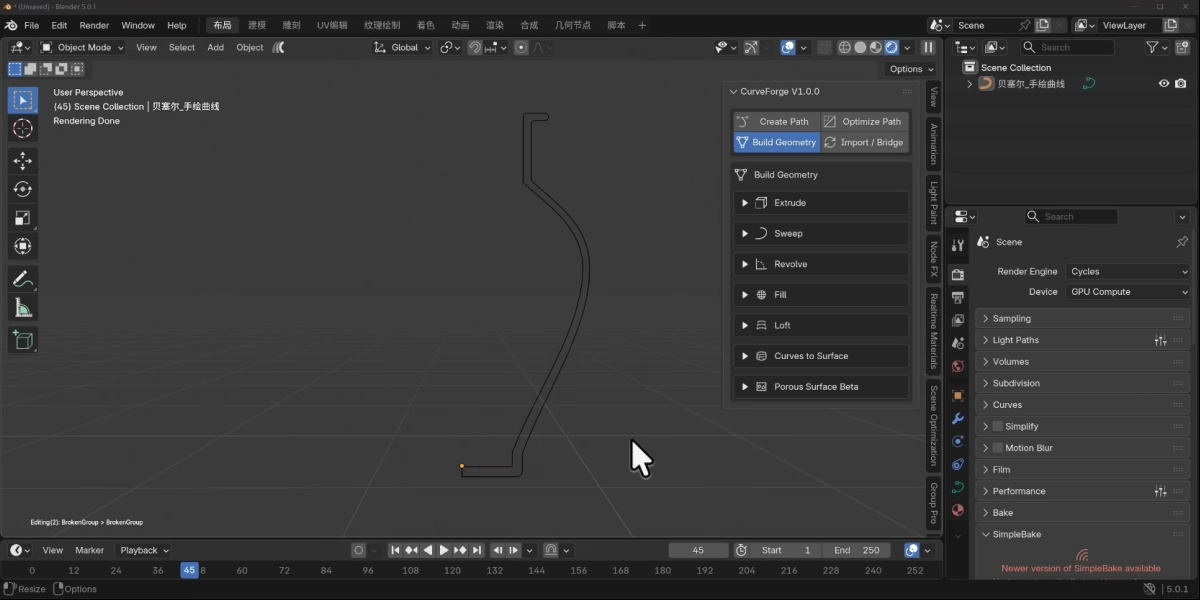
Click for a line. Drag for a curve.


Draw paths directly in the viewport or on a model surface, then adjust anchors and handles in direct edit mode.


VIEWPORT DRAWING


FLOATING EDIT PANEL


The controls stay beside your curve.


Shape anchors, arrange selections and refine corners from one compact floating panel.


Anchor types. Symmetric, smooth, corner and free handles.


Align & distribute. Six alignment options, plus horizontal and vertical distribution for anchors and paths.


Round & chamfer. Adjust corners directly with visual controls.


FLOATING EDIT PANEL


02 / WORKFLOW


Fewer points.
More control.


Clean imported or hand-drawn curves before you build.


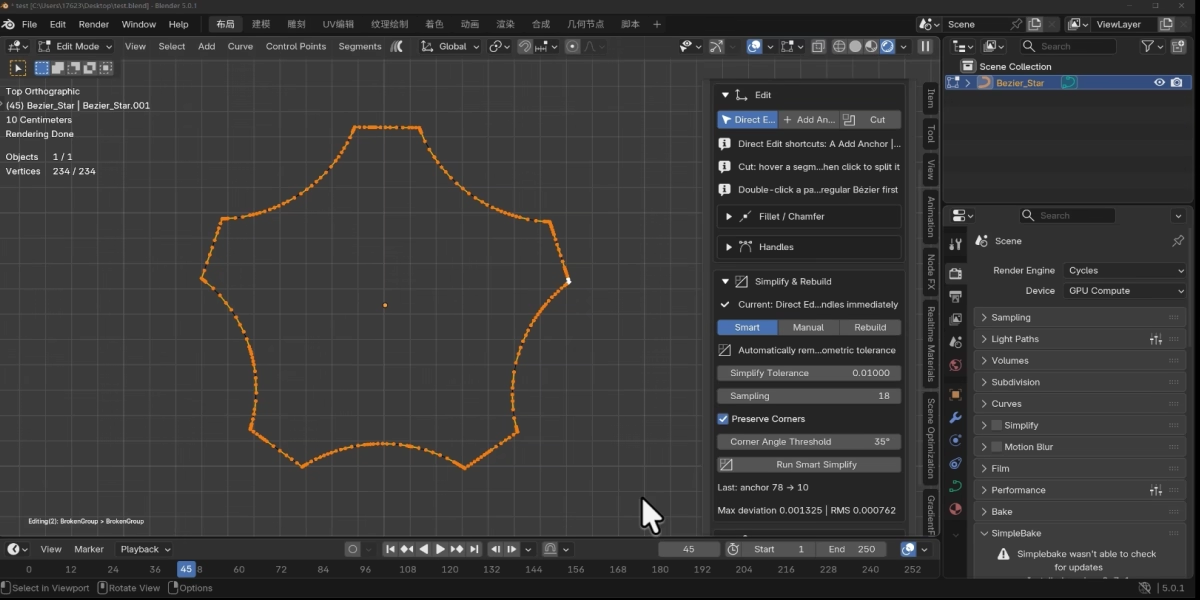
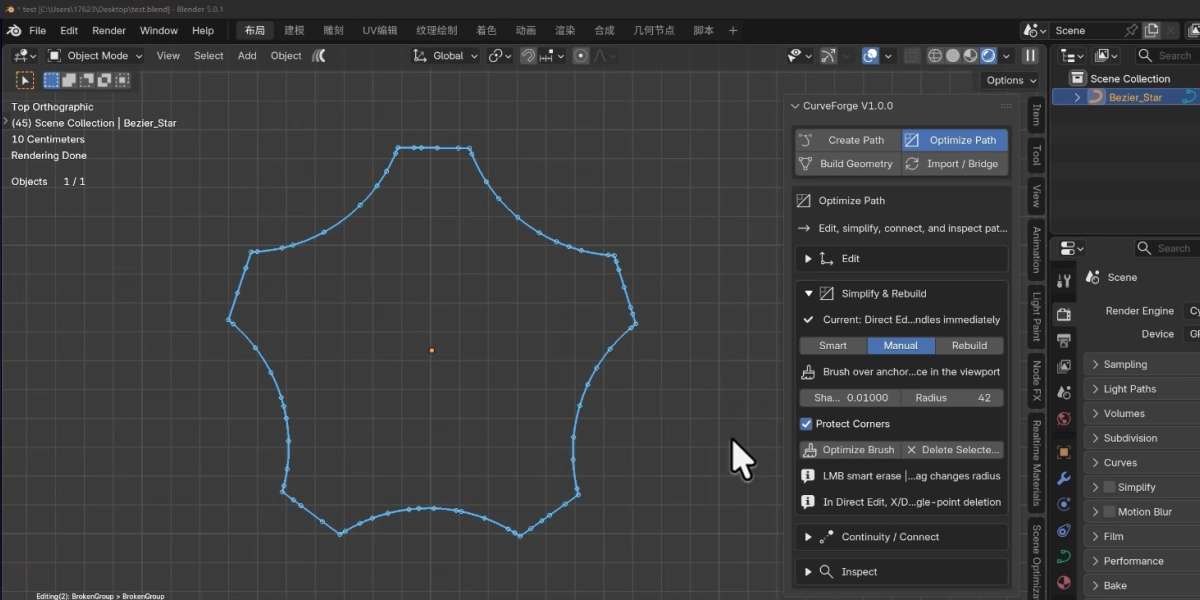
SMART SIMPLIFY


Remove points with a tolerance.


Reduce redundant anchors within a chosen geometric tolerance while retaining important corners. Check the measured deviation after simplification.


SMART SIMPLIFY


OPTIMIZE BRUSH


Brush over the areas that need work.


Reduce anchors locally with an adjustable brush. Keep cleanup focused on the section you choose.


OPTIMIZE BRUSH


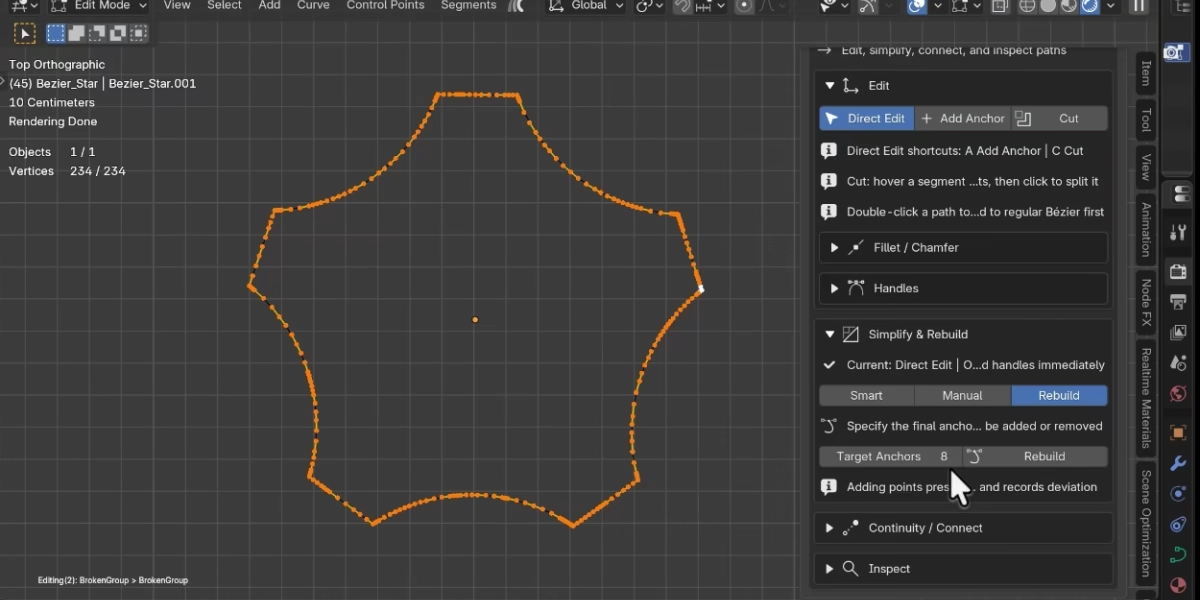
TARGET POINT REBUILD


Choose the point count you need.


Add points through exact subdivision, or reduce them by fitting the curve. Rebuild the structure for your next modeling step.


TARGET POINT REBUILD


03 / WORKFLOW


A path is only
the beginning.


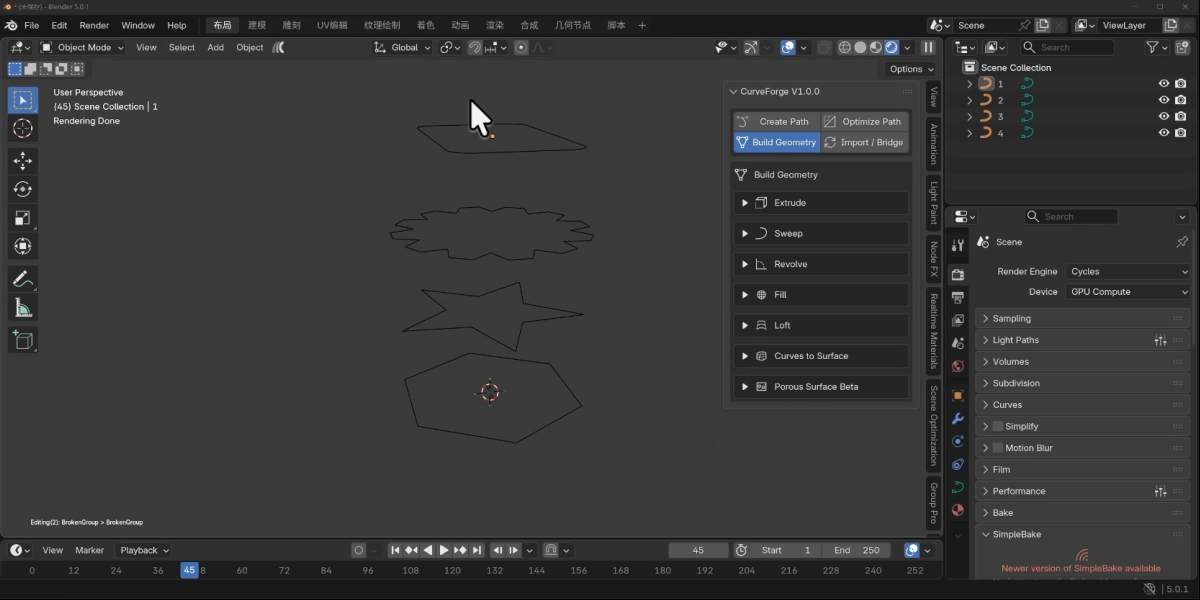
Six ways to turn curves into form, from profile-driven solids to connected surfaces.


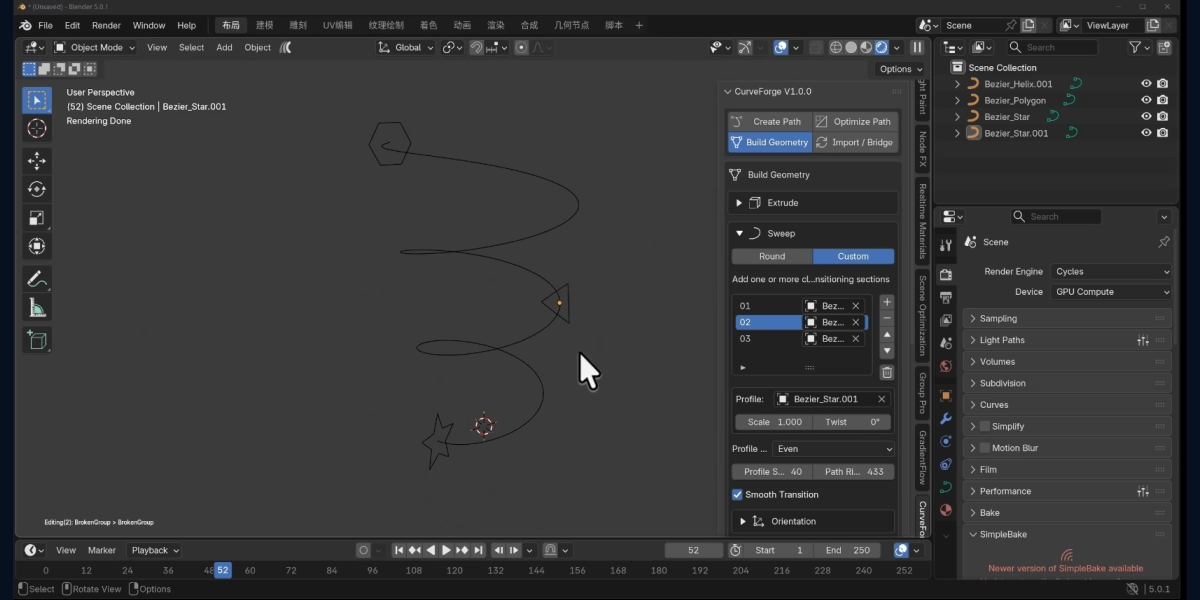
01 · SWEEP


Let the path lead.


Sweep round, custom or multiple profiles along a curve. Adjust scale, twist and path growth as you shape the result.


01 · SWEEP


02 · REVOLVE


One profile. A rotational form.


Choose an axis, set the angle and tune subdivisions. Adjust the source profile through a live preview.


02 · REVOLVE


03 · FILL


Build a surface inside the outline.


Fill closed boundaries, including quad-fill options for supported shapes.


03 · FILL


04 · LOFT


Connect one section to the next.


Create a surface between ordered curves. Tune the section order, interpolation and resolution through a live preview.


04 · LOFT


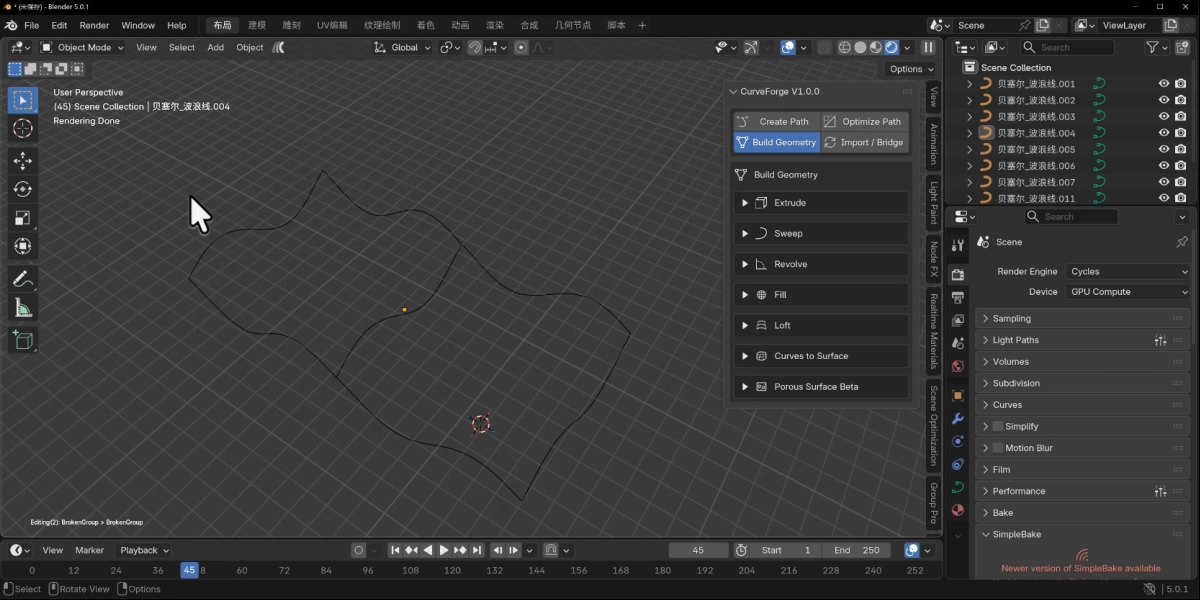
05 · CURVE SURFACE


Define the edges. Build the surface.


Generate patches from four-sided curve boundaries or connected curve networks, with shared boundaries between adjacent patches.


05 · CURVE SURFACE


06 · MULTI-HOLE SURFACE / BETA


Keep the openings. Connect the surface.


Build quad-oriented surfaces around closed holes, or bridge separate closed curves. This mode is still being refined.


06 · MULTI-HOLE SURFACE / BETA


KEEP YOUR IDEAS MOVING


Less repetition.
More room to create.


Bring your paths, refine the details and explore new forms — in one focused Blender workflow.


Reuse the artwork you already have. Keep curve editing close to the design. Spend more time shaping the result.


FROM THE FIRST POINT TO THE FINAL FORM.


CurveForge.


Discover more products like this

bezier Bezier Curve modeling curve

  • Create, edit, and model with Bézier curves in Blender.

    $5.99 $9.99
$5.99

Have questions about this product?
Login to message

Details
Blender Extension Compatible Yes
Dev Fund Contributor
Published about 2 hours ago
Blender Version 4.2 - 5.2
Extension Type Add-on
Render Engine Used Arnold, Blender-Internal, Blender-Game-Engine, Cycles, Eevee, Freestyle, Luxrender, Mental-Ray, Octane, Vray, Yafaray
License GPL