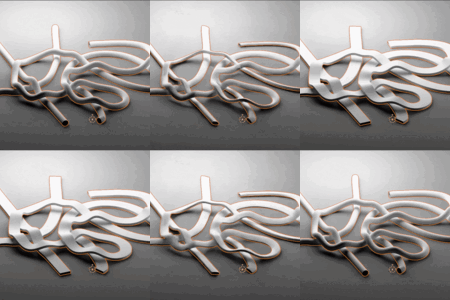
This addon is bundled with Genie (get it heavily discounted)!
X-Over Instantly Fixes Curve Self-Overlap
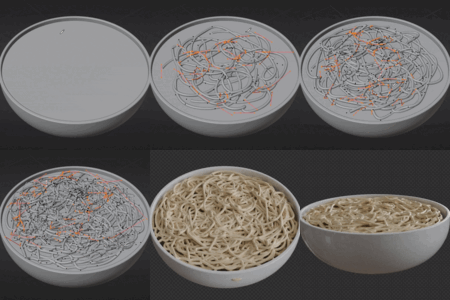
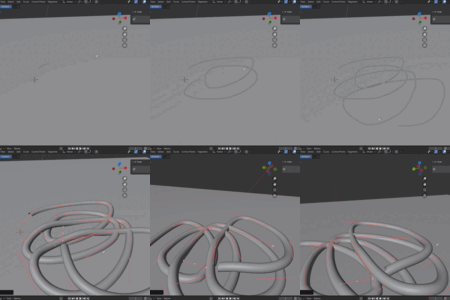
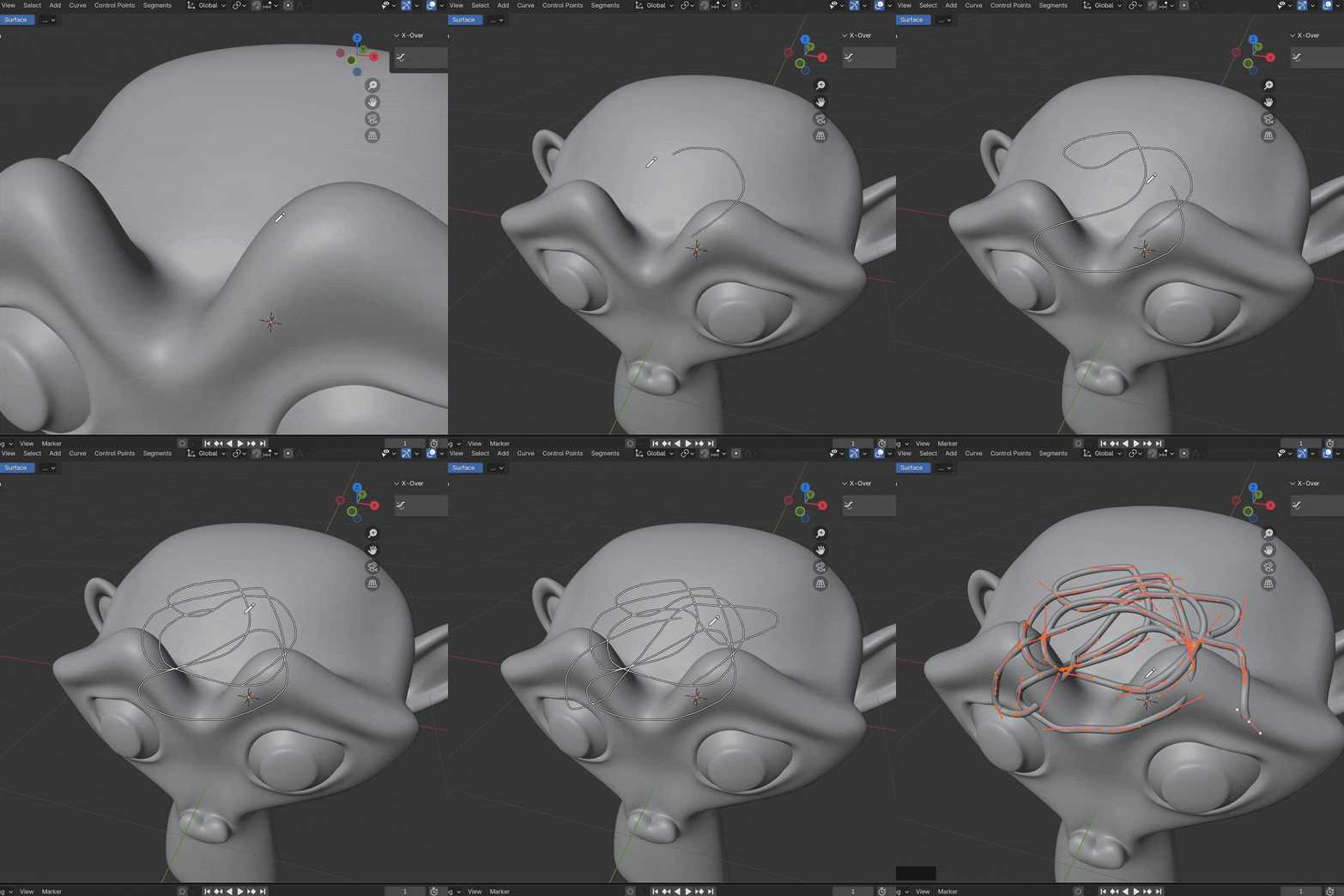
Have you ever wanted a curve to overlap itself - weaving over and under - without self-intersection? Well... in vanilla Blender this is impossible. The best you can do is endless manual nudging.
No more! Introducing X-Over! Create rope knots, overlapping bandages, spaghetti, and more :)
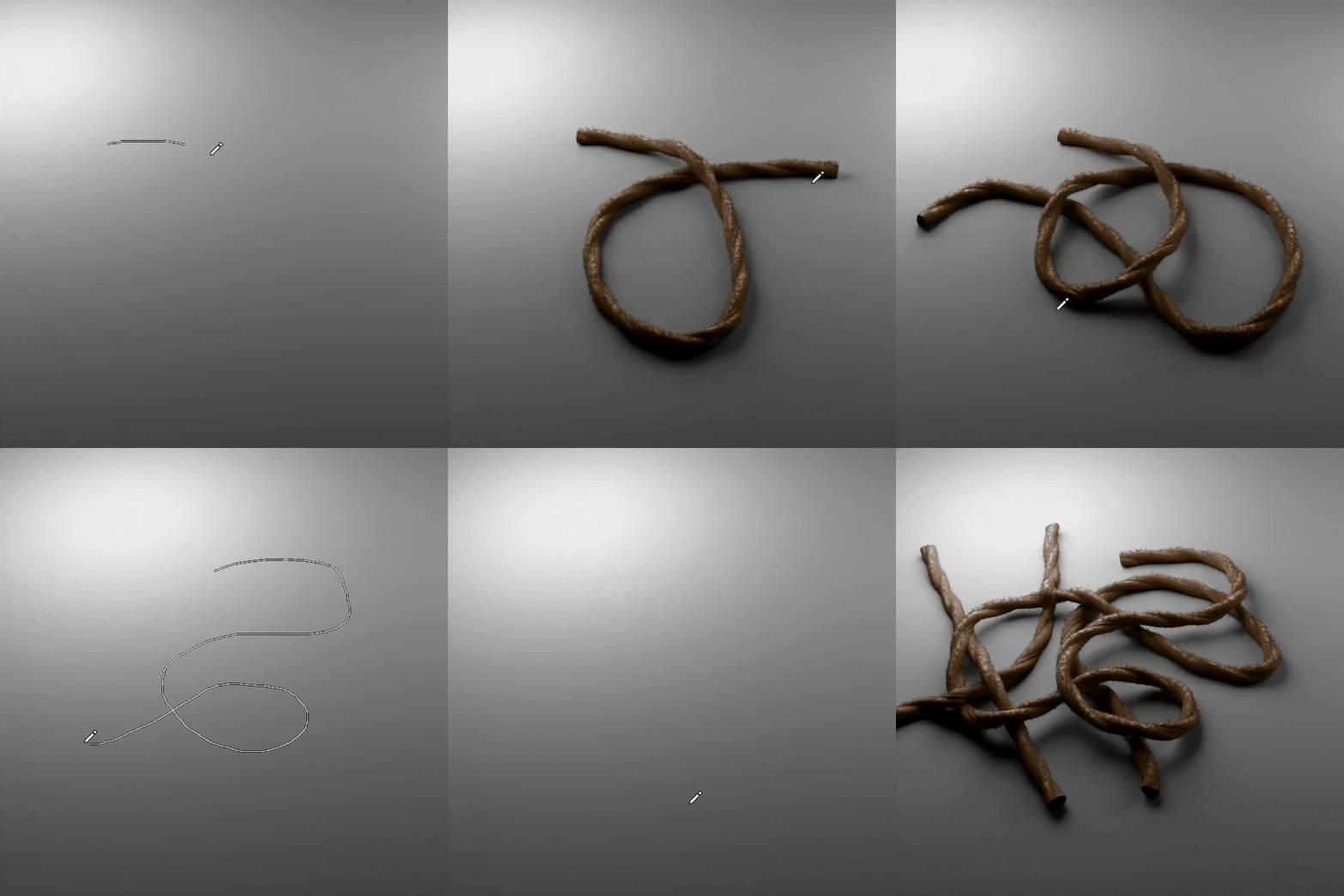

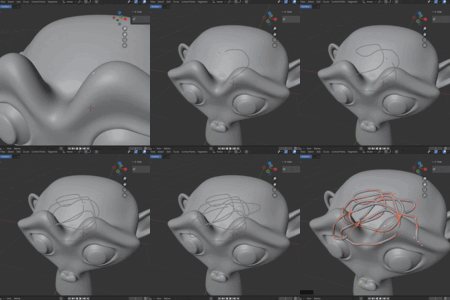
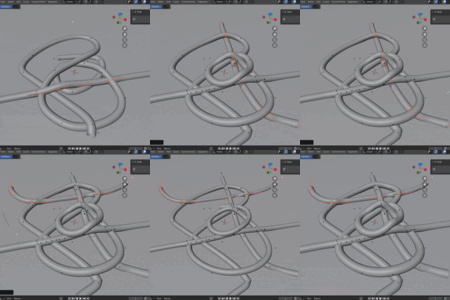
X-Over is a live intersection solver. This means it will find problem areas and resolve them on the fly. Even if you adjust the curve later. It's really fast... like real-time fast.
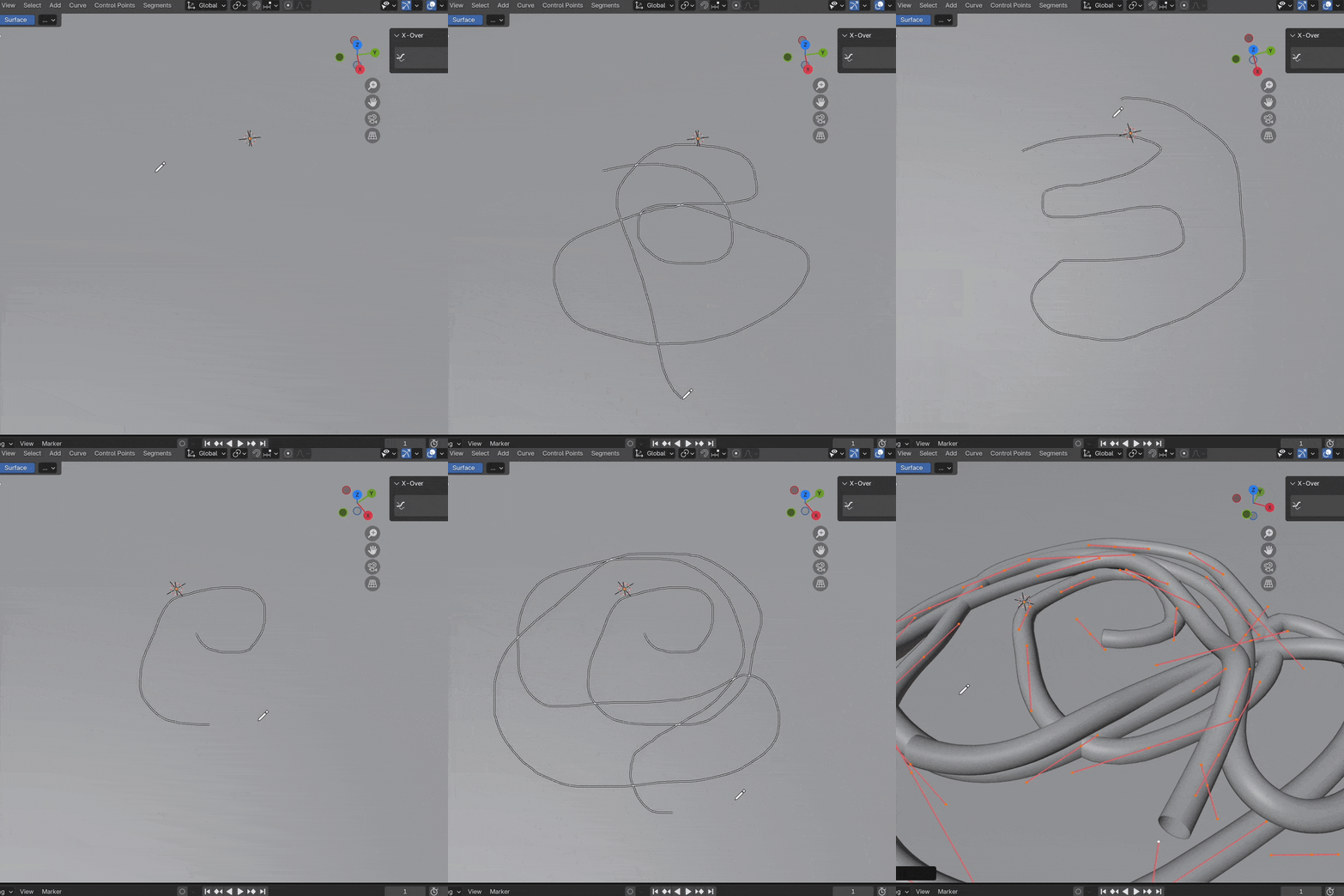
Multiple splines (within the same curve object) interact and stacking order can be inverted!

X-Over works on all surfaces (and inherits their surface normals).
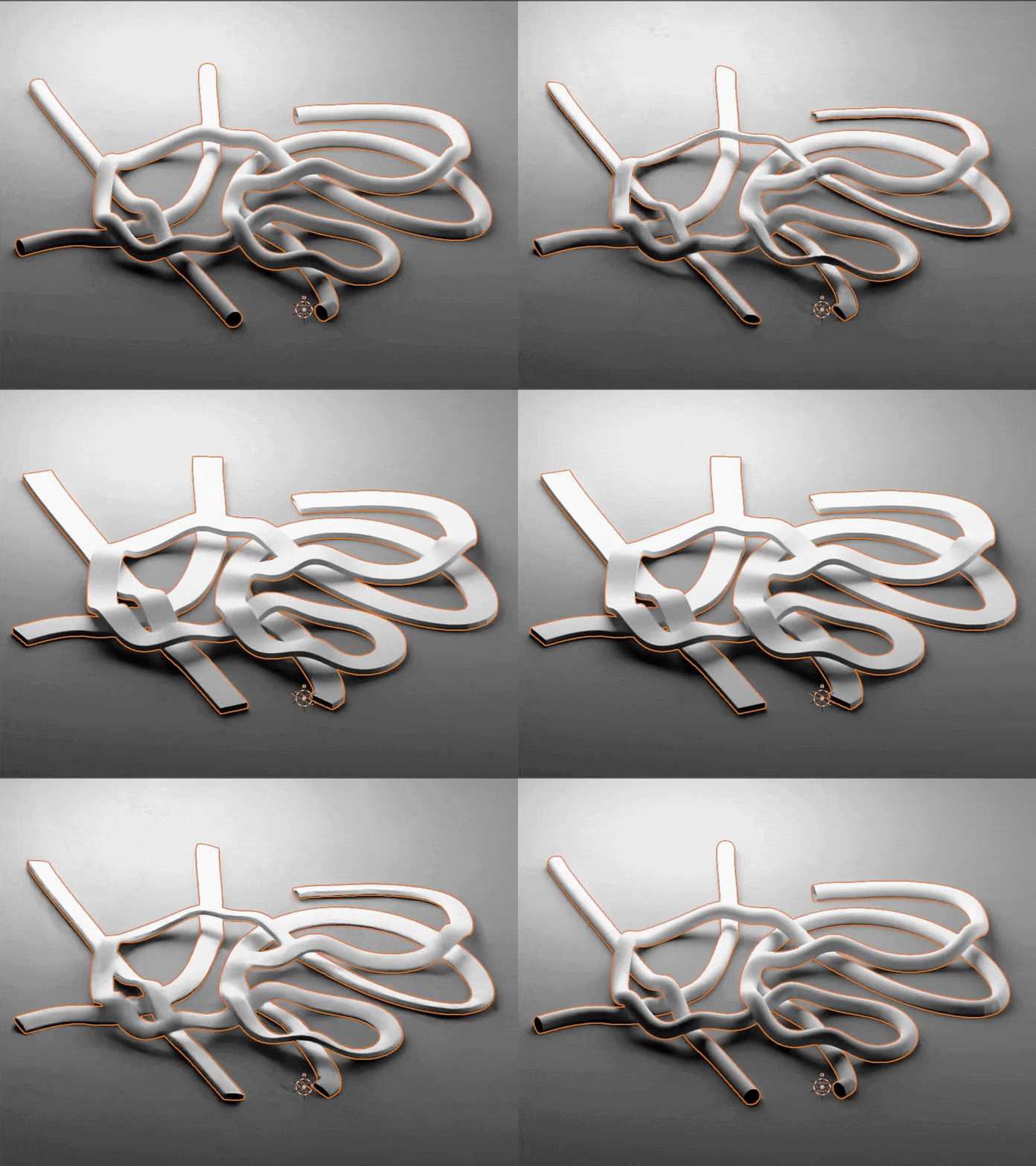
Use a custom profile curve or even apply subsequent curve modifiers.
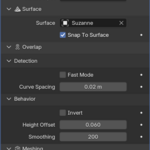
Settings
- Snap to Surface - Outputs a mesh, the modified curve, or the intersection sites.
- Surface - The surface the curve is resting on.
- Snap to Surface - Snaps the curve points directly onto the corresponding surface.
- Fast Mode - Will use shortcuts to find intersections even faster (less accurate).
- Curve Spacing - This is like the resolution of the curve. Smaller values give detailed curves and more accurate results (at the cost of performance.)
- Invert - Inverts the curve stacking order.
- Height Offset - The height offset (relative to the surface normal) the curve will nudge to resolve collisions.
- Smoothing - Smooths out the resulting curve (good for relaxing the layering).
- Orientation - Defines the curve normal (this is only relevant for custom profile curves). Includes inheriting from surface normals, minimum twist, and Z-up modes.
- Profile Curve - Custom profile curve used for meshing (defaults to a curve circle if no input is provided).

Tutorial
Here is a simple tutorial for how to use X-Over. There are a few gotchas so I would recommend watching this!
Installation
Install X-Over just like any other addon. Drag the .zip right into Blender and hit confirm. X-Over will then show up in the 3D viewport N-Panel. Make sure to use Blender 4.4 or newer.
 CGMatter