


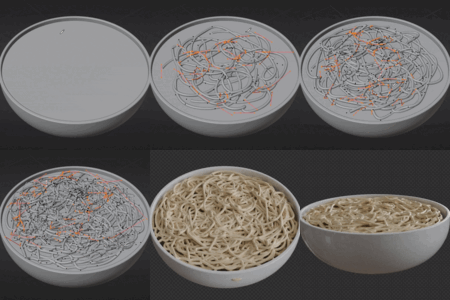
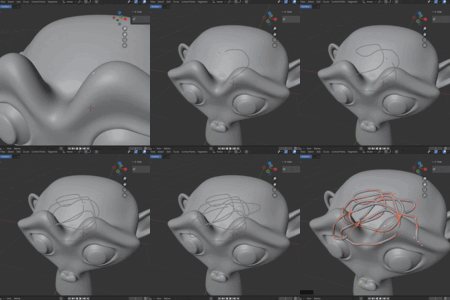
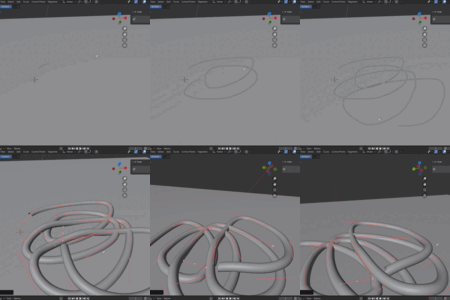
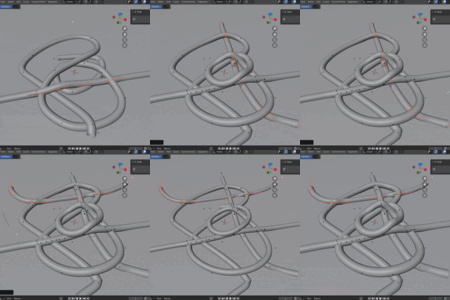
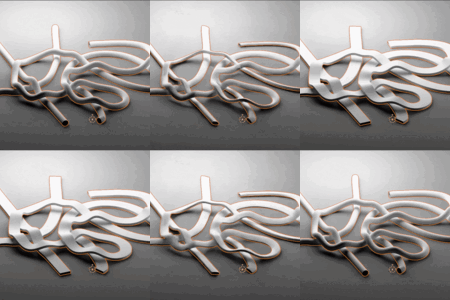
X-Over (Automatically Fix Curve Intersections)

CGMatter in Presets


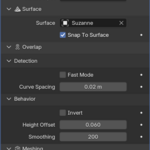
Settings


  • Snap to Surface - Outputs a mesh, the modified curve, or the intersection sites.
  • Surface - The surface the curve is resting on.
  • Snap to Surface - Snaps the curve points directly onto the corresponding surface.
  • Fast Mode - Will use shortcuts to find intersections even faster (less accurate).
  • Curve Spacing - This is like the resolution of the curve. Smaller values give detailed curves and more accurate results (at the cost of performance.)
  • Invert - Inverts the curve stacking order.
  • Height Offset - The height offset (relative to the surface normal) the curve will nudge to resolve collisions.
  • Smoothing - Smooths out the resulting curve (good for relaxing the layering).
  • Orientation - Defines the curve normal (this is only relevant for custom profile curves). Includes inheriting from surface normals, minimum twist, and Z-up modes.
  • Profile Curve - Custom profile curve used for meshing (defaults to a curve circle if no input is provided).

Tutorial


Here is a simple tutorial for how to use X-Over. There are a few gotchas so I would recommend watching this!

Installation


Install X-Over just like any other addon. Drag the .zip right into Blender and hit confirm. X-Over will then show up in the 3D viewport N-Panel. Make sure to use Blender 4.4 or newer.

$15

Have questions about this product?
Login to message

Details
Blender Extension Compatible Yes
Sales 30+
Rating
2 ratings
Dev Fund Contributor
Published over 1 year ago
Blender Version 4.4 - 4.5
Extension Type Add-on
Render Engine Used Arnold, Blender-Internal, Blender-Game-Engine, Cycles, Eevee, Freestyle, Luxrender, Mental-Ray, Octane, Vray, Yafaray
License Mit