Albert Makac
about 3 hours ago
Thank you for the information! That's actually true! Expect the new picker version 5 release any day from now. Sorry for the inconvenience and thank you for your patience!
This item has an average rating of 5 from 25 ratings by the community.
Purchase this item to leave a review!
I am using macOS 26 in to M1 Pro, but the macOS version of the file you provided does not work in Blender 5.2.
Therefore, I installed the older macOS version of the add-on in Blender 5.2 first, and then copied and pasted the contents of the Windows version (panel.py, server.py, __init__.py) into the '/Library/Application Support/Blender/5.2/scripts/addons/xtrapicker' folder, and now it works properly.
Albert Makac
about 3 hours ago
Thank you for the information! That's actually true! Expect the new picker version 5 release any day from now. Sorry for the inconvenience and thank you for your patience!
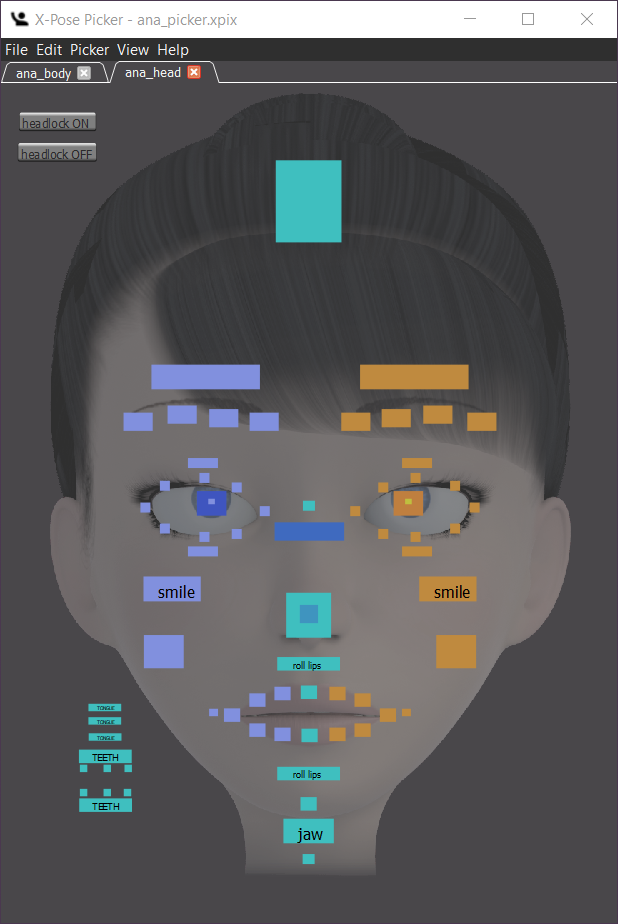
Solid add-on. However not working on 5.0 for me even though it says working for 5.0 on the sidebar. Works fine on 4.5 though.
Albert Makac
10 months ago
Hello! Thank you for your support! New picker update is on the way and Blender 5.0 port is ongoing. Please stay tuned for more info on k44dev discord server.
This is my first Blender addon that I bought on February 3, 2020.
It is one of my favorite addons that I absolutely cannot live without.
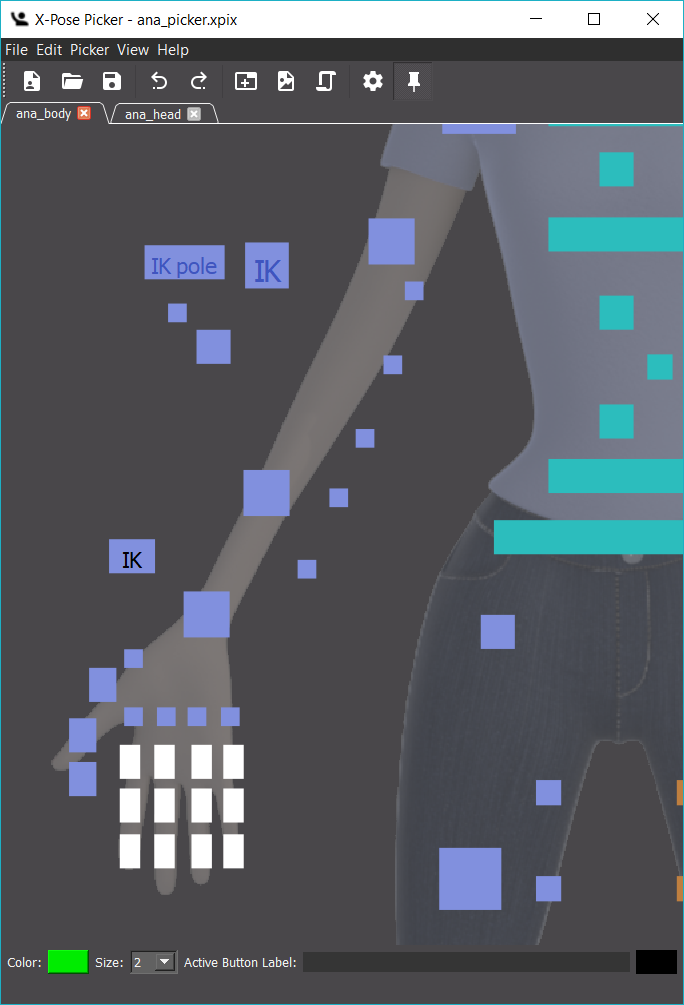
You can organize various functions into tabs to make them look nice.
If you put too many buttons in one tab, the speed will slow down a little, so it is better to add functions little by little.
Nevertheless, it is the best addon for Picker related products.
I am always grateful to use this addon because it increases the efficiency of my work.
Thanks again to the developer.
Albert Makac
over 1 year ago
Thank you!!!
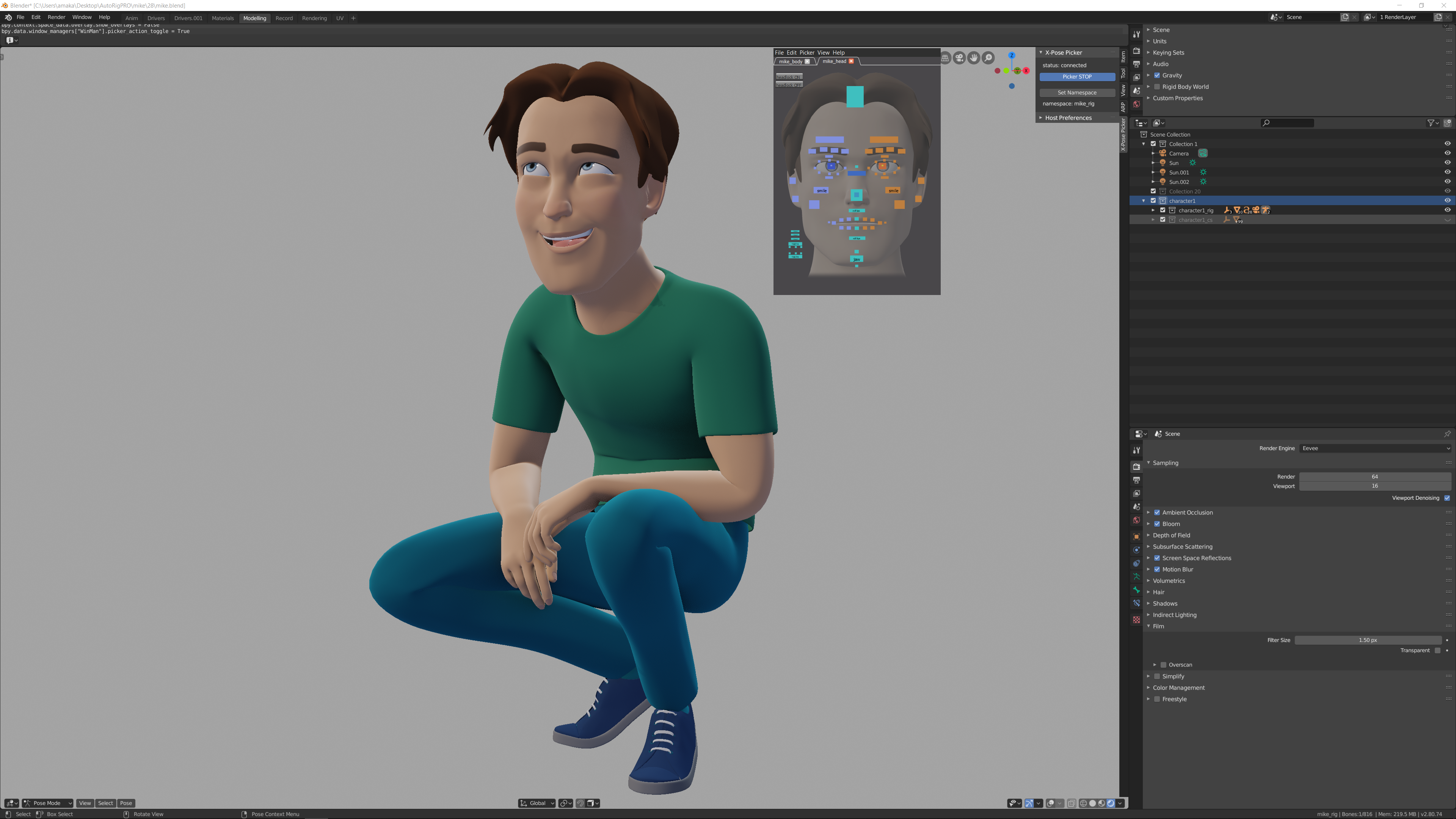
Update 4.22.24: Very nice plugin and the person behind it is responsive to feedback, my issue was addressed and the plugin works with Rigify perfectly now. The ability to animate without any overlays besides a small window with the X Pose Picker is truly amazing!
Albert Makac
over 2 years ago
Hello Cowbless and thank you for your review! Yes, this problem is addressed and will be solved with the latest version update. Please bear with me in testing the new implementation.
Super handy addon... I cant work in blender without it! and the developer is very responsive:)
Nildo
Albert Makac
over 2 years ago
Thank you, Nildo!!
It's a great add-on!
Just one thing, can you create a toggle button?
Albert Makac
over 3 years ago
Hello! Thank you for your rating! It's possible to add toggle buttons. Please check included xpix template file for more details. There are bunch of useful code snippets which are working with ARP Mike and Anna rigs but can be quickly adapted to use as universal scripts. Check inbox for further instructions
Amazing addon! Just purchased it and already know everything about it, it's that intuitive. Very well done and it's even better than I imagined up front and saw in the videos. The auto focussing functions this addon has makes using it such a breeze of fresh air. I'm happy to switch the visible bones off completely and controll them all from within the picker. Which is redirecting the mouse cursor back and forth between the picker and blenders viewport when needed. Great solution!
This will definitely speed up my workflow when the animation phase starts so much! Just added a background image, some buttons on multiple rigs and python command buttons to switch IK and FK on arms and legs and everything just works! Glad I purchased it. Recommended!
Albert Makac
over 3 years ago
I am happy to hear that! Thank you so much!!!
Sensational! I'm an animator and I come from Maya, I've always used MG Picker to make it easier to select a specific controller in the middle of those tangles of controllers. And the X-Pose Picker works just as well as Maya's. It surprised me, and streamlined my workflow. I bought version 2.2.9 for Blender 3.4. I only have one suggestion, some presets for the command button could come in the PDF, copy and paste them inside the command button. Because the preset files that came with the download are blank, I load them into X-Pose but they are empty.
Albert Makac
almost 4 years ago
Hello and thank you! If you reset view inside the preset (rmb>reset view) presets buttons will appear :))
Honestly one of the best purchases I made. I was looking for a Blender substitute for the AnimSchool Picker and this is it! Very easy to understand pdf and it made for a quick and easy set up.
Albert Makac
6 months ago
Thank you!
Has some issues yet still very helpful and necessary. In my top 3 addons.
Albert Makac
about 5 years ago
Thank you!!
Have questions about this product?
Login to message
| Blender Extension Compatible | Yes |
| Sales | 1300+ |
| Rating |
25 ratings
|
| Dev Fund Contributor | |
| Published | about 7 years ago |
| Blender Version | 3.0 - 5.2 |
| Extension Type | Add-on |
| License | GPL |