Xenos
 Synthomesh


Installation of Xenos addon :

1/ Download the .zip addon file

2/ Then open Blender and from the menu, go to "Edit -> Preferences -> "Add-ons" -> "Install"

3/ Xenos addon will appear on the list of addons, search it and activate it.

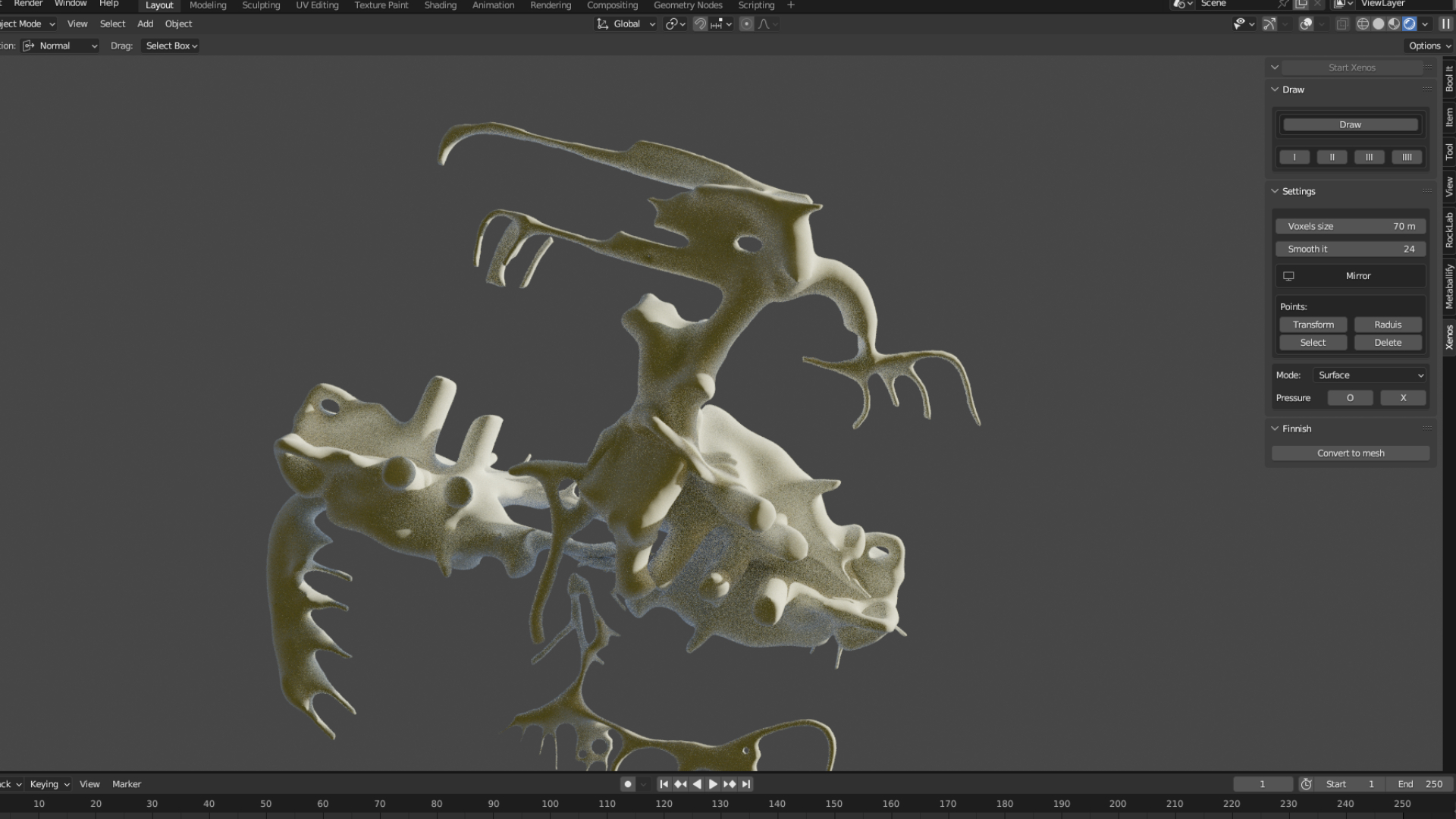
Location of the the interface: 3d viewport > Object mode > Xenos

4/ Launch Xenos, Press Draw button and try to make a stroke !