 XPLO Animation
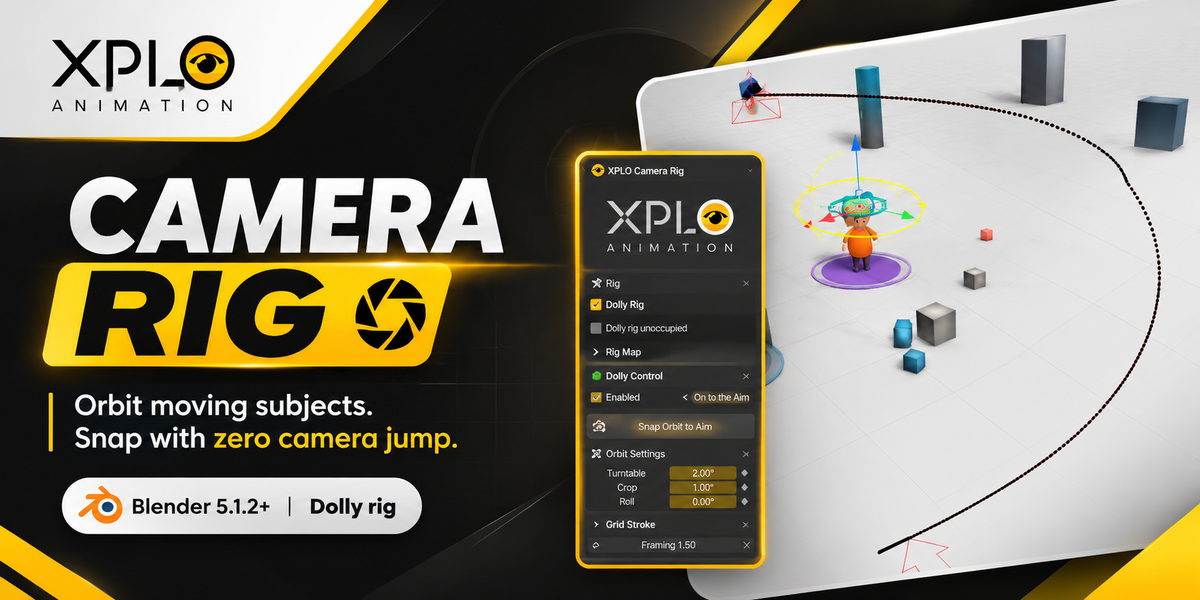
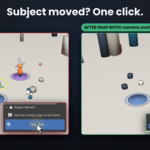
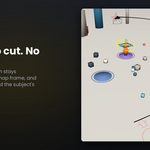
Your subject moves mid-shot. Your orbit pivot stays behind.
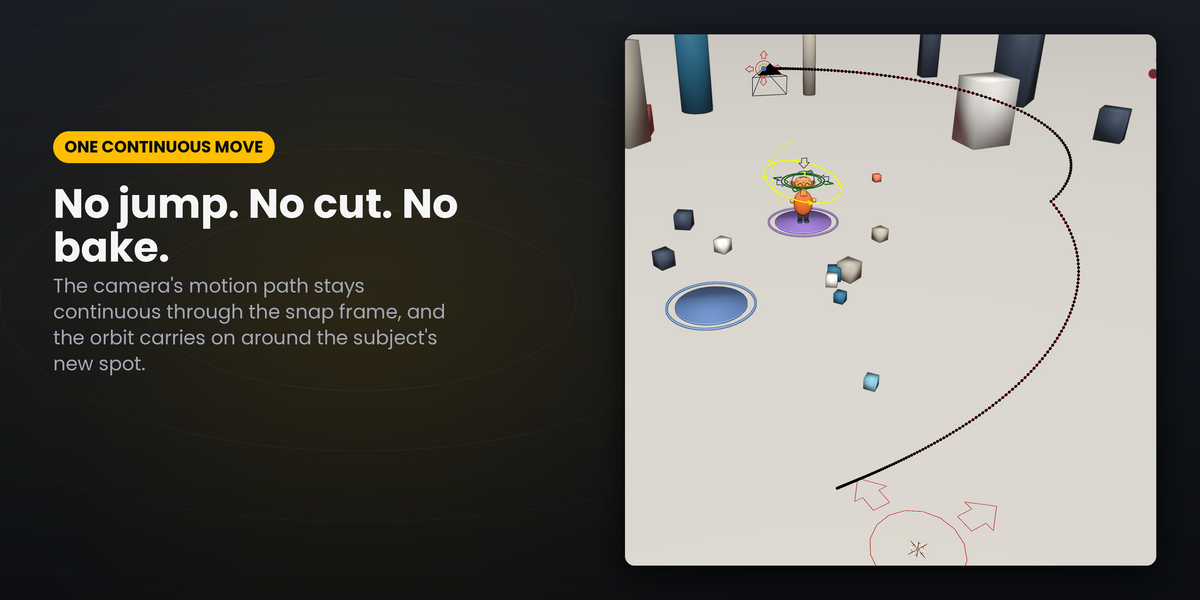
You orbit the camera around a character, and then the character walks somewhere else. Move the pivot and the camera jumps. Bake the camera and your rig is gone, and every client revision means animating it again.
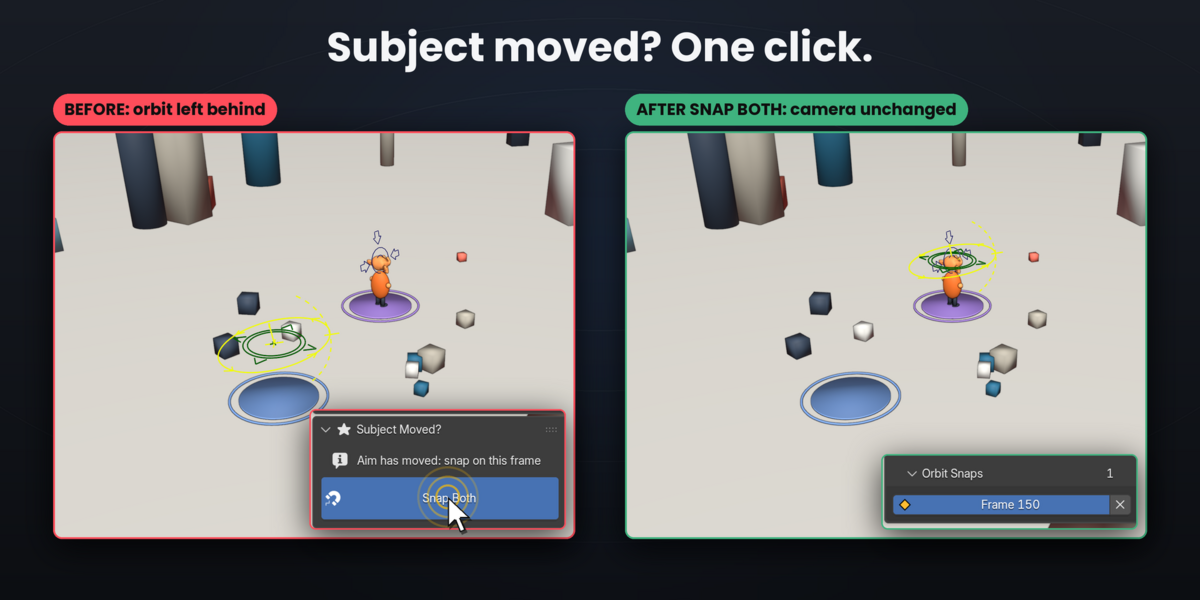
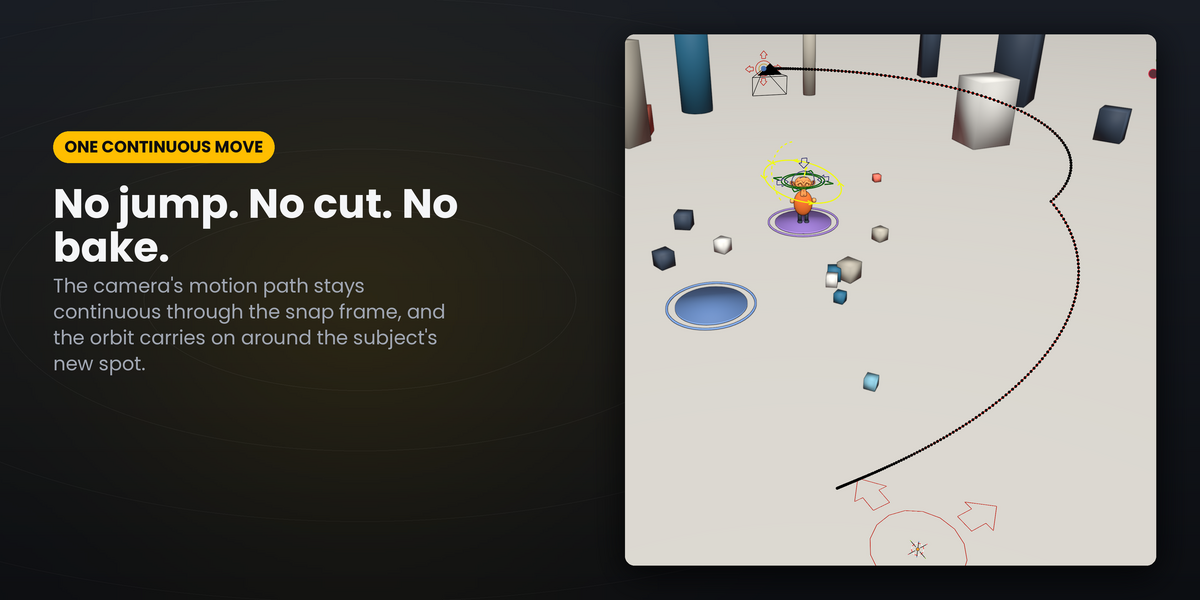
XPLO Camera Rig adds an animation-safe orbit layer to the Dolly camera rig from Blender's free Add Camera Rigs extension. When the subject moves, click Snap Both. The orbit moves onto the subject from that frame on. The camera doesn't move, earlier frames don't change, and nothing is baked. Then keep orbiting around the new spot.
Features
- Snap Orbit to Aim: jump-free re-centring of the orbit pivot, as often as your subject moves.
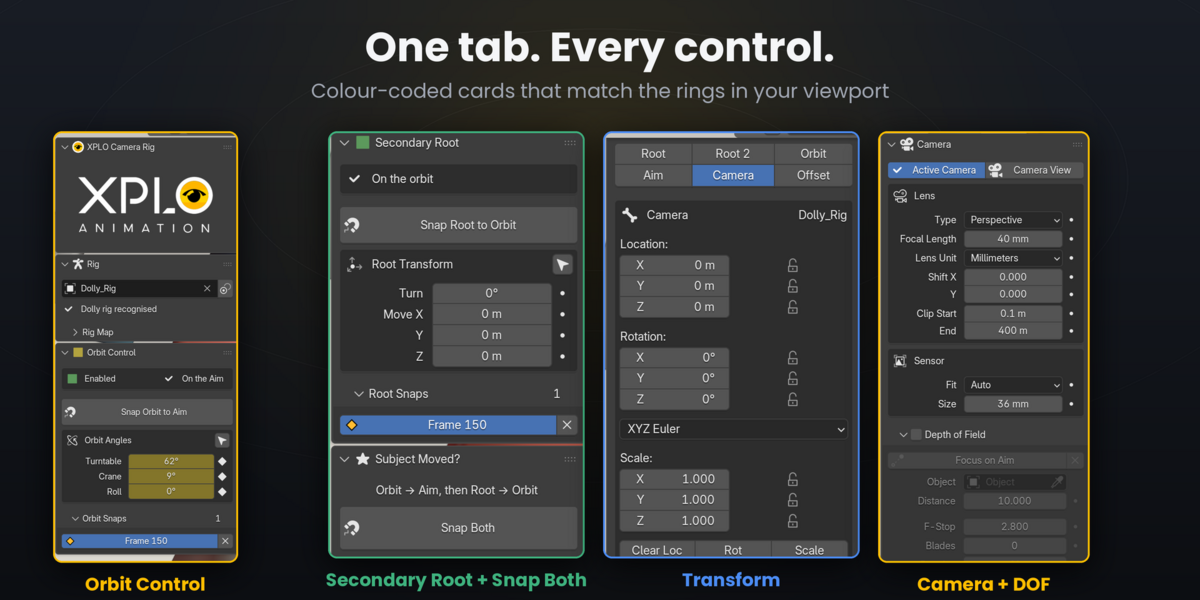
- Secondary Root: a green root control at the orbit centre to turn, move or scale the whole rig around the subject, with its own jump-free Snap Root to Orbit.
- Snap Both: both snaps in one click. The button lights up when a snap is due.
- Snap lists: every snap with jump-to and delete. Out-of-date snaps turn red, and Refresh Snaps fixes them.
- Hold Pose on Snap: protects snaps from later keyframe edits.
- Transform and Camera sections: quick-select chips for every rig control, loc/rot/scale, focal length, clipping, sensor, depth of field, Focus on Aim and viewport display, all in the XPLO tab.
- Safe by design: every action samples the camera on every frame before and after, and rolls back completely if anything would move.
- Portable scenes: everything is plain bones, constraints and keys, so files play and render identically without the add-on.
Requirements
- Blender 5.1.2 or newer (tested on 5.1.2 and 5.2.3 LTS), on Windows, macOS or Linux.
- The free Add Camera Rigs extension (Preferences › Get Extensions, search "Camera Rigs") and a Dolly rig (Add › Camera). Existing Dolly rigs work too.
Installation
- Download
XPLO_Camera_Rig-1.5.1.zip. Don't unzip it. - In Blender: Edit › Preferences › Get Extensions.
- Click the drop-down arrow at the top right › Install from Disk… and choose the zip. You can also drag the zip into the Blender window.
- In the 3D Viewport press N and open the XPLO Camera Rig tab.
How to use it
- Rig: select your Dolly rig (or its camera) and click Use Active Object.
- Click Generate Orbit Bone, then Enable Orbit. A yellow orbit ring and a green secondary-root ring appear on the subject.
-
Orbit: rotate and key
ORBIT_CTRL(Z = turntable, X = crane), or type into Turntable / Crane / Roll. - Subject moved? Go to the frame where it has arrived and click Snap Both.
- Keep orbiting around the new spot. Snap again whenever the subject moves.
- Revisions: if a change makes a snap out of date, the panel turns red. Click Refresh Snaps.
