 Yatima



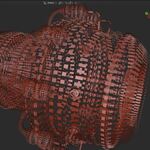
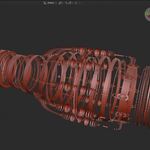
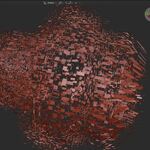
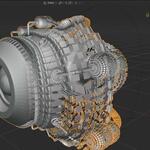
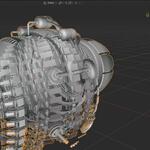
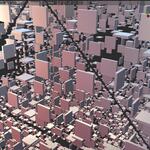
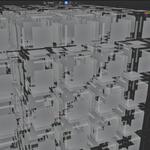
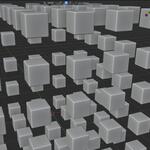
XPLOD 1.7.2 UPDATE! (2026/06/25)
Version 1.7.2 adds compatibility with Blender 5.2, which changed how Geometry Nodes modifier inputs are accessed from Python. The addon now handles both the legacy and new API transparently, with no change to how you use it.
This version also introduces a new mode called Surface Normal ,which explodes each island perpendicular to its own surface for a natural breakdown of shell-like and panel structures.
Spin: A new parameter available in all modes that adds a per-island rotation as the explosion unfolds, coupled to Distance so the animation stays clean with a single keyframe.
Xplod
Non-destructive exploded views for Blender
Xplod is a Blender addon for creating exploded views of any mesh object. It uses Geometry Nodes to separate the individual parts of a mesh and move them apart. The result is fully procedural, non-destructive, and animatable. Your original geometry is never modified.
Six exploded modes
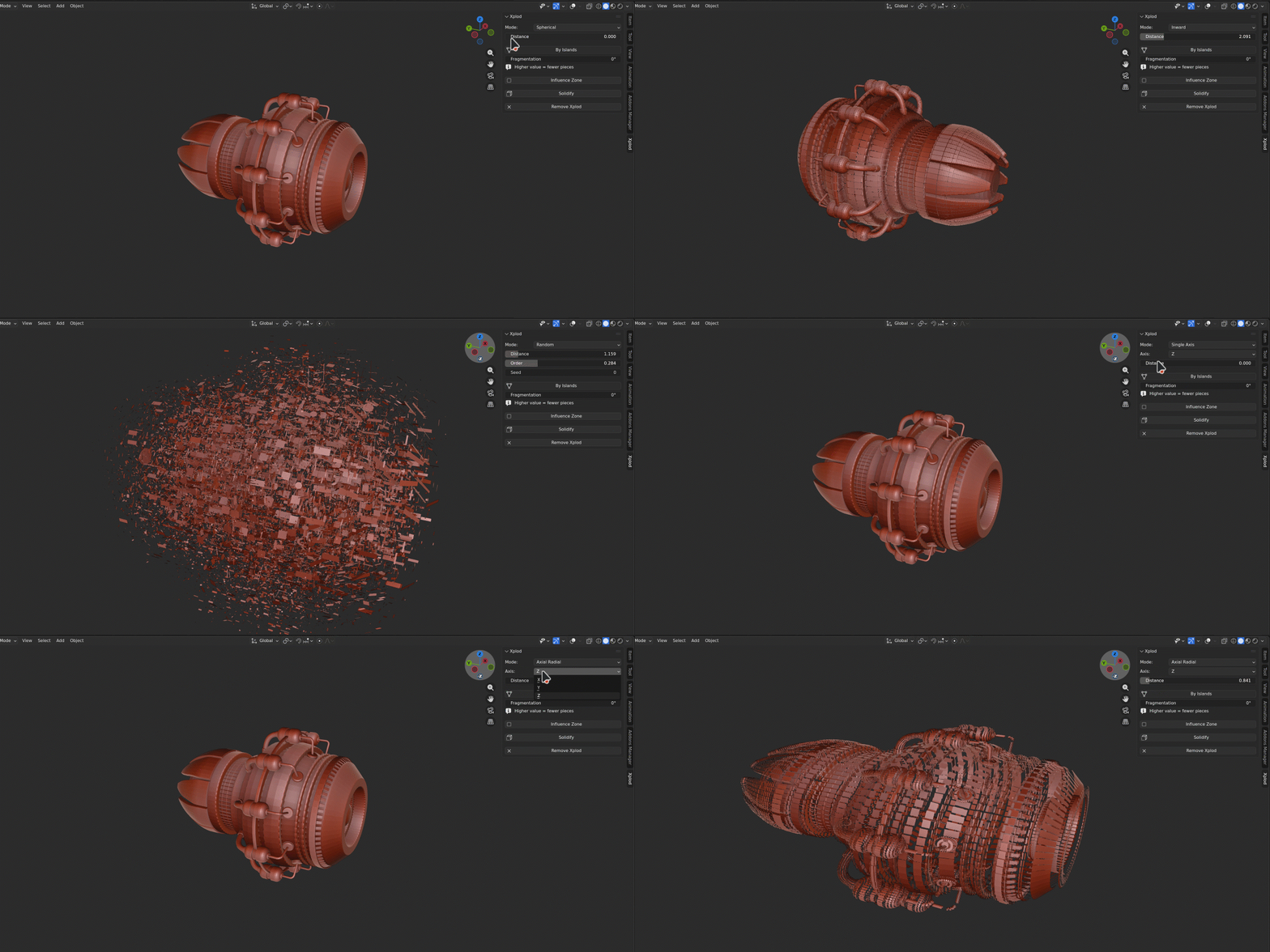
Xplod offers six explosion modes to cover a wide range of use cases.
Spherical moves each part radially outward from the object center, the classic exploded view look.
Inward reverses that direction for implosion effects.
Single Axis constrains movement to one world axis, useful for linear assembly sequences.
Axial Radial explodes parts around a chosen axis, ideal for cylindrical or rotational assemblies.
Random gives each part a unique direction, with a blend control to mix chaos with order and a seed for reproducibility.
**NEW!** Surface Normal moves each part perpendicular to its own surface, so every piece flies straight out from the face it belongs to.
Fragmentation
Fragmentation control lets you choose between exploding whole disconnected parts or breaking the mesh further into individual faces.
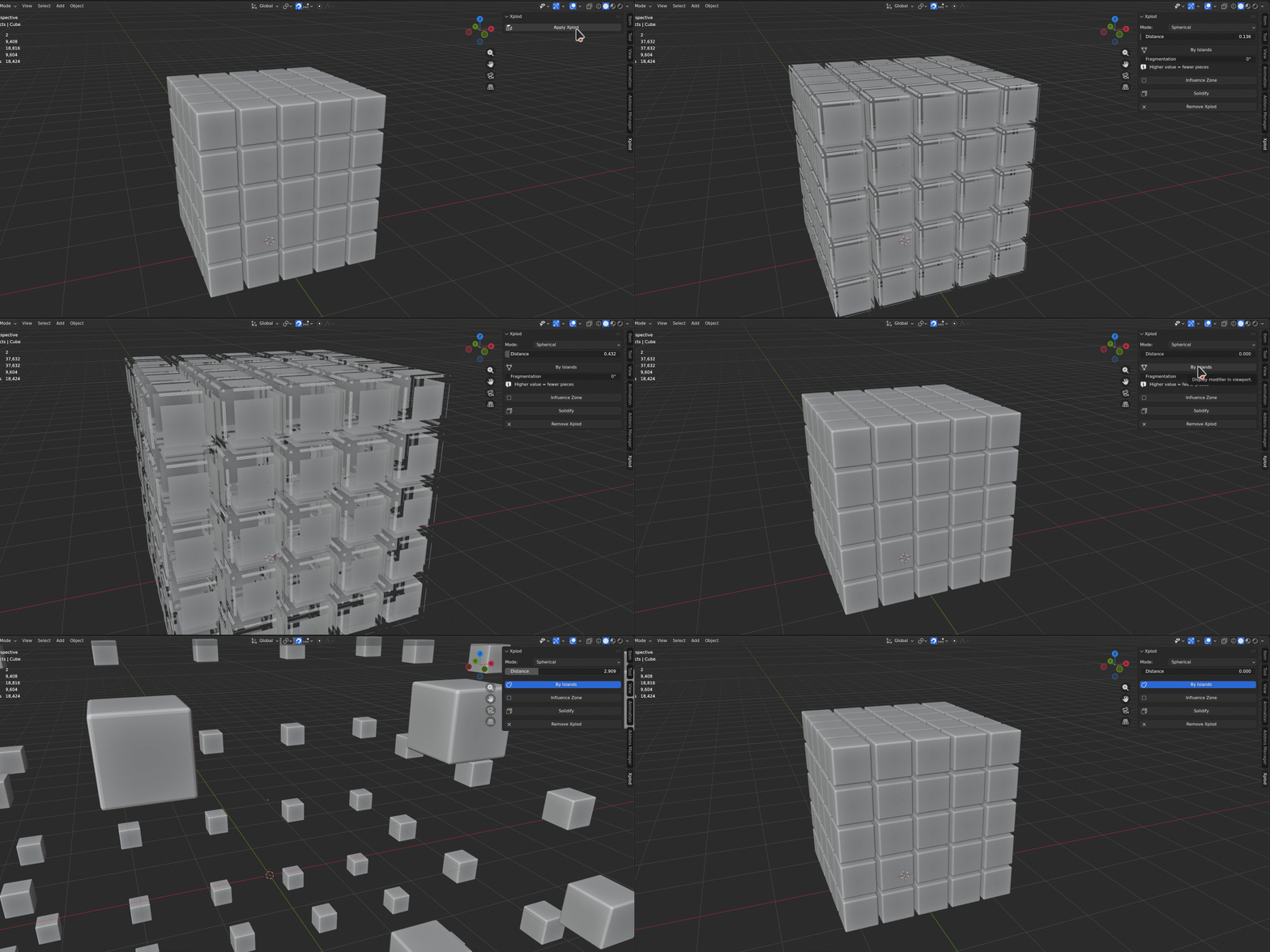
A single slider adjusts how aggressively the mesh is fragmented, giving you anything from a clean part by part separation to a shattered, face-level explosion.
Influence Zone
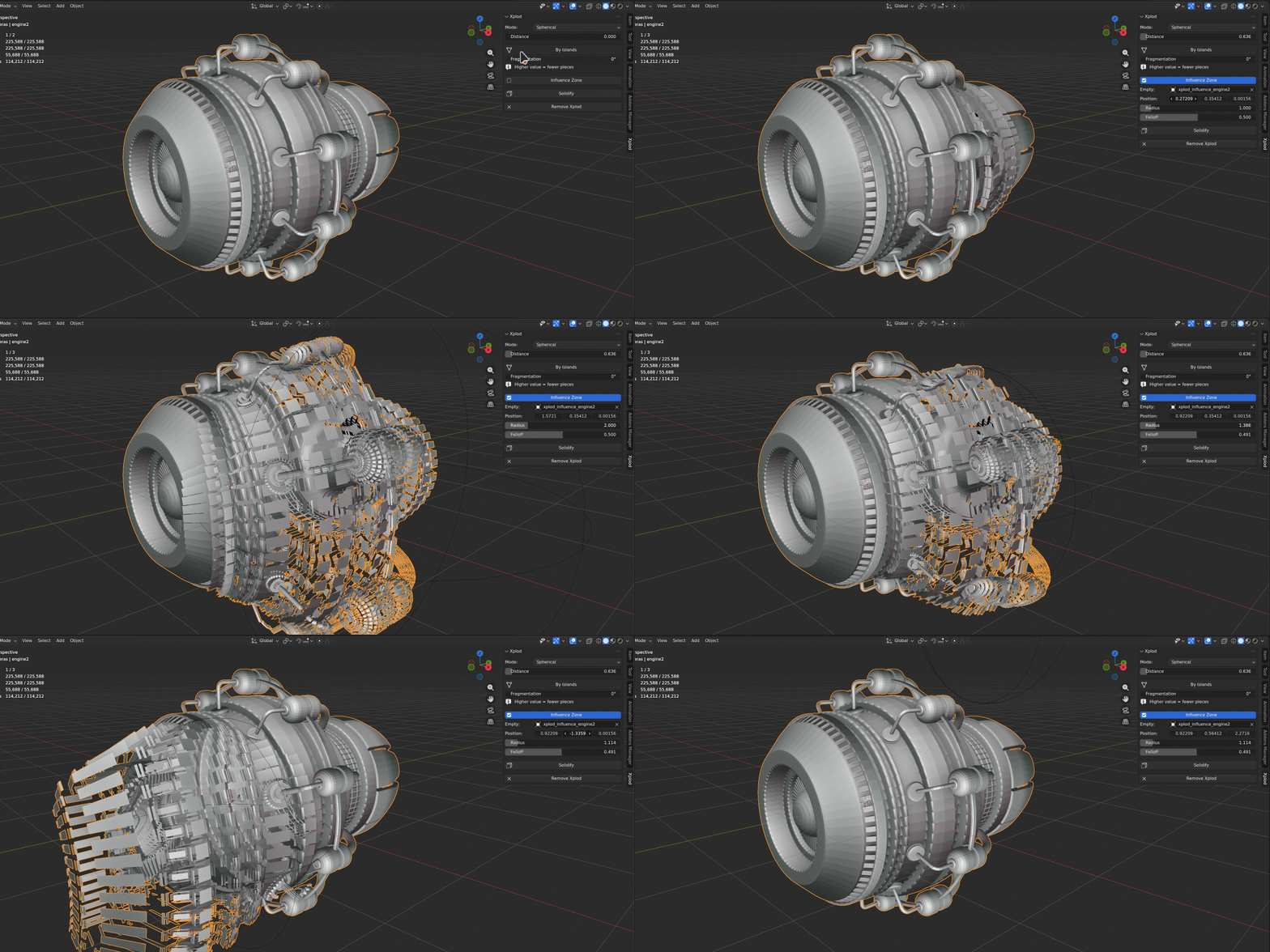
The Influence Zone lets you limit the explosion to a specific region of space.
A spherical falloff area, represented by an Empty you can position freely, defines which parts move and which stay in place.
Radius and Falloff controls let you fine-tune the boundary.
The influence Empty is fully animatable, so you can sweep the effect across your mesh over time.
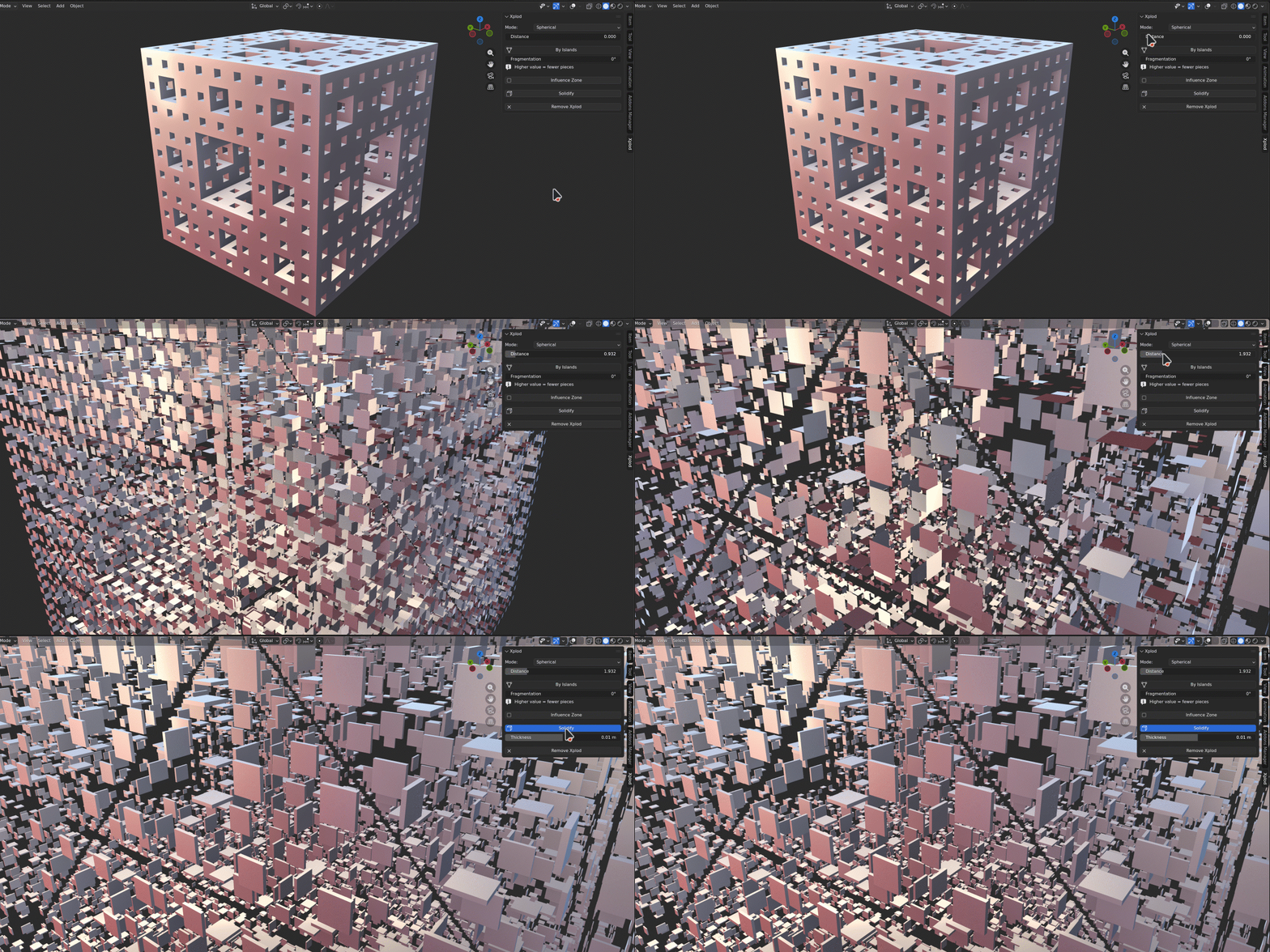
Solidify
Solidify adds thickness to flat or thin meshes before exploding, ensuring every part reads clearly in the viewport and in renders.
Ideal for motion graphics
Although Xplod is the ideal complement for use in technical exploded views, it also proves to be a powerful tool for motion graphics. Combined with Sound Reaktor, it is possible to create sound reactive animations in minutes.
TECHNICAL SPECIFICATIONS







Non-destructive exploded views for Blender