
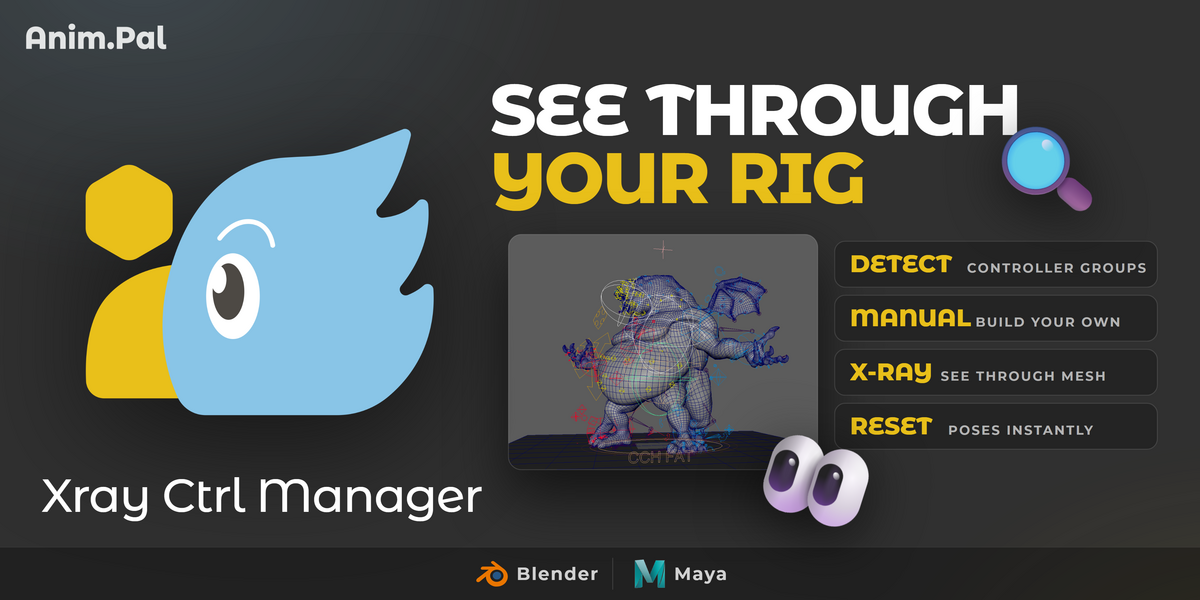



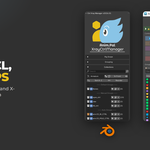
Xray Ctrl Manager | AnimPal

AnimPal in Rigging


Install
  1. Download the ZIP. If two are offered, take the one for your Blender version.
  2. In Blender: Edit > Preferences > Add-ons > Install (in Blender 4.2 and later, Install from Disk in the drop-down at the top right), and pick the ZIP.
  3. Tick AnimPal Xray Ctrl Manager in the list to enable it.
Requirements
  • Blender: 4.0 or newer (4.x and 5.x)
  • Rigs: Works on any rig with bones or controllers, no rig changes needed.
What it does not do
  • It does not rig anything. It organizes and displays the controls you already have, it does not create or edit them.
  • It does not rename or reparent your controls. Groups are for visibility and selection, they are not constraints or parents.
  • It cannot group what is not there. Automatic grouping follows names, hierarchy or existing collections, so a rig with no naming convention and a flat hierarchy may need manual groups.
What's new
2026.01 · 2026-09-28
  • First release.
Support

Found a bug? The Bug report button in the add-on's panel gathers the debug information we need. You can also message us here on Superhive.

  • Blender 4.0 or newer (4.x and 5.x). For one person, on every computer they work on, at home and at the studio. Commercial use included.

    $9
  • Blender 4.0 or newer (4.x and 5.x). For up to 10 people in one team or company. Commercial use included.

    $36
$9

Support Period Included

Includes 12 months of

  • Support from AnimPal
  • Product updates

Extend this product’s Support Period +12 months: 25% of product price

Have questions before purchasing?
Login to message

Details
Published 2 days ago
Blender Version 3.6 - 5.2
Extension Type N/A
Render Engine Used Cycles
License GPL