 MozzarellaARC


YAB — Yet Another Baker
Minimal Baker with minimal learning curve
Blender 4.2+ Cycles GPU/CPU
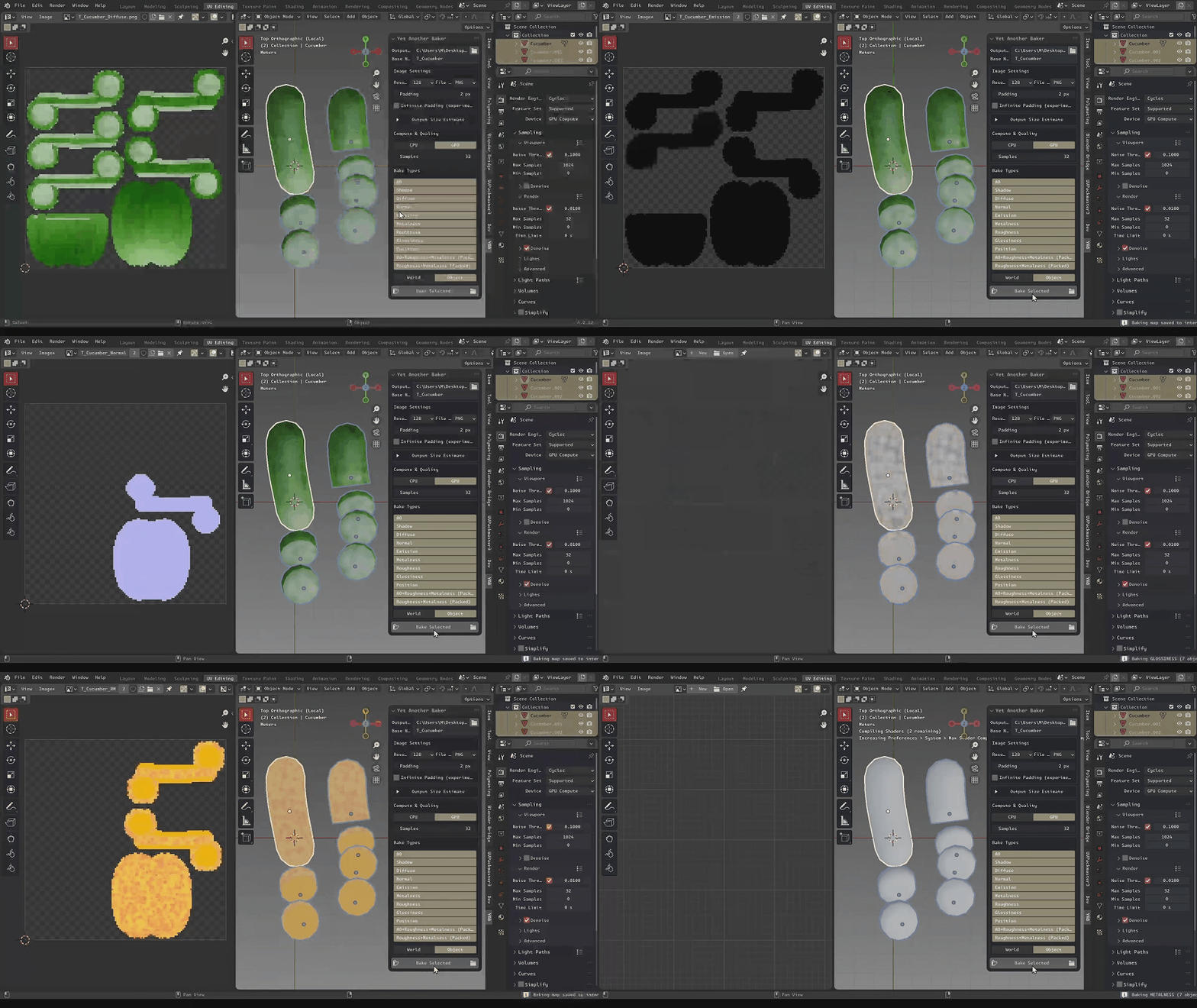
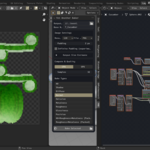
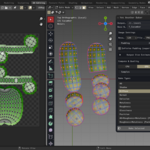
YAB in action
Who is it for?
I
Intermediate Blender head
Can navigate Blender’s working environment with confidence.
P
Blender power user
Uses Blender as if their life depends on it. Just kidding, I mean uses Blender on a daily basis. :D
Highlights
- ✔ One panel, all the passes you need.
- ✔ Multi-object friendly: bake every selected mesh at once.
- ✔ Packed maps (AORM, RM) out-of-the-box.
- ✔ All cleanups done automatically
- ✔ Easy naming convention customization, and esimation helpers
BEFORE YOU BUY!
YAB is simple by design, except when it's not. There is no bake by high to low and cage configuration. It's just pure Principled BSDF bakers.
Bakers you get
- AOAmbient OcclusionShadows from nearby geometry without direct lighting.
- ShadowShadow passDirect shadow information.
- DiffuseDiffuse colorAlbedo without lighting.
- NormalNormal (tangent)Tangent-space normals for lighting.
- EmissionEmission passSelf-illumination intensity.
- MetalnessMetalness map0=dielectric, 1=metal.
- RoughnessRoughness mapMicro-surface scattering (0=smooth, 1=rough).
- GlossinessGlossinessComputed as 1 − Roughness.
- PositionPositionWorld or Object space positions.
- AORMPacked mapAO→R, Roughness→G, Metalness→B (one image).
- RMPacked mapR=1.0, Roughness→G, Metalness→B.
Note: OpenEXR keeps raw values; other formats are normalized where applicable.
Install
E
Extensions (Blender 4.2+)
- download the .zip file named
yab - Blender → Edit → Preferences → Extensions → Install from Disk… → select the zip.
Legacy Add-on installation is not supported.
Add-on location
3D Viewport → Sidebar keypress (N) → “YAB” tab → “Yet Another Baker” panel.
Quick start
- Select your meshes:
In the 3D Viewport, select all mesh objects you want to bake. - Set up your bake:
- Output Directory: Where baked textures will be saved.
- Base Name: Used as the prefix for all output files.
- Resolution: Choose the texture size from the dropdown
- File Format: Pick PNG, EXR, etc.
- Padding: Set pixel padding between UV islands. Enable Infinite Padding is currently on experimental.
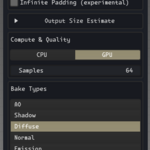
- Bake Types: Select which maps to bake (Diffuse, Normal, AO, etc.).
- Device: Choose CPU or GPU for baking.
- Samples: Set the number of samples for quality.
- Baking Position?
If baking a Position map, choose World or Object space. - Bake!
Click Bake Selected. When finished, open your output folder to view the results.
Tip: Select multiple baking types similar like what you would do in outliner with: Shift +Left-click. , also go to preferences settings to overrides naming convention. Good Luck!
GPL-3.0-or-later — MozzarellaARC