 Schirmer Labs

Stylized trees in one click
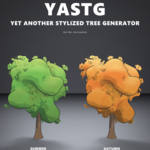
Procedural trees for Blender in three looks: comic, low poly and stylized realistic. Pick a preset, press Add Tree and tweak it live. Turn it through the seasons, scatter a whole forest, then export it with LODs, collision and a leaf atlas for Unity, Unreal or Godot.
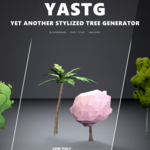
Three looks, one tree
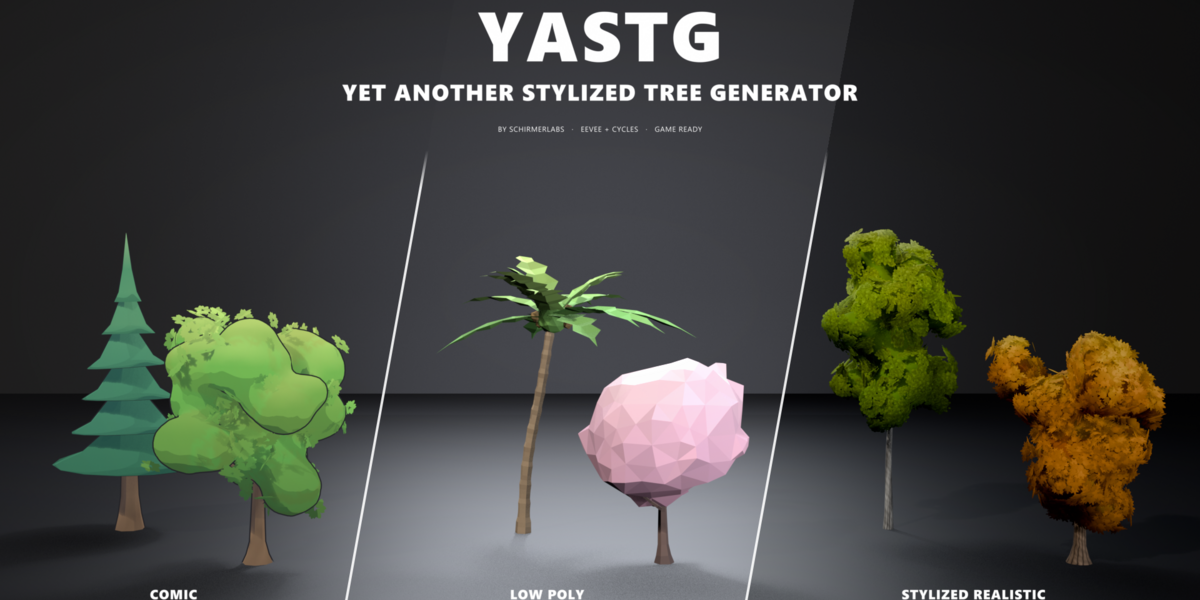
Every tree can switch between the looks with one click. Shape and colors stay, only the shading changes.

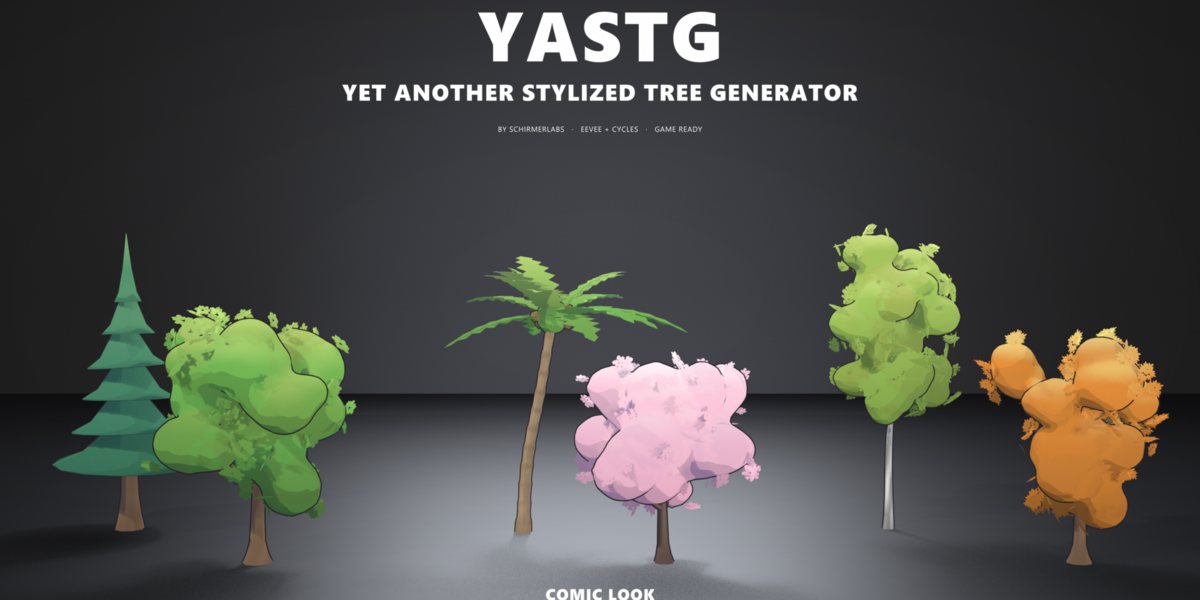
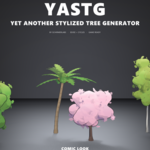
Comic
One soft crown with cel shading, a crisp outline and leaf shapes in the silhouette. Made for toon games and renders in EEVEE.

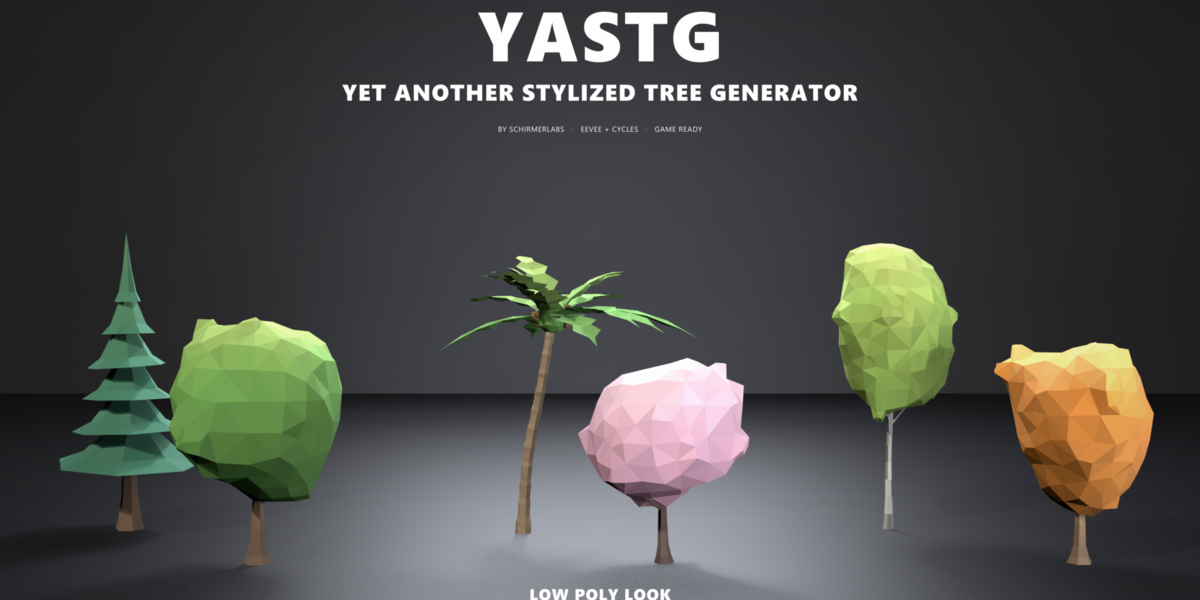
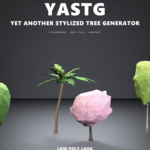
Low Poly
One crown of big flat triangles with one tone per face. Light and cheap, ideal for low poly worlds and mobile games.

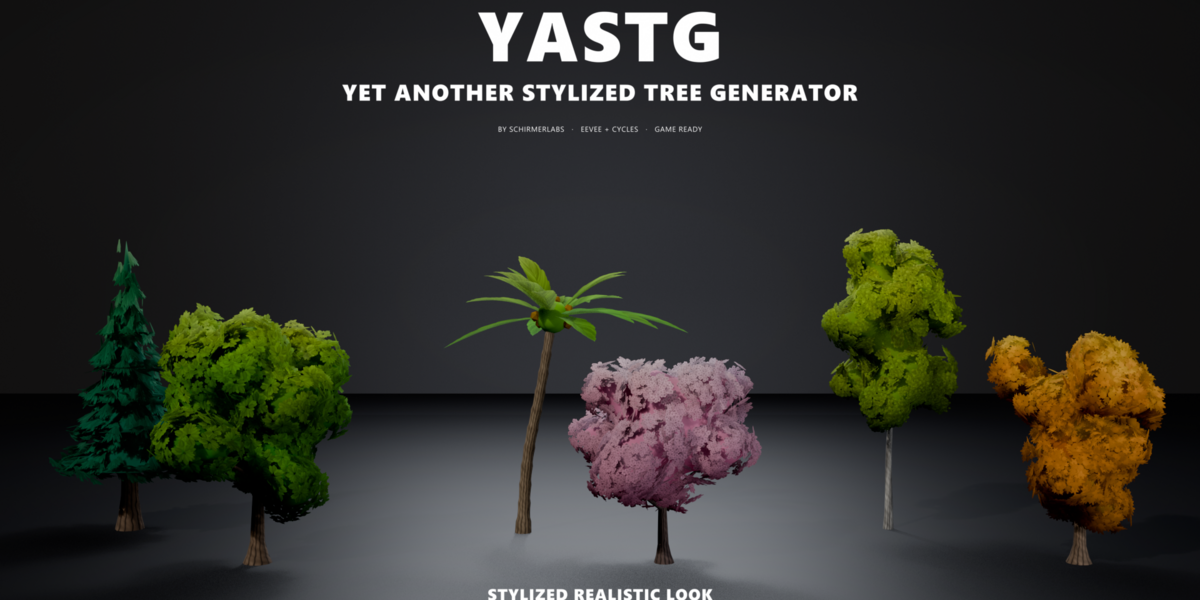
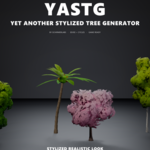
Stylized Realistic
Painterly leaf cards over a soft crown and a textured bark. Fits stylized PBR projects.
What you can do with it
Start from a preset
Oaks, birches, conifers, palms, willows, bushes, fantasy and mushroom trees. Each one is a starting point you can push in any direction.
Shape the crown
Round, oval, cone, wide or umbrella crowns, flat acacia pads, hanging willow curtains, sagging conifer tiers and toothed palm fronds.
Add the details
Roots, fruits and blossoms, snow, wind sway, and a base that follows the slope of any ground object.
Stay non-destructive
Every tree is a Geometry Nodes modifier. Change the seed or any setting at any time, and the height stays in real metres.
Run the year
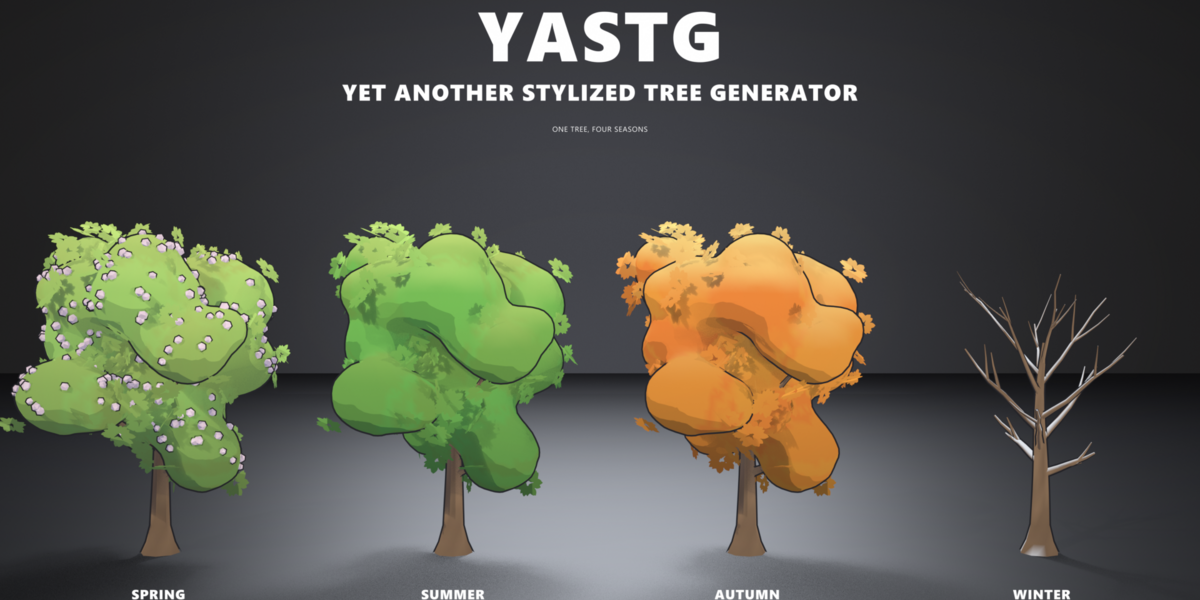
One slider takes a tree from spring blossoms through summer and autumn colors to bare, snowy winter branches.
Scatter a mixed forest
Mix two tree sets, grow bushes around the trees, add rocks and keep a path clear. Density, spacing, slope and mask included.
Pick from a gallery
Generate a whole set of variants and click a thumbnail to use it, or mark them as assets for drag and drop.
Export for your engine
GLB or FBX with procedural LODs, a triangle budget, trunk collision and the leaf atlas. Details below.
One tree, four seasons
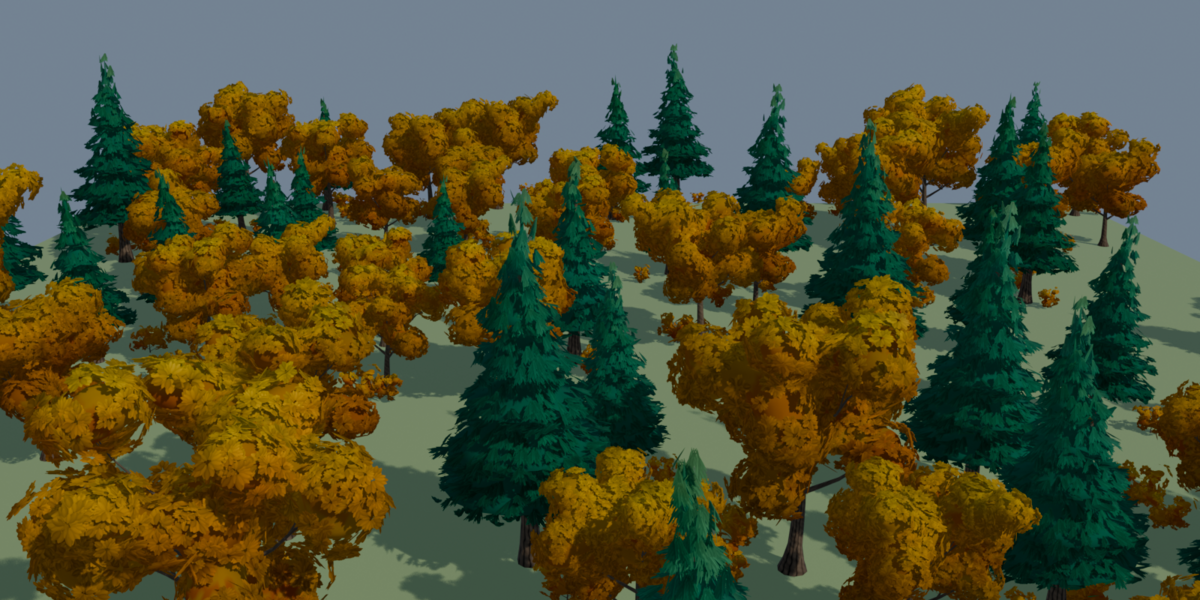
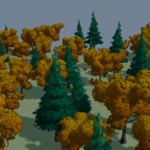
Pick a season in the sidebar before you scatter and the whole forest turns with it. In winter the leaf clusters fall one by one and snow settles on the branches.


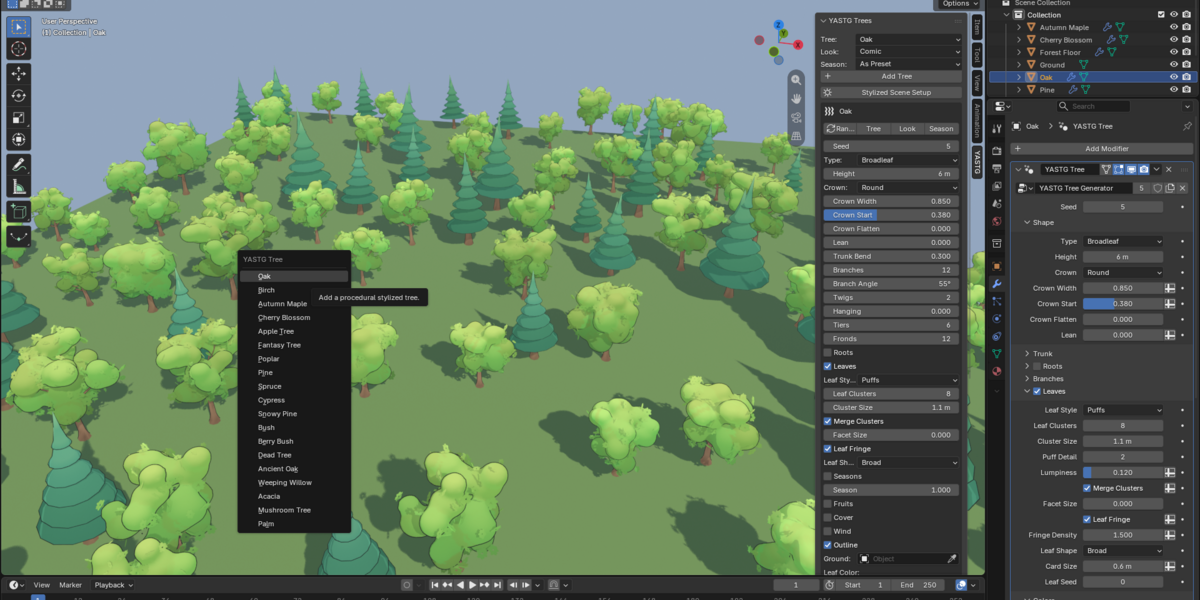
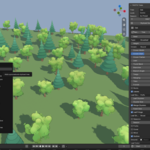
The YASTG tab in the sidebar: tree, look, season and the most used settings in one place.

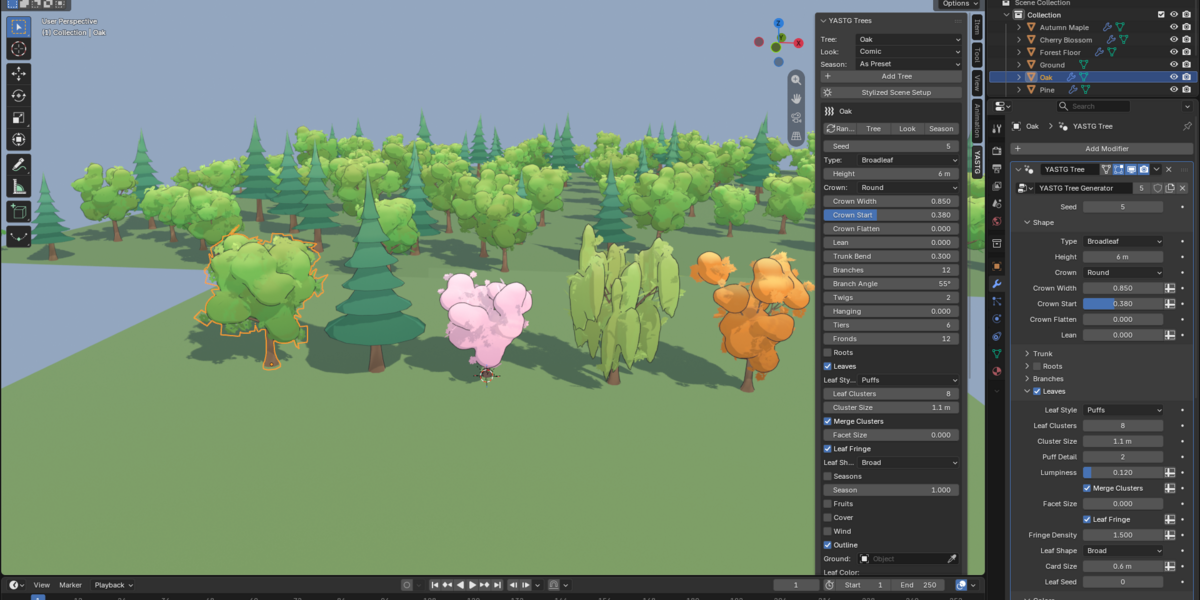
Scatter settings and the variant gallery.

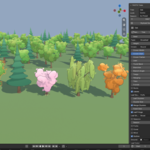
All presets in Add, Mesh, YASTG Tree.

A mixed comic forest: oaks and pines from two variant sets, scattered in one click.
Game ready in one export
Select your trees and press Export Game Ready. YASTG writes one file per tree, or all trees into one file.
- Procedural LODs: each level is rebuilt with less detail, so leaf cards stay whole
- Triangle budget for the main mesh
- Convex collision mesh of the trunk, named so your engine picks it up
- Leaf atlas with alpha clip, and a tiling bark texture for the realistic look
- Vertex colors included, so comic and low poly trees need no textures
| Engine | Levels of detail | Collision |
|---|---|---|
| Unity | Oak_LOD0 to LODn under one parent, picked up as a LOD Group | Oak_Collider |
| Unreal | Oak, Oak_LOD1 to LODn | UCX_Oak_00 |
| Godot | Oak (Godot builds its own levels) | Oak-convcolonly |
| Other | Oak_LOD0 to LODn | Oak_Collision |
Requirements
- Blender 4.5 LTS or newer, tested with 4.5, 5.0, 5.1, 5.2 and 5.3
- EEVEE for the comic cel shading. Cycles renders the comic look as PBR
- Nothing else to install: pure Python and Geometry Nodes, with its own leaf and bark textures
Installation
- Download yastg-1.0.0.zip
- In Blender open Edit, Preferences, Get Extensions, then Install from Disk and choose the zip
- Press N in the 3D viewport and open the YASTG tab