Zap Output — Render Path Toolkit (Free & Pro)
 Farax Creative


Requirements
Blender 5.0 or newer — Path Templates are a native Blender 5.0 feature, so Zap Output does not invent its own token engine. Folder per Pass (Pro) needs Blender 5.1+.
Installation
- Blender → Edit → Preferences → Get Extensions
- Top-right dropdown → Install from Disk...
- Pick the zap_output zip file for your edition (Free or Pro) — done. Find the tools in Properties → Output.
Quick Start
- In the Output panel, set Name (e.g. S03) and Folder (default render)
- Click Path Preset and pick a layout, or press the star favorite button (Pro)
- Before a new take, press Version Up — that's it
Feature Reference
Output panel (Properties → Output) — included in Free
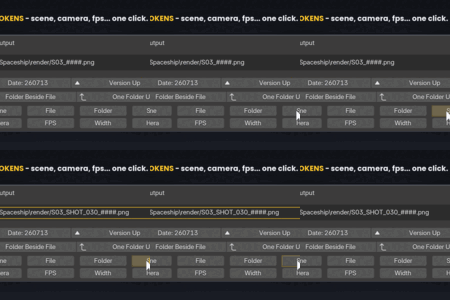
- Live path preview above the File Path field, including the frame counter and extension Blender will add
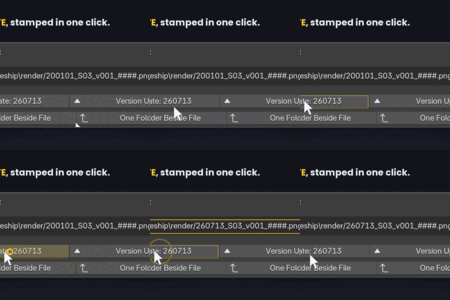
- Date stamp (e.g. 260713, YYMMDD) — inserts today or updates an old date
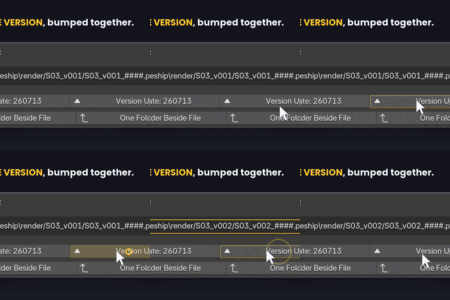
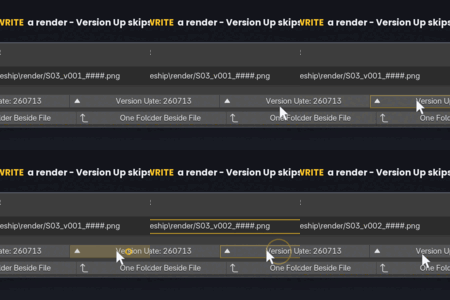
- Version Up / Down (v001 to v002) — scans the disk and skips versions that already have renders, so nothing is overwritten
- Copy path button and open/create folder button on the preview
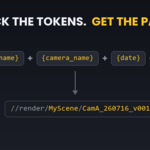
- Native token buttons: insert scene name, camera name, FPS, width and height with one click, no typing
Pro adds
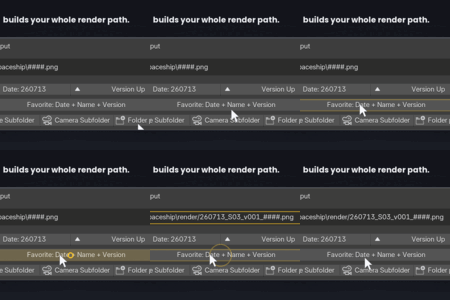
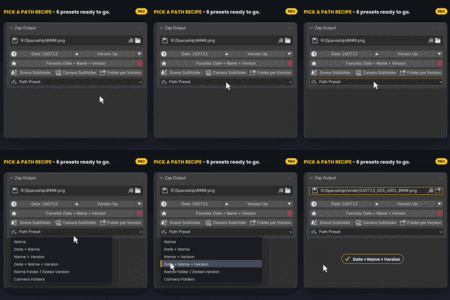
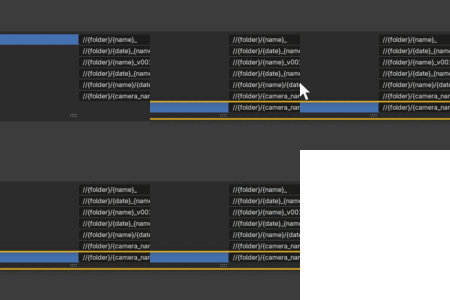
- Path presets with placeholders (folder, name, date), editable in Preferences, plus a one-click global favorite
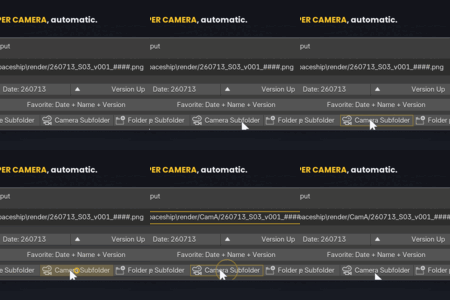
- Camera folders — every camera you switch to renders into its own folder automatically
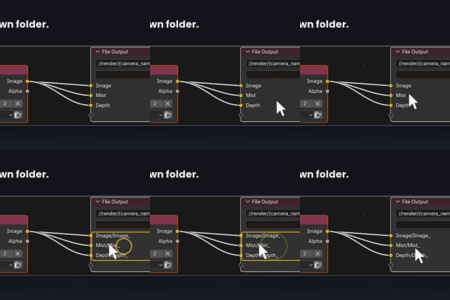
- Folder per Pass (Blender 5.1+) for File Output nodes — one click sends every pass into its own subfolder
- Preview Render / Animation buttons that send viewport renders to a separate preview folder, so a quick look never overwrites the final render
- Auto-Save Still Renders — F12 renders are saved automatically and never overwritten (a taken name gets _1, _2 appended)
- Version Up on Render, plus Archive to an _old folder
File Output nodes (Compositor → sidebar → Zap)
The same stamps, tokens, folder helpers and live preview, applied to the node's Directory and File name fields.
Notes
- A File Output node writes files on every render, including F12 test renders — keep its path versioned so tests never overwrite good frames.
- If the Output panel path and a File Output node produce the exact same filename, Blender silently overwrites the older one — keep prefixes different.
License & Support
Licensed GPL-3.0-or-later. For support, email [email protected] with your Blender version and the path shown in the preview box.
Have questions about this product?
Login to message
| Blender Extension Compatible | Yes |
| Published | 3 months ago |
| Blender Version | 5.0 - 5.2 |
| Extension Type | Add-on |
| Render Engine Used | Arnold, Cycles, Eevee, Freestyle, Luxrender, Mental-Ray, Octane, Vray, Yafaray |
| License | GPL |
Discover more products like this
Render Pipeline backup automation version up render workflow output path Versioning file organization output management autosave render output productivity