 Sergey Tyapkin
Explore Zen Masters Add-ons






Control every Blender area without breaking your workspace
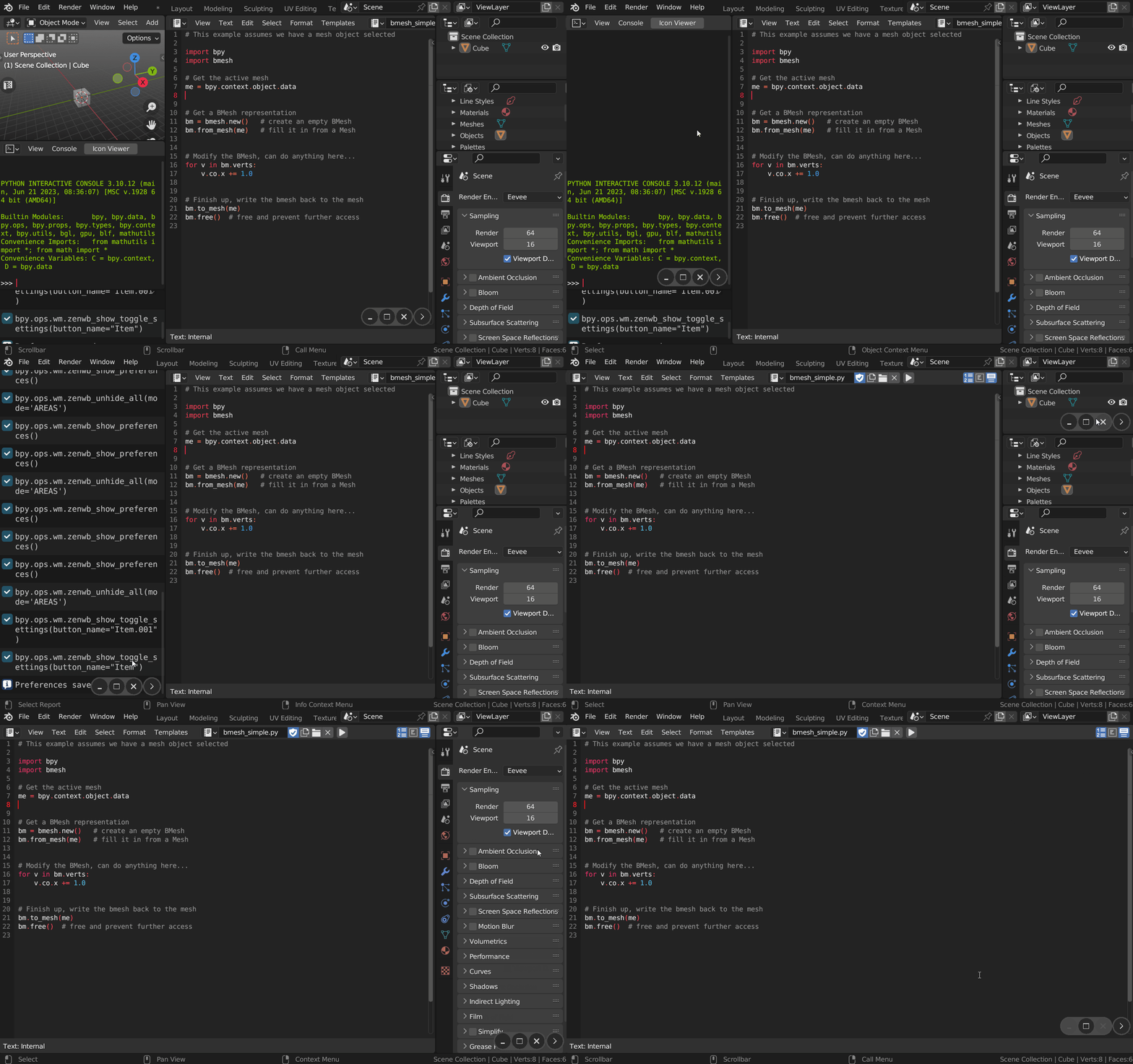
Zen Dock adds a compact window control bar for toggling editors, minimizing and restoring areas, maximizing views, closing panels, and launching custom commands in one click.
01
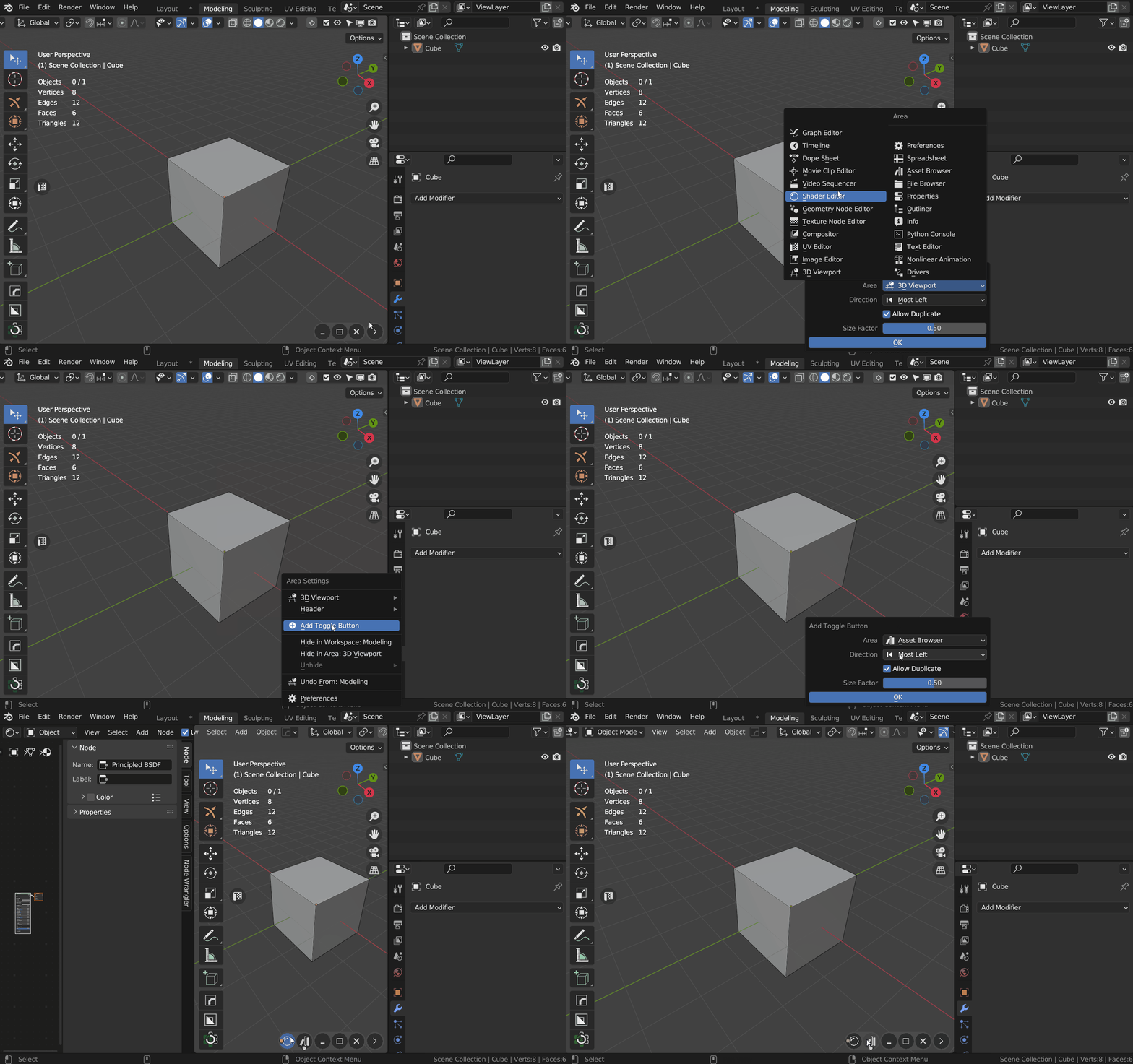
Switch editors instantly
Open, hide, replace, or move Blender editors without rebuilding the current layout.
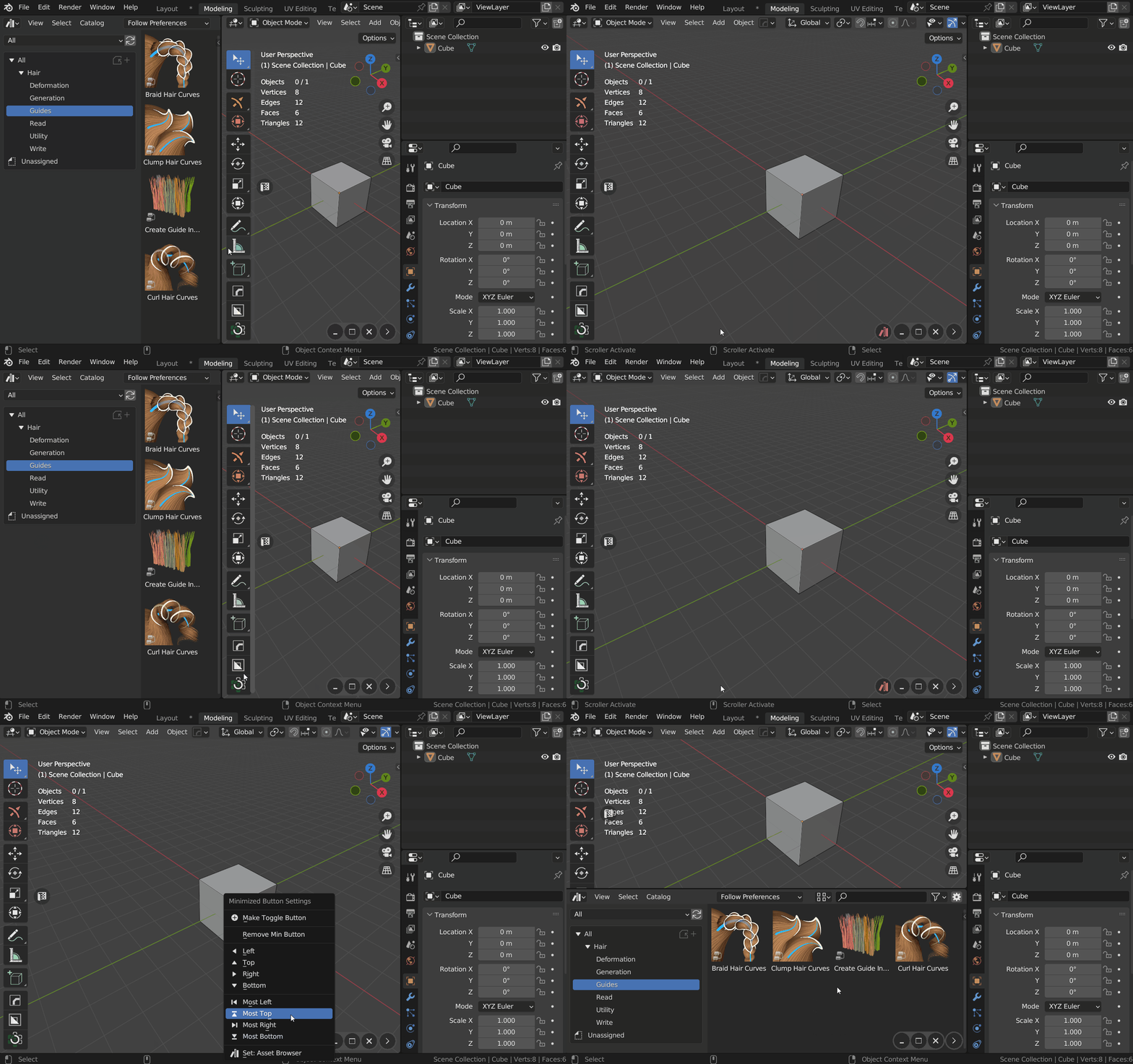
02
Keep layouts organized
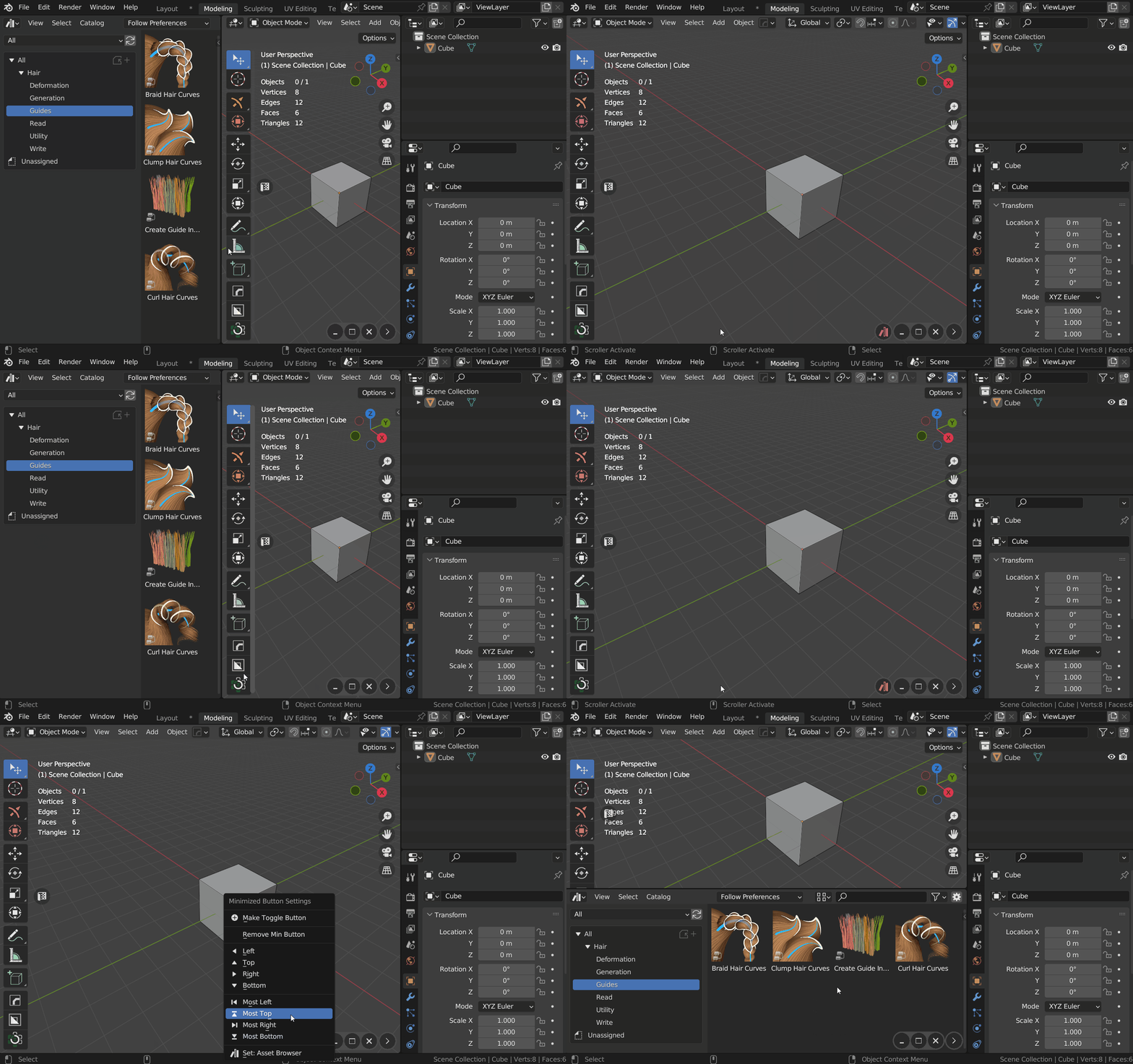
Minimize areas temporarily and restore them with their tools, sidebars, and space settings intact.
03
Build your own controls
Create buttons for editors, operators, panels, menus, pie menus, and custom scripts.
Core workflows
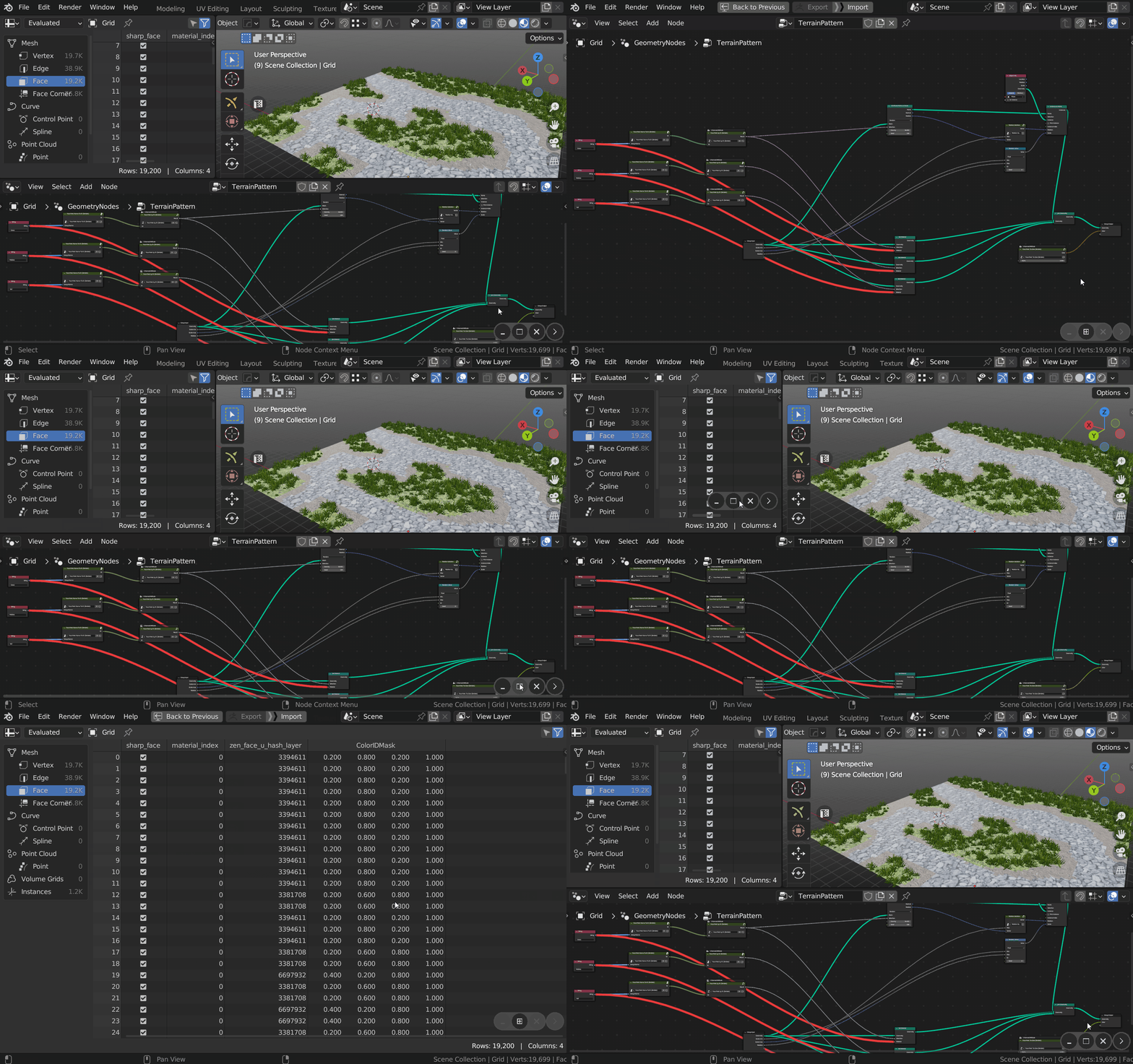
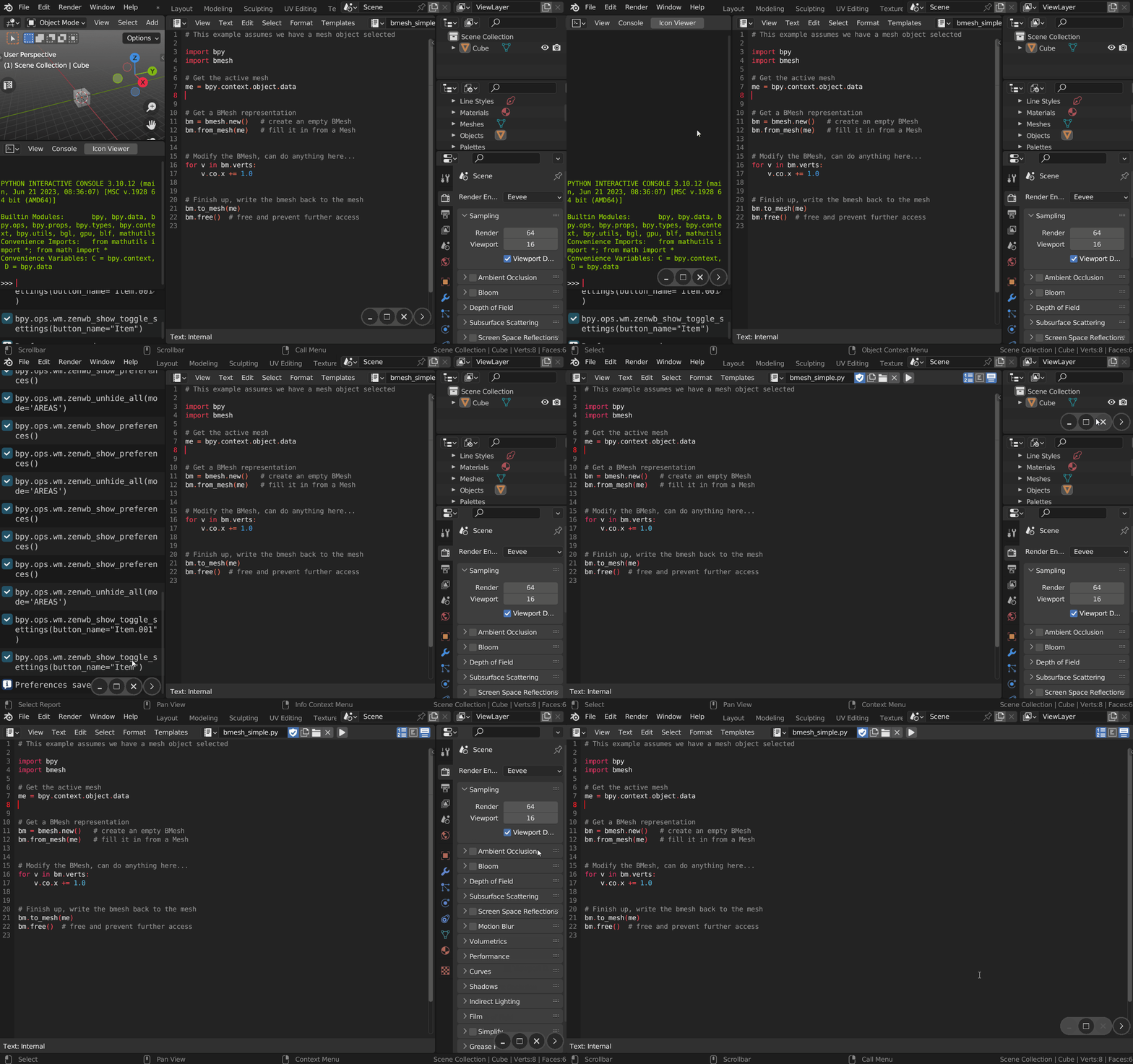
A complete workspace control toolkit
Turn Blender's area system into a faster, clearer, and fully customizable part of your daily workflow.
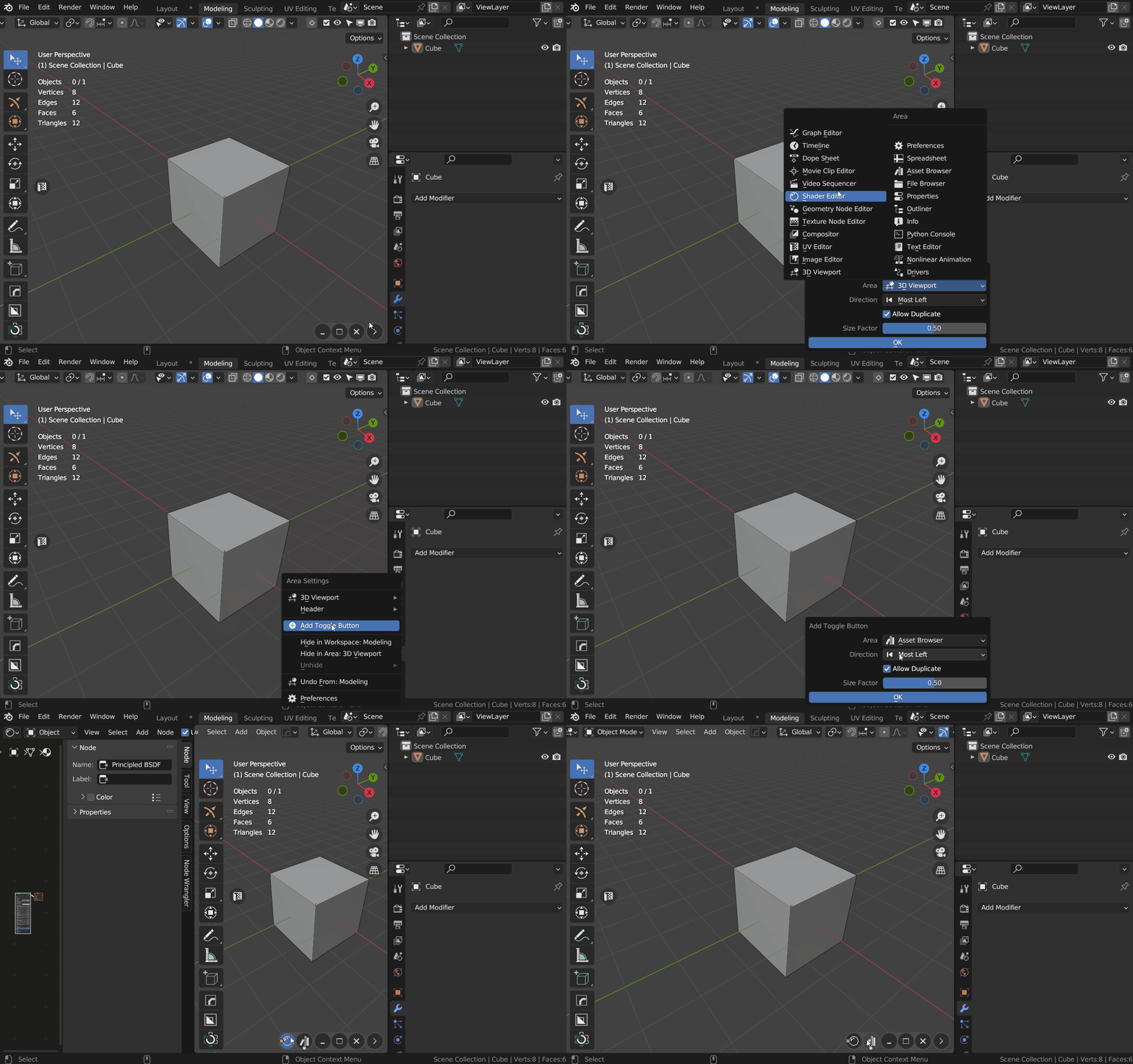
Area Management
Control which editors are visible, where they appear, and how much of the window they occupy.
Toggle Mode · Open Mode · Close Mode · Replace Active Area · Direction & Size
Custom Commands
Use the Dock bar as a compact launcher for Blender tools and your own automated actions.
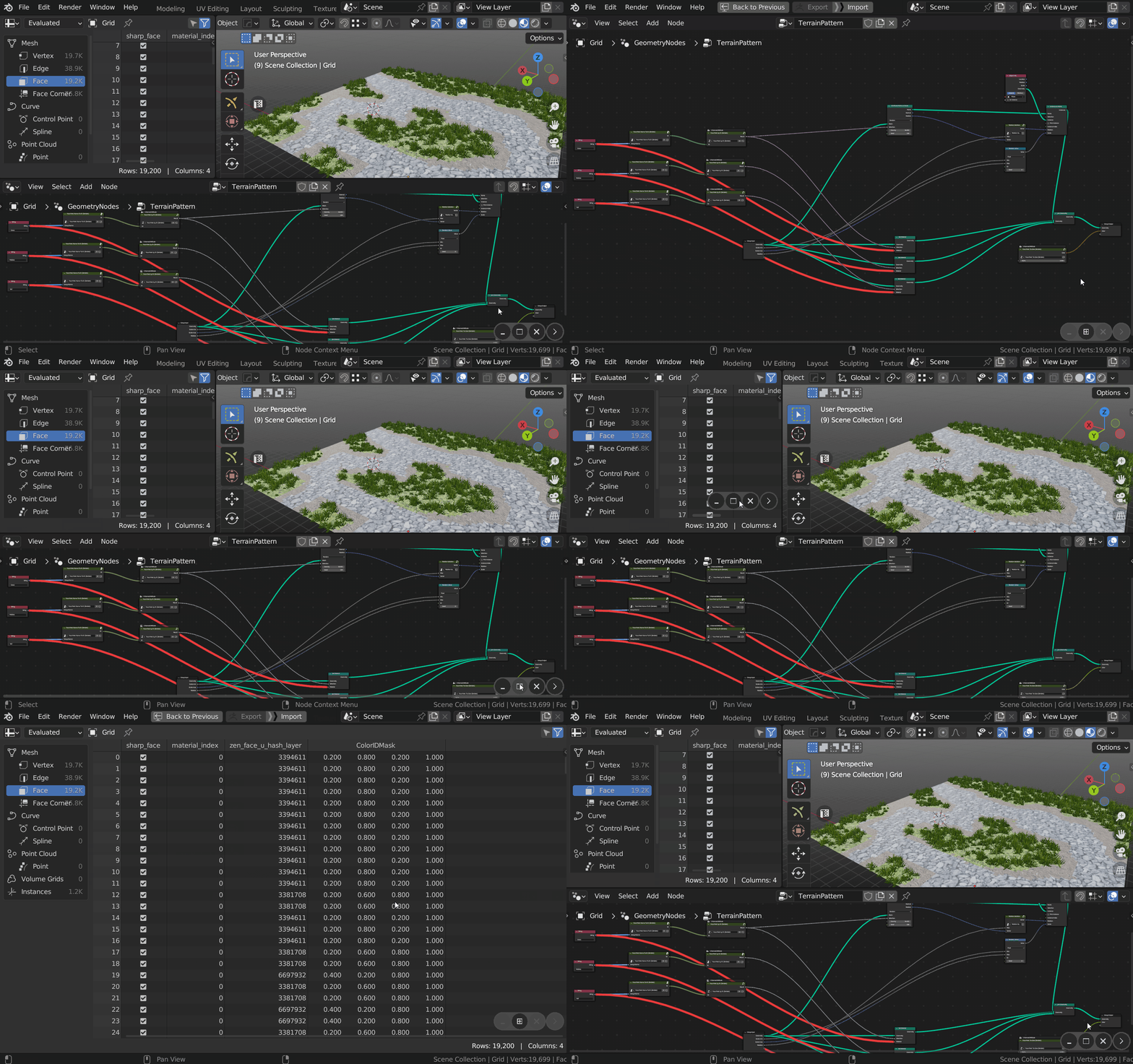
Window-Style System Controls
Use familiar controls for common layout operations without hunting for borders or context menus.
Horizontal Split · Vertical Split · Minimize · Maximize · Expand / Collapse Bar
Workspace Windows
Move complete workspaces to separate windows for multi-monitor setups and focused secondary views.
Open Workspace in New Window · Current File Presets · Toggle Workspace · Window Bounds
Reusable Setups
Preserve editor settings and move custom button configurations between Blender setups.
Save Area Properties · Edit & Lock Properties · JSON Import / Export · Custom Preferences
Latest Updates
See how Zen Dock turns Blender's area controls into a fast and familiar window-management workflow.
Help and resources
Explore tutorials and release notes, install Zen Dock, browse the complete manual, or get help from the support forum.
YouTube Playlist
Watch feature overviews, workflow demonstrations, and practical Zen Dock tutorials.
Main Features Guide
Explore toggle buttons, minimized areas, system controls, and workspace windows.
Full Changelog
Browse the complete history of new features, improvements, compatibility updates, and fixes.
Installation
Install or update Zen Dock and confirm that the add-on is ready in Blender.
Documentation
Browse every toggle, minimize, system-control, command, and workspace option.
Support
Find answers, report issues, and get help from the Zen Masters support forum.
Looking for tools that work well alongside Zen Dock? See the Zen Masters team's recommended add-ons.