Sergey Tyapkin
over 1 year ago
Thanks, Tjeerd! Glad Zen Dock is proving useful — appreciate the support!
This item has an average rating of 5 from 9 ratings by the community.
Purchase this item to leave a review!
I have to say that if I started Blender and the Zen dock wasn't there and I could not get it again, I would start crying. This add-on is super useful to me as it has speeded up my workflow tremendously. It has become one of those addons you cannot live without.
Super useful!
Sergey Tyapkin
over 1 year ago
Thanks, Tjeerd! Glad Zen Dock is proving useful — appreciate the support!
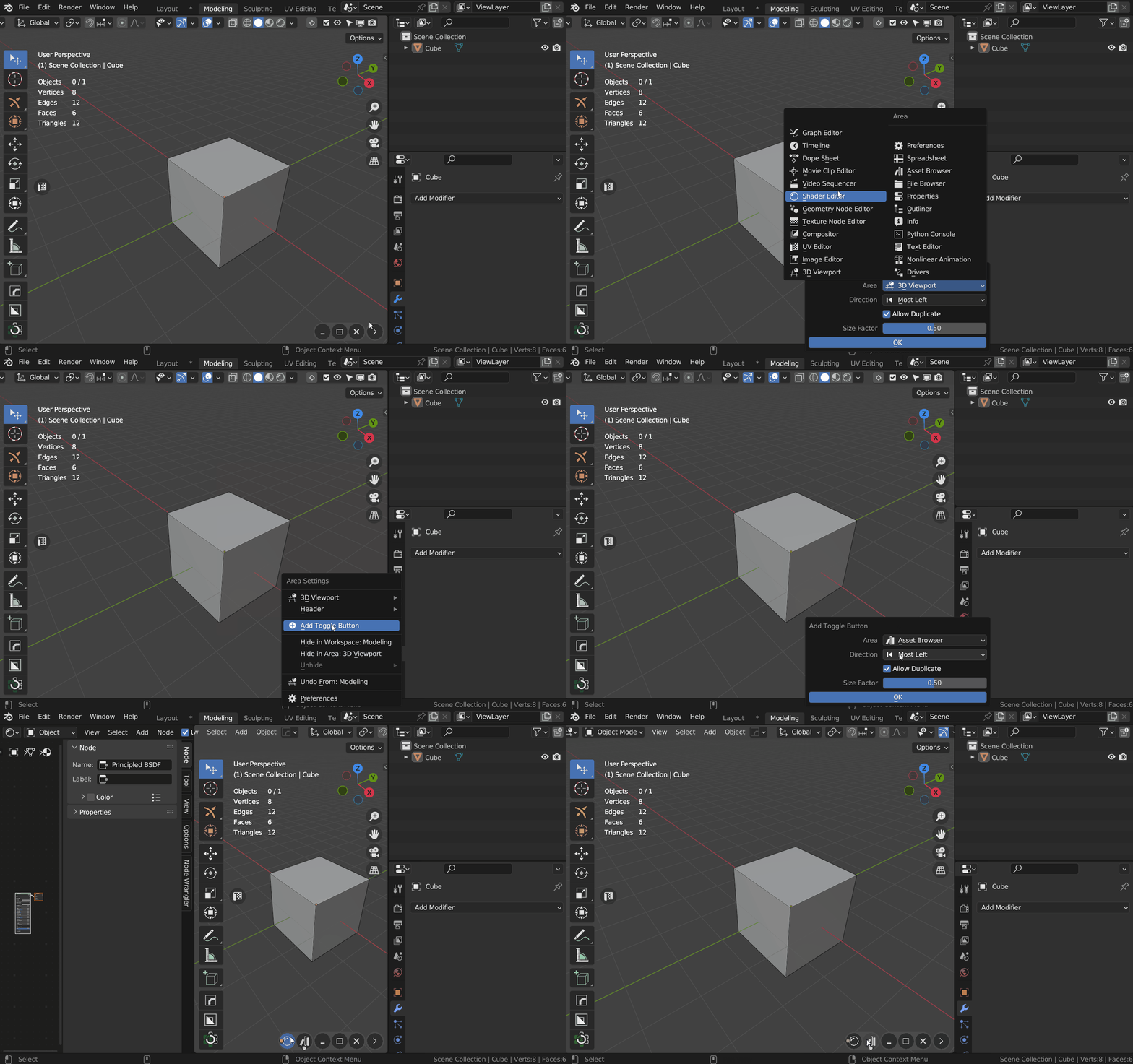
Very useful and much easier than trying to add/remove windows the standard way.
Sergey Tyapkin
over 1 year ago
Thanks, Brian! That’s exactly what Zen Dock is here for — simplifying window management. Glad it’s working for you!
A simple and minimalist addon that provides a huge service for navigation in the software. For the price, I recommend it.
Sergey Tyapkin
over 1 year ago
Thank you, Whiskey! Happy to hear Zen Dock is helping streamline your workflow — and that you found real value in it!
Love this little addon. Super handy and useful. Thanks
Sergey Tyapkin
over 1 year ago
Thanks a lot, Victor! Really glad to hear it’s coming in handy — always happy to support!
Very useful addon for managing areas in Blender and very convenient if you use Blender with a small graphics tablet like I do. The addon is easy to use, super intuitive, and has lots of nice features to customize it. As a suggestion for a feature that would be interesting, keyboard shortcut toggles for the buttons you create would be great. Thank you for making this addon! Sergey :)
Sergey Tyapkin
over 1 year ago
Thank you, Michael! I’m really glad Zen Dock works well with your tablet setup — and I appreciate the suggestion!
Its such a smooth working no-brainer to use, that I am frankly surprised blender doesn't have a feature like that by default. Many many thanks for your work!
Sergey Tyapkin
over 1 year ago
Thanks a lot, Korbinian! It’s great to hear Zen Dock feels natural and smooth — that’s exactly what I hoped for. Really appreciate your kind words!
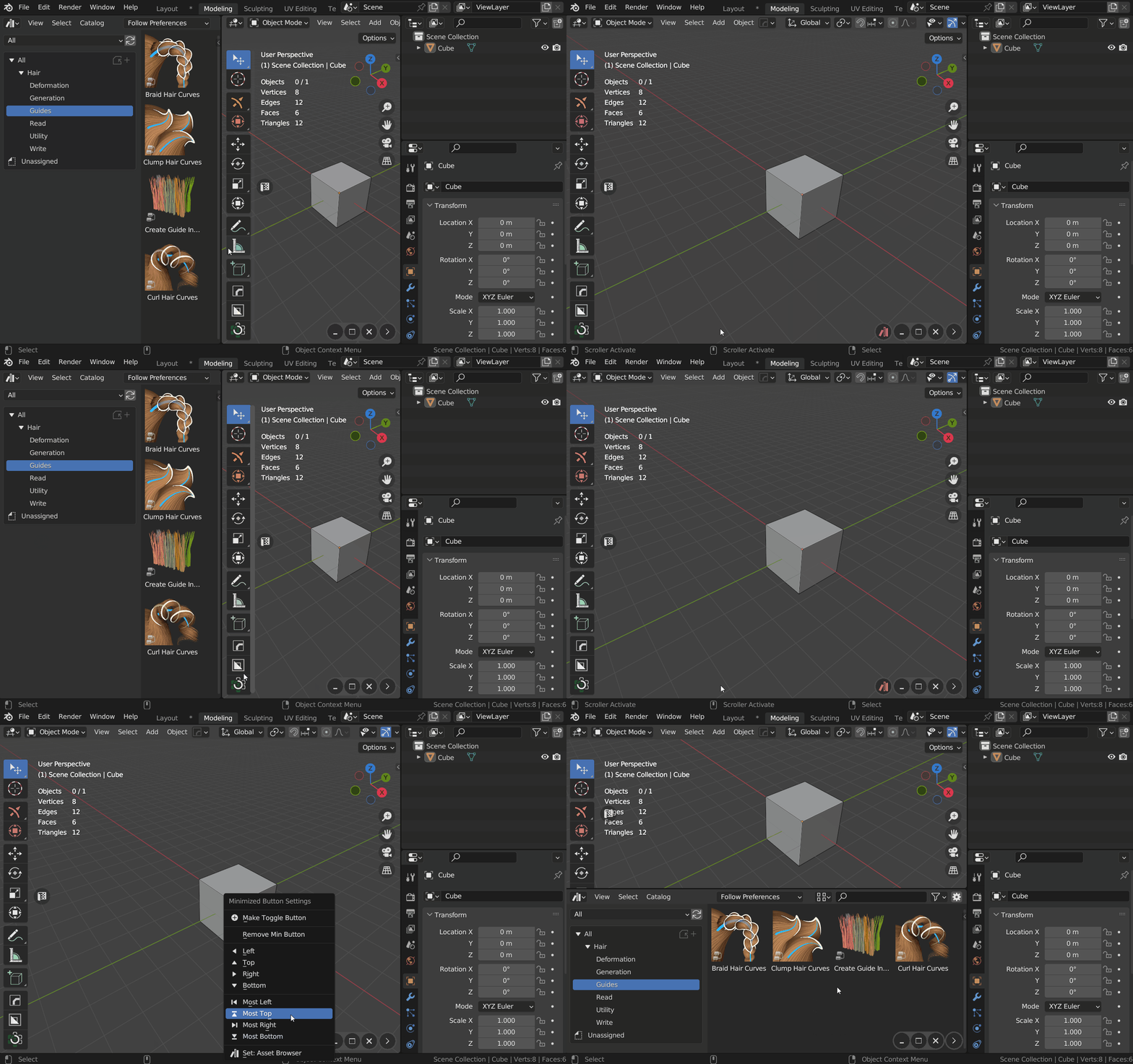
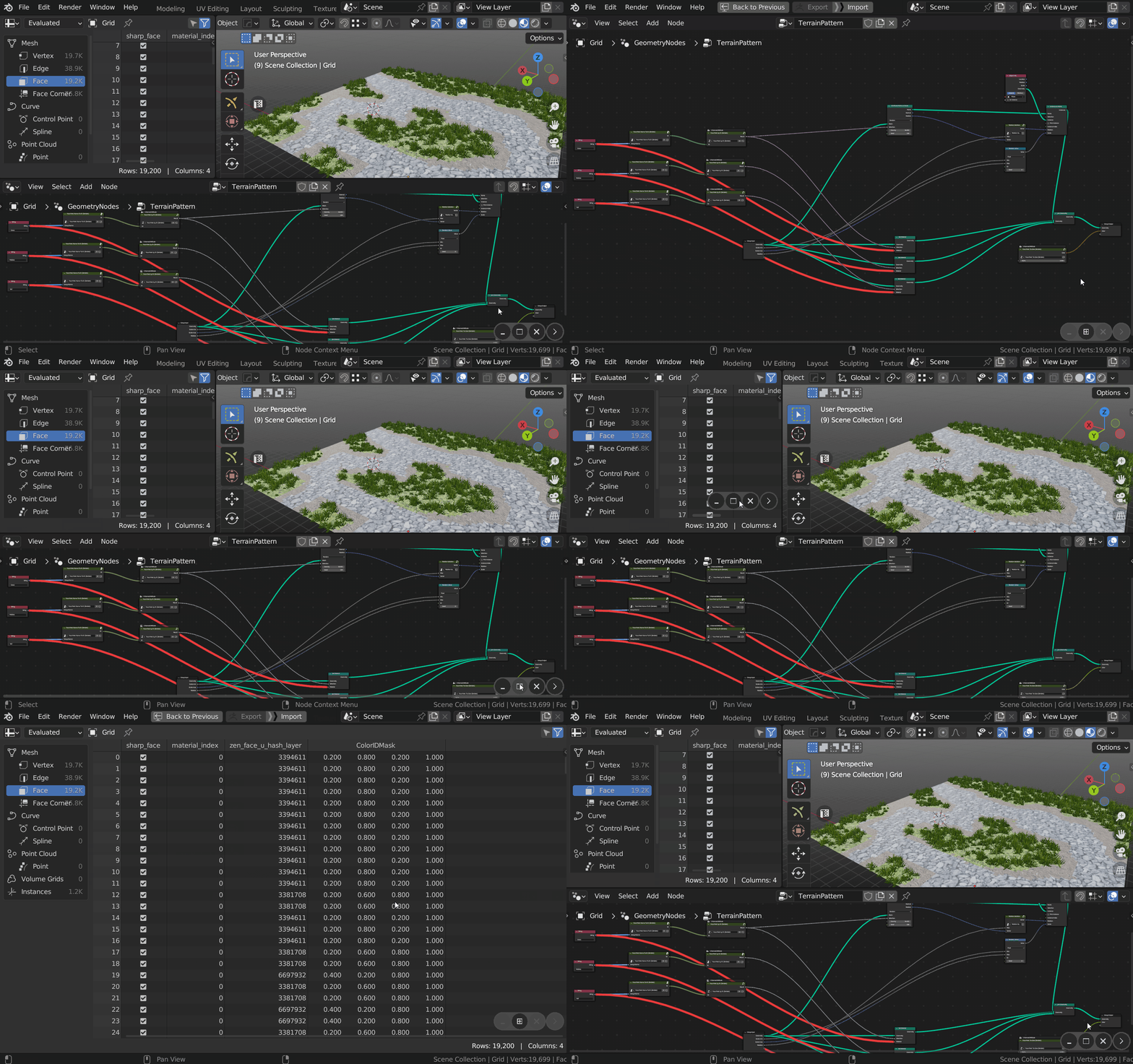
Oh my God! Coming from other 3D apps with non-modal panels (and largely disliking Blender's UI), this is a life-changer. The idea of simply toggling on and off panels and editors as you need them is great, but the ability to Ctrl-click an icon and have my Asset Browser or Shader Editor pop up in a separate moveable, scalable window and still be useable, is freakin' amazing (for me). This has completely changed my experience of using Blender – and all for less then. ten bucks. Thank you Sergey!
Sergey Tyapkin
over 1 year ago
Wow, thank you, Steve! I’m thrilled Zen Dock made such a difference for you — especially coming from other 3D tools. That Ctrl-click feature was a fun one to add, so I’m glad it’s being used to the max!
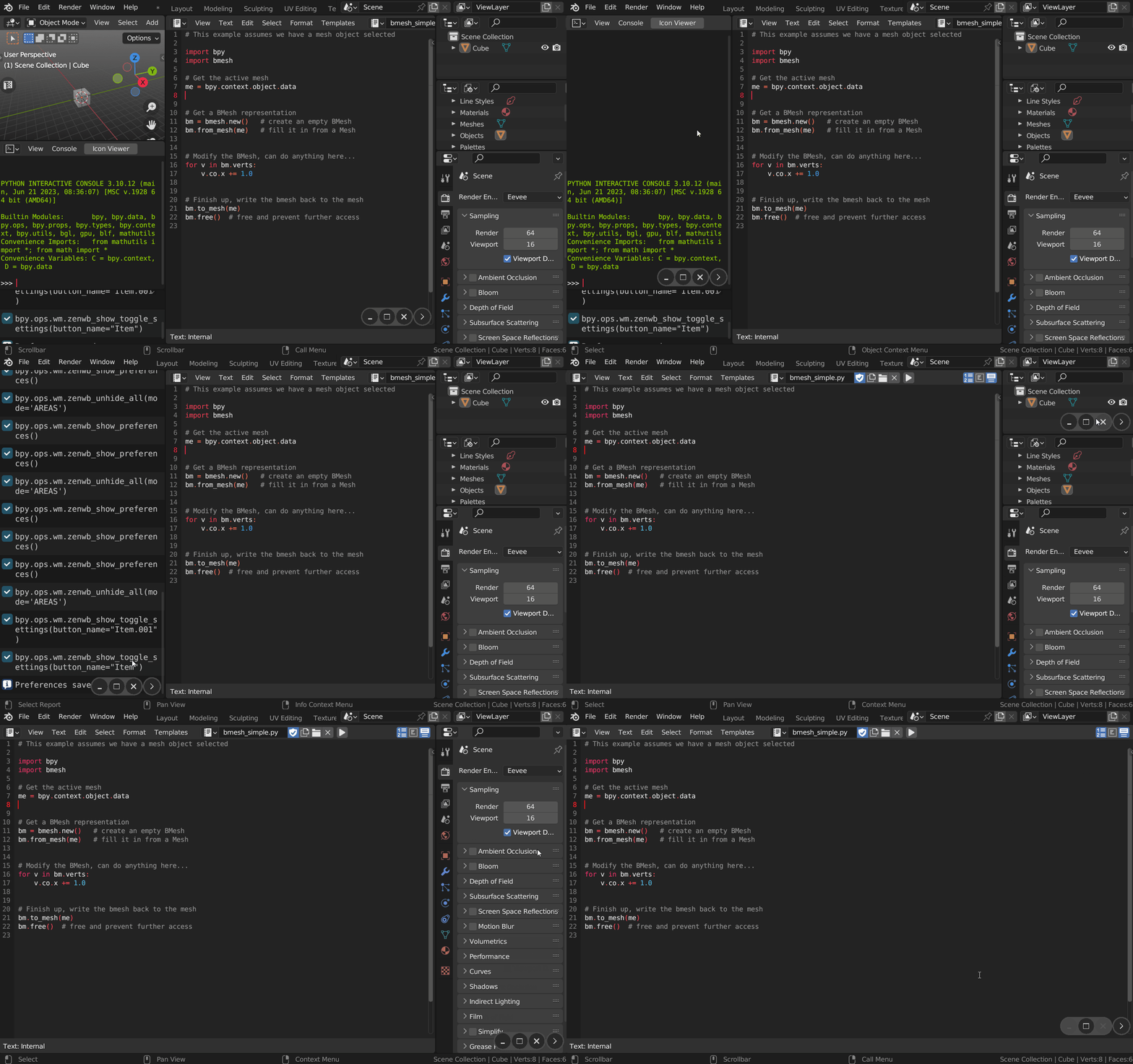
Really useful add-on. If you want to temporarily add a specific window to your work area without having to either go through the process of doing it manually or switch to another tab, then this is perfect. I often find myself wanting to have a timeline in the modelling or surfacing tab or want to access the UV window and have the same 3D view open, this is perfect for those times. Or if you want to access the Asset browser just long enough to add an asset and then go back to your original workspace size then this is great. Sort of thing that should be a Blender default.
Sergey Tyapkin
over 1 year ago
Thanks so much, Jeremy! I’m really glad to hear how Zen Dock is helping streamline your workflow — that exact flexibility was the goal. Totally agree: this kind of control should be part of Blender by default. Appreciate the thoughtful feedback!