 Ispyr Games
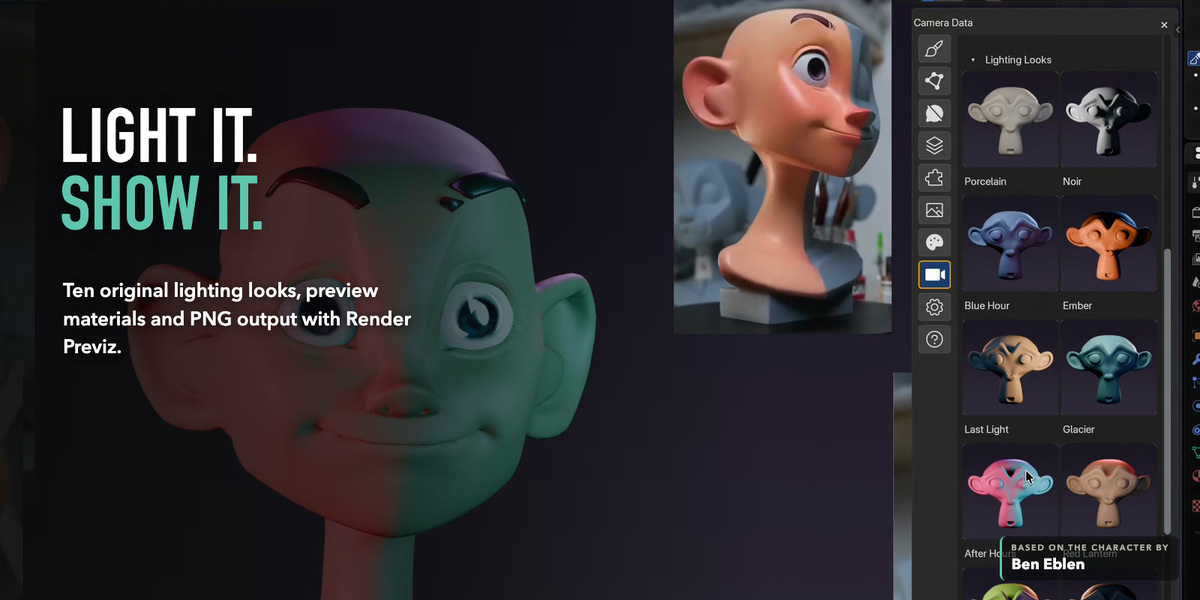


Keep your ZBrush muscle memory.
Sculpt in Blender.
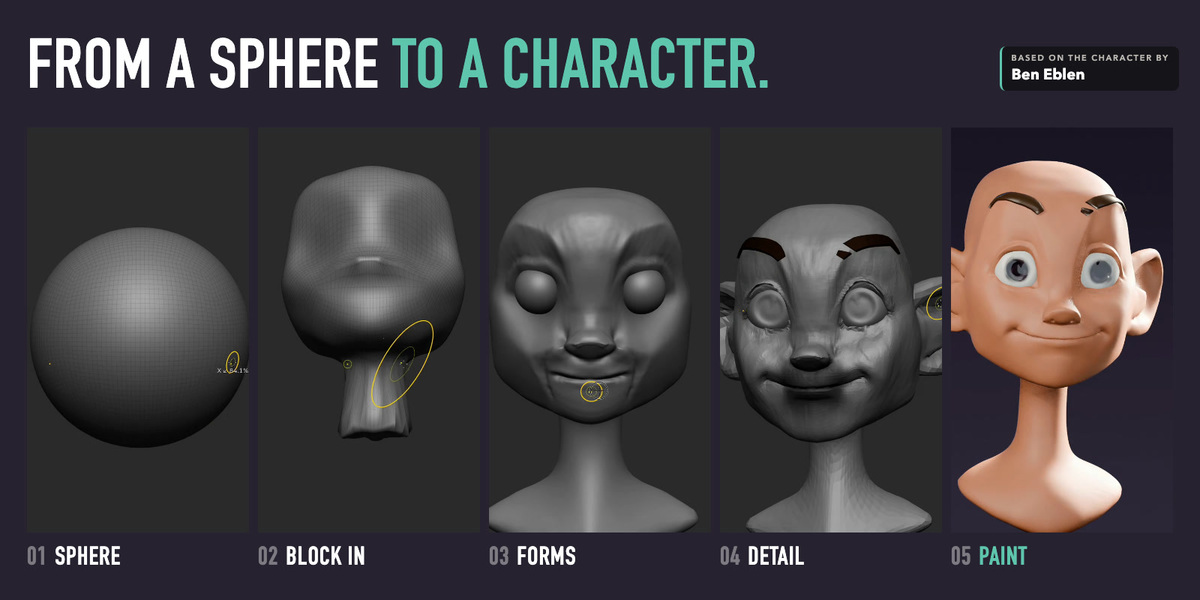
I built ZenMode around the places where my ZBrush experience kept colliding with Blender: sculpting dense meshes, reversible sculpt passes, and the feel of working in the viewport.
Built for character and creature artists. Blender's native sculpt engine, brushes, Undo, files and editable geometry stay intact.
How ZenMode works: a mode you switch on and off
Turn ZenMode on and Blender's Sculpt Mode takes on a ZBrush-style workflow: its own navigation, shortcuts, tool dock and viewport look, in the Sculpting workspace.
Turn it off and those shortcuts, navigation and viewport changes go away. ZenMode adds its own key bindings only while it's on and never edits your Blender keymap.
Worth knowing: turning ZenMode on starts a fresh Undo history, and Spacebar won't play the timeline while it's on.
01
Sculpt dense meshes
Zen Levels keep brush strokes responsive on dense sculpts. Tested at 30 million faces on Mac and PC.
02
Keep passes editable
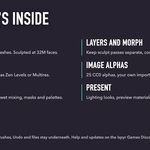
Forms, wrinkles, pores and damage on separate sculpt Layers, plus Morph Targets to pull any area back.
03
Work the way your hands know
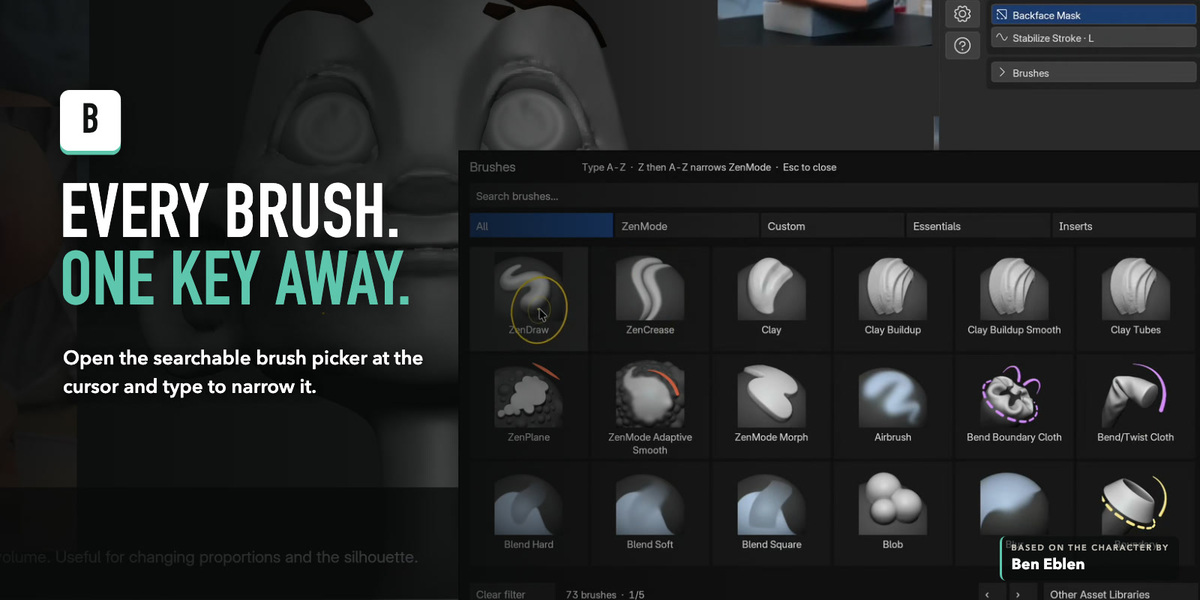
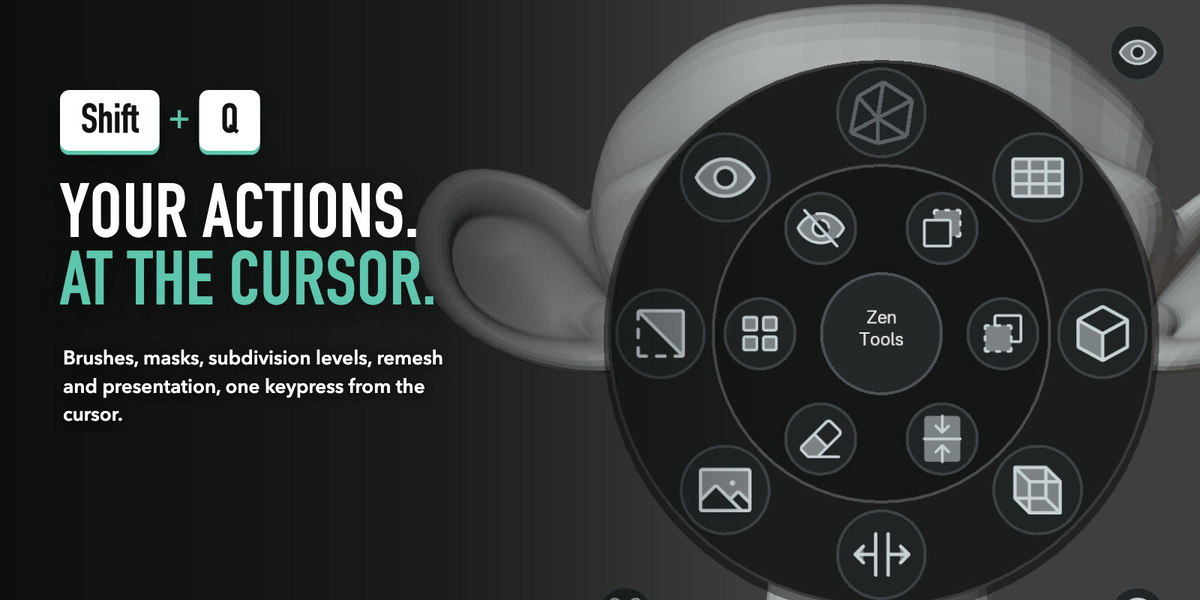
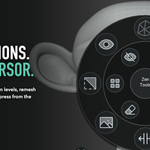
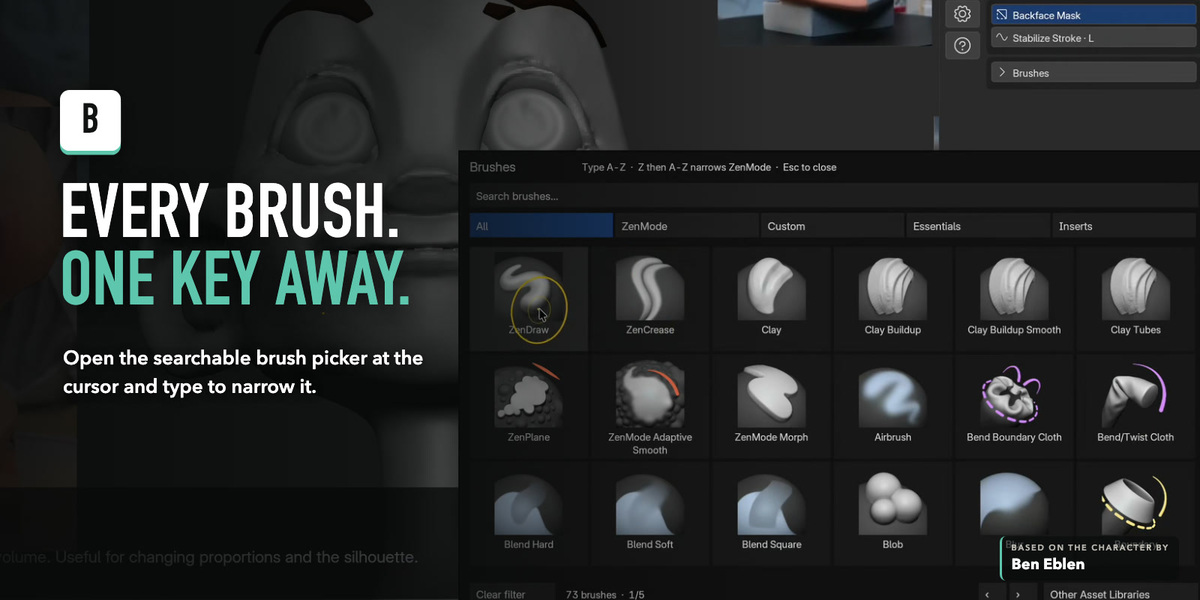
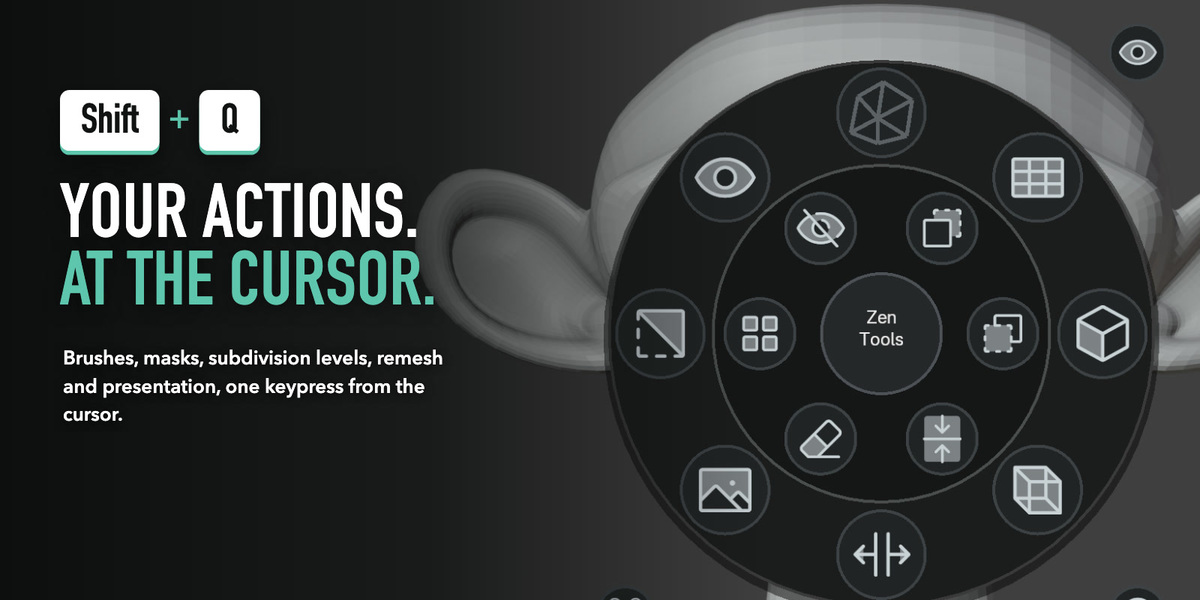
Familiar keys, a brush picker on B, an operations wheel on Shift+Q, and ZBrush low/high import.
What you'll use every day
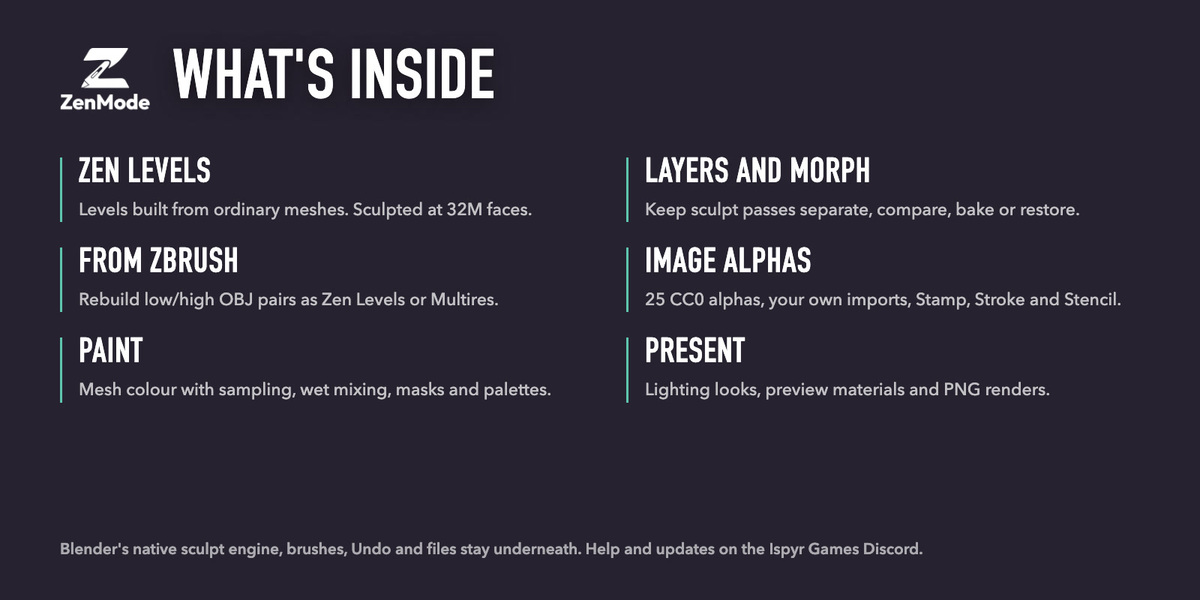
The full toolkit
Everything ZenMode adds, grouped by how you work.
Dense sculpting
- Zen Levels are the default. Add a level with Cmd/Ctrl+D.
- Edits on a lower level carry up into the detail.
- All Low / All High switches every visible sculpt together.
- Visible face count, plus Adaptive Sculpt to add density locally.
- Zen Remesh when polygons start to stretch or pinch.
- Prefer Multires? Turn Zen Levels off, or convert Multires with every level kept.
Alphas and viewport
- 50 CC0 alphas in a searchable gallery, or import your own.
- Native Stamp, Stroke and Stencil, with per-brush Stamp Falloff.
- Lasso, Polygon and Circle masks.
- Blender's middle-mouse navigation still works alongside ZenMode's.
Editable passes
- Separate sculpt Layers with strength and visibility.
- Bake the visible result when it's ready.
- Store a Morph Target, restore the full surface, or paint recovery with the Morph Brush.
From ZBrush
- Import matching low/high OBJ pairs and rebuild them as levels.
- Optional ZBrush companion exports visible SubTools as named batches.
- Rebuild SubD Stack recovers lower levels from intact quad topology.
Honest boundaries
- Changing levels, Layers, Morph and Undo process the whole surface, so at tens of millions of faces they take a few seconds. Memory matters as much as the processor.
- Masks stay with each level. Bake Layers and delete a stored Morph Target before changing levels, and use Collapse Levels before a Remesh.
- Blender 5.1 and 5.2. Developed and tested on macOS with Blender 5.1.2 and 5.2.1. Windows and tablet input have had less testing so far.
- No account, networking, telemetry or analytics. Licensed under GPL-3.0-or-later.
Help and community
Built-in guide
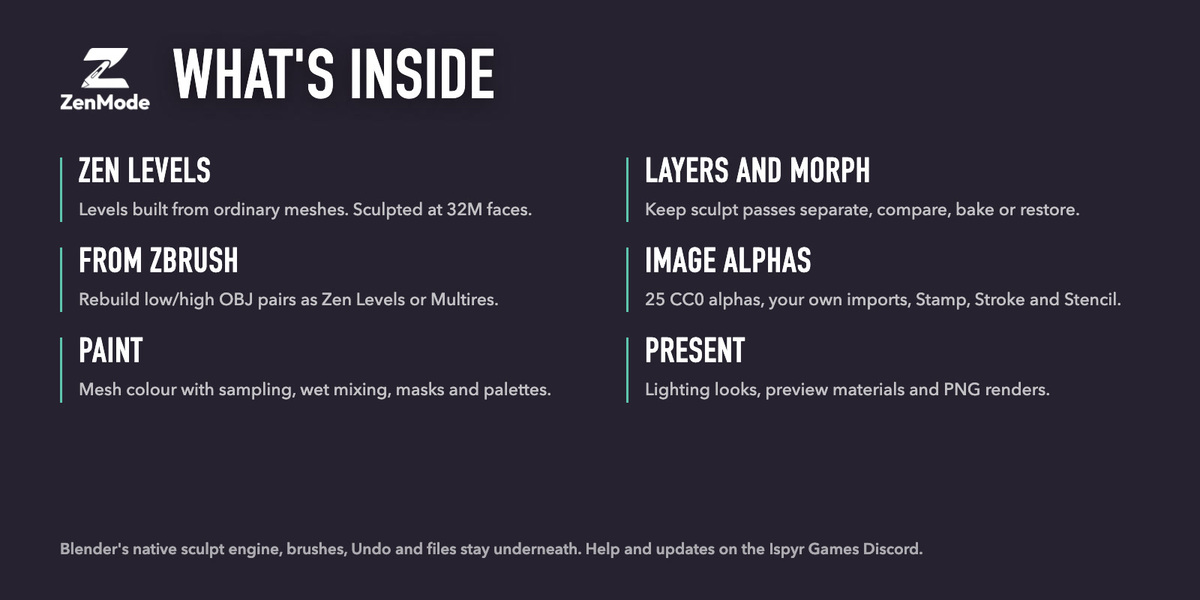
Tutorial Mode shows feedback while you sculpt. Help > Open Full Guide opens the offline manual.
Reporting a problem
Include your OS, Blender and ZenMode versions, tablet model, and a screenshot or short recording.
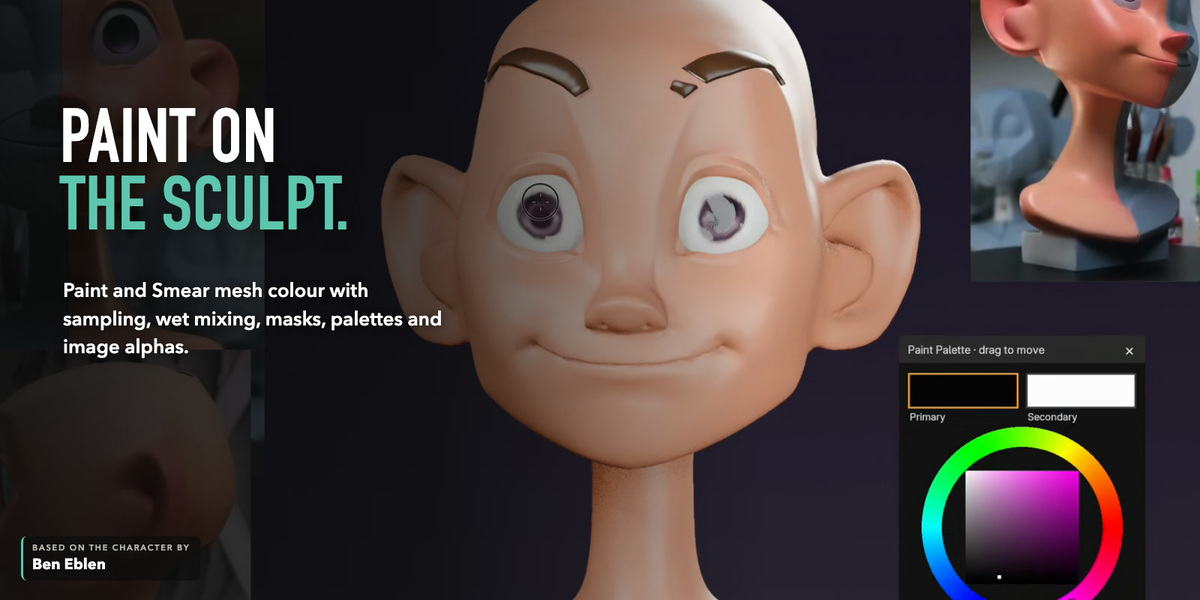
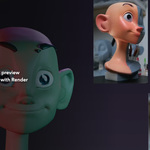
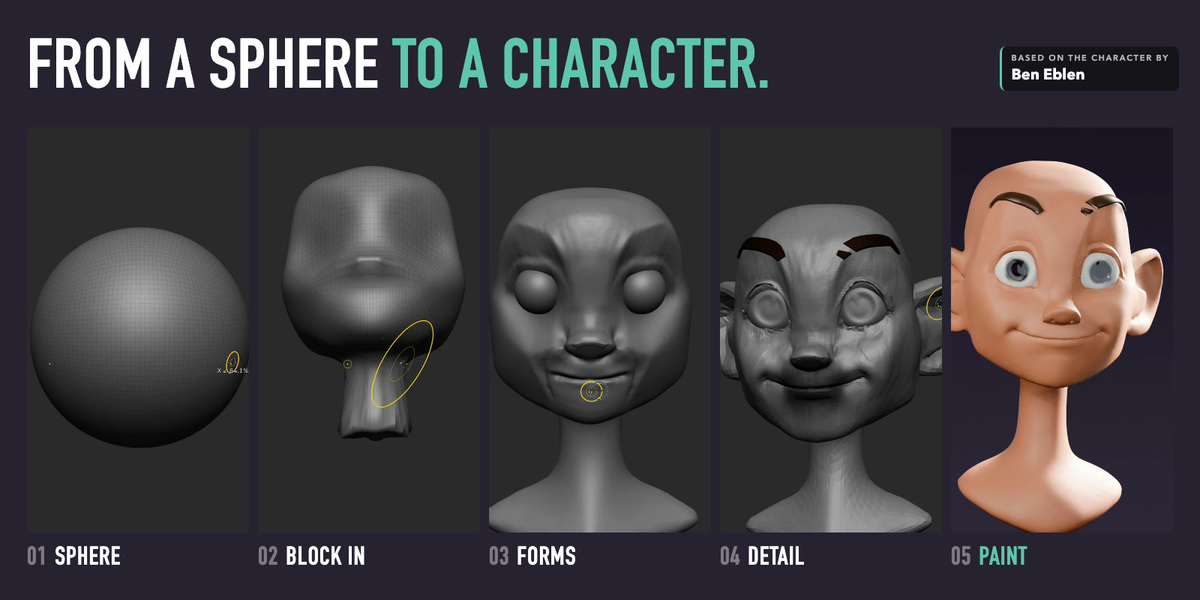
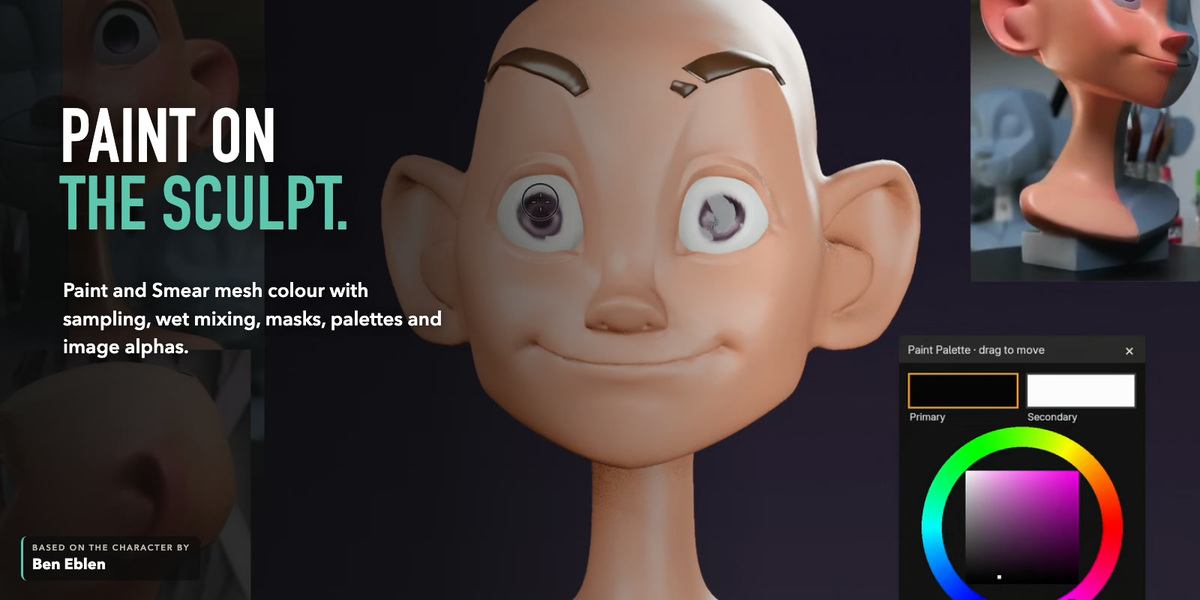
ZenMode is an independent project and is not affiliated with, endorsed by, or sponsored by Maxon or ZBrush. ZBrush is a trademark of its respective owner and is named only to describe workflow compatibility. The sculpt shown is based on the character by Ben Eblen.
