Zenmode
 Ispyr Games
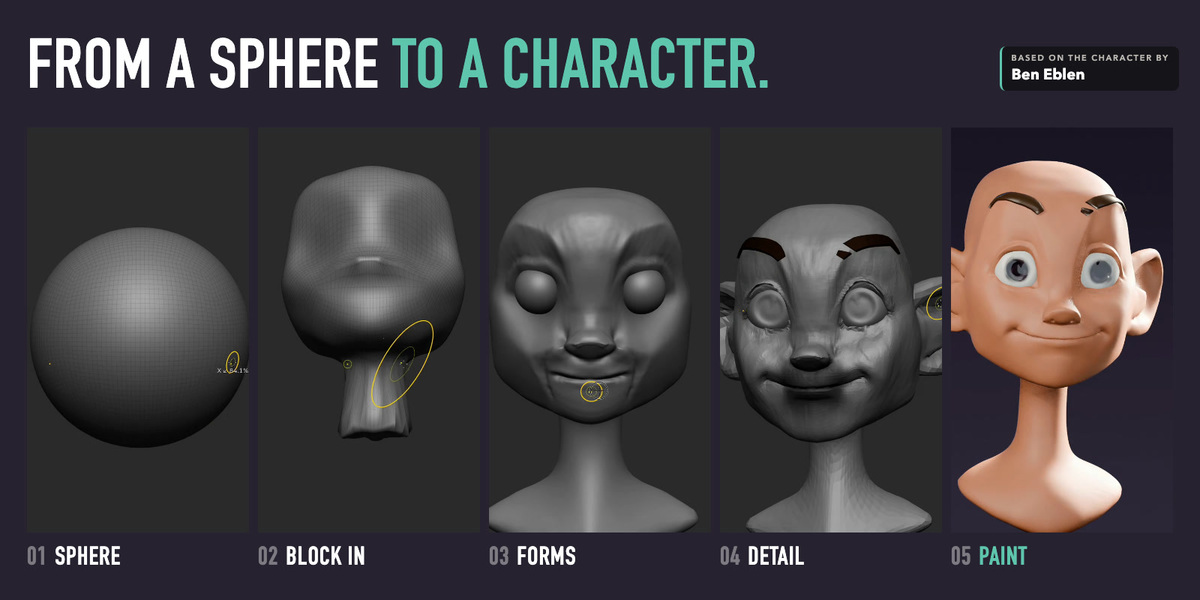
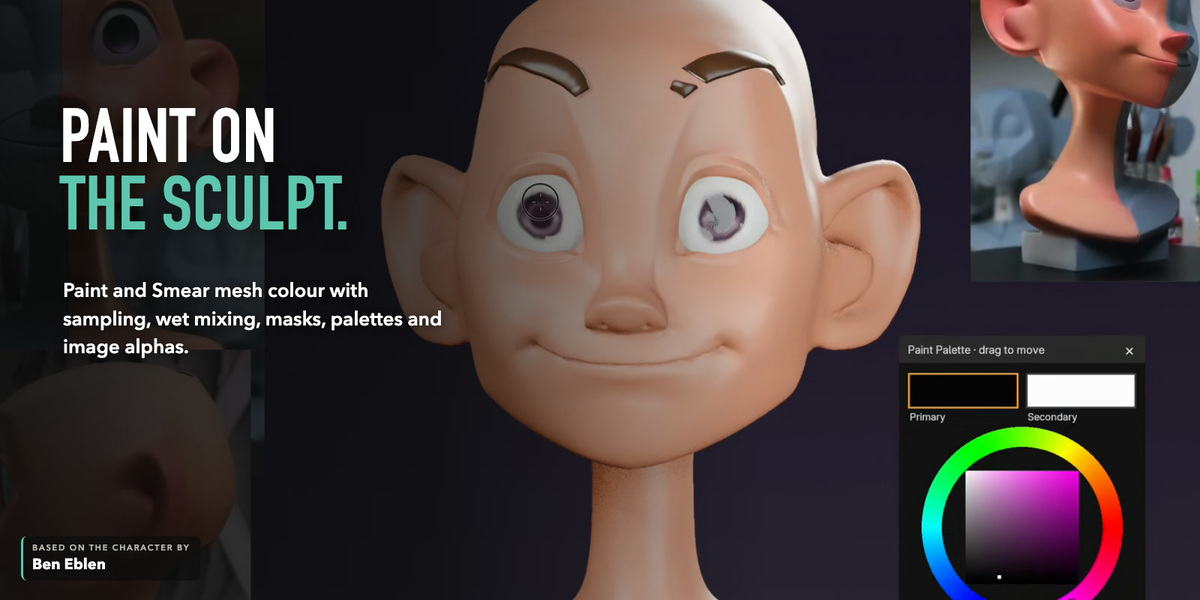
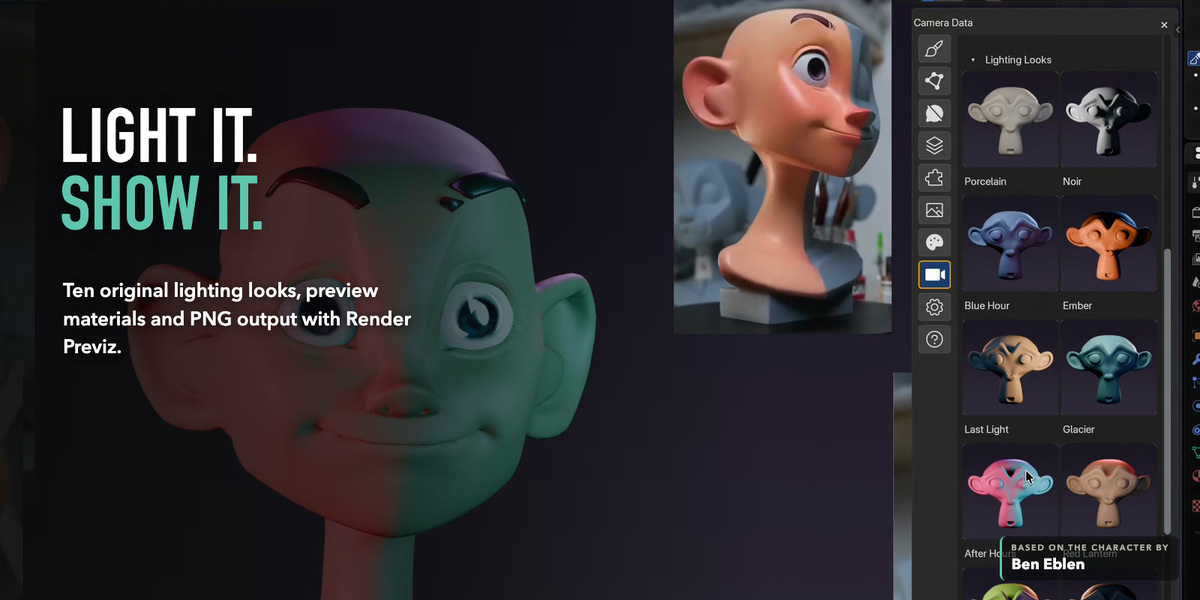
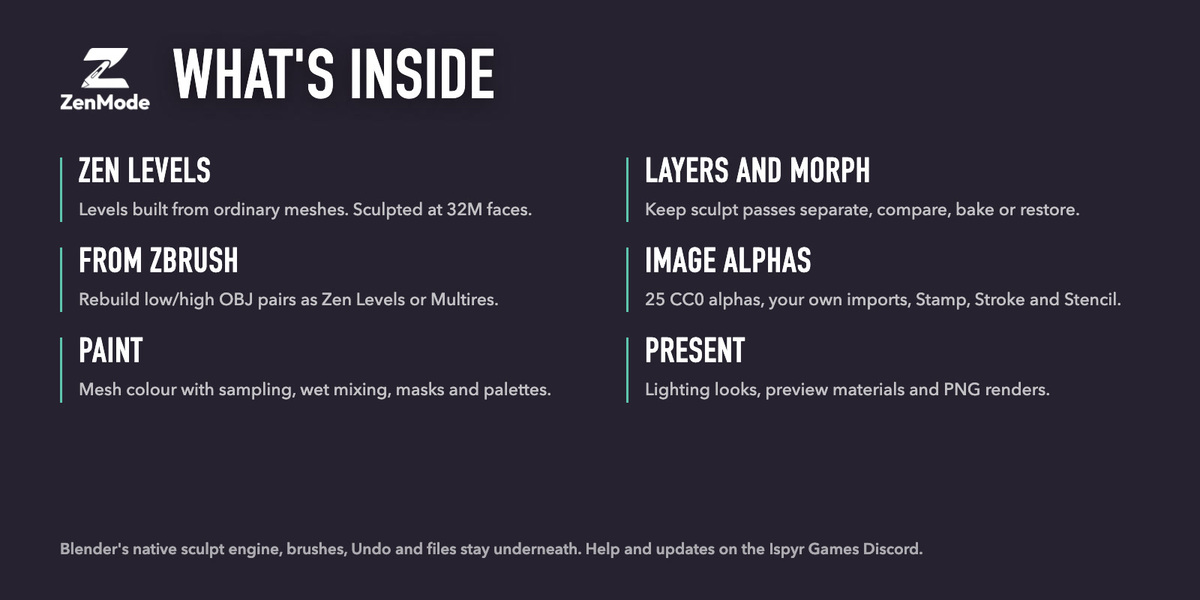





Install the packaged ZenMode ZIP without extracting it.
Requirements
- Blender 5.1 or 5.2.
- An editable mesh for an existing sculpt, or an empty scene for the ZenMode starter mesh.
- The packaged ZenMode ZIP.
Installation
- In Blender, open Edit > Preferences > Add-ons.
- Open the Add-ons menu and choose Install from Disk.
- Select the ZenMode ZIP and enable the extension.
- Select a mesh, enter Sculpt Mode, and use the ZenMode header or sidebar control.
First session
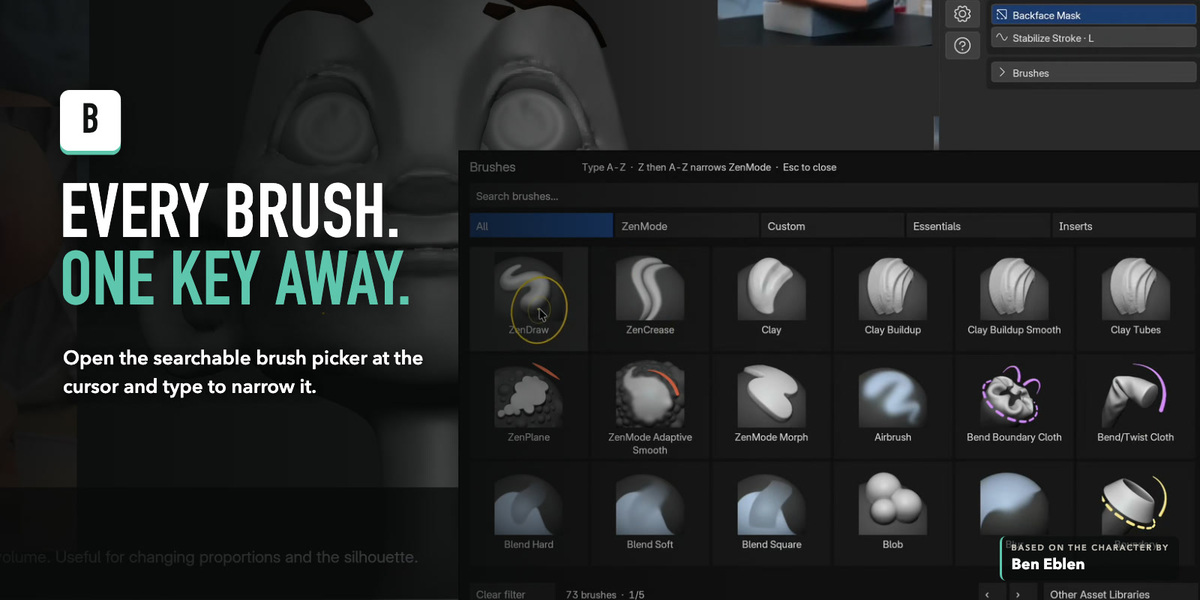
- B opens the searchable brush picker.
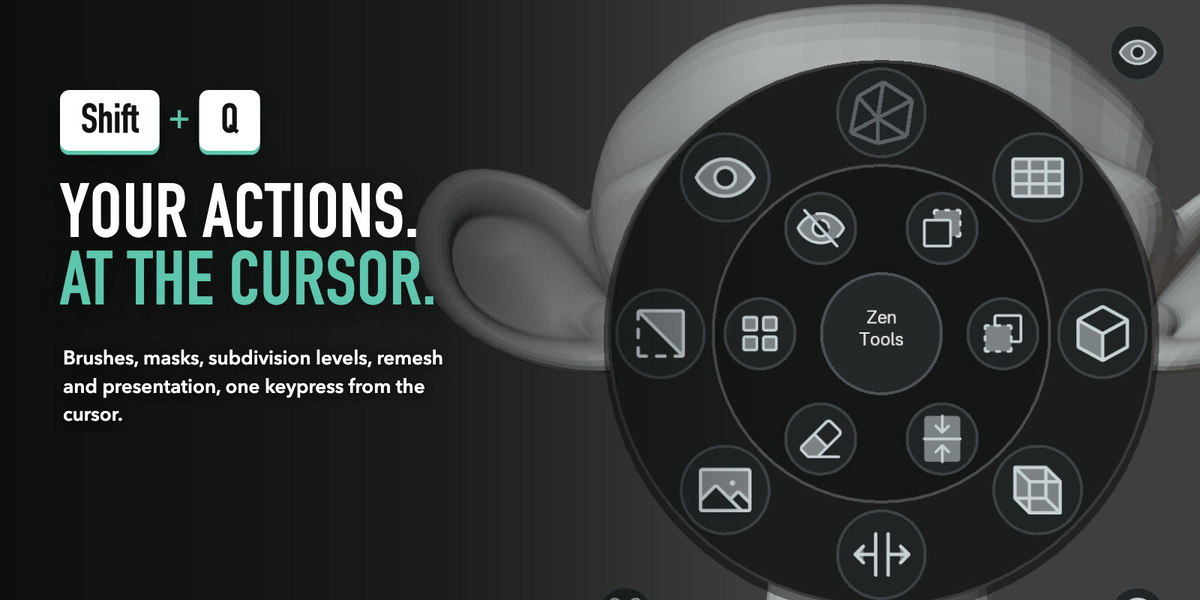
- Shift + Q opens the operations wheel at the cursor.
- Cmd/Ctrl + D (Divide) adds a level. ZenMode builds Zen Levels by default: subdivision levels built from ordinary meshes, so Blender sculpts dense detail on its fast mesh path. D and Shift + D go Higher and Lower.
- L toggles Stabilize Stroke for the active brush.
Built-in help
ZenMode includes an offline guide. Use Help > Open Full Guide to open the installed copy in your browser. No account or network access is required.
Current support baseline
- Verified on macOS/Windows with Blender 5.1.2 and 5.2.1.
- Linux is not yet part of the verified native support baseline.
Support
Get help, report issues, and follow release updates in the ZenMode channel of the Ispyr Games Discord. Include your operating system, Blender version, ZenMode version, tablet model if used, and a screenshot or short recording of the problem.
$19$9.50
Have questions about this product?
Login to message
| Blender Extension Compatible | Yes |
| Sales | 10+ |
| Dev Fund Contributor | |
| Published | 3 days ago |
| Blender Version | 5.1 - 5.2 |
| Extension Type | Add-on |
| License | GPL |

Discover more products like this
sculpting blender addon Mesh Painting render previz remeshing adaptive sculpt Multires character art artist workflow creature art pen workflow brush picker