Blender Ustad Retopology Master Kit – 6 Quad Remesh & Retopology Addons for Blender
- Products: 6
- Sales: 0
Stop spending your evenings on retopology
Sculpting is fun. Retopology is the part that steals the weekend. A 2-million-triangle sculpt or a photo scan can't be rigged, UV'd or dropped into a game engine, and Blender has no built-in quad remesher.
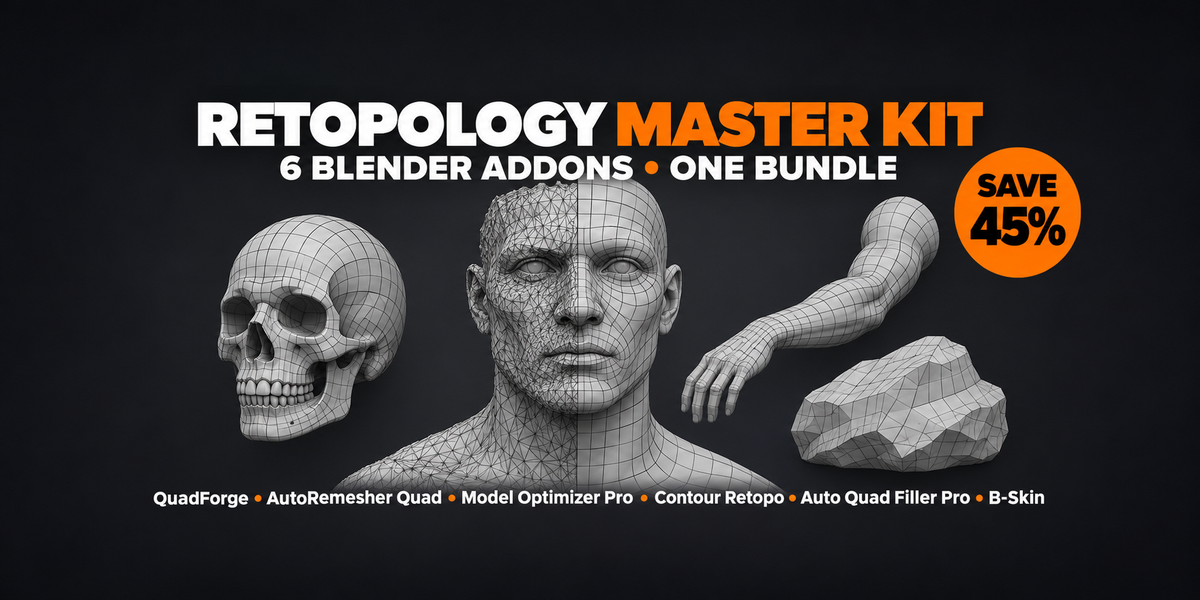
The Retopology Master Kit puts six Blender Ustad addons together, so every retopo job has a tool. Use one click when automatic is good enough, and full control when it isn't.
6 addons. $125 bought separately. $69 in this bundle (save 45%).
1. Automatic: dense mesh to clean quads
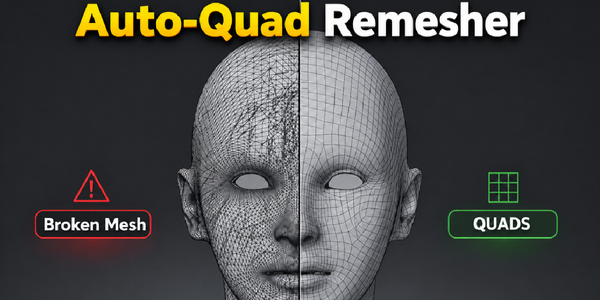
AutoRemesher Quad turns dense triangle meshes into clean quad topology in one click, with target quad count, sharp-edge and adaptivity controls, and X/Y/Z symmetry. It runs in the background so Blender stays responsive.
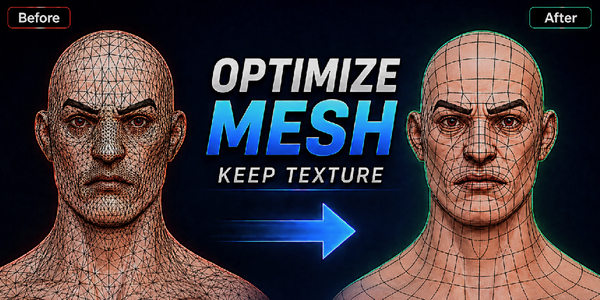
Model Optimizer Pro does the same remesh and then bakes your original textures back onto the new quad mesh. Your painted colour survives the retopo.
2. Game-ready: quad LODs with textures kept
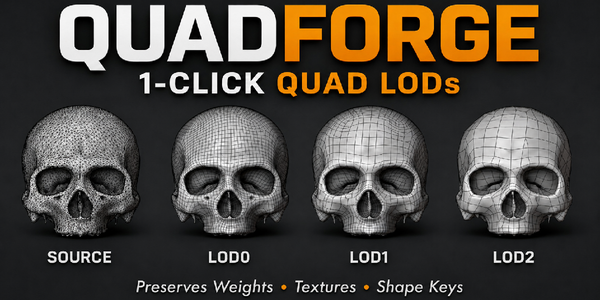
QuadForge builds LOD0, LOD1 and LOD2 as real quads, not decimated triangle soup, in one click. It rebakes textures and keeps weights and shape keys, so the LODs are ready for Unity, Unreal or Godot.
3. Hand control where it matters
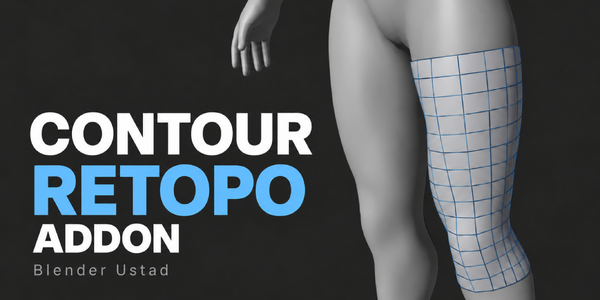
Contour Retopo: click a few points down an arm, leg or finger and get a quad sleeve whose rings follow the real cross-section of your sculpt. Add loops at elbows and knees, cap fingertips, then keep going with fill, extend, cut and relax tools.
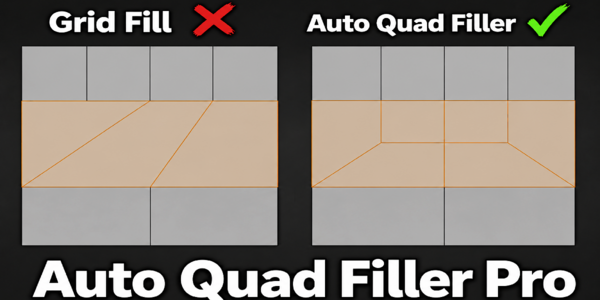
Auto Quad Filler Pro: select two uneven edge loops (5 to 3, 4 to 2, 3 to 1) and press Shift+F. You get a clean all-quad transition where Grid Fill fails or makes n-gons.
4. Reuse your best topology on every character
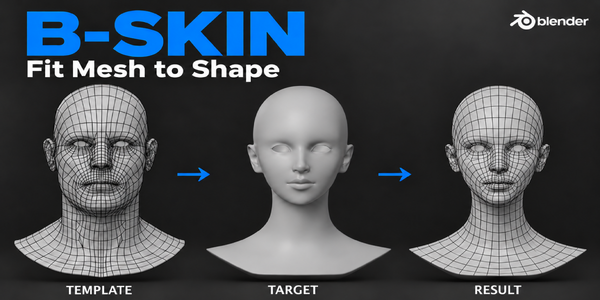
B-Skin wraps a base mesh you already like onto a new scan or sculpt. Place a few landmark pairs (eyes, mouth, ears), preview the wrap, and keep your topology, UVs, vertex groups and materials. Only the shape changes. You can also bake the scan's texture onto your base mesh UVs.
Which tool when?
| Job | Use |
|---|---|
| Sculpt or scan to quads, fast | AutoRemesher Quad |
| Same, but keep the textures | Model Optimizer Pro |
| Game asset with LODs | QuadForge |
| Character limbs and fingers | Contour Retopo |
| Fix a loop-count mismatch | Auto Quad Filler Pro |
| Many characters, one topology | B-Skin |
What you get
- All 6 addons as separate downloads, each with its own N-panel tab
- Full versions, same as buying each one on its own
- Free updates for every addon included
- Blender 4.2+ (Auto Quad Filler Pro works from 4.0)
- Runs offline, no account or server
Operating systems: AutoRemesher Quad, Model Optimizer Pro and QuadForge ship a bundled remesh engine for Windows x64 and macOS x64. Contour Retopo, Auto Quad Filler Pro and B-Skin are pure Python and run on Windows, macOS and Linux.