blenderustad


Stop retopologizing meshes by hand
If you sculpt, scan, or import assets, you know the problem: the mesh looks great but the topology is a mess. Triangle soup, uneven density, no clean loops for animation or subdivision. Manual retopology fixes this, but it's slow, and tools like RetopoFlow still ask you to draw every edge loop yourself.
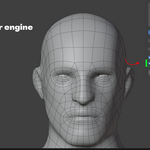
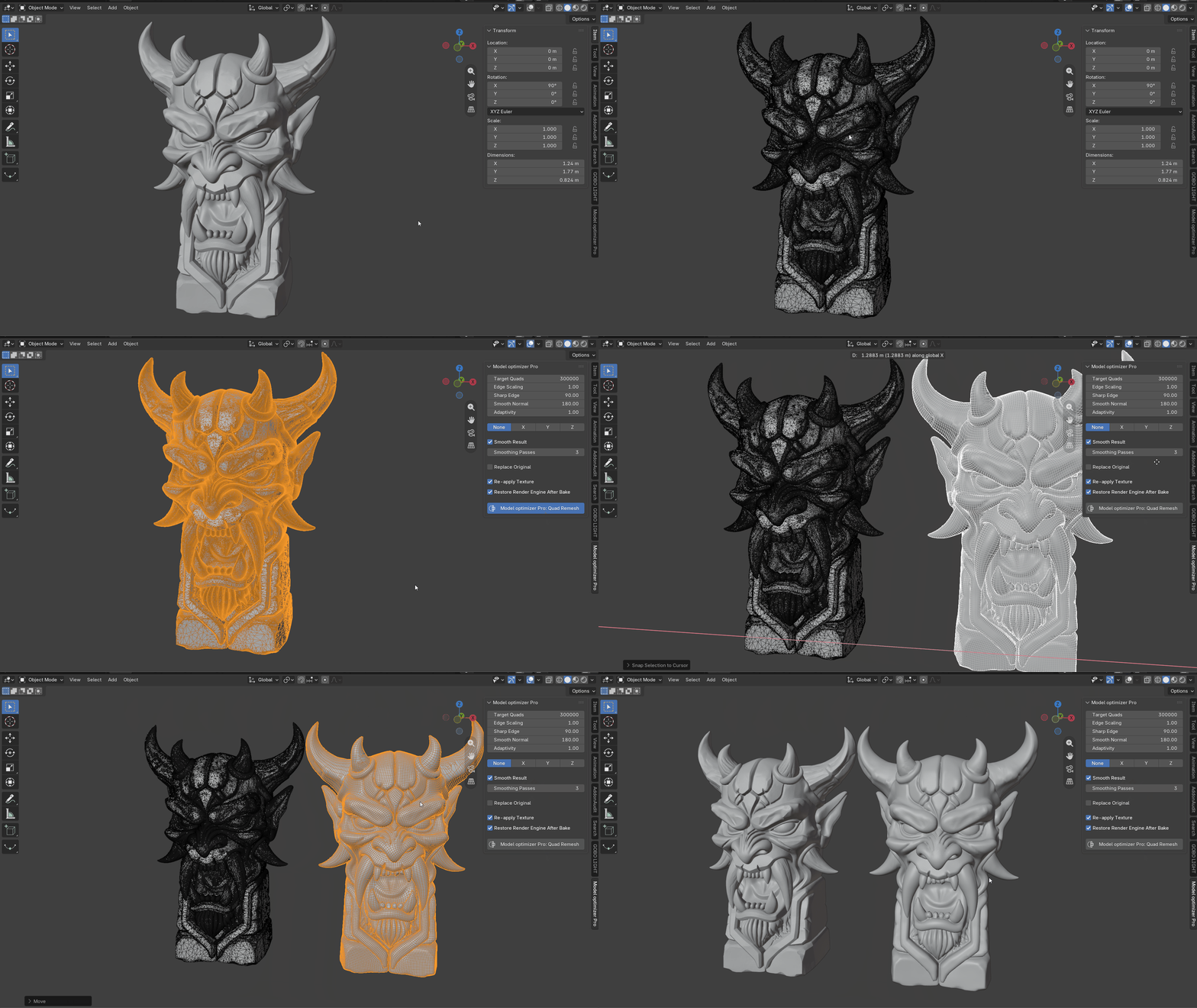
Model Optimizer Pro takes a different approach. It runs the open-source AutoRemesher engine directly inside Blender and converts your active mesh into quad topology in one click, right from the 3D viewport sidebar.
How it works
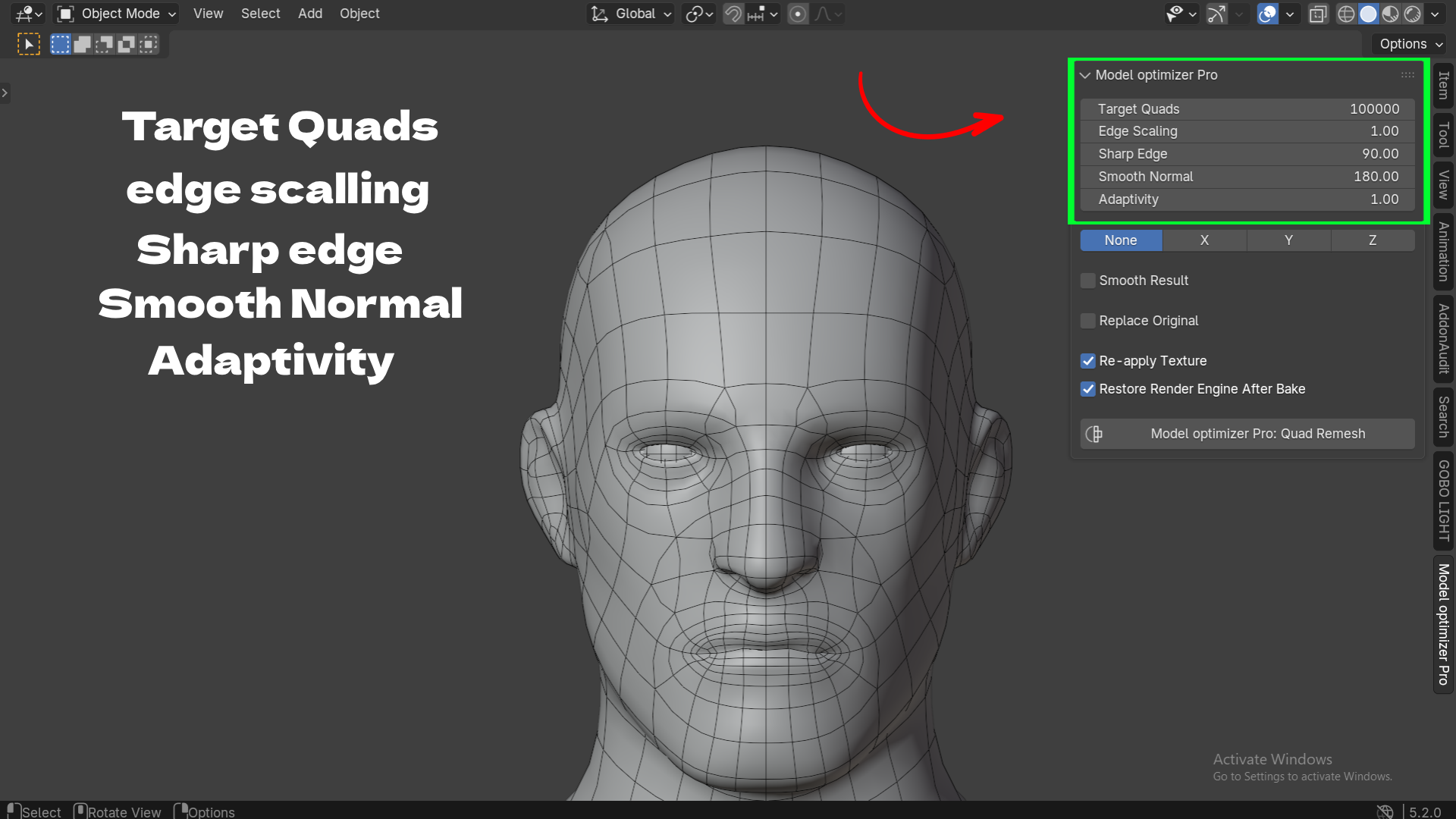
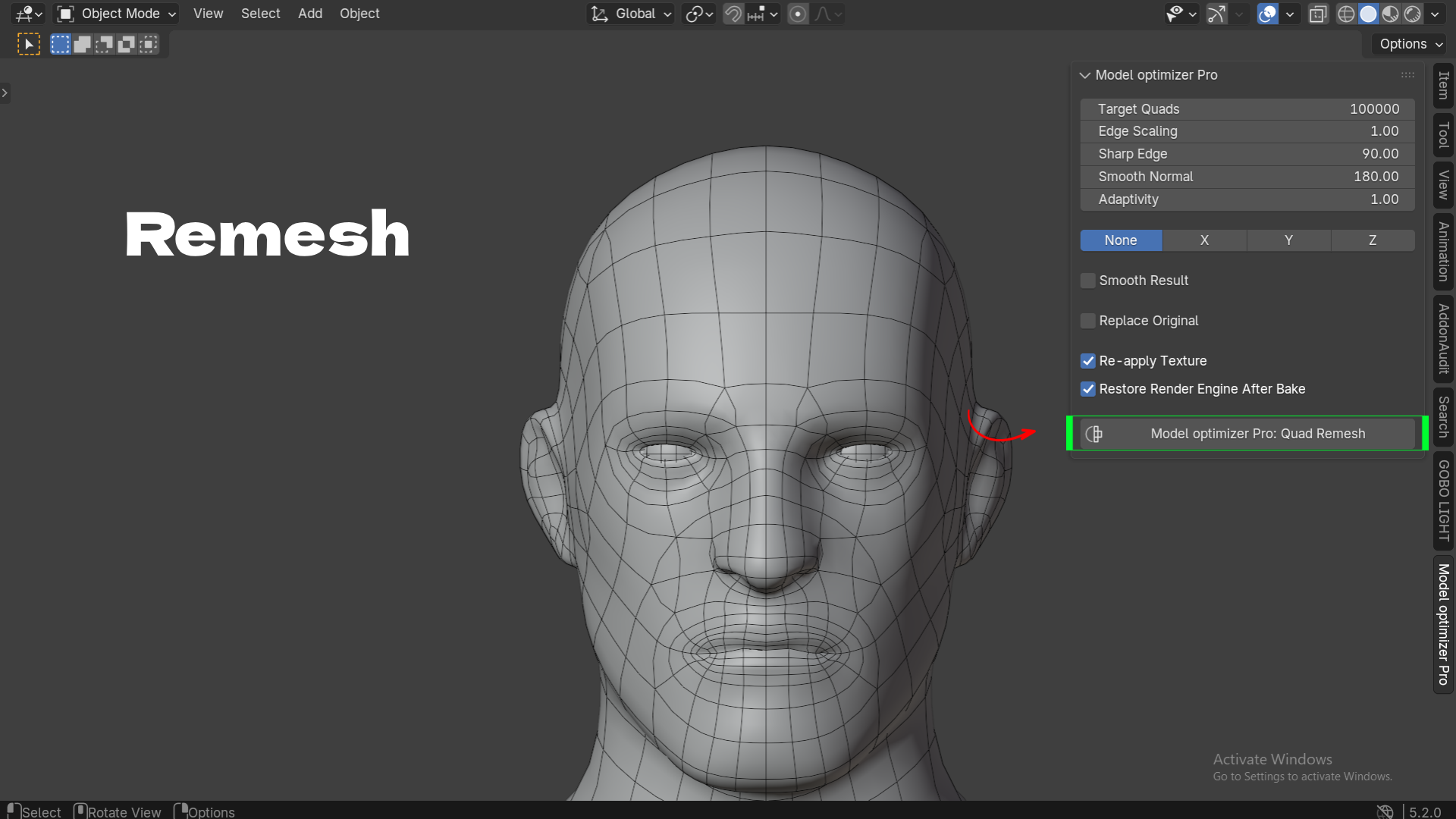
Select any mesh object, open the N-panel → Model Optimizer Pro tab, set your target quad count, and click Quad Remesh. The add-on streams your mesh to the bundled engine as OBJ data, gets a clean quad mesh back, and builds it as a new object in your scene. Nothing is written to disk and nothing leaves your computer the engine runs as a local subprocess, not a network service.
Because the remesh runs on a background thread and is polled by a timer, Blender's UI never freezes. You can keep working, watch the status bar, and press Esc any time to cancel a long remesh.
Built for real production meshes, not just clean test models
A lot of auto-retopology tools assume your mesh is a closed, watertight blob. Real characters and hard-surface props aren't. Model Optimizer Pro is built around three things production artists actually run into:
- Open boundaries stay open. Eye sockets, neck openings, sleeve cuffs, and other genuine holes are preserved instead of being capped over, which is what usually happens with naive voxel-style remeshing.
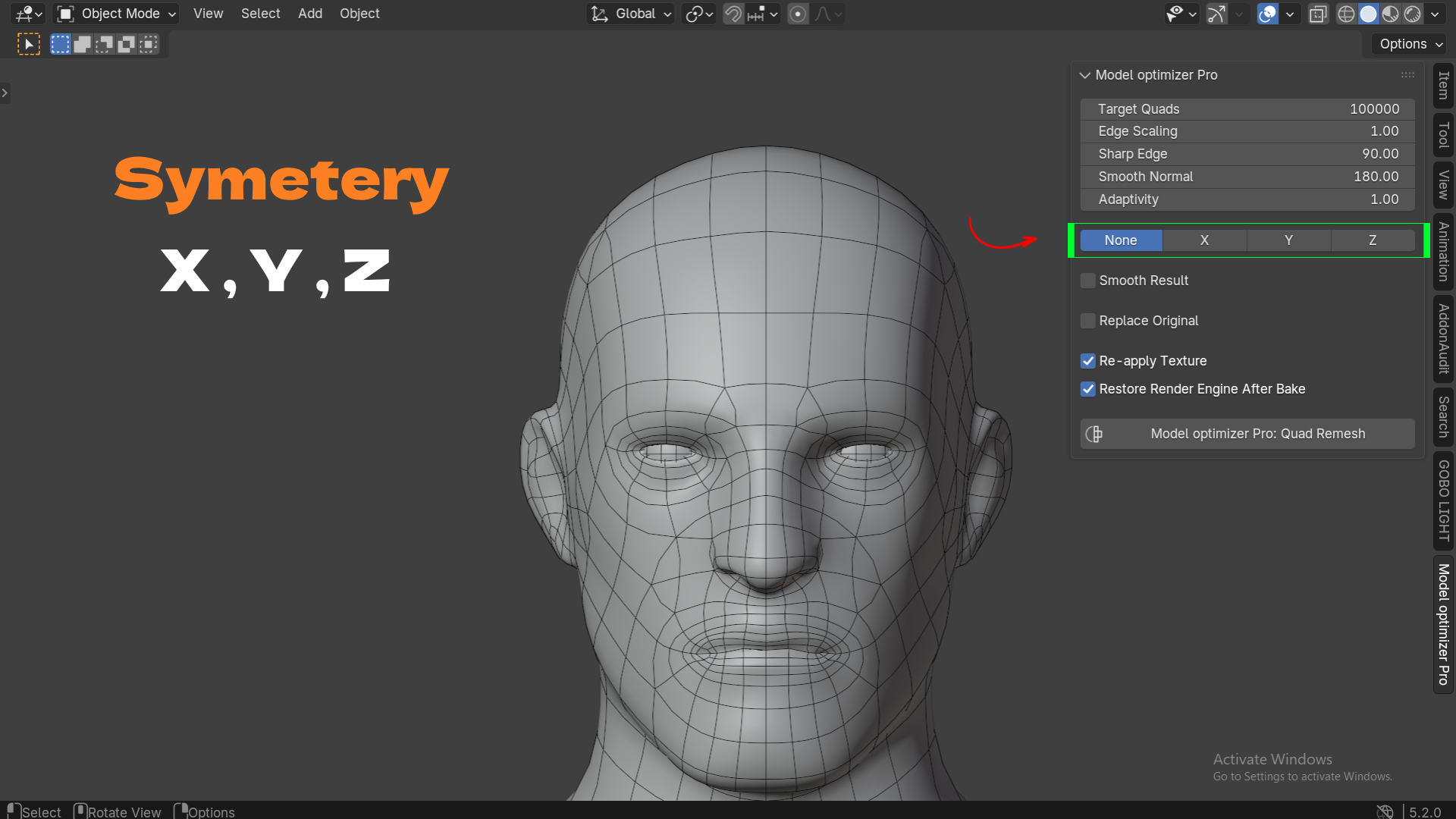
- Symmetry is a first-class option. For meshes centered on an axis, you can remesh just one half and mirror it across X, Y, or Z, so both sides get an identical, watertight quad layout instead of two independently-generated topologies that never quite match.
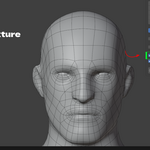
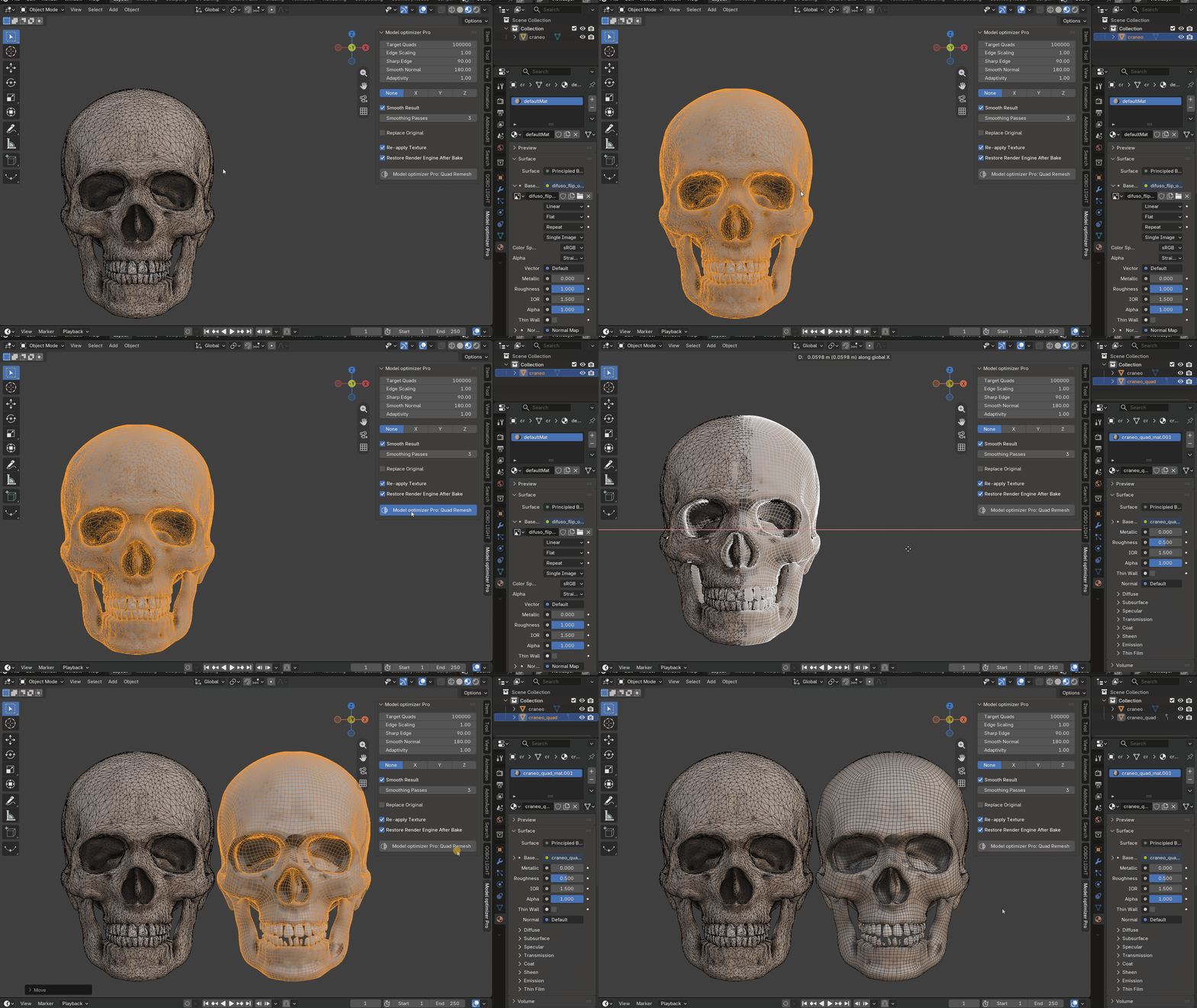
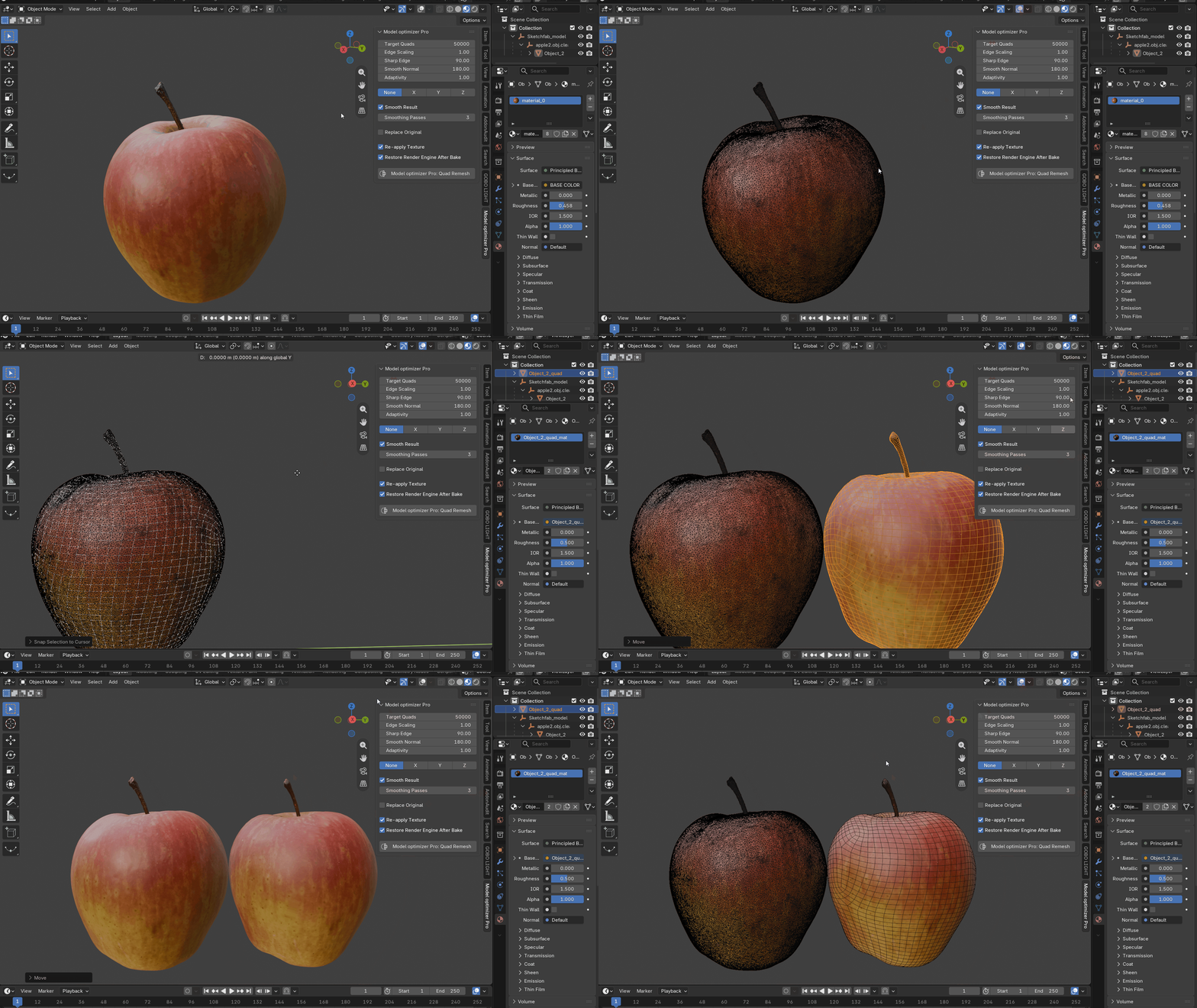
- Texture doesn't get thrown away. Turn on Re-apply Texture and the add-on automatically unwraps new UVs on the result and Cycles-bakes your original object's image texture onto them using a selected-to-active bake. Your low-poly or remeshed output keeps looking like your source, without you touching the Shading workspace.
Fine control when you need it, sane defaults when you don't
Every parameter that actually changes the output is exposed, but none of it is mandatory to touch:
- Target Quads sets the approximate density of the result.
- Edge Scaling pushes the mesh lower-poly without retyping the target count.
- Sharp Edge controls the dihedral angle where the remesher preserves hard edges instead of smoothing across them.
- Adaptivity lets curvature drive density, so flat areas get fewer quads and detailed areas get more.
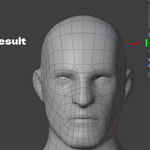
- Smooth Result runs tangential smoothing passes, reprojected onto your original surface, to regularize quad shape without losing the silhouette. Boundaries stay pinned, so your holes keep their exact rim even after smoothing.
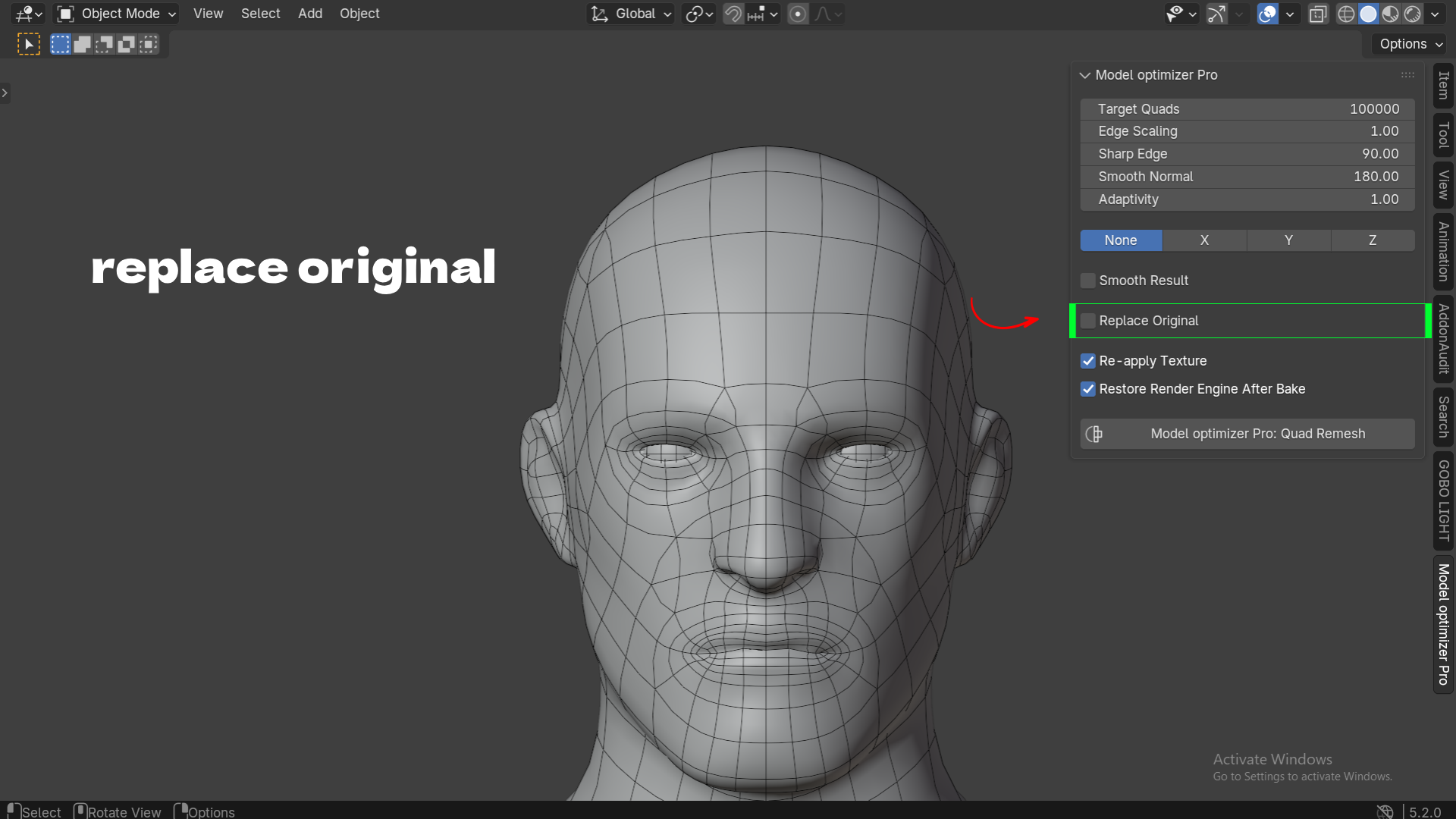
When you're happy with the result, turn on Replace Original and the source object is deleted, with the quad mesh taking its name and place in the outliner. Or leave it off and keep both, side by side, to compare.
Nothing to install, nothing to configure
The AutoRemesher engine binary ships inside the add-on. There's no separate download, no license server, and no path to configure unless you specifically want to point at a different or self-built engine binary in Preferences. Install the extension, enable it, and the N-panel is ready to use.
Key Features with Benefits
| Feature | Benefit |
|---|---|
| One-click quad remesh from the N-panel | Go from a triangle mesh to clean quad topology without leaving the viewport or learning a new tool |
| Runs as a local engine, no network calls | Your models never leave your machine — safe for client work and NDA projects |
| Non-blocking, threaded execution with Esc to cancel | Keep sculpting, reviewing, or setting up your scene while a large remesh runs in the background |
| Open boundaries preserved | Eye sockets, neck holes, and cut edges stay open instead of getting capped, so the mesh stays usable for characters |
| X / Y / Z symmetry mode | Get a matching quad layout on both sides of a symmetric mesh, instead of manually mirroring or fixing seams |
| Adjustable target quads, edge scaling, and adaptivity | Dial in exactly how dense or light the output is, per project or per asset |
| Sharp edge and smooth normal thresholds | Keep hard-surface detail crisp while still getting quad flow on organic areas |
| Optional smoothing passes reprojected onto the source | Clean up quad shape and size without deforming your model or losing detail |
| Automatic texture rebaking (retexture) | Keep your original look on the new topology with one toggle, no manual UV unwrap or bake setup |
| Replace Original toggle | Swap the source for the result directly, or keep both to compare |
| Self-contained engine binary | No separate installer, no missing dependency errors |
Workflow Benefits
- From sculpt to game-ready in minutes, not hours. Bring a high-resolution sculpt or scan into Blender, remesh it to a target quad count, and move straight into rigging, UV work, or export.
- Fewer trips between add-ons. Retopology, symmetry handling, and texture rebaking are all in one panel, so you're not switching between a remesher, a UV tool, and a baking setup.
- Safer for client and studio pipelines. Because the engine runs locally with no network dependency, there's no data uploaded anywhere, which matters for NDA-bound assets and studio security policies.
- Non-disruptive to your session. The modal, threaded design means a slow remesh on a dense mesh doesn't cost you your working session. Keep the viewport interactive, cancel if the settings were wrong, and try again.
- Predictable results on real assets. Boundary preservation and symmetry support mean you spend less time afterward manually fixing holes that got capped or mismatched topology between left and right sides.
Use Cases
- Game asset optimization. Take a sculpted or scanned high-poly character and generate a lower, quad-based mesh suitable for a game engine, with texture carried over automatically.
- Character prep for rigging and animation. Quad topology with clean edge flow is easier to weight and deform than triangle soup from ZBrush or a scan.
- Photogrammetry and 3D scan cleanup. Scanned meshes are almost always dense, uneven triangle meshes. Remesh to a controlled quad count and rebake the scan's texture onto the result.
- 3D printing prep. Reduce and regularize a mesh's topology before slicing, while keeping open boundaries intact where they're intentional (vents, sockets, connectors).
- Hard-surface and prop retopology. Use sharp edge and smooth normal thresholds to keep mechanical detail crisp while cleaning up dense boolean or sculpt-derived meshes.
- Symmetric character and creature work. Remesh one half of a centered, symmetric mesh and mirror it, avoiding the asymmetric topology that comes from remeshing a full mesh at once.