 blenderustad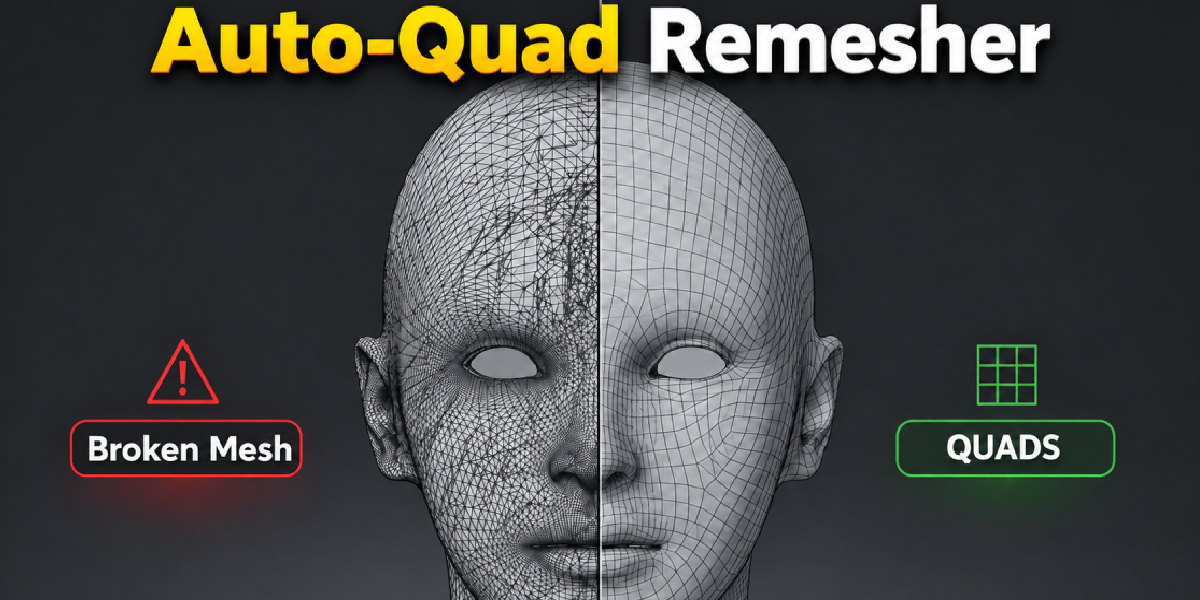
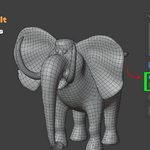
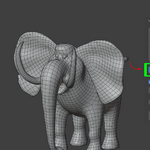
What AutoRemesher Quad Does
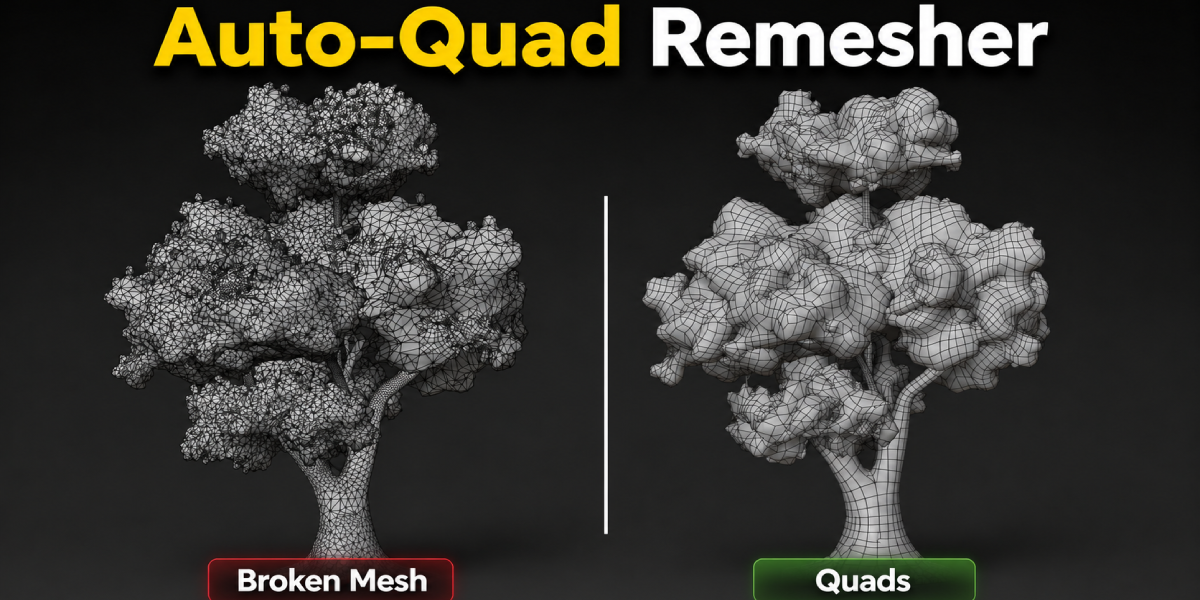
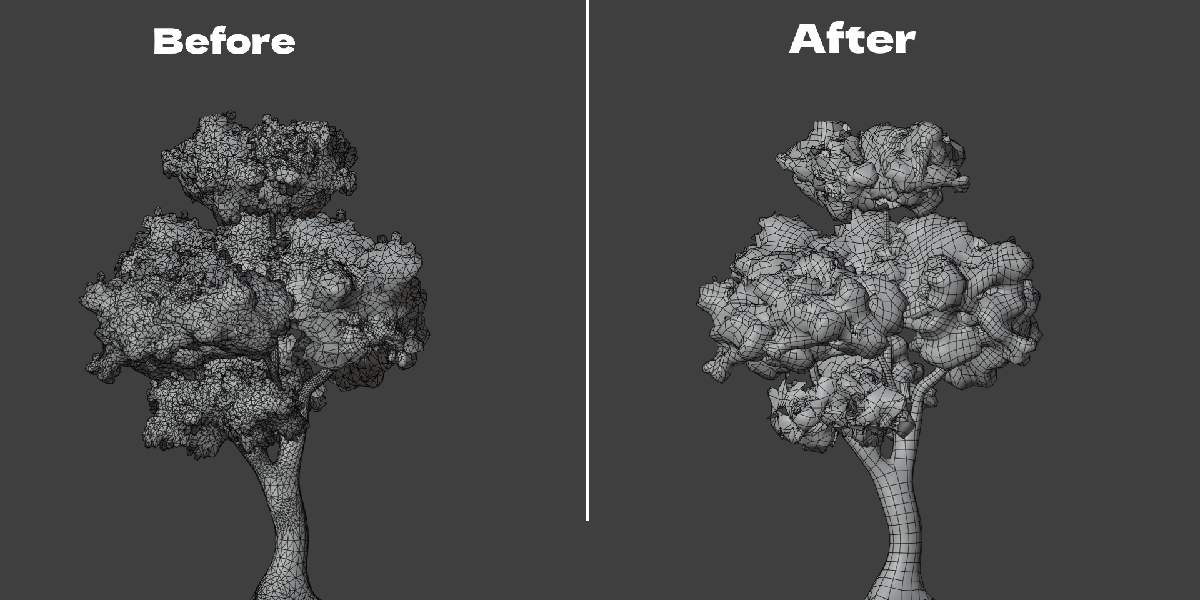
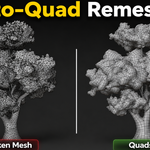
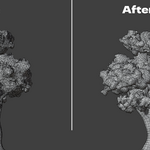
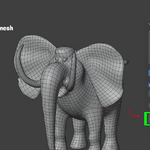
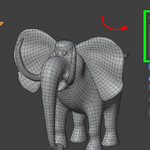
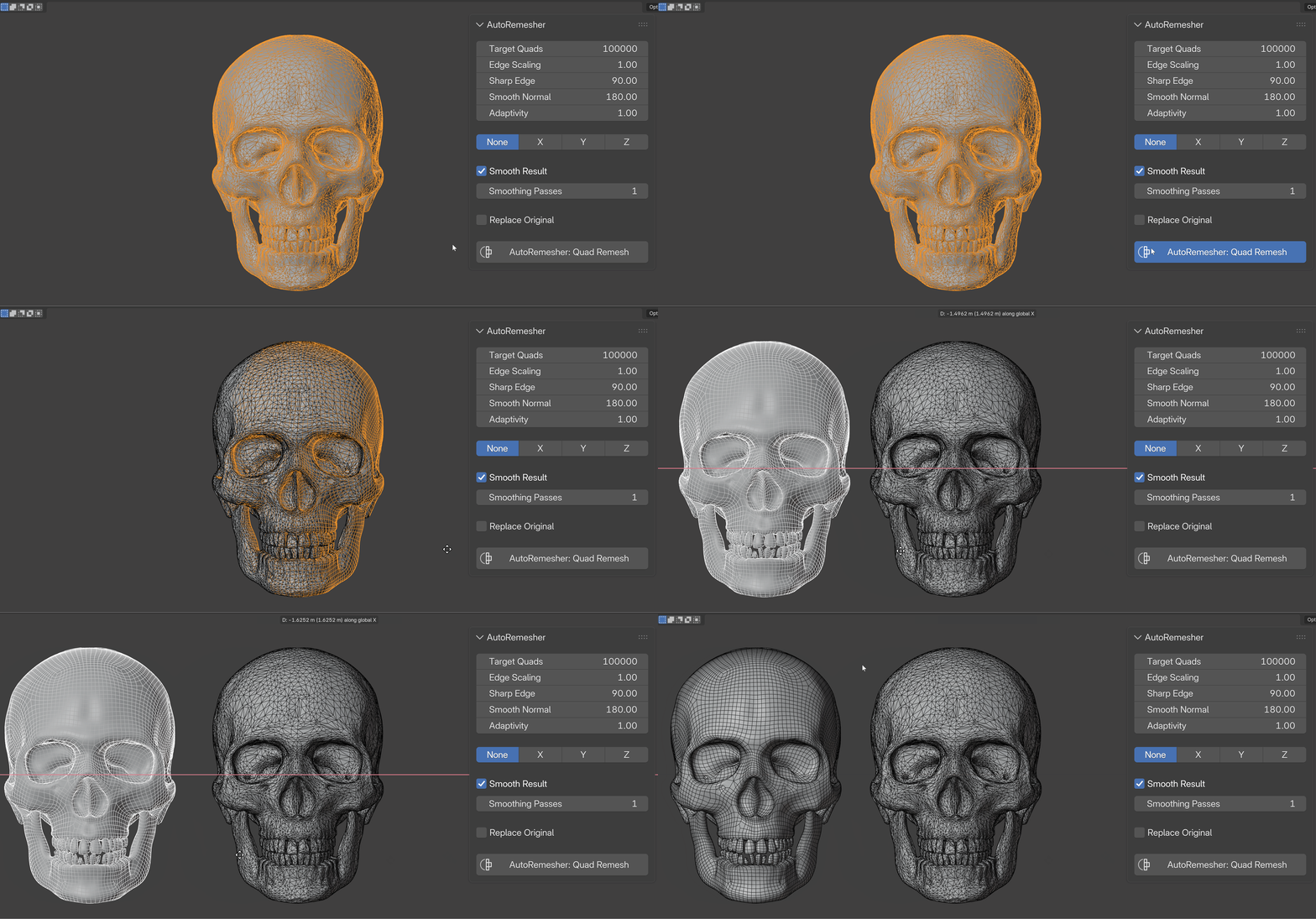
AutoRemesher Quad takes a messy mesh, a sculpt, a scan, a boolean result, a procedural tree, and rebuilds it as clean, mostly-quad topology. You select an object, open the N-panel, and click one button. There is no export step and no separate application to open.
Under the hood it runs the open-source AutoRemesher engine as a small local program. Blender sends it your mesh as text over a pipe, the engine computes the new quad layout, and sends the result back the same way. Nothing is written to disk and nothing leaves your computer.
The Problem It Solves
Sculpted, scanned, and procedurally generated meshes are rarely clean. They're triangle-heavy, uneven in density, and hard to subdivide, rig, or texture without artifacts. Fixing that by hand means drawing edge loops one at a time or running a shrinkwrap retopology pass over a reference mesh. Both take real time, often hours for anything with detail.
Blender's built-in Quadriflow remesh is included and free, but it operates on the whole shape as a black box and gives you limited control over sharp edges, adaptivity, or which openings stay open. Dedicated paid remeshers exist too, but several route your mesh to a cloud service or require a subscription. AutoRemesher Quad runs entirely on your machine as a one-time addon, with the parameters exposed directly in the panel.
How It Works
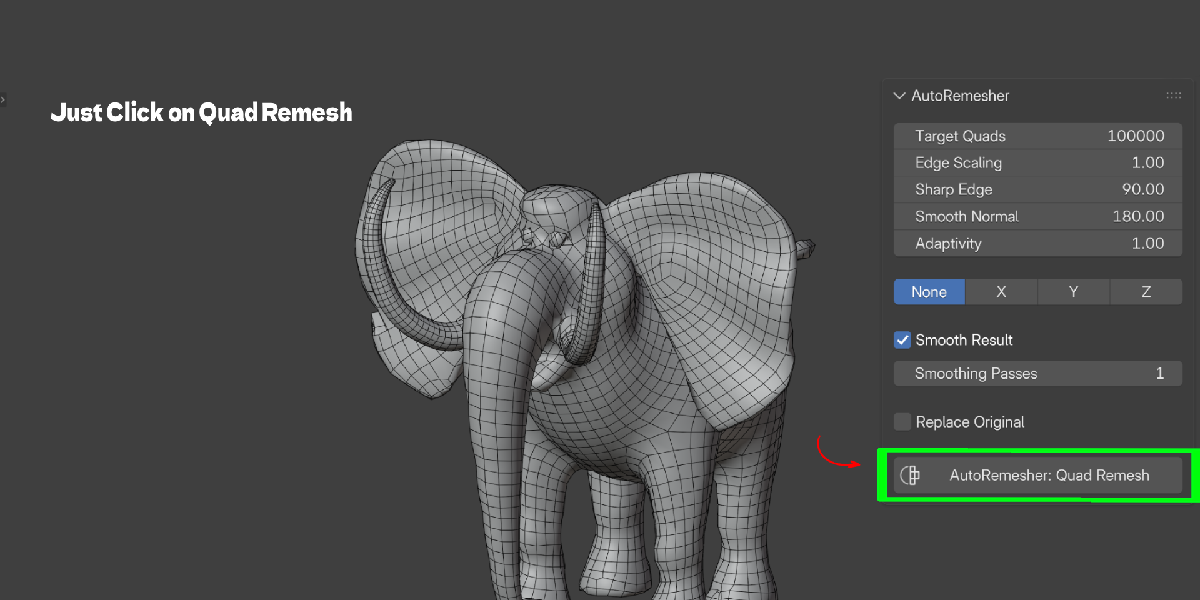
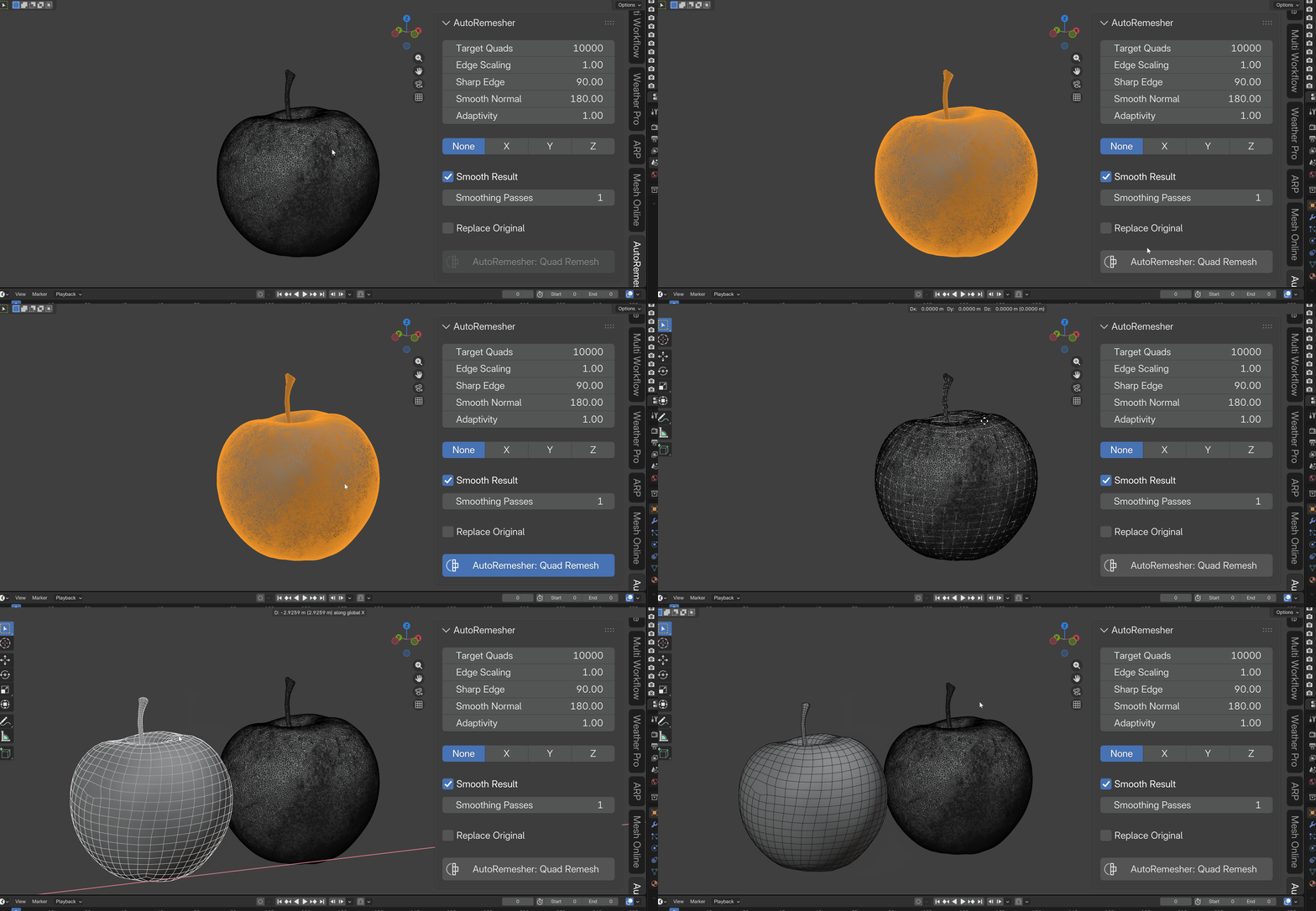
- You select a mesh object and open the AutoRemesher tab in the 3D Viewport sidebar (press N).
- You set the parameters, or leave the defaults (20,000 target quads is a solid starting point).
- You click AutoRemesher: Quad Remesh.
- Blender evaluates your mesh with modifiers applied, triangulates it, and streams it to the bundled engine in memory.
- The engine runs on a background thread. Blender's UI stays responsive while it works, and you can press Esc to cancel.
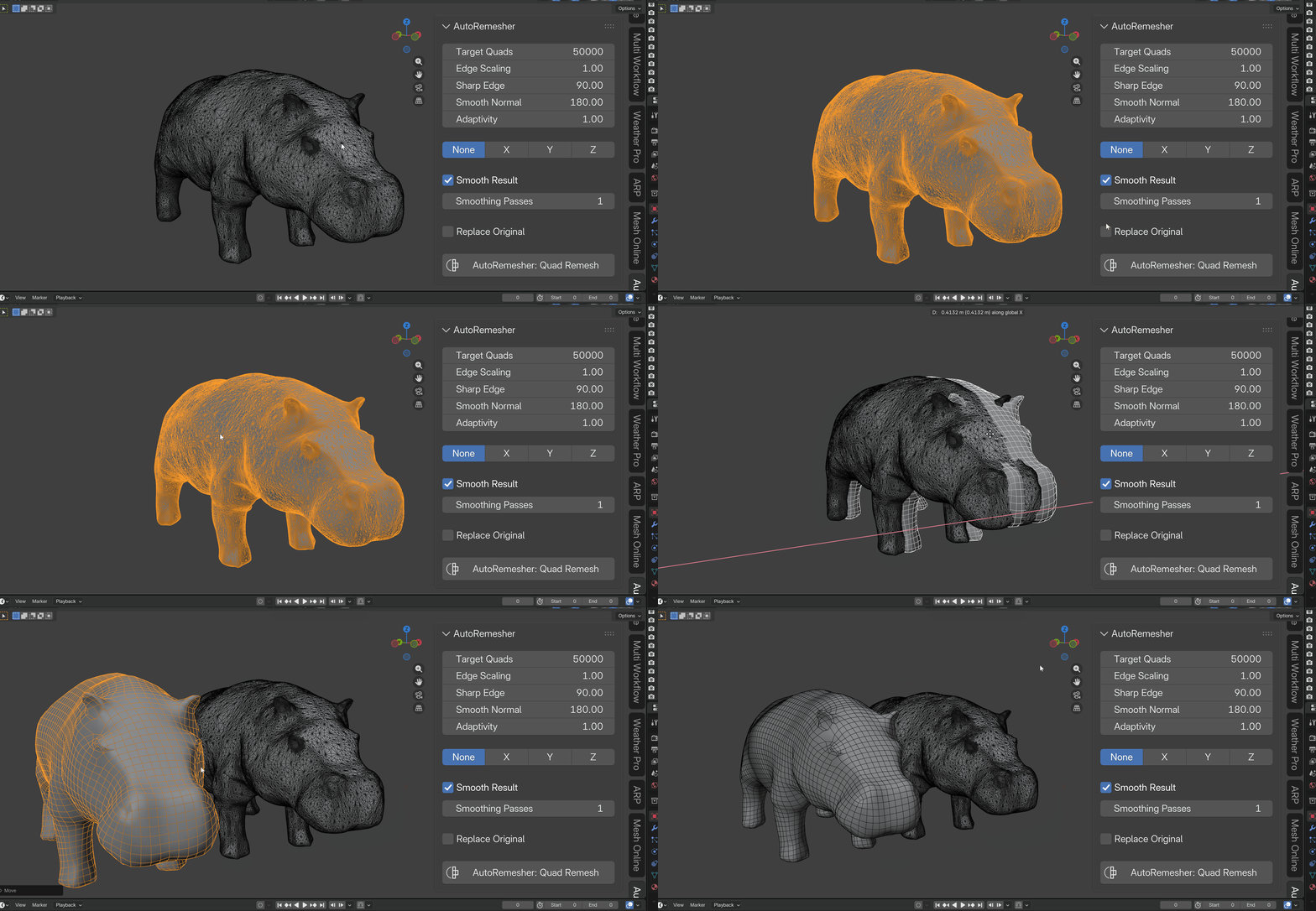
- A new object is created with the quad result, positioned exactly where the source object was.
What You Control
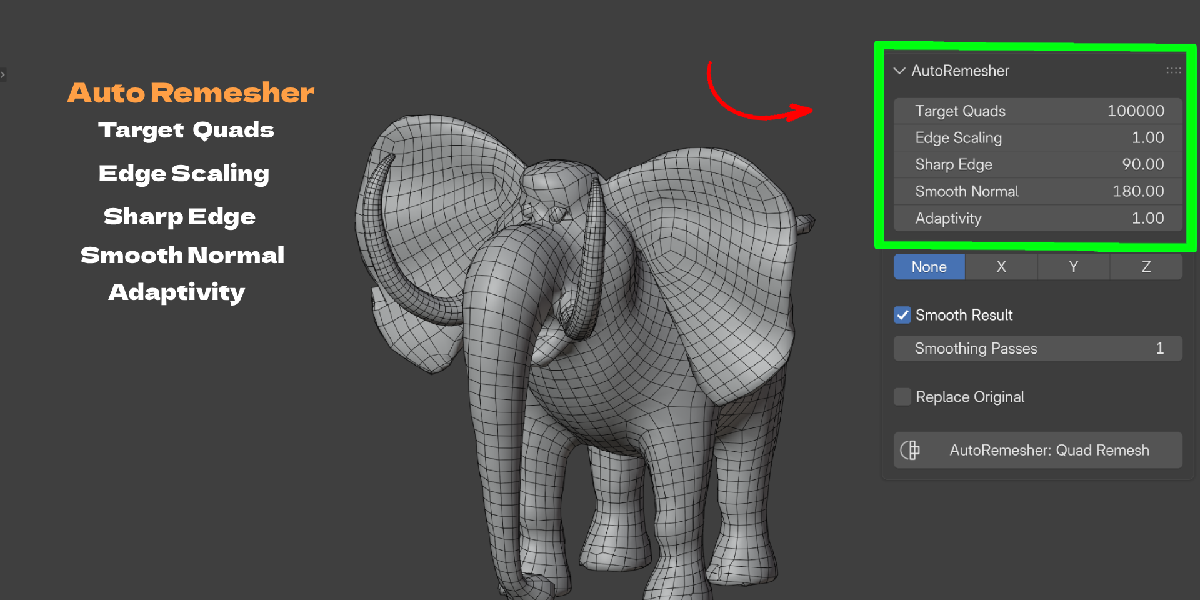
- Target Quads sets roughly how many quads the result should have.
- Edge Scaling scales edge length, higher values mean a lower-poly result.
- Sharp Edge sets the dihedral angle above which an edge is treated as a hard edge and preserved.
- Smooth Normal sets an angle threshold for normal smoothing on low-poly output.
- Adaptivity controls whether quad density stays uniform (0) or concentrates in curved, detailed areas (1).
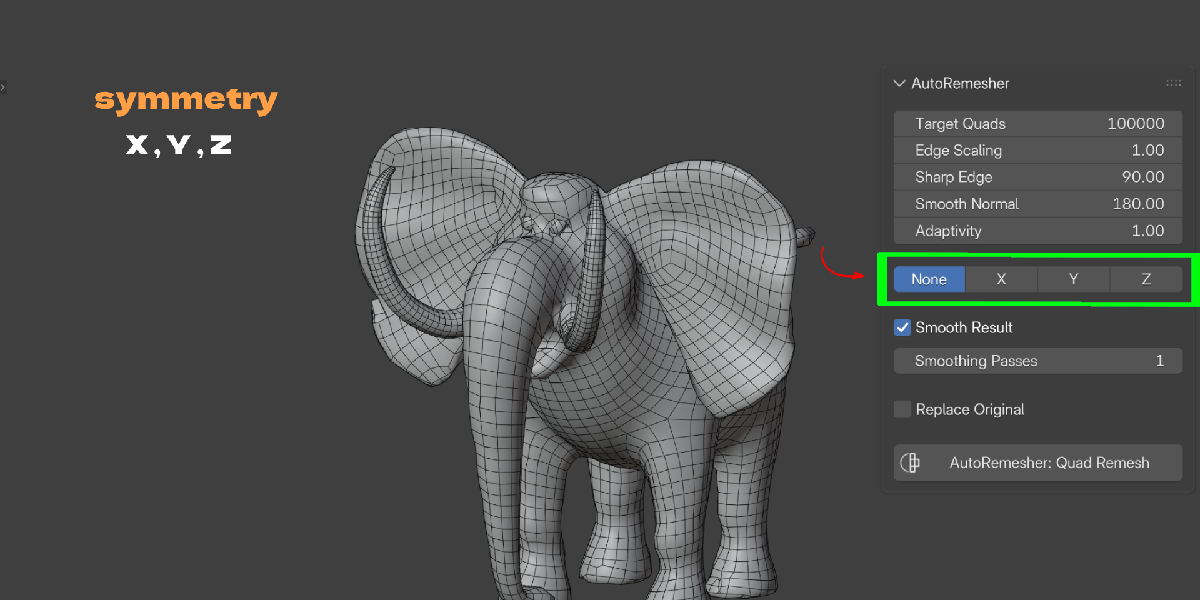
- Symmetry (X/Y/Z) remeshes one half of a centered mesh and mirrors it, so both sides get identical topology.
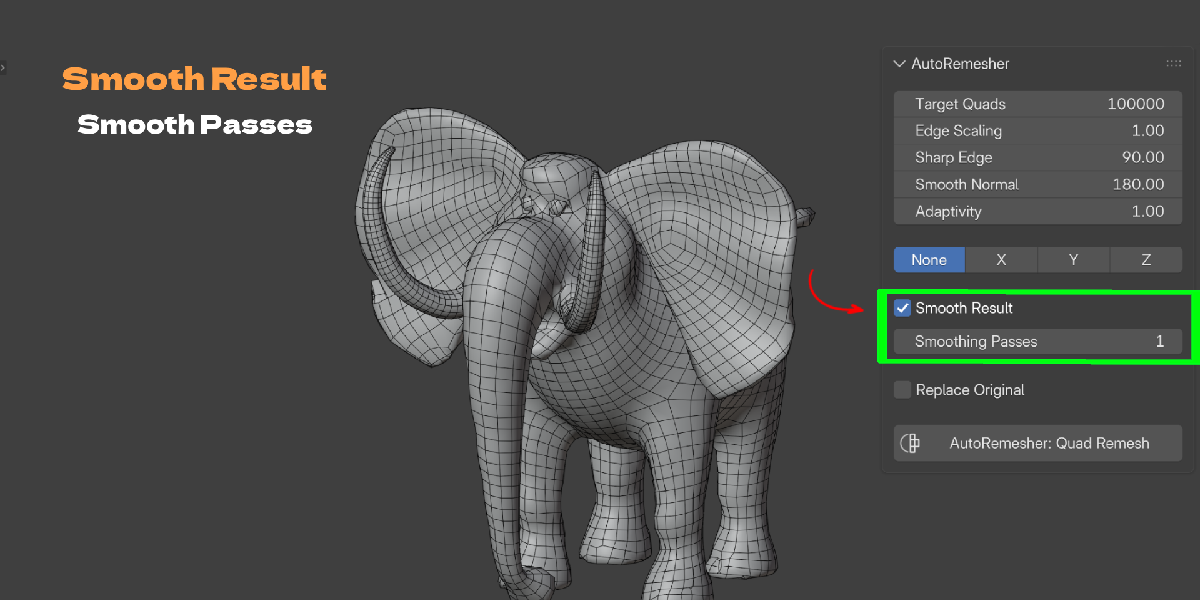
- Smooth Result runs tangential smoothing passes, reprojected onto the original surface, to even out quad shape and size without losing the silhouette. Open boundaries are pinned, so hole rims keep their exact shape.
- Replace Original deletes the source object and keeps only the remeshed result, or leaves both if you want to compare.
What It Preserves
Genuine holes, a character's eye sockets, a shirt's neck opening, an open sleeve, stay open. The engine does not cap boundaries the way some remeshers do by treating everything as a closed volume. This matters for characters and garments where an open edge is intentional, not a mesh error.
Who It's For
- Sculptors who need a clean, subdivision-ready base mesh before rigging or exporting.
- Game artists who need lower, more even poly counts with predictable quad flow.
- Anyone cleaning up photogrammetry or 3D scan data, which is almost always dense, triangulated, and irregular.
- Hard-surface and archviz artists dealing with boolean results full of n-gons and triangles that resist a clean Subdivision Surface modifier.
- Procedural asset workflows, trees, foliage, generated rocks, where the source geometry was never meant to be a final mesh.
What It Doesn't Do (Yet)
Being upfront here matters more than sounding impressive. The remesh output is new geometry: the exchange between Blender and the engine only carries vertex positions and face data, so UVs, materials, and vertex groups are not copied onto the result automatically. Treat the output the way you'd treat any fresh retopology pass, unwrap and reassign materials afterward. Also, the engine binary that ships in the addon is built for Windows x64. macOS and Linux users can point the addon at their own compatible AutoRemesher build through the Engine Path preference, but there's no bundled binary for those platforms in this release.
Getting Started
Install the addon from Edit → Preferences → Add-ons → Install from Disk, select a mesh, open the N-panel, and click Quad Remesh. That's the entire learning curve.
Key Features With Benefits
| Feature | Benefit |
|---|---|
| One-click operator in the N-panel | You stay inside Blender. No exporting, no separate app, no round trip. |
| Local, offline engine (bundled .exe) | Your mesh never leaves your machine. No account, no upload, no subscription. |
| Background thread + modal timer | Blender's interface stays responsive while the engine works. Press Esc to cancel anytime. |
| Preserves open boundaries | Eye sockets, neck holes, and sleeve openings stay open instead of being capped shut. |
| X / Y / Z symmetry mode | Remesh half a symmetric model and mirror it for identical, matching topology on both sides. |
| Adaptivity control | Put more quads where the surface curves and fewer on flat areas, instead of uniform density everywhere. |
| Sharp Edge angle threshold | Hard edges and mechanical details stay crisp instead of getting rounded off by the remesh. |
| Smooth Result with pinned boundaries | Regularizes quad shape and size after remeshing, without losing hole rims or the input silhouette. |
| Automatic modifier evaluation and triangulation | Works on your mesh's final, evaluated shape, no manual "apply modifiers" step first. |
| World transform baked into output | The result appears exactly where the source object was, ready to work with immediately. |
| Replace Original toggle | Clean up automatically, or keep the source around to compare before/after. |
| Post-remesh report | See quad, non-quad, and vertex counts right after the operation finishes. |
Workflow Benefits
From sculpt to production mesh in one step. Instead of manually retopologizing a multires or dyntopo sculpt, run one operator and get a quad base mesh you can subdivide, rig, or bake normals onto.
No app switching. The engine runs inside the Blender process. You never export an OBJ, open another program, and re-import.
No waiting on a frozen viewport. Because the engine runs on a background thread, you can keep orbiting and inspecting the viewport while it works, and cancel with Esc if a setting was off.
No cloud dependency. Everything runs locally, so studio or personal work that can't leave your machine stays on your machine.
Fewer redo cycles. Adjustable Target Quads, Adaptivity, and Sharp Edge settings mean you can dial in a result close to what you need instead of accepting a one-size-fits-all remesh and cleaning it up by hand afterward.
Symmetry without manual mirroring. For centered, symmetric props and characters, the X/Y/Z symmetry option guarantees both sides match exactly, rather than manually mirroring a retopo cage.
Use Cases
- Sculpt-to-rig prep. Take a high-detail ZBrush-style sculpt done in Blender and generate a clean quad cage suitable for a Subdivision Surface modifier and rigging.
- Photogrammetry and 3D scan cleanup. Scanned meshes are dense, triangulated, and often non-manifold. Quad remeshing gives you a workable, editable base.
- Procedural asset optimization. Trees, rocks, and foliage generated by add-ons or particle systems are rarely built for animation or games. Remeshing gives them predictable, lower topology.
- Boolean and hard-surface cleanup. Boolean operations leave n-gons and triangles that break a clean Subdivision Surface result. A quad remesh restores a subdivision-friendly cage.
- Symmetric character and prop topology. For anything centered on an axis, from a helmet to a stylized head, symmetry mode guarantees matching flow on both sides without manual mirror modeling.
- Game-ready poly reduction. Use Target Quads and Edge Scaling to bring a dense asset down to a controlled, even-density mesh instead of a decimated, irregular one.
- Iteration during blockout. Reshape a rough form, remesh it clean, keep sculpting, and remesh again, without a manual retopo pass at every stage.
