23 Fresh Blender Products You May Have Missed (January + February Roundup)
-
 Written by Wes Burke
It is wild how fast the year is moving.
Between early access launches, production-ready add-ons, and a surge of 2D animation tools, January and February were packed on Superhive. If you blinked, you probably missed something good.
Each week, our review team scans the newest submissions and pulls out a handful worth your attention. Here is a curated look at 23 standout Blender products from the start of 2026.
Quick note on pricing: A few of the feature images you’ll see below mention limited time discounts or sales. Those were active when the newsletter went out, but may not be live anymore, depending on when you’re reading this. If you’re curious, click through to the product page and you’ll see the current price.
Key Takeaways
- Strong wave of workflow focused add ons for modeling, cameras, and version control
- Major momentum around Grease Pencil and 2D animation tools
- High-quality environment packs for urban, cyberpunk, and architectural scenes
- Procedural tools continue to dominate for realism and speed
- Production-friendly tools are clearly trending
Workflow Upgrades That Save You Time
If your goal this year is fewer clicks and more creating, these tools are worth a look.
Snapshots

A professional version control workflow built directly into Blender. Capture iterations, chase bold ideas, and manage production-level revisions without losing track of your work.
LoopWorks
Edge loops, refined. LoopWorks gives you precision operators for topology with CAD level continuity. Ideal for anyone serious about clean hard surface modeling.
Hard Surface Toolkit Ultra
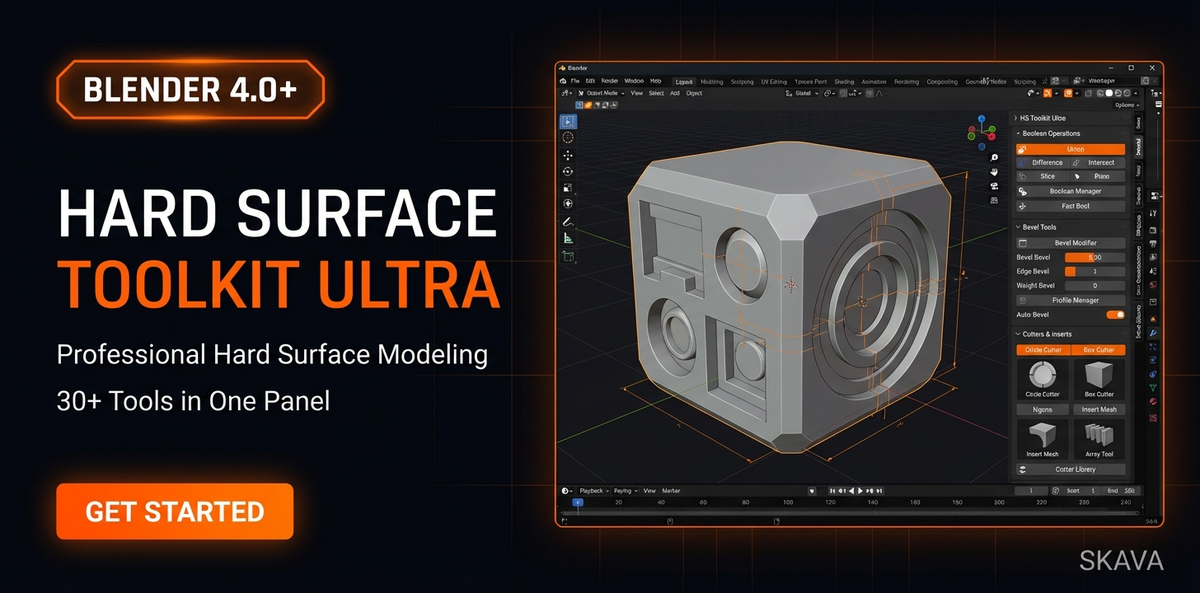
30 plus modeling tools in one organized panel. Built for sci fi props, mechanical parts, vehicles, and game assets. A serious kit for serious builders.
View Hard Surface Toolkit Ultra
Preview it

Live thumbnails directly above your Geometry Nodes. No extra viewer nodes. No guesswork. Change a value and see the result instantly. A small shift that makes node work dramatically clearer.
Smart Auto Focus
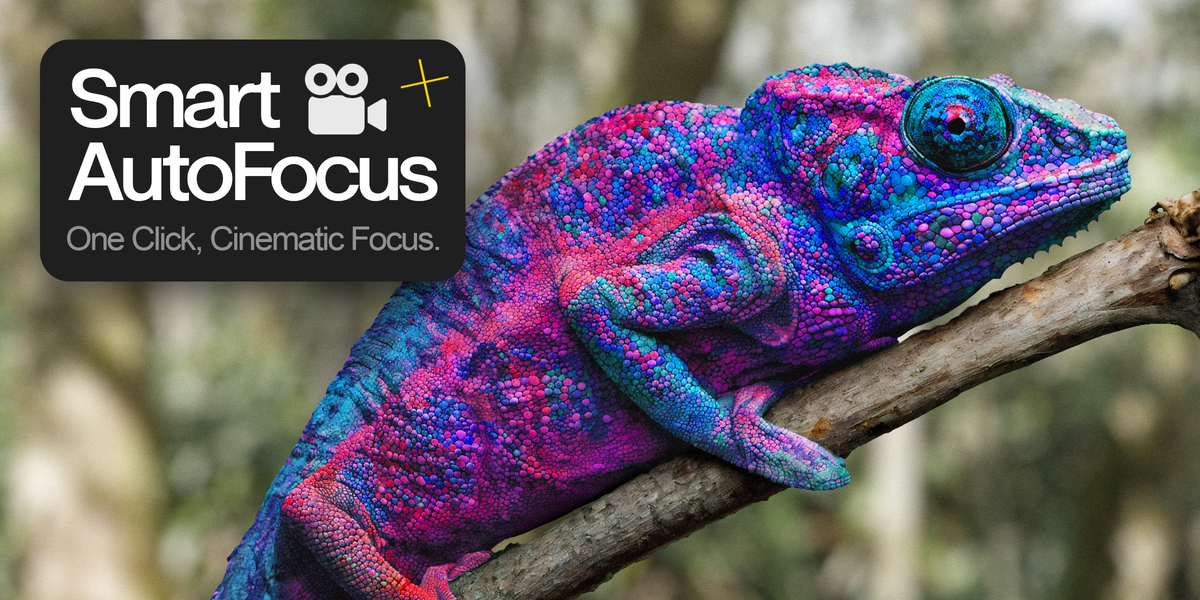
Depth of field without the usual headache. Move your camera and focus follows naturally, like a real lens. One click, done.
Environment and World Building Assets
Need to build a scene fast without sacrificing quality? These packs make it easier.
Tokyo Japan Building Pack
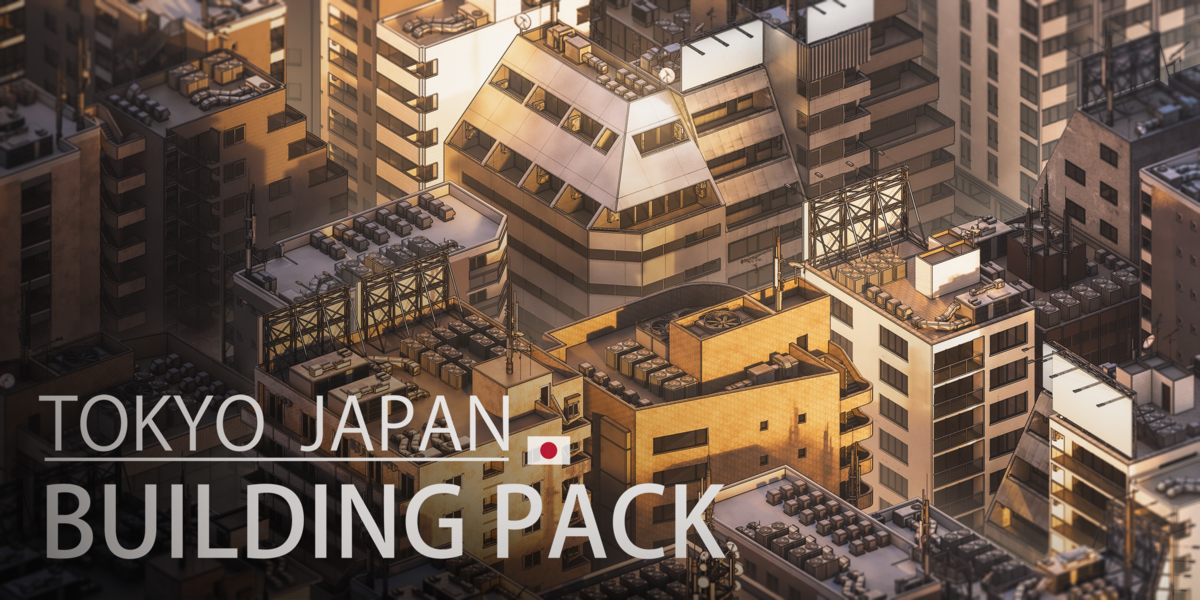
20 buildings, 39 rooftops, doors, windows, stairs, all with a distinct Tokyo aesthetic. Perfect for stylized or grounded urban scenes.
Visit Tokyo Japan Building Pack
City Buildings Pack
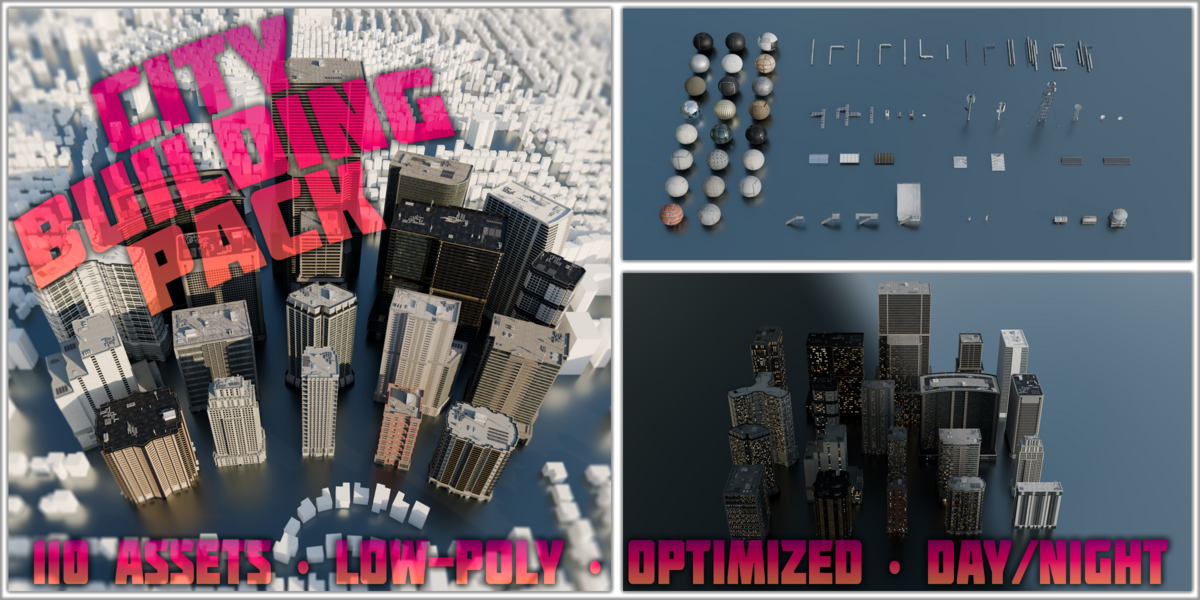
Low and mid poly buildings with rooftop add ons and day night cycles. Great for background scattering or quick kitbashing.
Big Cyberpunk Advert Bundle
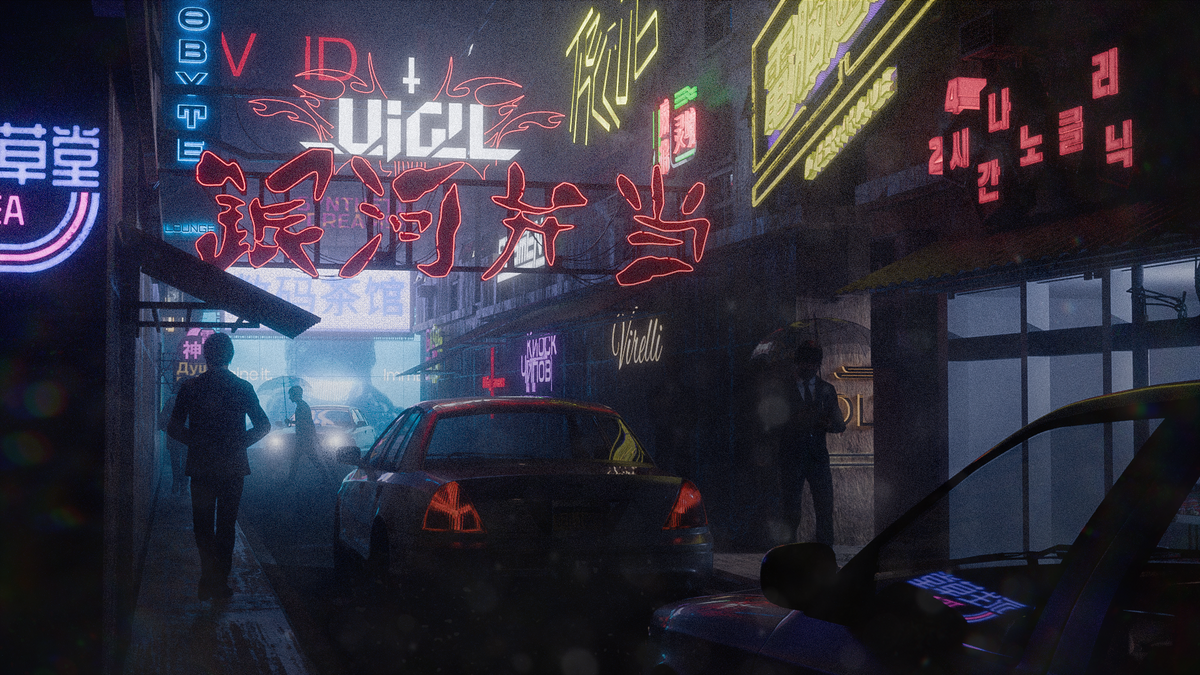
80 handmade cyberpunk ads including neon signs, holograms, and billboards. If you are building futuristic cityscapes, this pack does heavy lifting fast.
Visit Big Cyberpunk Advert Bundle
Bread and Pastries
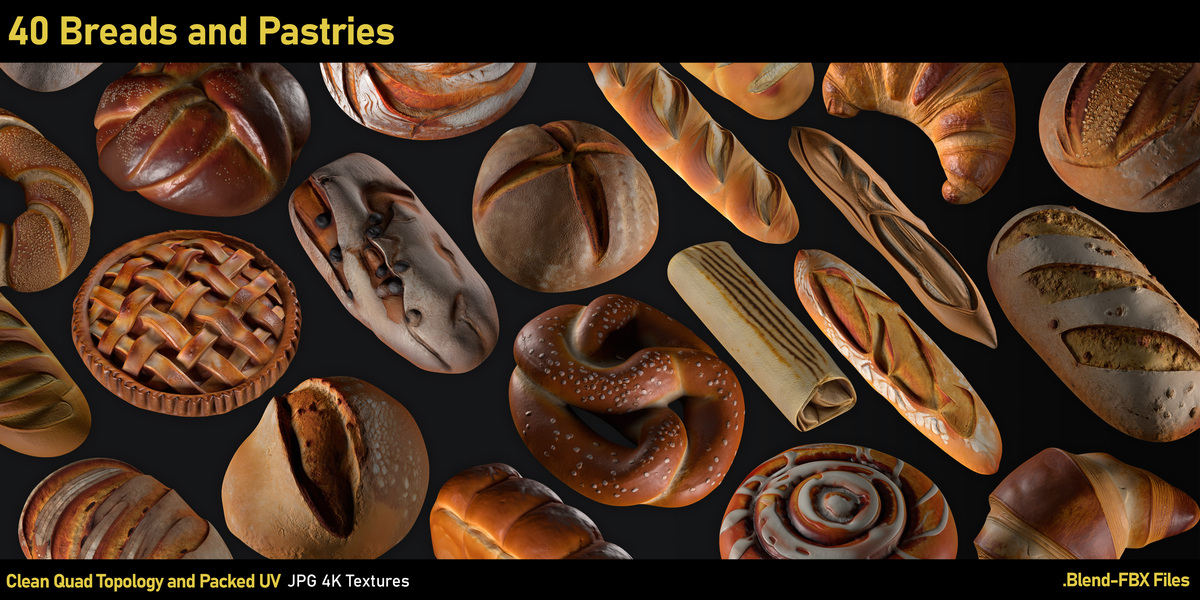
40 realistic baked goods, optimized at around 3k polys each. Already unwrapped. Drop them into your café scene and move on with your life.
Procedural Tools for Realism
Imperfections are everything.
Procedural Detail
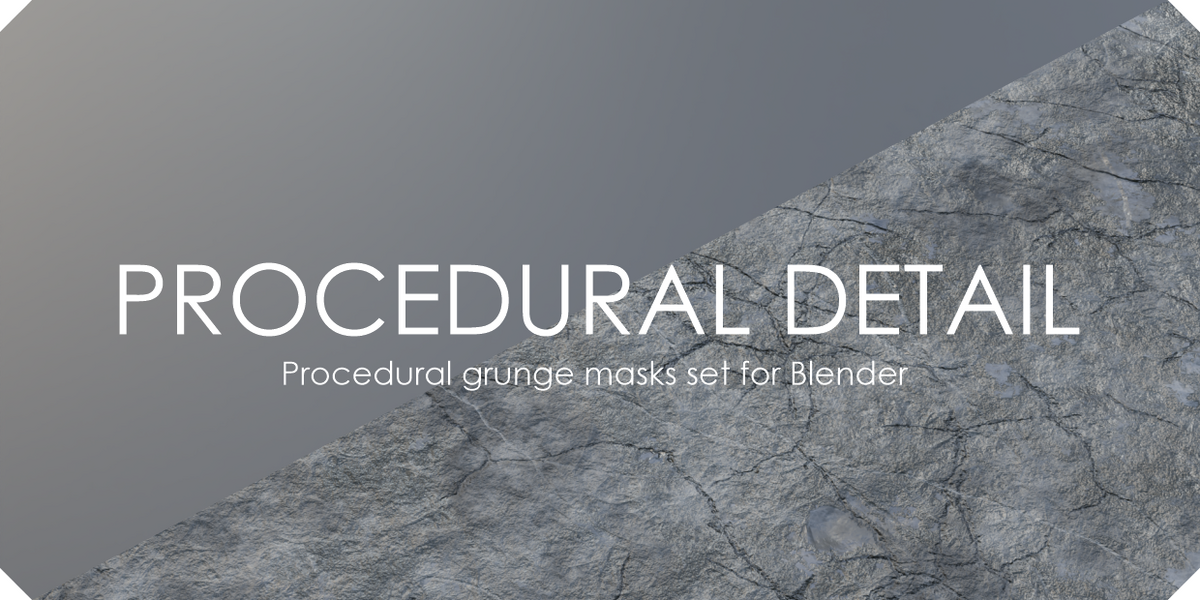
Grunge masks that add subtle realism to materials. High quality results even in close ups. No UV unwrapping required.
Procedural Material Pack Horror 3
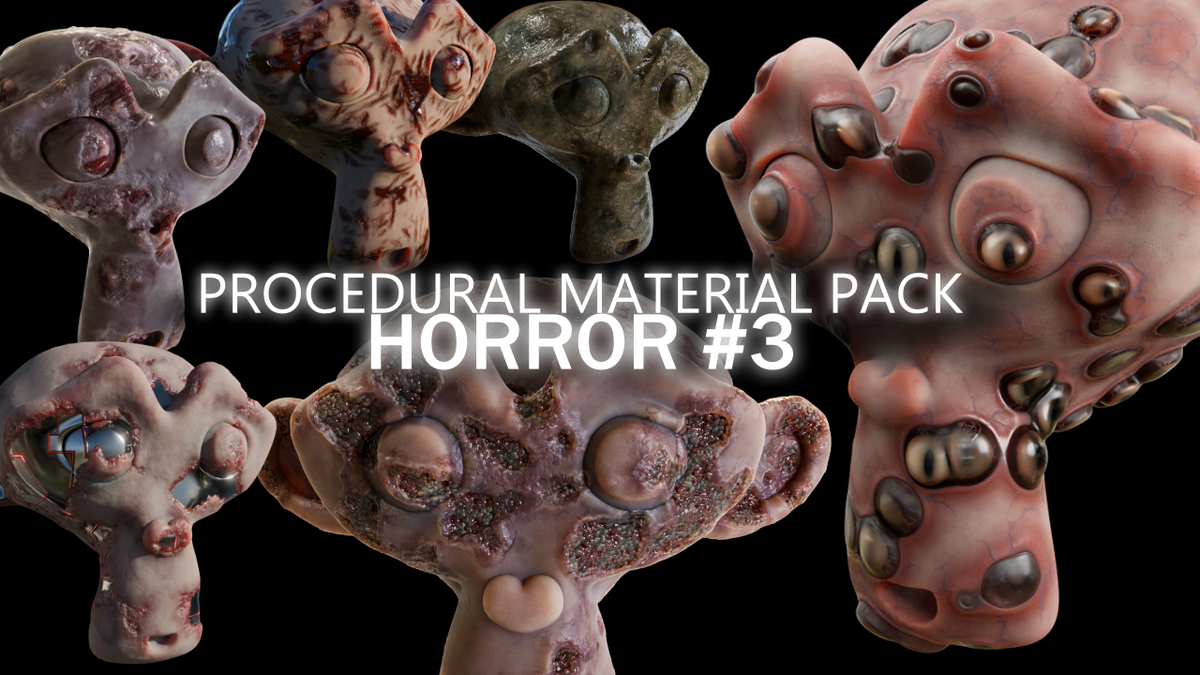
Six fully procedural skin materials built for Cycles. Object based randomization keeps every mesh unique. Great for creature work and unsettling renders.
Visit Procedural Material Pack Horror 3
Fabric Decorator
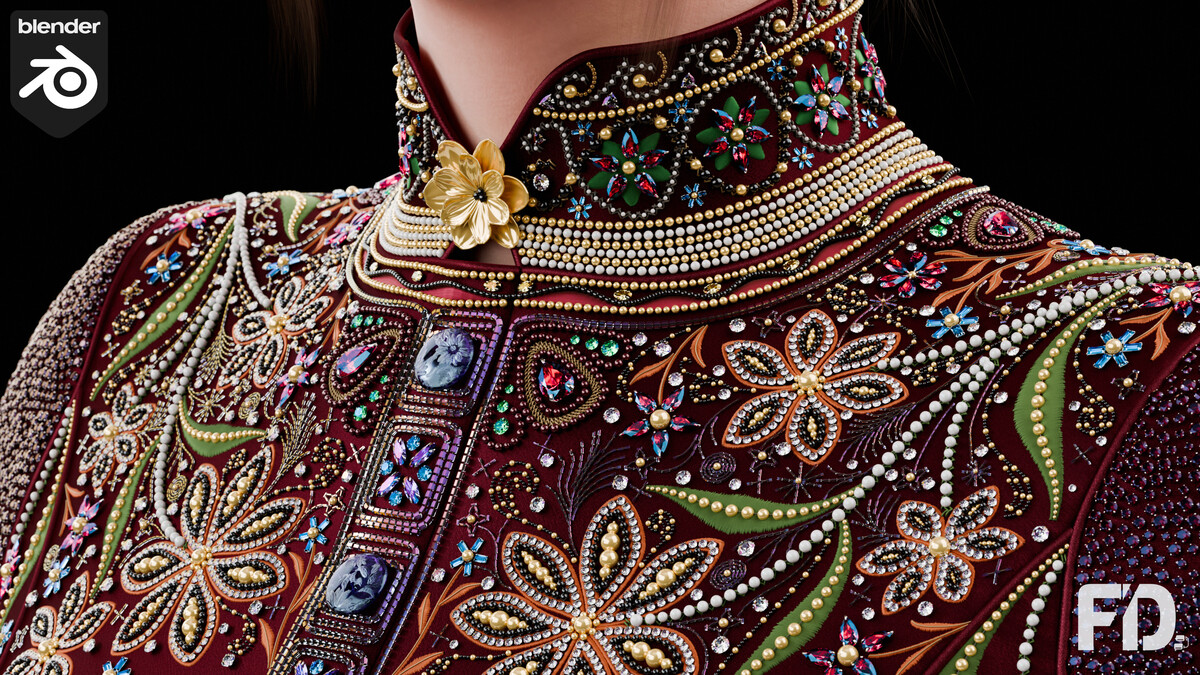
Draw sequins, stitches, and surface details directly onto garments. Geometry Nodes driven and updates in real time. A powerful tool for fashion and character artists.
Topiary Generator
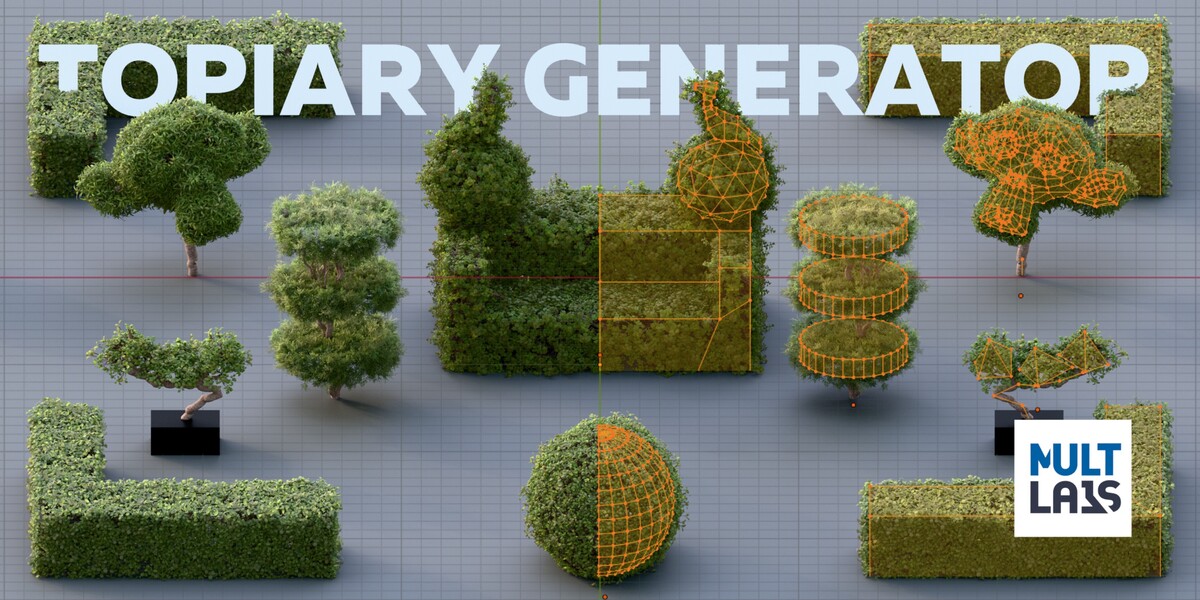
Turn any mesh into a procedural topiary tree or shrub using Geometry Nodes. Ideal for gardens, archviz, or stylized fantasy worlds.
2D Animation and Grease Pencil Momentum
There was real energy around 2D this month. With changes in the broader animation ecosystem, more artists are looking seriously at Blender for hand-drawn workflows. Our review team pulled together tools and training that make Grease Pencil faster and more capable.
GP Shaper
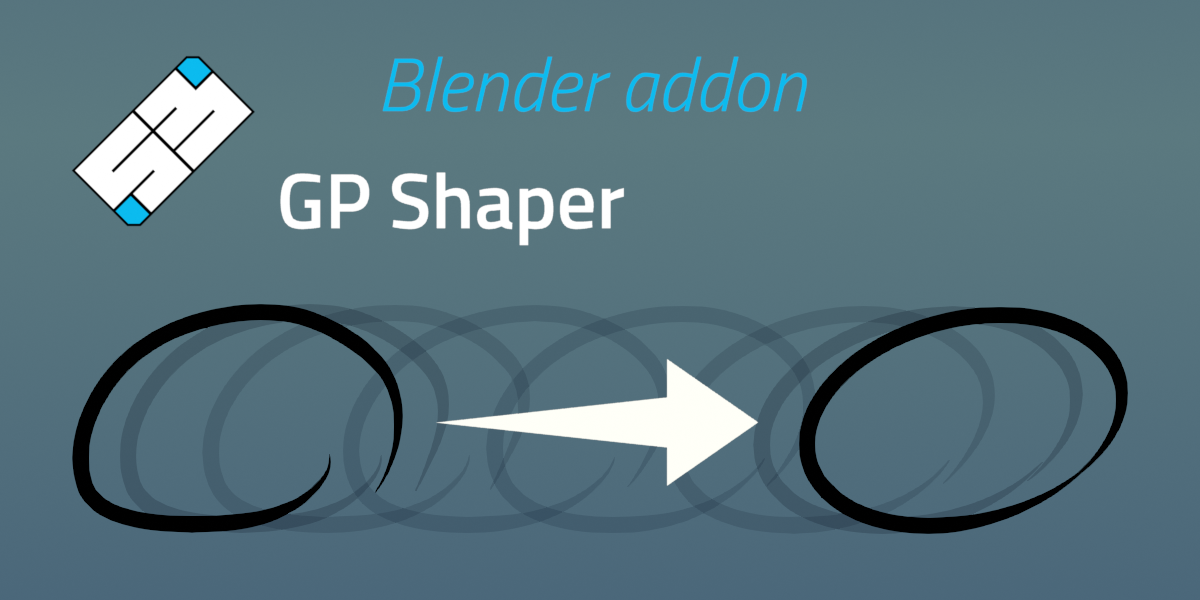
Convert rough strokes into clean shapes with a shortcut. Circles, arcs, rectangles, lines. Clean up instantly and adjust with the redo panel.
Grease Pencil Design
Alignment, distribution, arrangement, beveling, merging. Professional layout tools inside Grease Pencil.
Grease Pencil Art Brush
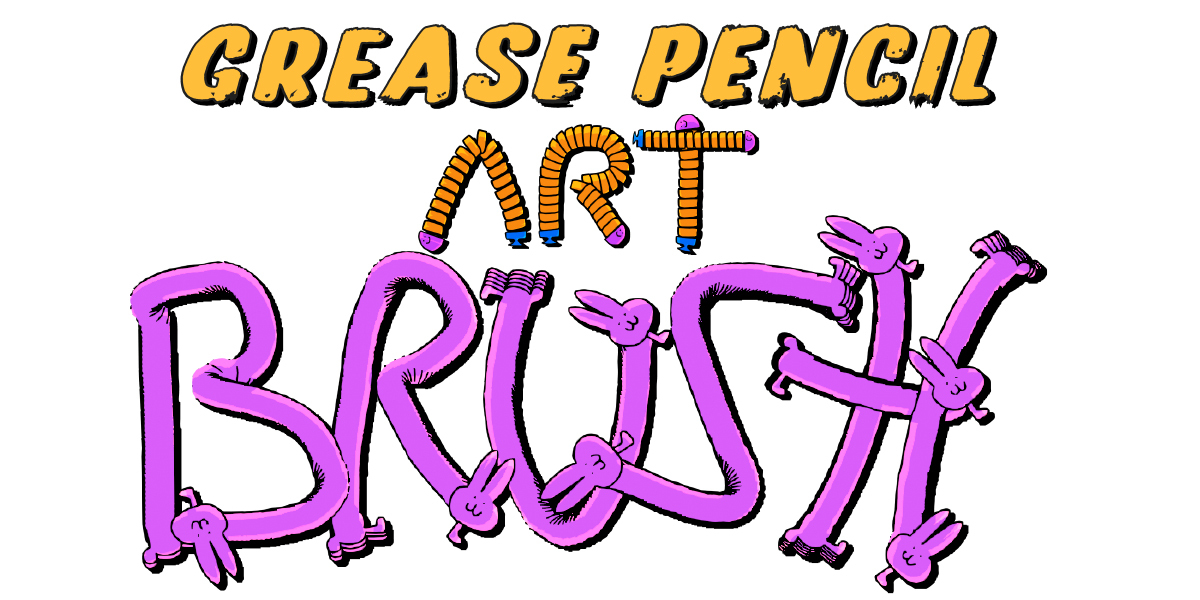
A vector art brush modifier that lets you design and animate custom brushes quickly. Comes with a detailed PDF walkthrough.
Go Panel

A tablet-friendly interface that reduces shortcut hunting. Not just for Grease Pencil, but especially helpful there.
Training and Rigged 2D Characters
If you are new to 2D in Blender, or thinking about migrating, these are strong entry points.
Grease Pencil Pro Training Bundle
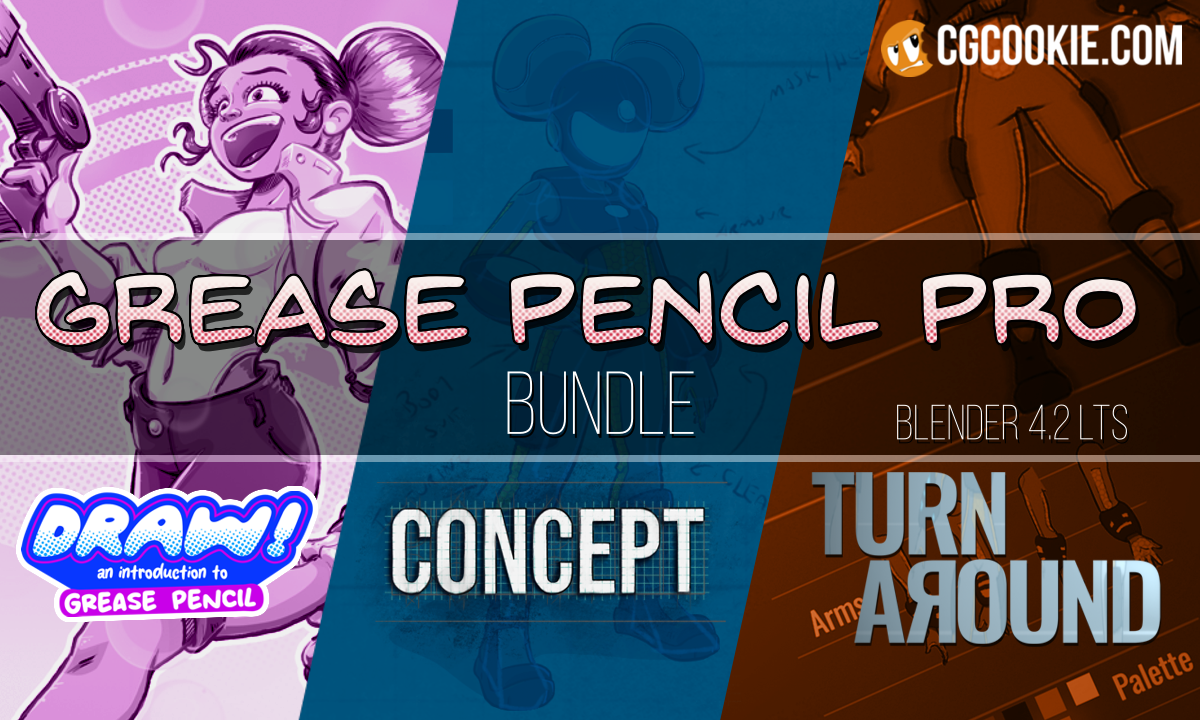
Three in depth courses taught by Paul Caggegi, covering fundamentals through full character concept creation in a professional pipeline.
View Grease Pencil Training Pro Bundle
PANELS - Create a comic book in Blender
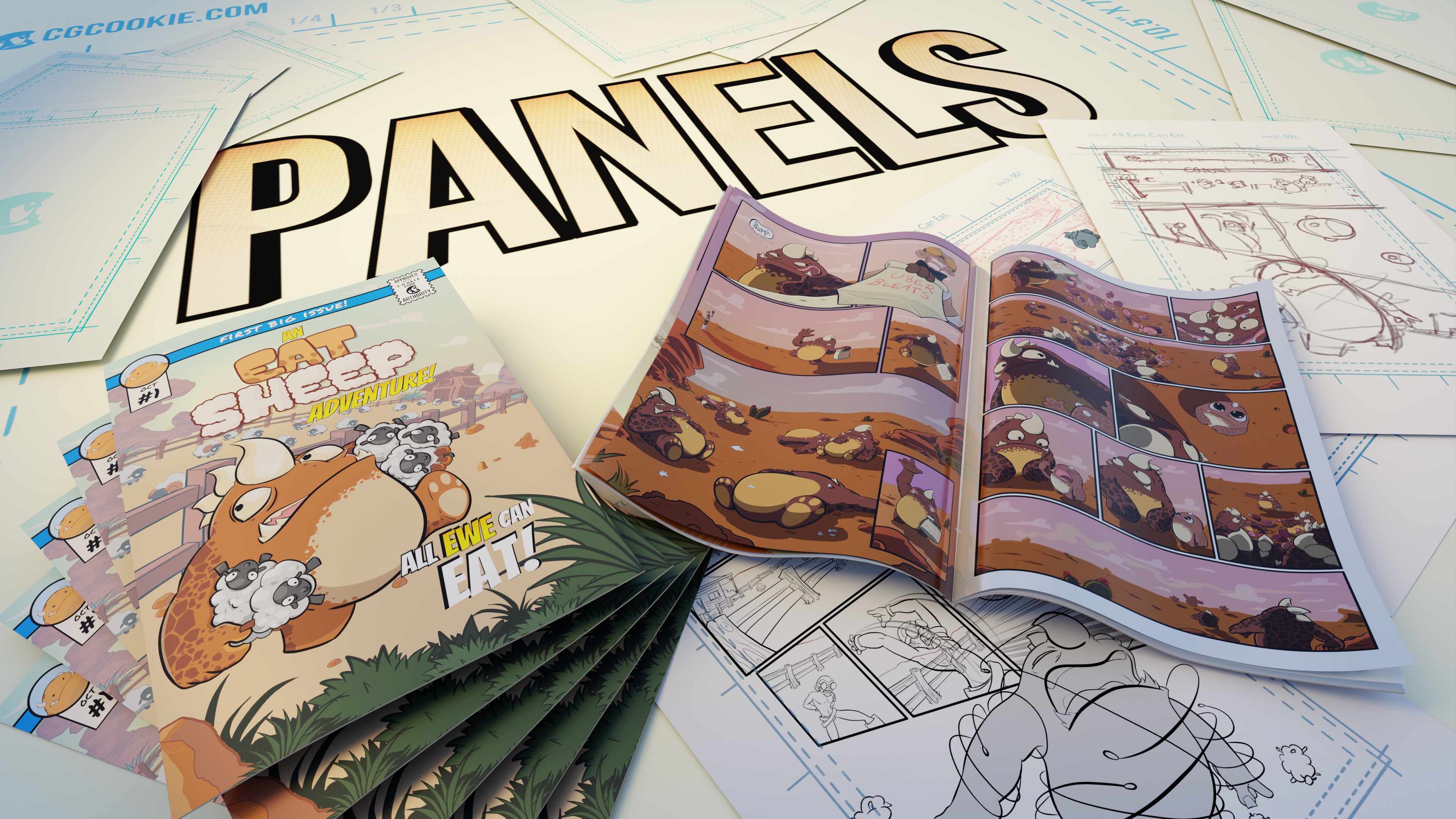
A start to finish course on creating comics with Grease Pencil. From startup templates to print ready files.
View Panels Grease Pencil Education Course
2D Rigged Ninja Character
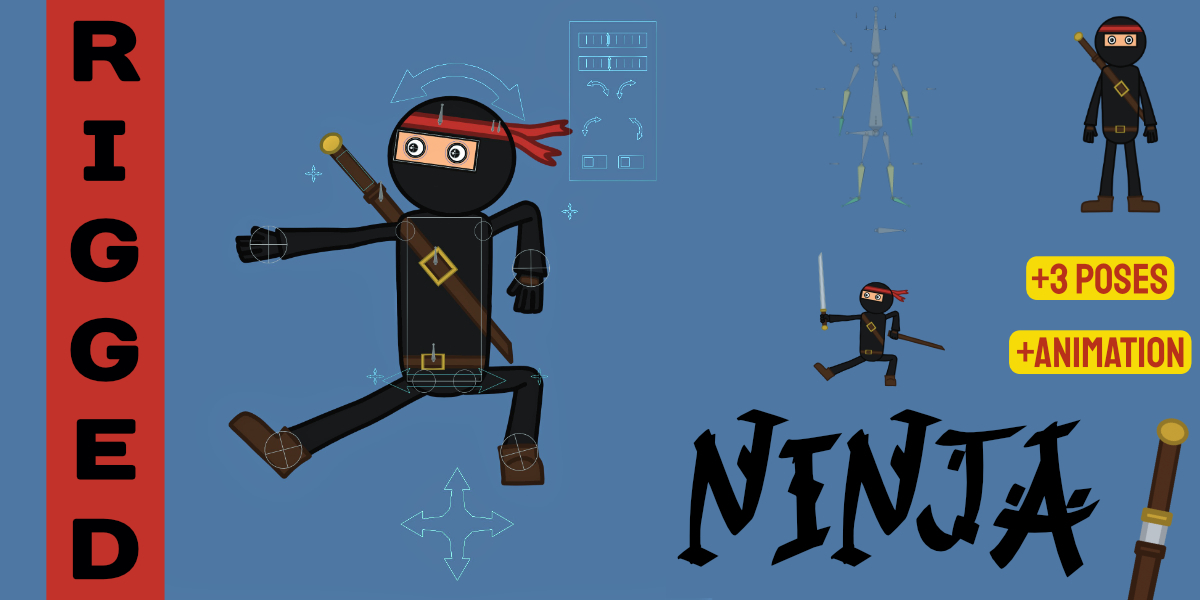
A fully rigged stylized ninja built with Grease Pencil. Includes dynamic poses and draw animations. Ready for action shots or cinematic sequences.
Max Powerful 2D Rig
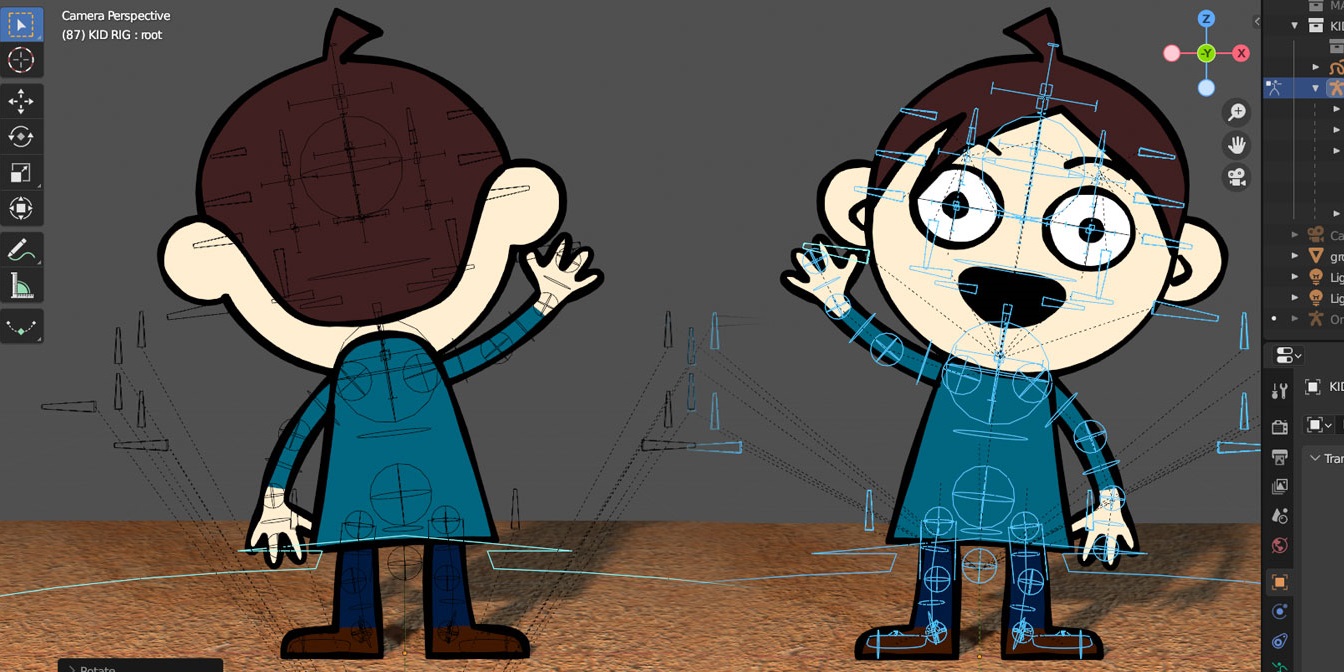
A flexible 2D mesh rig supporting shadows, shape keys, Grease Pencil line art, and Rigify. Clean from front and back, even in motion.
Atmosphere and Cinematic Scale
A couple tools stood out for sheer ambition.
TrueSKY 3
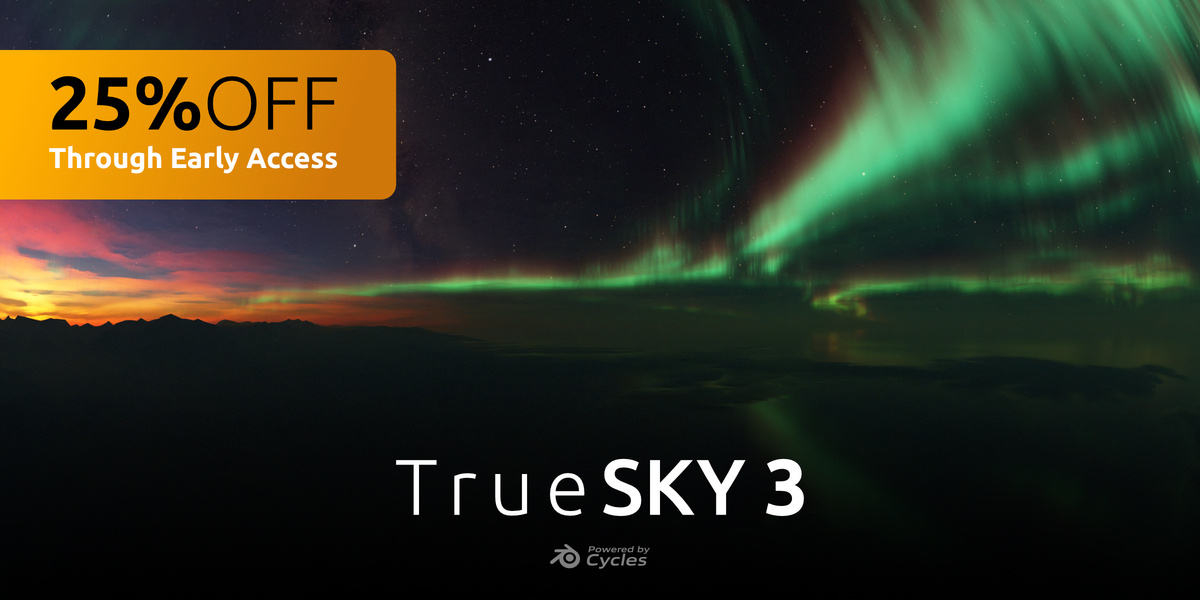
Planet scale atmosphere inside Blender. Fly from street level to orbit in one scene. Physically believable lighting and clouds, rendered in Cycles. Currently in early access.
FrameForge
Built for architectural visualization workflows. Organize cameras, manage client revisions, and batch render stills without missing shots. Quietly powerful for production environments.
Closing Thoughts
The start of 2026 has a clear theme.
Artists want speed. They want flexibility. And they want tools that respect production reality.
From Grease Pencil growth to modeling precision to procedural realism, the creators on Superhive are building exactly that.
If you have not browsed the latest additions recently, it might be time.
Frequently Asked Questions
How often are new products added to Superhive?
New products are added daily. Our review team highlights a curated selection in the Fresh Finds newsletter so you do not miss standout releases.
Are these products compatible with the latest version of Blender?
Most creators update their listings for the current Blender versions. Always check the product page for version compatibility before purchasing.
Is Blender good for 2D animation?
Yes. With Grease Pencil, Blender supports hand-drawn animation, rigged 2D characters, comics, and hybrid 2D 3D workflows. The ecosystem of add ons is growing quickly.
What types of products are available on Superhive?
You will find add-ons, asset packs, procedural materials, rigs, training courses, and production tools built specifically for Blender artists.