Solid Blender Finds on Superhive You Might Have Missed
-
 Written by Wes Burke

Most Blender shopping lists are built the same way most diets are built: great intentions, ruined by late-night scrolling. And look, popular tools are popular for a reason. But the best upgrades can often be the quiet ones. The stuff that does not dominate the front page day in and day out, and still makes you say: wait, why is this not built into Blender?
This list is for those products.
Jump to: How we chose these | Speed and workflow | Quality and polish | Sanity and organization | New and promising
How we chose these: We leaned toward products with real review volume, modern Blender compatibility, and a “why is this not everywhere?” usefulness factor. We also tried hard not to repeat the obvious headliners from typical buyer guides.
Speed and Workflow Gems
These are the tools that quietly shave minutes off your day. Minutes compound. So does your mood.
AnimToolBox (Character Animation Toolset)
If you animate characters and you have ever thought “why is this so clicky,” this is your fix. It’s a workflow upgrade that helps Blender feel less like menu spelunking and more like animation.
Why we picked it: it’s not a flashy render gimmick. It’s pure production speed.
RealMotion Pro
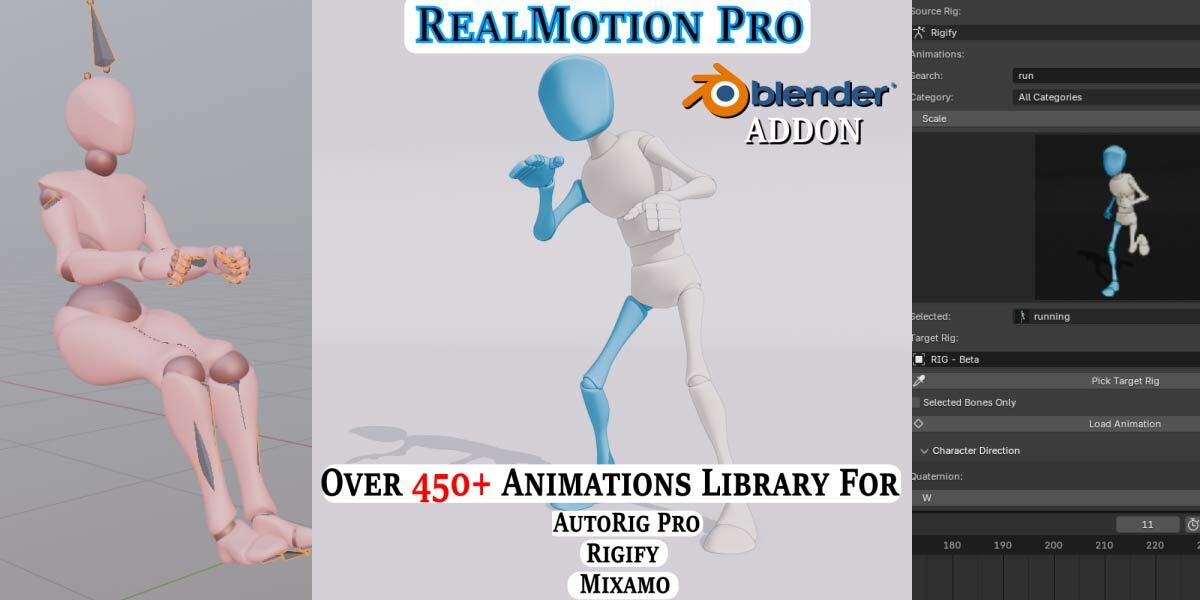
This is a sleeper pick for mocap and retargeting workflows. If your work touches character animation, it helps you get moving faster and spend less time wrestling the setup.
Why we picked it: it’s practical and quiet. But it can save hours on client work.
View RealMotion Pro on Superhive
Batch Render Collection
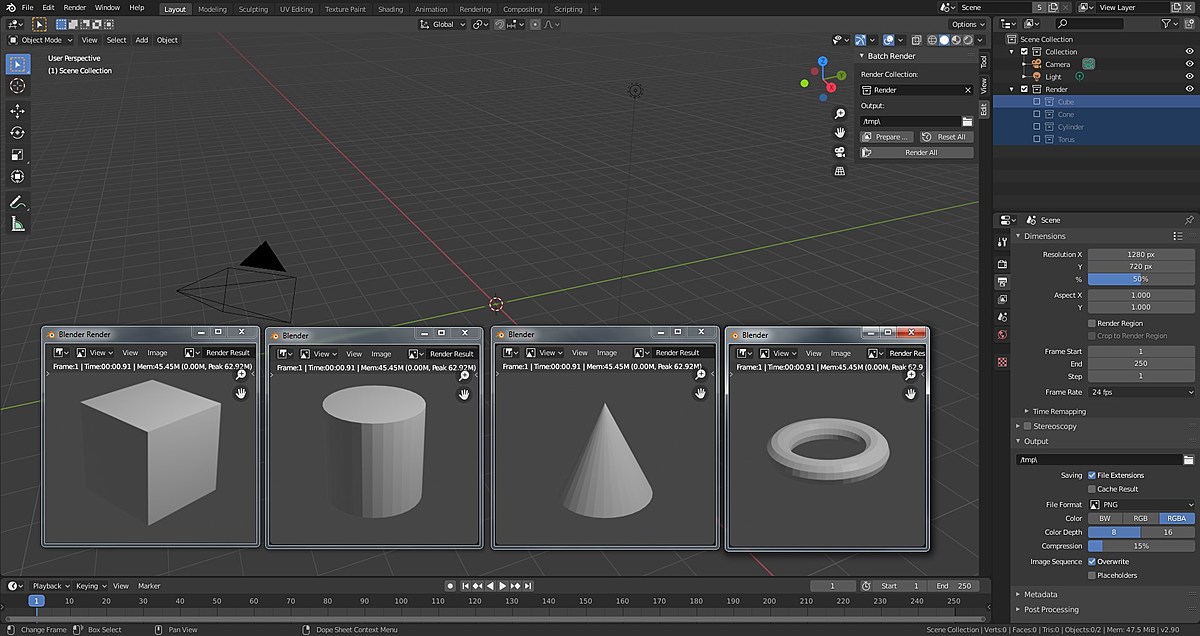
If you render lots of variations (product shots, collections, turntables, asset catalogs), this is the kind of tool that pays you back immediately. Set it up once, stop repeating yourself forever.
Why we picked it: most people do not realize how much time they burn on repetitive render setup until they stop doing it.
View Batch Render Collection on Superhive
Quality and Polish Gems
These are the upgrades that make your work look more “finished” without requiring a week of node gymnastics.
Sanctus Wood Works

Procedural wood is one of those categories that sounds fun and then turns into a node mess. This one seems to break that pattern. If you do archviz, product renders, furniture, or anything with wood, it’s a big realism boost without the headache.
Why we picked it: it’s niche. But in the right niche, it’s a cheat code.
View Sanctus Wood Works on Superhive
Sanity and Production Friendly Assets
Not everything needs to be a 400-asset mega pack. Sometimes you just need something clean, usable, and ready to drop into a scene.
Stylized Rigged Humans

This is less about “cool characters” and more about: clean files, rigs that behave, and assets that are actually enjoyable to use. If you want characters you can animate without spending your life fixing problems, this is a strong pick.
Why we picked it: people chase hyper realism and forget how valuable “clean and usable” is.
View Stylized Rigged Humans on Superhive
New and Promising
Note: These look like future staples, but they are still early on sales or review volume. Worth giving a look!
damTools
Condenses and speeds up modeling workflows with specialized operators that turn repetitive tasks into quick actions. Early buyers are clearly happy, and if the creator keeps shipping updates, this could become a daily driver for a lot of people.
Why we picked it: it’s early. But the “this saved me time immediately” energy is there.
Dusty
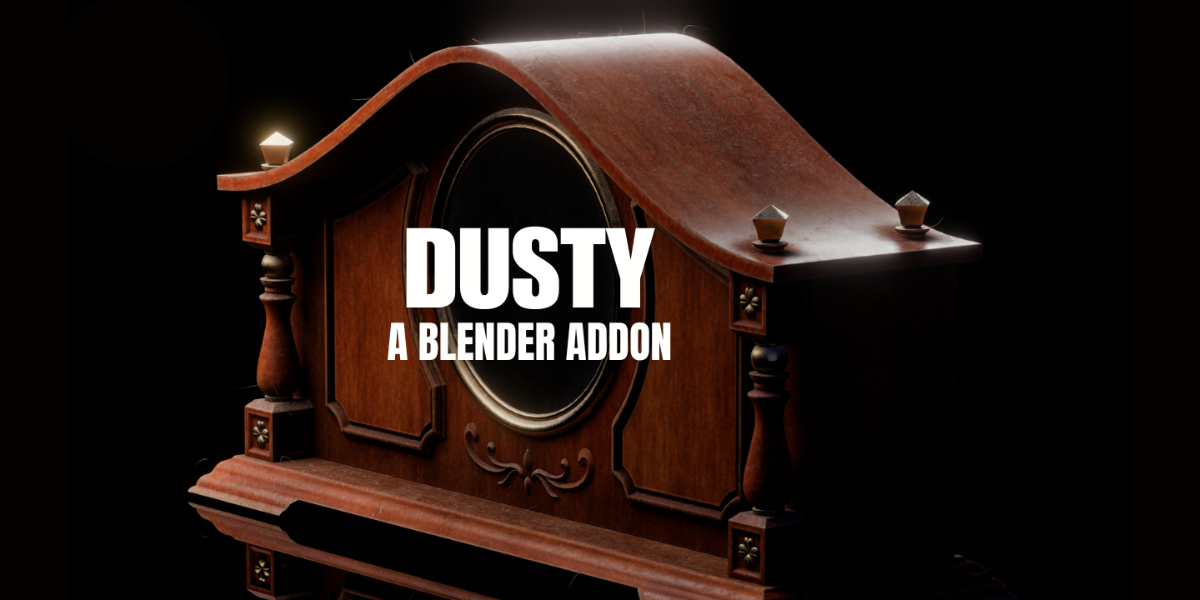
Very new. The idea is simple: add believable dust and grime without spending your whole day painting masks. This one stays in “watch list” territory until it builds more review volume, but it’s worth keeping on your radar.
Why we picked it: too early to be famous. Might be exactly what some pipelines need.
How to Use This List Without Turning It Into Another Shopping Spree
- Pick one gem that removes friction this month
- Use it on 2–3 real projects (not a test cube, a real thing)
- If it earns its keep, it stays. If it doesn’t, uninstall it. No guilt.
If you want to go one step further, pair one “speed” pick with one “quality” pick. That’s usually the sweet spot. Also, check out the Blender Practical Buyers Guide to explore other tools based on where you're at in your Blender journey.
Happy Creating and Blending
Wes & Superhive Team