Refdeck — Viewport Reference Manager
 netkingZ



## Installation
1. Download RefDeck_v1.6.x.zip
2. Blender → Edit → Preferences → Add-ons → Install
3. Select the ZIP file
4. Enable "RefDeck" by checking the box
5. Open any 3D scene → Sidebar (N) → RefDeck tab
## Quick Start
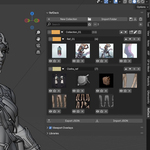
1. Click "+ New Collection" to create your first collection
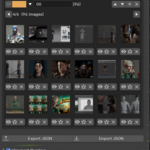
2. Click "Import Folder" to load a folder of reference images
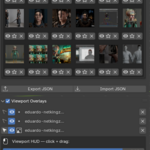
3. Click the 👁 icon on any thumbnail to send it to the viewport
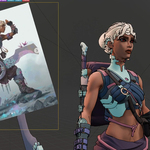
4. Click the image in the viewport to select it
5. Use the HUD toolbar above the image to move, rotate, scale
## Saving your layout
Click 💾 → give it a name → enable "Include overlay positions" → Save.
To restore: click 📂 → select the library → Load.
$20
Have questions about this product?
Login to message
| Blender Extension Compatible | Yes |
| Published | 6 months ago |
| Blender Version | 4.0 |
| Extension Type | Add-on |
| Render Engine Used | Cycles |
| License | GPL |