RefDeck
 netkingZ


Will updating delete my libraries?
No. Install the new version over the old one: your saved libraries are kept.
How do I keep my favourite references at hand?
Star them: favourites move to the top of every grid automatically.
I changed an overlay by mistake. Can I undo it?
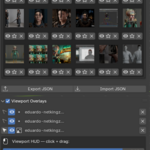
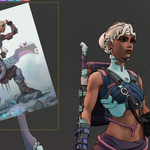
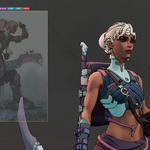
While you're dragging, press Esc or Right-click to cancel and go back to how it was. To straighten a rotated image, use Reset in the HUD.
Can I move my libraries to another computer?
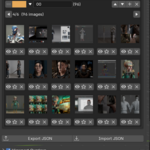
Yes. Export Library saves it as a file, Import Library loads it on the other machine. Make sure the image files are there too.
How do I get my setup back next time?
Open Libraries, press Save Current Library and give it a name. Next time, load it with one click: images, overlay positions, transforms and opacity all come back
Are my images copied or embedded?
No. RefDeck links to the image files on your disk, so keep them where they are: if you move or rename a file, add it again from its new location.
Do the overlays show up in my renders?
No. Overlays are drawn only in the viewport, on top of your work — renders and your scene stay untouched.
Which image formats are supported?
JPG, PNG, BMP, TGA, TIFF and WebP.
Where do I find NKZ RefDeck after installing it?
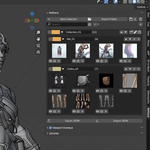
In the 3D Viewport press N and open the RefDeck tab in the sidebar.
Have questions about this product?
Login to message
| Blender Extension Compatible | Yes |
| Published | 8 months ago |
| Blender Version | 4.0 |
| Extension Type | Add-on |
| Render Engine Used | Cycles |
| License | GPL |