 Rana Abdullah
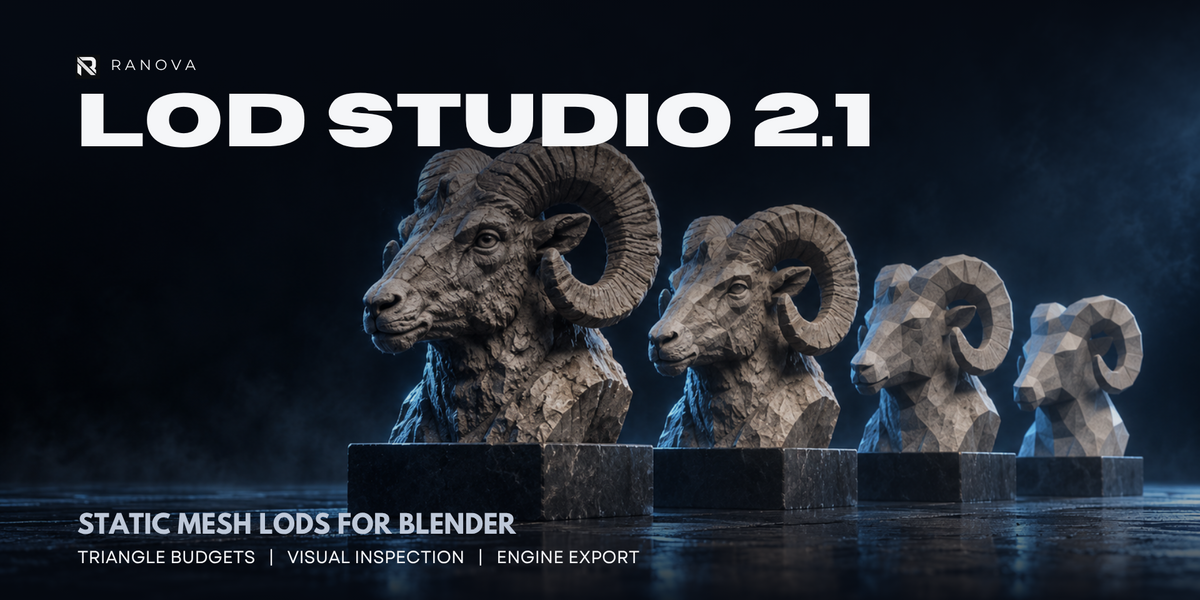

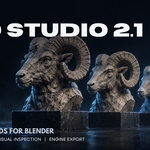
RANOVA LOD Studio 2.1
Generate. Inspect. Export.
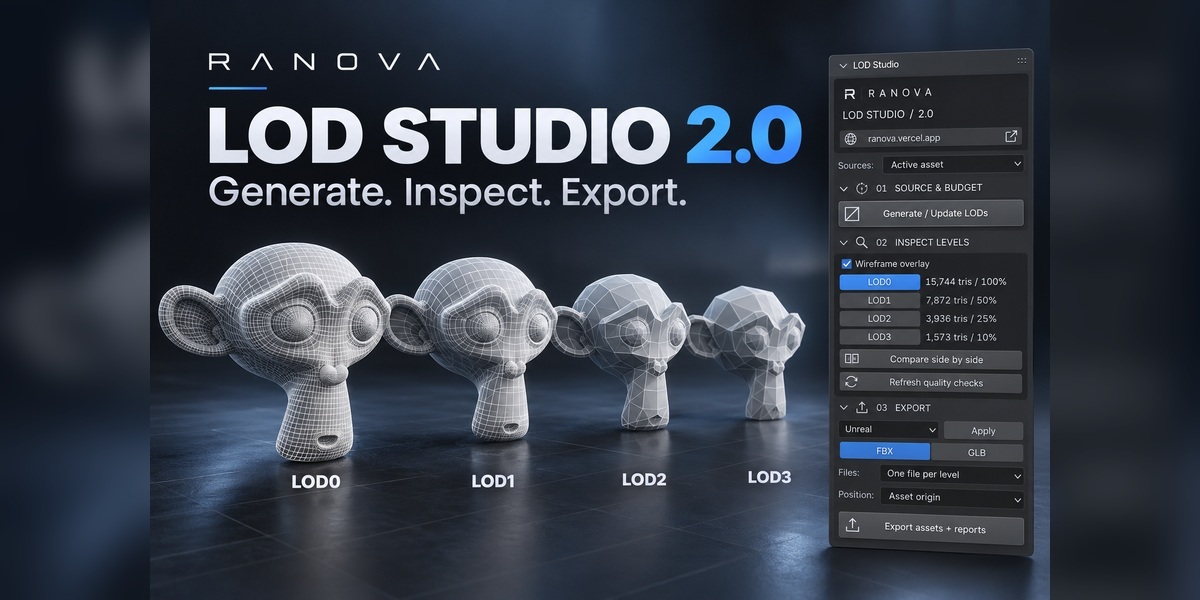
Create lighter versions of your static 3D assets directly inside Blender. Generate multiple levels of detail, compare their geometry and export them for real-time projects.
Previously known as One-Click LOD Generator, Ranova LOD Studio brings generation, inspection and export into one guided workflow.
Key Features
- 2–8 detail levels: Generate multiple LODs, including an unchanged LOD0.
- Custom budgets: Set reduction percentages or approximate triangle targets.
- Batch processing: Work with individual meshes, selected meshes or source collections.
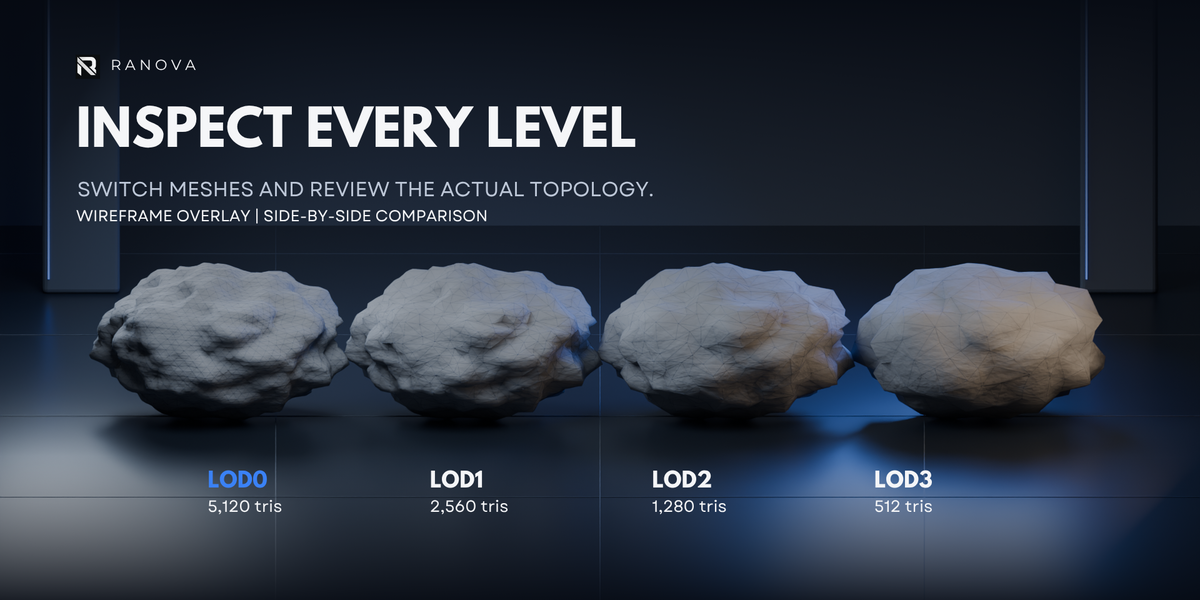
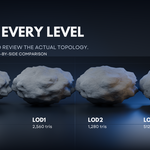
- Visual inspection: Inspect wireframes and compare levels side by side.
- Geometry checks: Review triangle counts, UV layers, material slots and common geometry issues.
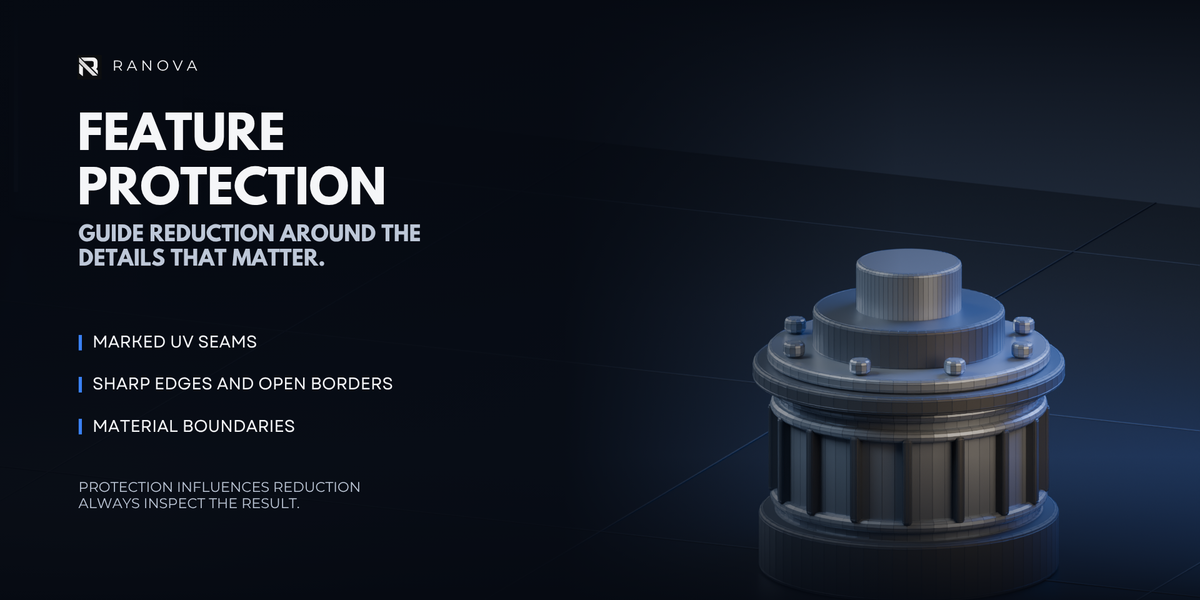
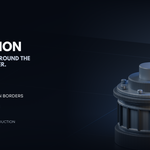
- Geometry protection: Apply protection weights to boundaries, marked seams, sharp edges and material borders.
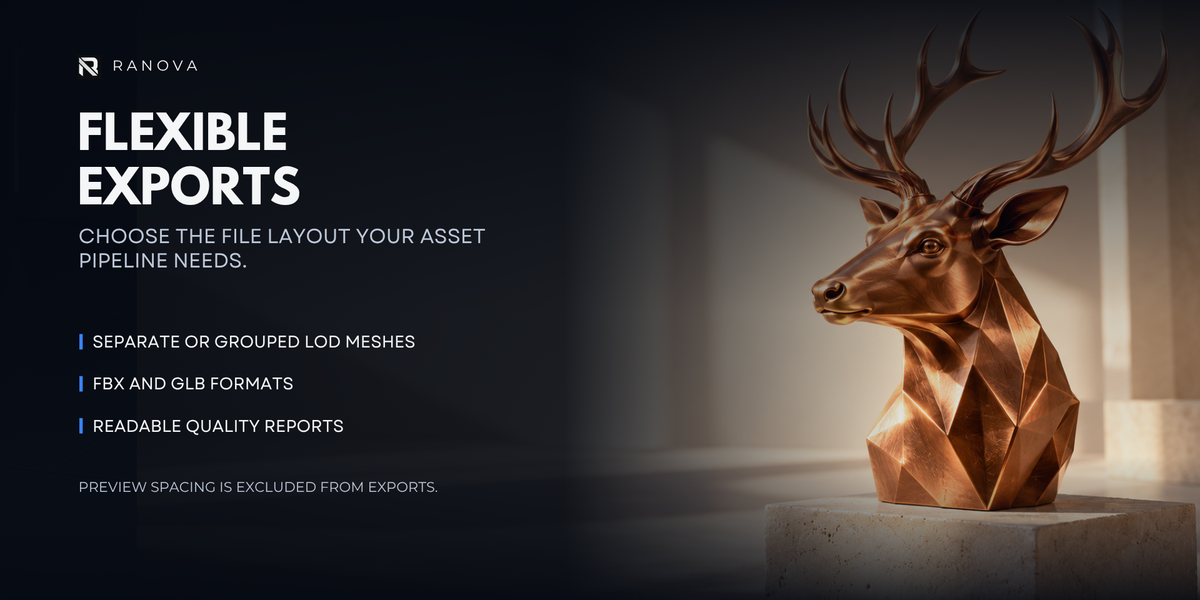
- Flexible exports: Export FBX or GLB, separately per level or grouped in one file.
- Engine presets: Choose Unity, Unreal, Godot/Web or custom export settings.
- Export reports: Save geometry reports alongside your exported assets.
- Guided workflow: Get started with built-in guides and plain-language hover help.
Your original source remains available, while generated LOD groups are managed separately. Existing export files are protected from overwrite by default.
What’s Included
- Installable Ranova LOD Studio 2.1.0 Blender extension ZIP.
- Quick-start and workflow documentation.
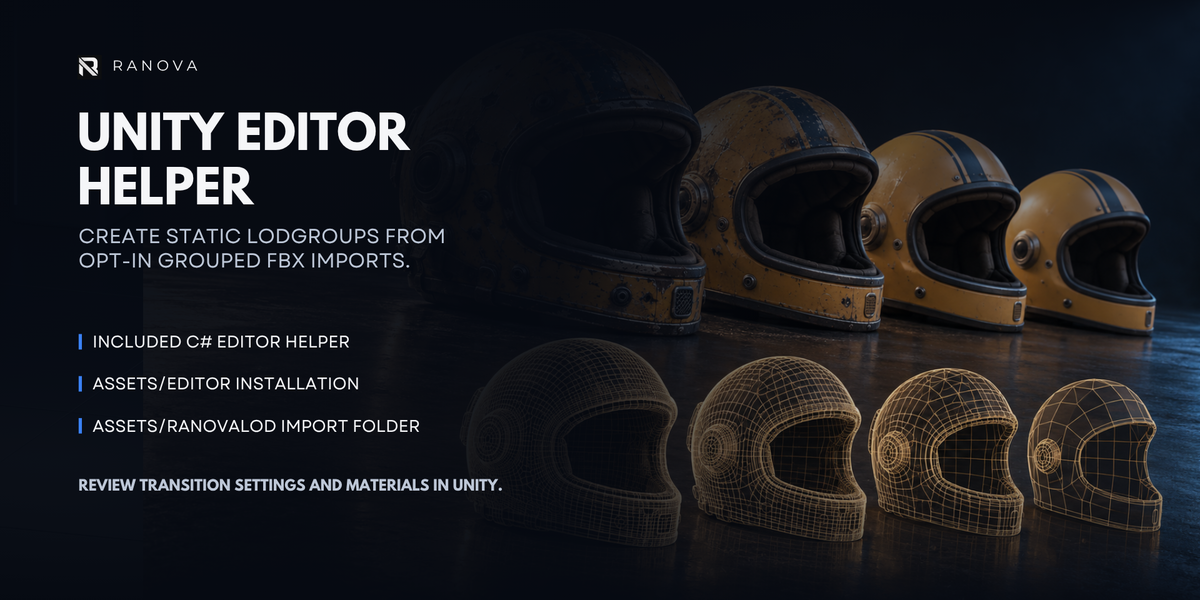
- Optional Unity C# helper for configuring static LODGroups from grouped FBX exports.
Requirements
- Blender 4.5 or newer.
- Tested on Windows with Blender 5.2.2 LTS.
Getting Started
- Download the add-on ZIP and keep it zipped.
- Disable the previous One-Click LOD Generator if installed.
- In Blender Preferences, choose Install from Disk and select the ZIP.
- Enable Ranova LOD Studio. Restart Blender after replacing an older installation.
- In the 3D Viewport, press N and open the Ranova tab.
- Open Start Here for the beginner workflow.
Important Notes
Designed for static meshes. Skeletal LODs, animation transfer, texture baking and impostors are not included.
Triangle targets and geometry protection are approximate. Inspect silhouettes, shading, textures and destination-engine settings before production use.
Promotional artwork is illustrative. Pictured models are not included.
Add-on code is licensed under GNU GPL v3 or later. See the included LICENSE.txt.
Made by Rana Abdullah — RANOVA
Visit the RANOVA website
