Ranova LOD Studio
 Rana Abdullah
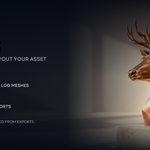
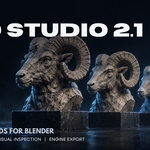
Ranova LOD Studio 2.1 — Quick Start
Requirements
Blender 4.5 or newer. Tested on Windows with Blender 5.2.2 LTS.
Designed for static meshes. Skeletal LODs, animation transfer, texture baking and impostors are not included.
Installation
- Download ranova_lod_studio-2.1.0.zip. Keep it zipped.
- Save your Blender project and disable the old One-Click LOD Generator if installed.
- Open Blender Preferences and choose Install from Disk from the Add-ons or Get Extensions menu.
- Select the ZIP and enable Ranova LOD Studio if needed.
- Restart Blender after replacing an older installation.
- In the 3D Viewport, press N and open the Ranova sidebar tab.
- Open Start Here for the beginner workflow.
Generate Your First LODs
- Select a static source mesh.
- Choose the number of detail levels: 2–8, including the unchanged LOD0.
- Set decreasing reduction percentages or approximate triangle targets.
- Click Generate / Update LODs.
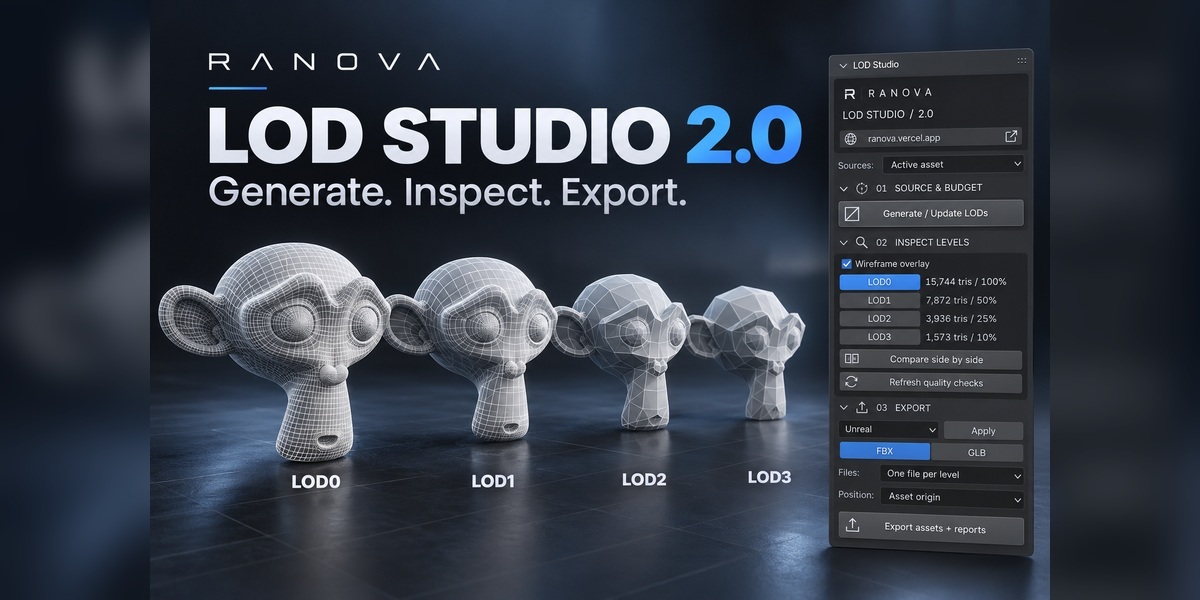
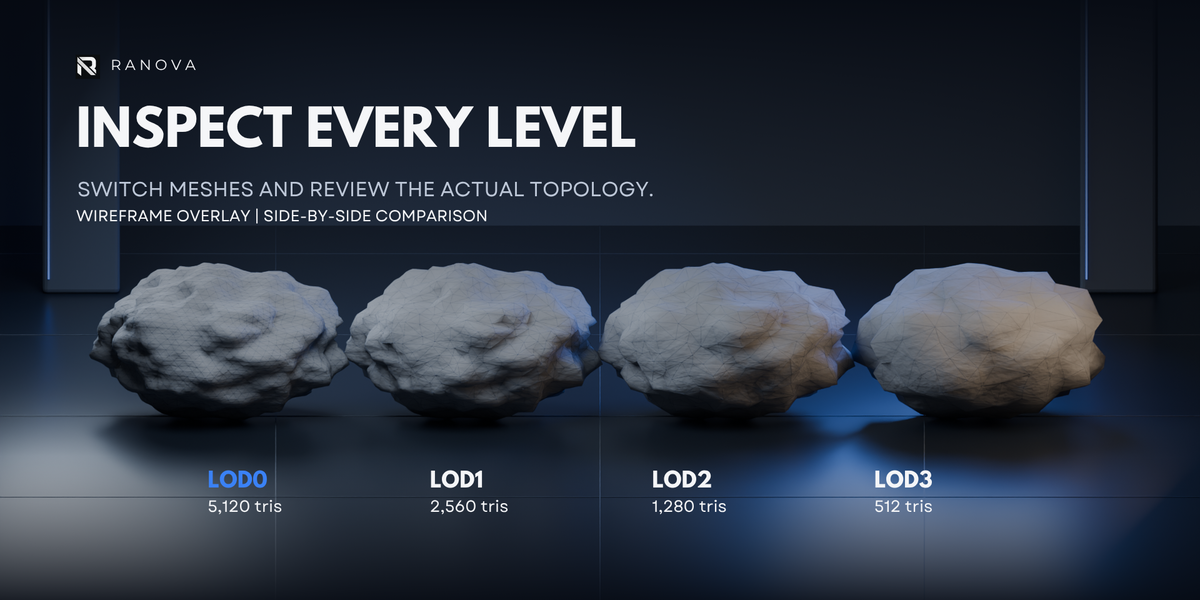
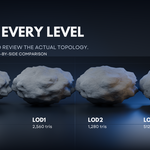
- Inspect each level using the level buttons, wireframe view and side-by-side comparison.
For multiple assets, choose selected meshes or a source collection. Your original source remains available.
Inspect Before Exporting
- Check silhouettes, shading, UVs and material assignments.
- Review triangle counts and geometry warnings.
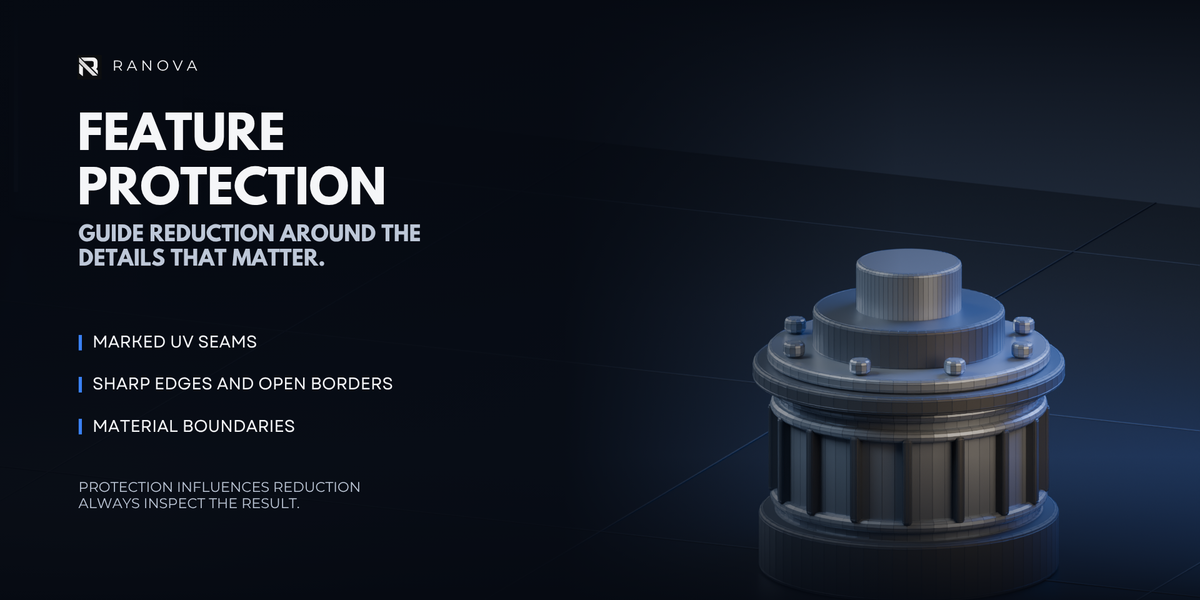
- Adjust reduction settings or protection weights where needed.
Triangle targets and geometry protection are approximate. Geometry checks do not guarantee visual quality or game-engine performance.
Export
- Choose an engine preset or custom export settings.
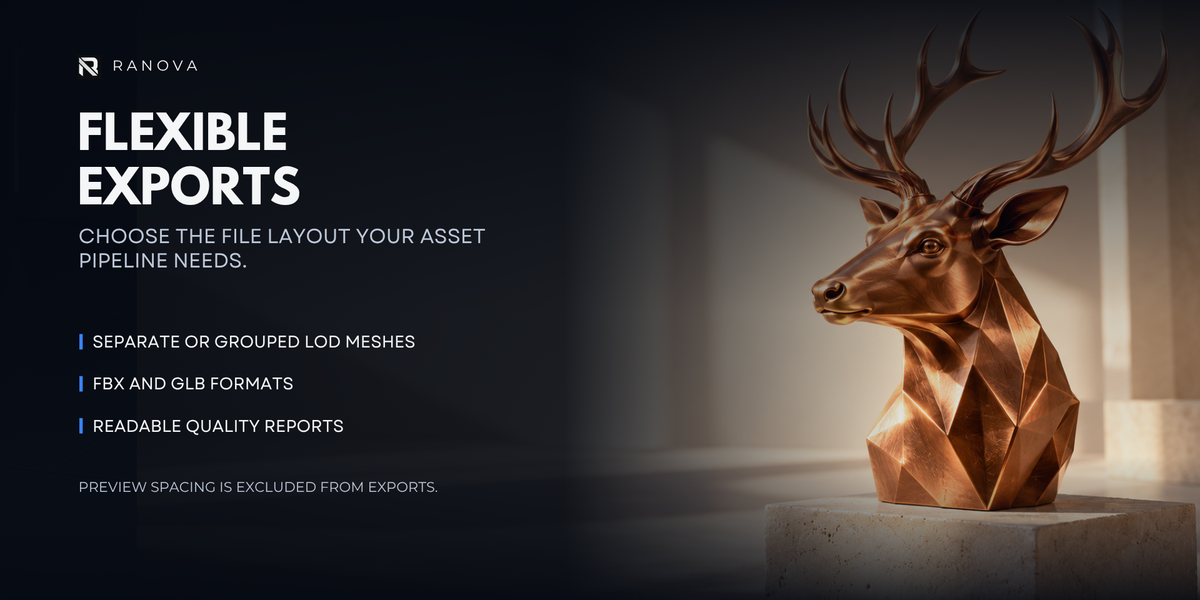
- Select FBX or GLB.
- Choose separate files per level or a grouped file.
- Set your output folder and positioning options.
- Export and inspect the imported result in your destination application.
Existing export files are protected from overwrite by default. Geometry reports can be saved alongside your assets.
Optional Unity Helper
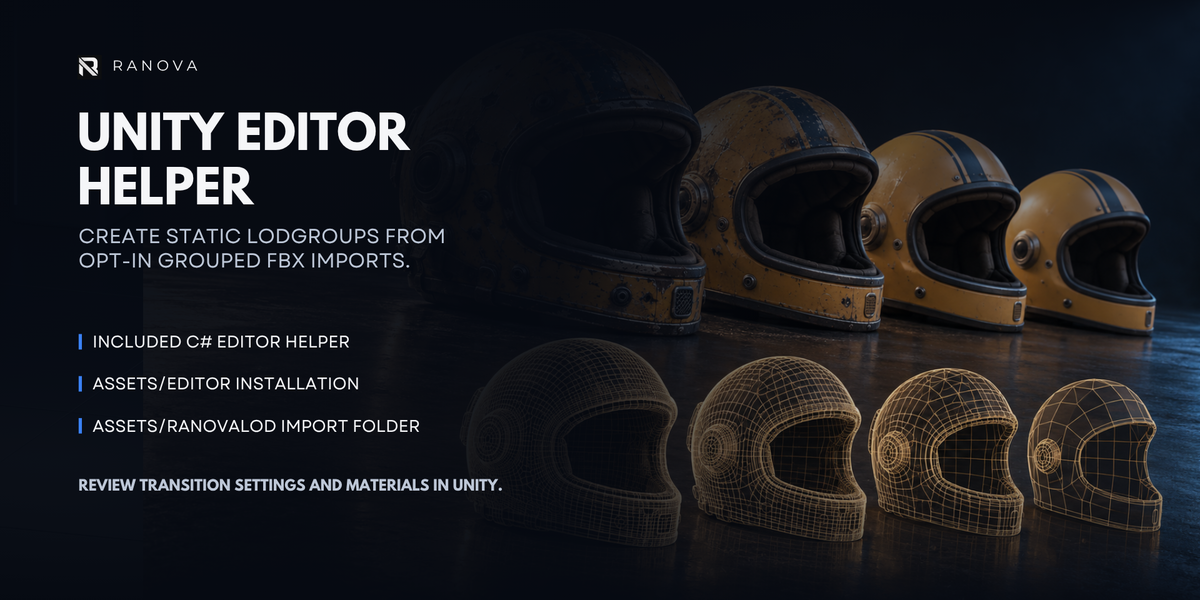
The included RanovaLODImporter.cs helper supports static LODGroup setup from grouped FBX exports.
Follow the included README for installation and usage. Unity setup is separate from installing the Blender extension. Review LOD transition thresholds in Unity before use.
Troubleshooting
- Panel missing: Confirm the extension is enabled, then press N in the 3D Viewport and look for the Ranova tab.
- Old interface still showing: Disable the previous edition and restart Blender after installing the replacement.
- Generation blocked: Check the selected source and read the warning shown in the panel. The workflow is intended for static meshes.
- Too much detail lost: Use a less aggressive reduction and inspect the result again.
- Export blocked: Check the output folder and whether a file with the same name already exists.
License
Add-on code is licensed under GNU GPL v3 or later. See the included LICENSE.txt. Promotional models are not included.
Developer & Support
Created by Rana Abdullah — RANOVA
For support, include your Blender version, add-on version, reproduction steps and any error message. Share a small sample file where possible, without confidential assets.
Have questions about this product?
Login to message
| Blender Extension Compatible | Yes |
| Sales | 10+ |
| Dev Fund Contributor | |
| Published | over 1 year ago |
| Blender Version | 2.8 - 5.2 |
| Extension Type | Add-on |
| Render Engine Used | Cycles, Eevee |
| License | GPL |

Discover more products like this
game optimization low poly level of detail 3D Optimization Decimate Modifier game ready Auto LOD Mesh Decimation LOD Asset Optimization LOD Generator blender addon