Ranova LOD Studio
 Rana Abdullah

Will the add-on preserve my model's textures and materials?
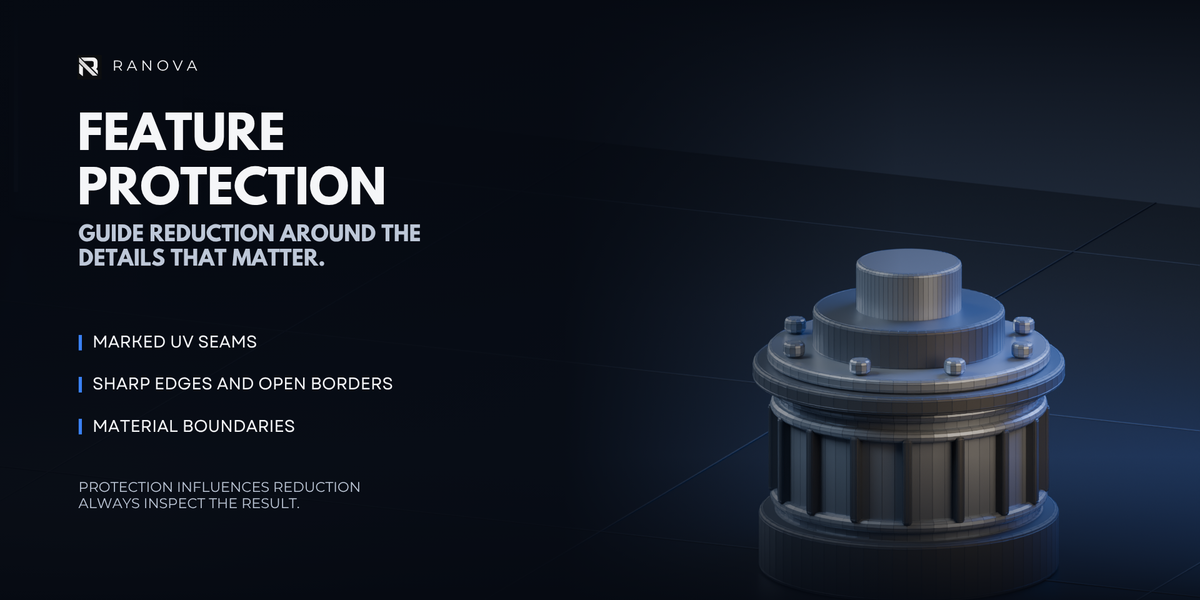
Generated LODs retain UV layers and material assignments where supported, but mesh reduction can affect texture appearance and shading. Inspect every level before exporting. Texture baking and automatic material conversion are not included.
Can I compare different LOD levels?
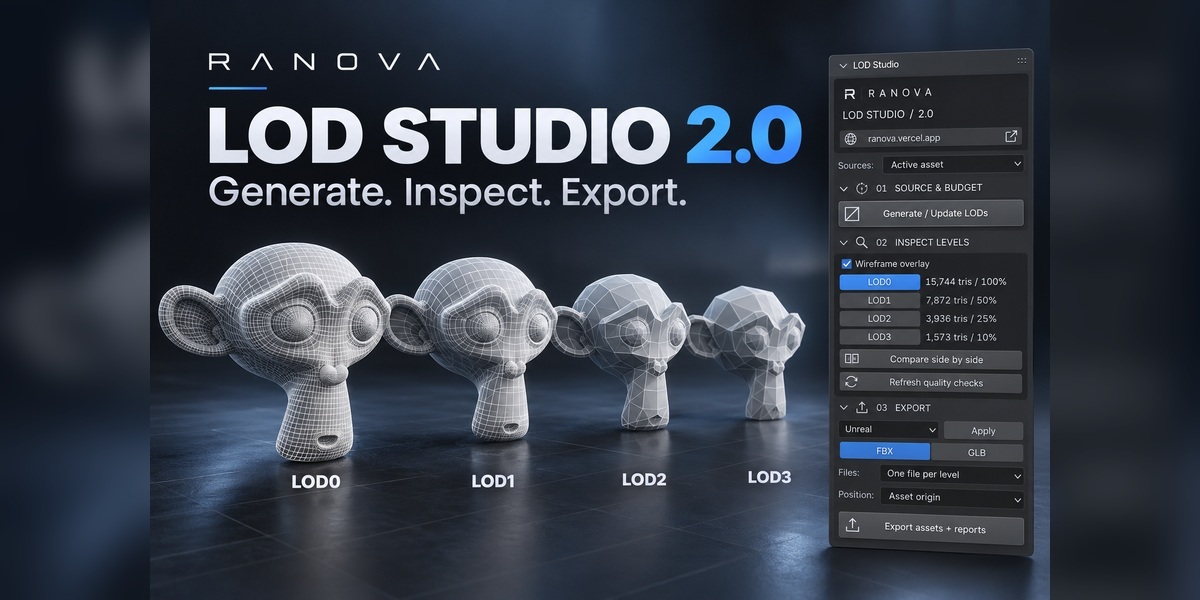
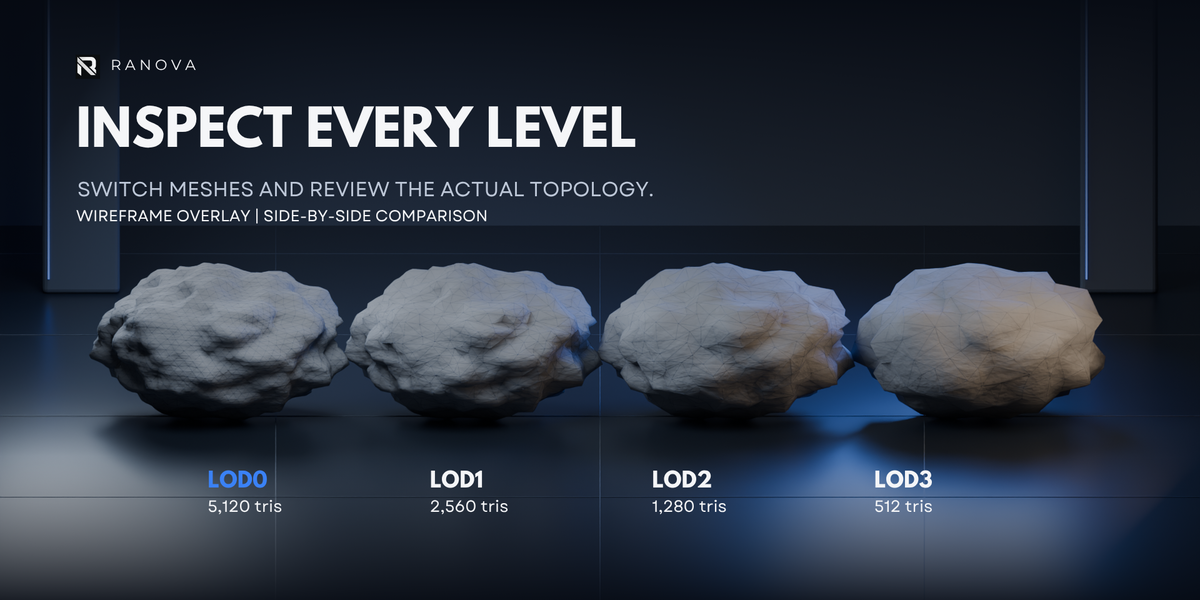
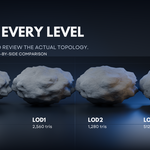
Yes. Use the level buttons, wireframe inspection and side-by-side comparison to review generated LODs before exporting.
Which export formats are supported?
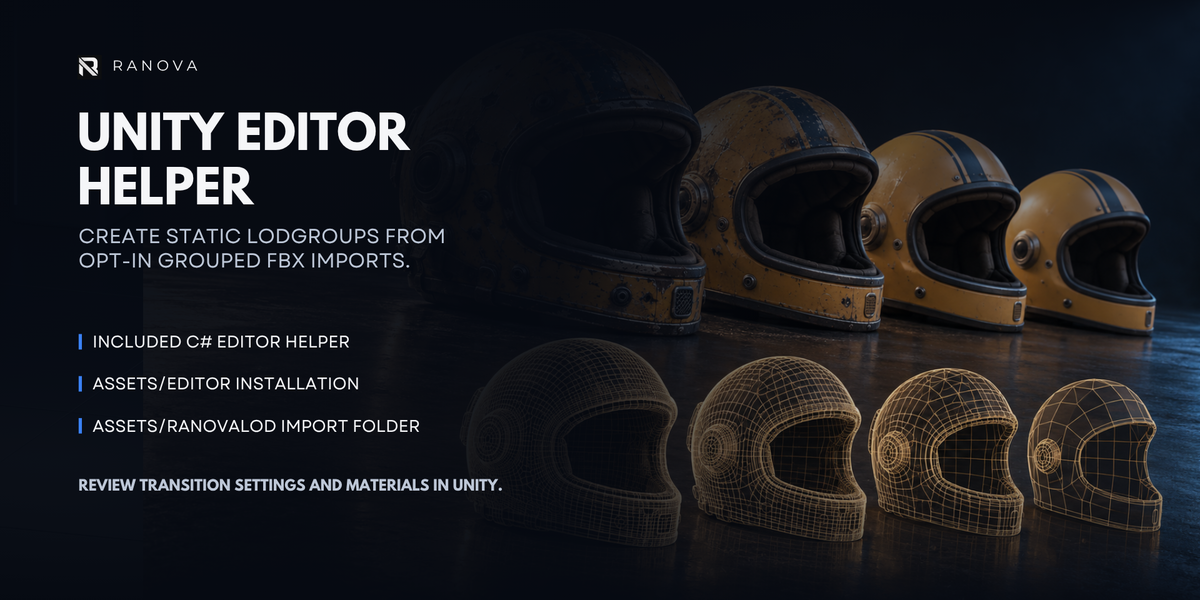
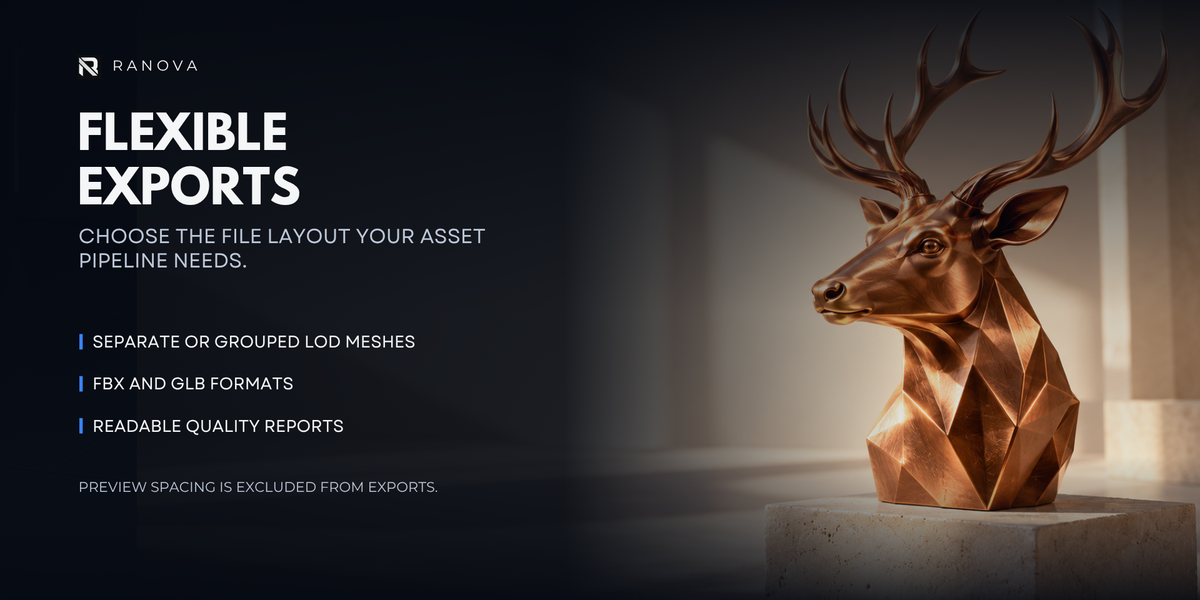
FBX and GLB. Export separate files per level or group levels in one file, with Unity, Unreal, Godot/Web or custom export presets. Check materials, scale and LOD settings in your destination application.
Can I control the polygon count of each LOD?
Yes. Choose reduction percentages or approximate triangle targets for 2–8 levels, including an unchanged LOD0. Actual triangle counts depend on the source geometry and reduction settings; targets are not guaranteed exact counts.
How do I install RANOVA LOD Studio?
Requires Blender 4.5 or newer. Download ranova_lod_studio-2.1.0.zip and keep it zipped. Disable the previous edition, then open Blender Preferences and choose Install from Disk. Select the ZIP, enable the extension and restart Blender after replacing an older installation. Press N in the 3D Viewport, open the Ranova tab and select Start Here.
What is RANOVA LOD Studio?
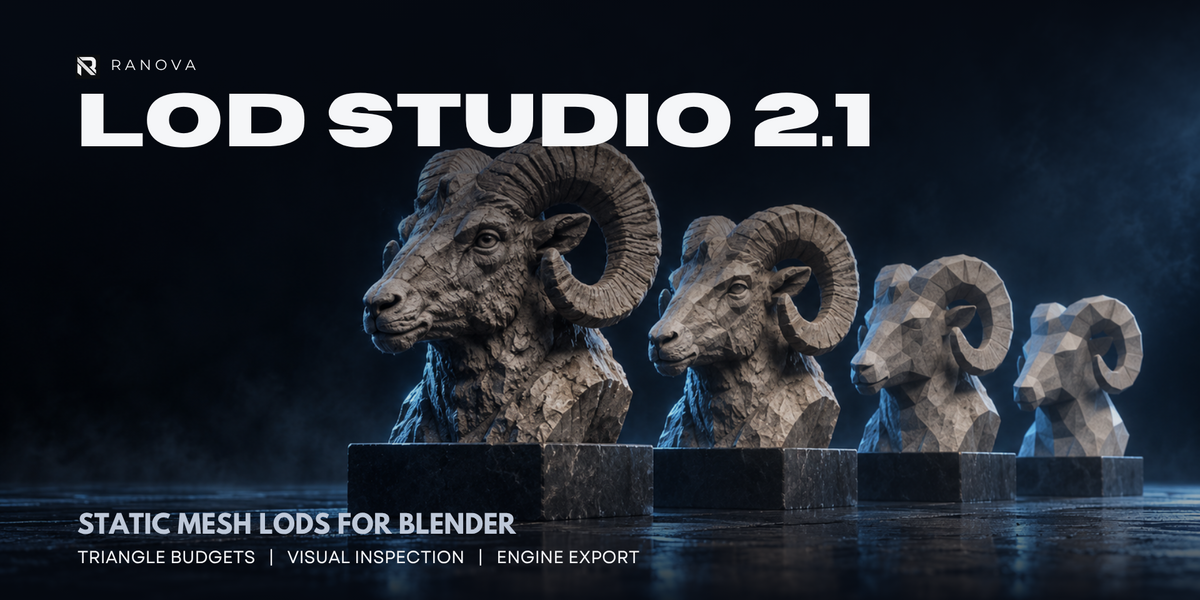
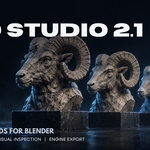
Ranova LOD Studio is a Blender add-on for generating, inspecting and exporting static mesh levels of detail. Previously called One-Click LOD Generator, it supports individual meshes, selected meshes and source collections. Skeletal LODs, animation transfer, texture baking and impostors are not included.
Have questions about this product?
Login to message
| Blender Extension Compatible | Yes |
| Sales | 10+ |
| Dev Fund Contributor | |
| Published | over 1 year ago |
| Blender Version | 2.8 - 5.2 |
| Extension Type | Add-on |
| Render Engine Used | Cycles, Eevee |
| License | GPL |

Discover more products like this
level of detail 3D Optimization blender addon Asset Optimization game ready LOD Mesh Decimation Decimate Modifier LOD Generator game optimization Auto LOD low poly