Blender Procedural


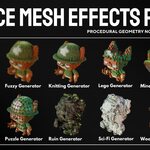
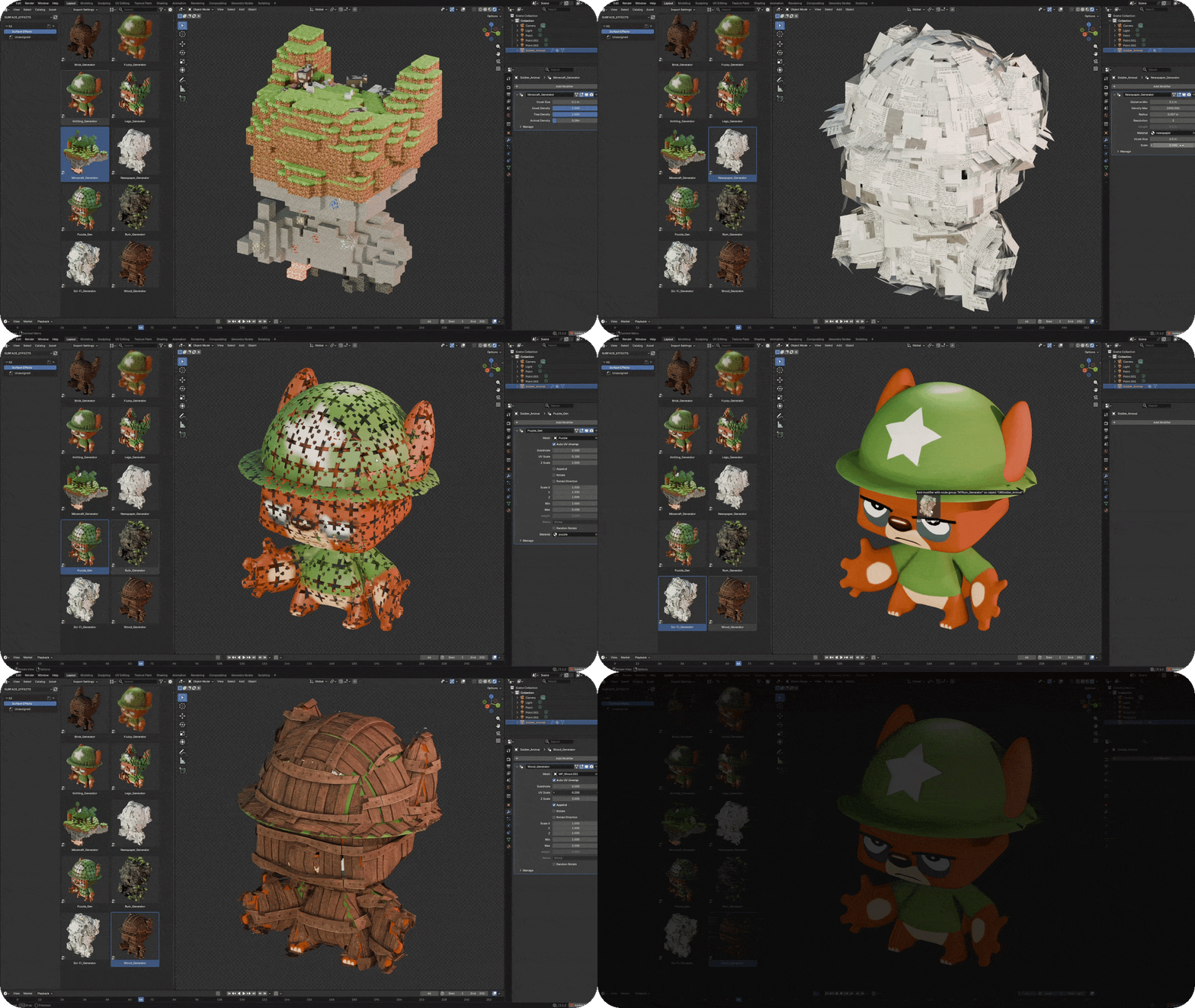
Transform any mesh into bricks, fur, knitted fabric, Minecraft blocks, newspaper strips, puzzle pieces, ancient ruins, sci-fi panels, or wooden structures.
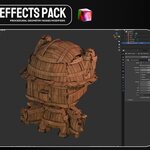
10 Surface Mesh Effects Pack is a collection of procedural Geometry Nodes effects designed to completely rebuild the surface of your models. Apply an effect, adjust its controls, and generate detailed stylized geometry while preserving the original shape and colors of your object.
One mesh, ten procedural transformations, and unlimited creative variations.

Included Effects
-
Brick Generator – Rebuilds the surface using layered procedural bricks.
-
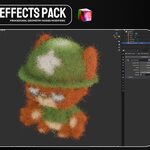
Fuzzy Generator – Covers the model with dense, colorful fuzzy fibers.
-
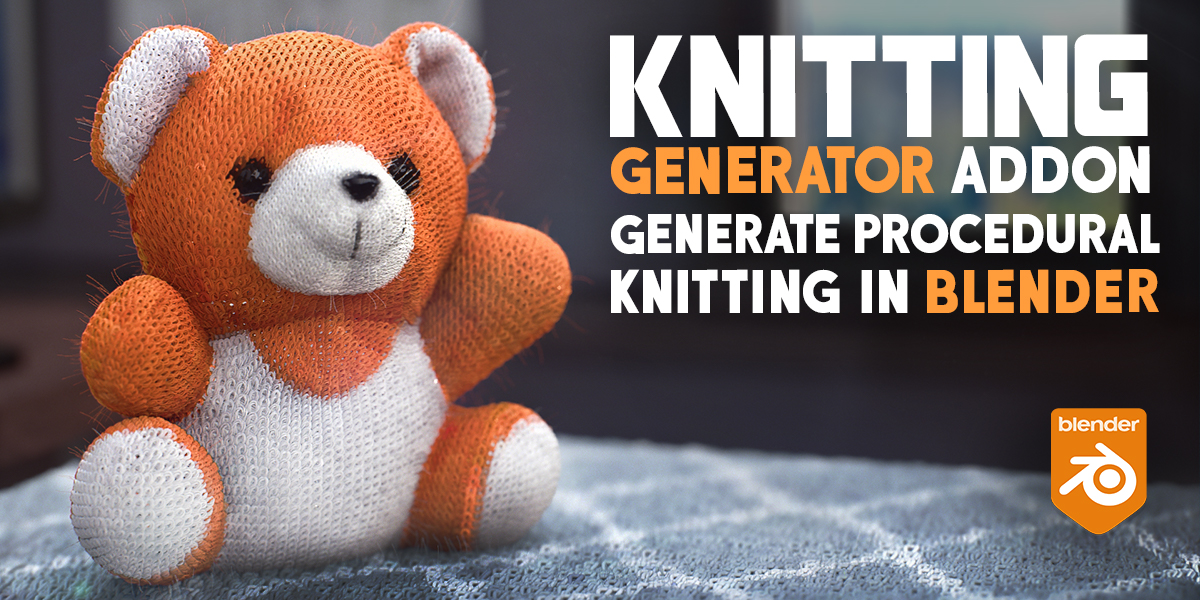
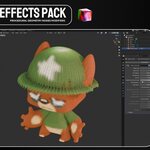
Knitting Generator – Creates a soft knitted and woven surface.
-
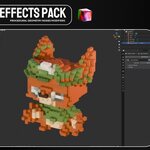
LEGO Generator – Transforms the mesh into stylized interlocking bricks.
-
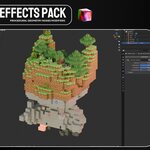
Minecraft Generator – Converts objects and environments into voxel blocks.
-
Newspaper Generator – Builds the surface from layered paper strips and pieces.
-
Puzzle Generator – Reconstructs the model using interlocking puzzle pieces.
-
Ruin Generator – Creates rocky, damaged, and overgrown ancient surfaces.
-
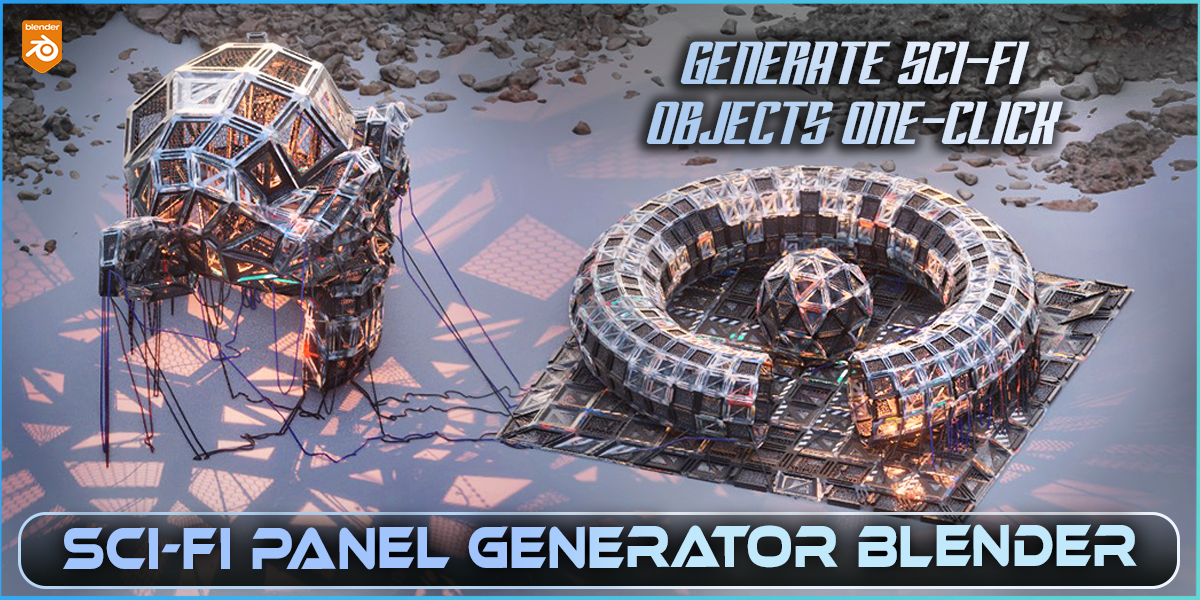
Sci-Fi Generator – Adds layered futuristic panels and mechanical details.
-
Wood Generator – Rebuilds the mesh using procedural wooden pieces.
Main Features
- 10 unique Geometry Nodes surface effects
- Works with characters, props, environments, and custom meshes
- Procedural and non-destructive workflow
- Adjustable scale, density, detail, rotation, and randomness
- Transfers the original texture colors to generated geometry
- Create multiple variations from the same source model
- Suitable for still renders, animation, and motion graphics
Preserve Original Texture Colors
The effects can read a baked Color Attribute from the source mesh. This allows the generated pieces to inherit the colors and general appearance of the original texture map.
Texture Transfer Setup
- Select the original textured object.
- Open Object Data Properties → Color Attributes.
- Create a new Color Attribute named exactly Color.
- Make sure the new Color attribute is active.
- Change the render engine to Cycles.
- Open Render Properties → Bake.
- Set the bake type to Diffuse and keep only the Color contribution enabled.
- Bake the texture colors into the active Color Attribute.
- Apply one of the included Geometry Nodes effects to the object.
Important: The attribute must be named Color. The generators use this exact name to detect and transfer the baked colors onto the generated geometry. Designed for Creative Experimentation
Turn characters into knitted toys, create brick sculptures, generate voxel environments, build futuristic mechanical surfaces, or transform ordinary objects into unique abstract artwork. Every effect provides a flexible starting point that can be adapted to your own models and visual style.
Transform any mesh into bricks, fur, knitted fabric, Minecraft blocks, newspaper strips, puzzle pieces, ancient ruins, sci-fi panels, or wooden structures.
10 Surface Mesh Effects Pack is a collection of procedural Geometry Nodes effects designed to completely rebuild the surface of your models. Apply an effect, adjust its controls, and generate detailed stylized geometry while preserving the original shape and colors of your object.
One mesh, ten procedural transformations, and unlimited creative variations.
Included Effects
-
Brick Generator – Rebuilds the surface using layered procedural bricks.
-
Fuzzy Generator – Covers the model with dense, colorful fuzzy fibers.
-
Knitting Generator – Creates a soft knitted and woven surface.
-
LEGO Generator – Transforms the mesh into stylized interlocking bricks.
-
Minecraft Generator – Converts objects and environments into voxel blocks.
-
Newspaper Generator – Builds the surface from layered paper strips and pieces.
-
Puzzle Generator – Reconstructs the model using interlocking puzzle pieces.
-
Ruin Generator – Creates rocky, damaged, and overgrown ancient surfaces.
-
Sci-Fi Generator – Adds layered futuristic panels and mechanical details.
-
Wood Generator – Rebuilds the mesh using procedural wooden pieces.
Main Features
- 10 unique Geometry Nodes surface effects
- Works with characters, props, environments, and custom meshes
- Procedural and non-destructive workflow
- Adjustable scale, density, detail, rotation, and randomness
- Transfers the original texture colors to generated geometry
- Create multiple variations from the same source model
- Suitable for still renders, animation, and motion graphics
Preserve Original Texture Colors
The effects can read a baked Color Attribute from the source mesh. This allows the generated pieces to inherit the colors and general appearance of the original texture map.
Texture Transfer Setup
- Select the original textured object.
- Open Object Data Properties → Color Attributes.
- Create a new Color Attribute named exactly Color.
- Make sure the new Color attribute is active.
- Change the render engine to Cycles.
- Open Render Properties → Bake.
- Set the bake type to Diffuse and keep only the Color contribution enabled.
- Bake the texture colors into the active Color Attribute.
- Apply one of the included Geometry Nodes effects to the object.
Important: The attribute must be named Color. The generators use this exact name to detect and transfer the baked colors onto the generated geometry. Designed for Creative Experimentation
Turn characters into knitted toys, create brick sculptures, generate voxel environments, build futuristic mechanical surfaces, or transform ordinary objects into unique abstract artwork. Every effect provides a flexible starting point that can be adapted to your own models and visual style.
Transform any mesh into bricks, fur, knitted fabric, Minecraft blocks, newspaper strips, puzzle pieces, ancient ruins, sci-fi panels, or wooden structures.
10 Surface Mesh Effects Pack is a collection of procedural Geometry Nodes effects designed to completely rebuild the surface of your models. Apply an effect, adjust its controls, and generate detailed stylized geometry while preserving the original shape and colors of your object.
Included Effects
- Brick Generator – Rebuilds the surface using layered procedural bricks.
- Fuzzy Generator – Covers the model with dense, colorful fuzzy fibers.
- Knitting Generator – Creates a soft knitted and woven surface.
- LEGO Generator – Transforms the mesh into stylized interlocking bricks.
- Minecraft Generator – Converts objects and environments into voxel blocks.
- Newspaper Generator – Builds the surface from layered paper strips and pieces.
- Puzzle Generator – Reconstructs the model using interlocking puzzle pieces.
- Ruin Generator – Creates rocky, damaged, and overgrown ancient surfaces.
- Sci-Fi Generator – Adds layered futuristic panels and mechanical details.
- Wood Generator – Rebuilds the mesh using procedural wooden pieces.
Main Features
- 10 unique Geometry Nodes surface effects
- Works with characters, props, environments, and custom meshes
- Procedural and non-destructive workflow
- Adjustable scale, density, detail, rotation, and randomness
- Transfers the original texture colors to generated geometry
- Create multiple variations from the same source model
- Suitable for still renders, animation, and motion graphics
Preserve Original Texture Colors
The effects can read a baked Color Attribute from the source mesh. This allows the generated pieces to inherit the colors and general appearance of the original texture map.
Texture Transfer Setup
- Select the original textured object.
- Open Object Data Properties → Color Attributes.
- Create a new Color Attribute named exactly Color.
- Make sure the new Color attribute is active.
- Change the render engine to Cycles.
- Open Render Properties → Bake.
- Set the bake type to Diffuse and keep only the Color contribution enabled.
- Bake the texture colors into the active Color Attribute.
- Apply one of the included Geometry Nodes effects to the object.
Designed for Creative Experimentation
Turn characters into knitted toys, create brick sculptures, generate voxel environments, build futuristic mechanical surfaces, or transform ordinary objects into unique abstract artwork. Every effect provides a flexible starting point that can be adapted to your own models and visual style.
🚀 Explore More by Blender Procedural