10 Surface Mesh Effects Pack
 Blender Procedural


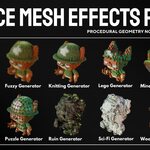
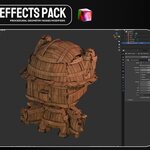
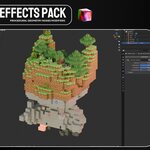
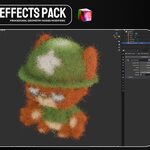
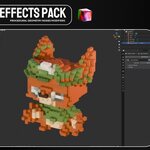
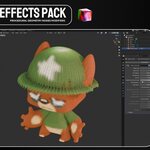
To transfer the original texture colors to the generated geometry, first create a Color Attribute on your source object and name it exactly Color.
Switch the render engine to Cycles, open Render Properties → Bake, and bake the object’s texture colors into the active Color attribute. For a clean color transfer, use the Diffuse bake type and enable only the Color contribution.
After baking, apply one of the included Geometry Nodes effects. The generated pieces will read the baked Color Attribute and inherit the colors of the original texture.
The attribute must be named exactly Color, including the capital “C,” for the effects to detect it correctly.
Have questions about this product?
Login to message
| Dev Fund Contributor | |
| Published | 2 months ago |
| Blender Version | 5.0 - 5.2 |
| Render Engine Used | Cycles, Eevee |
| License | Royalty Free |
Discover more products like this
stylized effects blender assets voxel generator surface effects texture transfer geometry nodes procedural modeling mesh-generator